
1. Uvod
The Promate Capsule-3 is a portable Bluetooth speaker designed to deliver high-definition audio with versatile connectivity options. This manual provides essential information for setting up, operating, and maintaining your speaker to ensure optimal performance.
2. Kaj je v škatli
Carefully unpack your Promate Capsule-3 speaker. The package should contain the following items:
- 1 x Promate Capsule-3 Bluetooth Speaker
- 1 x uporabniški priročnik
3. Izdelek je končanview
The Promate Capsule-3 speaker features a 5W audio output, True Wireless Stereo (TWS) technology for pairing two speakers, and integrated rainbow LED lights. It supports multiple playback modes including Bluetooth v5.3, TF Card, USB Media Port, and 3.5mm AUX input. The compact design includes a lanyard for portability, and it is powered by a built-in 500mAh rechargeable lithium battery providing up to 6 hours of playtime.
Video 1: Promate Capsule-3 Speaker Overview. This video provides a brief introduction to the Promate Capsule-3 Bluetooth Speaker, highlighting its key features and design.

Image 1: True Wireless Stereo Sound. The image displays the Promate Capsule-3 speaker, emphasizing its 5-watt output and True Wireless Stereo (TWS) capability for enhanced audio.

Image 2: Rainbow LED Lights. This image shows the speaker with its vibrant rainbow LED lights, illustrating its ability to enhance the ambiance of any environment.
4. Nastavitev
4.1 Polnjenje zvočnika
- Connect the charging cable to the DC 5V port on the speaker.
- Drugi konec kabla priključite na napajalnik USB (ni priložen) ali na vrata USB računalnika.
- LED indikator bo prikazoval stanje polnjenja. Ko je naprava popolnoma napolnjena, se bo indikator spremenil ali izklopil.
4.2 Vklop/izklop
- To power on, press and hold the Power button until the LED lights illuminate and an audible prompt is heard.
- To power off, press and hold the Power button again until the LED lights turn off and an audible prompt is heard.
5. Navodila za uporabo
5.1 Bluetooth seznanjanje
- Prepričajte se, da je zvočnik vklopljen in v načinu seznanjanja Bluetooth (LED indikator utripa).
- V napravi (pametnem telefonu, tablici, prenosniku) omogočite Bluetooth in poiščite razpoložljive naprave.
- Select "Promate Capsule-3" from the list.
- Ko je zvočnik seznanjen, bo oddal zvočno potrditev in LED indikator bo prenehal utripati.
5.2 Združevanje s pravim brezžičnim stereo sistemom (TWS)
To achieve stereo sound, you can pair two Promate Capsule-3 speakers together:
- Ensure both Capsule-3 speakers are powered on and not connected to any Bluetooth device.
- On one speaker (this will be the primary speaker), press and hold the TWS pairing button (refer to controls section for button identification).
- The speakers will search for each other and automatically pair. An audible prompt will confirm successful TWS connection.
- Zdaj povežite napravo s primarnim zvočnikom prek povezave Bluetooth, kot je opisano v poglavju 5.1. Zvok se bo predvajal stereo prek obeh zvočnikov.

Image 3: Easy Music Navigation. This image highlights the speaker's control buttons, indicating simple navigation for music playback and call management.
5.3 Multi-Mode Playback
Zvočnik podpira različne načine avdio vhoda:
- Bluetooth: Connect wirelessly to your device (see 5.1).
- Kartica TF: Vstavite kartico TF (Micro SD), na katero je naložen zvok filev režo za kartico TF. Zvočnik bo samodejno preklopil v način kartice TF in začel predvajati.
- USB Media Port: Vstavite bliskovni pogon USB z zvokom filev vrata USB. Zvočnik bo samodejno preklopil v način USB in začel predvajati.
- AUX vhod: Zvočno napravo priključite na AUX priključek s 3.5 mm AUX kablom. Zvočnik se bo samodejno preklopil v način AUX.

Image 4: Multiple Connectivity Options. The image illustrates the various input ports available on the speaker, including Wireless BT, AUX Port, USB Drive, and TF Card slot.
6. Kontrole
The Promate Capsule-3 features intuitive touch controls and quick access buttons for managing your audio experience:
- Gumb za vklop: Pritisnite in držite za vklop/izklop.
- Gumb za predvajanje/pavzo: Press to play or pause audio. During a call, press to answer/end.
- Povečanje glasnosti (+): Pritisnite za povečanje glasnosti. Pritisnite in držite za naslednjo skladbo.
- Znižaj glasnost (-): Pritisnite za zmanjšanje glasnosti. Pritisnite in držite za prejšnjo skladbo.
- Gumb za način (M): Pritisnite za preklop med načini Bluetooth, TF kartica, USB in AUX.
- Nadzor LED luči: Specific button or combination (refer to speaker markings) to cycle through or turn off LED light modes.
7. Vzdrževanje
- Čiščenje: Za čiščenje zunanjosti zvočnika uporabite mehko, suho krpo. Ne uporabljajte abrazivnih čistil ali topil.
- Shranjevanje: Zvočnik shranjujte na hladnem in suhem mestu, stran od neposredne sončne svetlobe in ekstremnih temperatur.
- Vzdrževanje baterije: To prolong battery life, fully charge the speaker before first use and recharge it regularly, even if not in use for extended periods. Avoid fully discharging the battery frequently.
- Vodoodpornost: Ta zvočnik NI vodoodporen. Izogibajte se izpostavljanju vodi ali prekomerni vlagi.
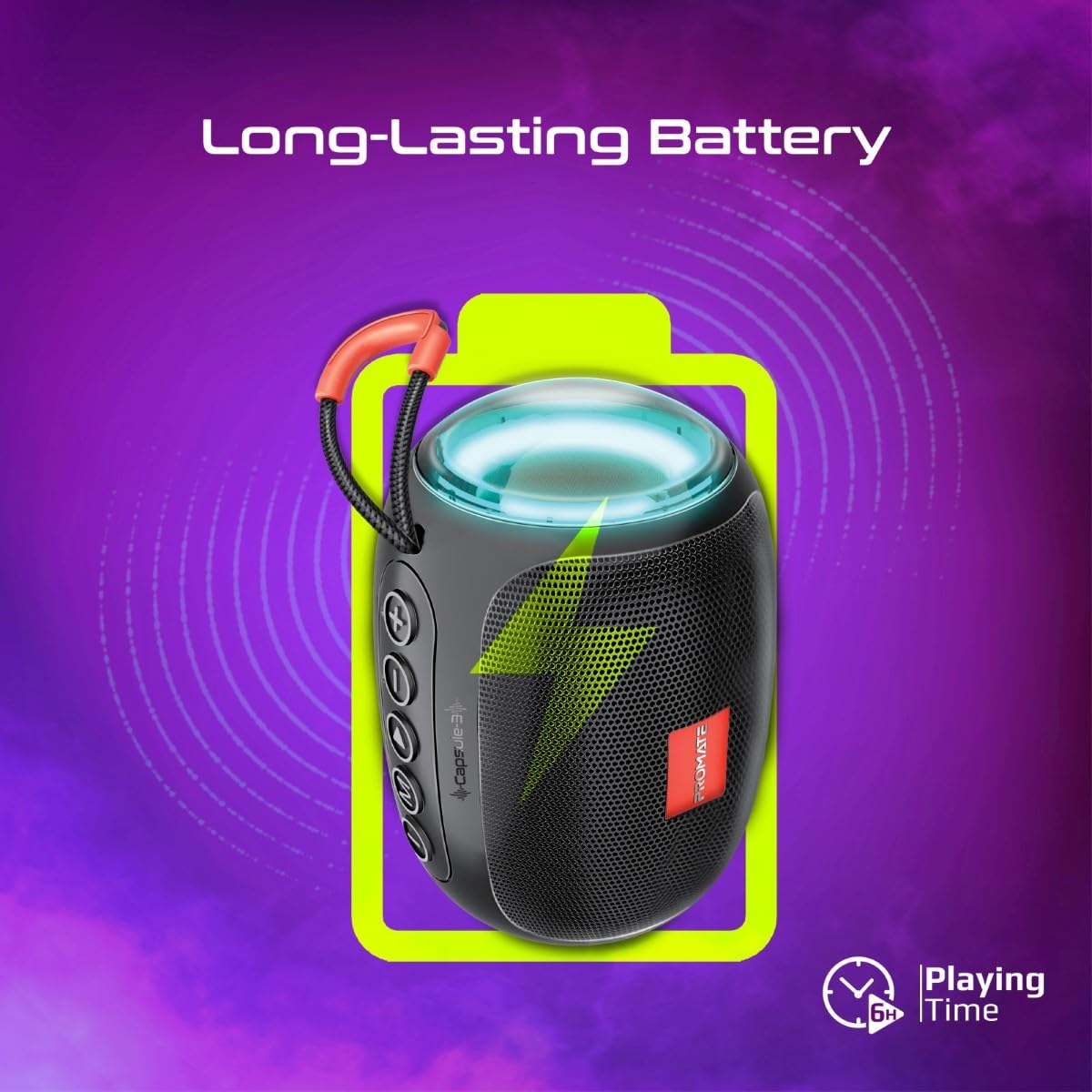
Image 5: Long-Lasting Battery. The image highlights the speaker's extended battery life, indicating over 6 hours of continuous playtime on a single charge.
8. Odpravljanje težav
| Težava | Možen vzrok | rešitev |
|---|---|---|
| Zvočnik se ne vklopi. | Nizka baterija. | Zvočnik popolnoma napolnite. |
| Seznanitev prek Bluetootha ni mogoča. | Zvočnik ni v načinu seznanjanja; Bluetooth naprave izklopljen; preveč oddaljen od zvočnika. | Ensure speaker is in pairing mode. Turn device Bluetooth off/on. Move device closer to speaker (within 10 meters). |
| Brez zvoka. | Volume too low; incorrect input mode; paused playback. | Increase volume. Check input mode (Bluetooth, AUX, TF, USB). Ensure music is playing. |
| Seznanjanje s TWS ni uspelo. | Zvočniki so že povezani z drugo napravo; preveč oddaljeni narazen. | Disconnect speakers from any Bluetooth devices. Ensure speakers are close to each other. Try re-initiating TWS pairing. |
9. Specifikacije
| Funkcija | Podrobnost |
|---|---|
| Ime modela | Capsule-3 |
| Material | Akrilonitril butadien stiren (ABS) |
| Izhod za zvočnike | 5 vatov |
| Različica Bluetooth | v5.3 |
| Brezžično Domet | Do 10 metre |
| Kapaciteta baterije | Vgrajena 500mAh litijeva baterija za ponovno polnjenje |
| Igralni čas | Do 6 ur |
| Vrata za polnjenje | DC 5 V (USB) |
| Možnosti povezave | Bluetooth, 3.5mm AUX, USB Port, TF Card Slot |
| Nadzorna metoda | Gumbi na dotik |
| Posebne lastnosti | LED Lights, True Wireless Stereo (TWS) support, Portable design |
| Dimenzije izdelka | 9 G x 9 Š x 16 V centimetrov |
| Teža predmeta | 410 gramov |
| Vodoodpornost | Ni vodoodporen |
10. Garancija in podpora
For warranty information, technical support, or service inquiries, please refer to the warranty card included with your product or visit the official Promate webspletno mesto. Shranite račun kot dokazilo o nakupu.

Image 6: Music On-The-Go. This image depicts the speaker in an outdoor setting, highlighting its compact and portable design, suitable for travel and outdoor activities.