
1. Uvod
This manual provides detailed instructions for the MEETION MT-M915 USB Gaming Mouse with Backlight. Please read this guide thoroughly before using the product to ensure correct installation, optimal performance, and to understand its features. This mouse is designed for gaming and general computer use, offering reliable performance and a comfortable design.
2. Vsebina paketa
- MEETION MT-M915 USB Gaming Mouse
- Navodila za uporabo (ta dokument)
3. Sistemske zahteve
- Operating System: Windows XP, Linux
- Compatible Devices: Personal Computer, Laptop
- Na voljo vrata USB
4. Nastavitev
4.1 Priklop miške
- Poiščite razpoložljiva vrata USB na vašem računalniku ali prenosniku.
- Plug the USB connector of the MEETION MT-M915 mouse into the USB port.
- The operating system will automatically detect and install the necessary drivers. This is a plug-and-play device, so no additional software installation is typically required.
- The mouse backlight will illuminate upon successful connection.
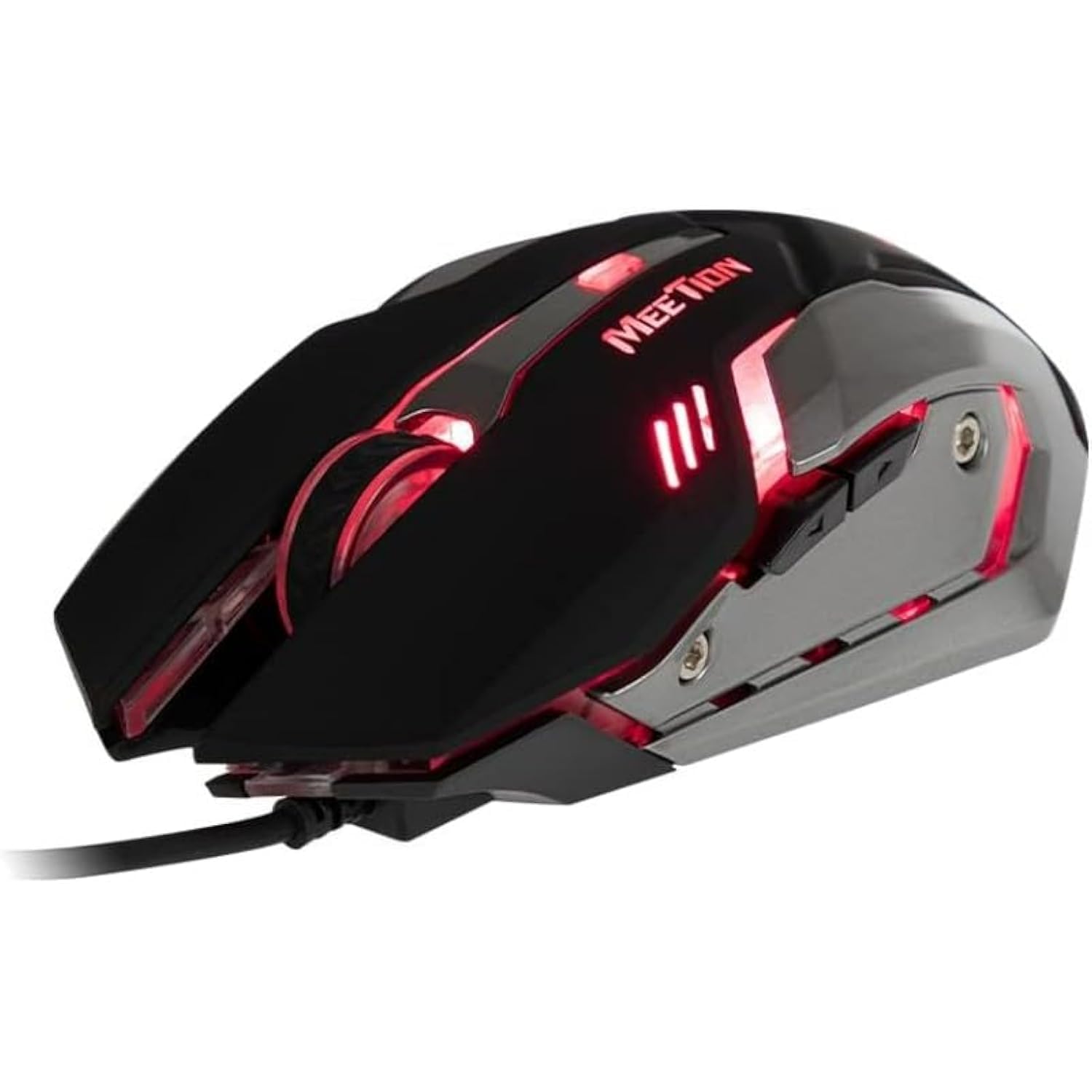
Slika 1: stran view of the MEETION MT-M915 mouse with red backlight.
5. Upravljanje miške
5.1 Osnovne funkcije
- Levi klik: Primary action button, typically used for selecting items, opening files, or interacting with software.
- Desni klik: Secondary action button, typically used for opening context menus or accessing additional options.
- Kolesce za pomikanje: Uporablja se za pomikanje po dokumentih in web strani. Deluje lahko tudi kot gumb za srednji klik.
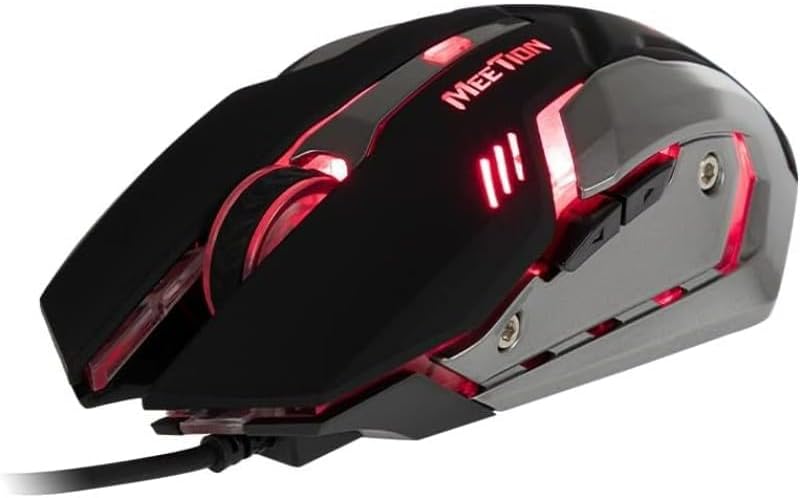
Slika 2: Od zgoraj navzdol view of the MEETION MT-M915 mouse, showing button layout.
5.2 Delovanje osvetlitve ozadja
The MEETION MT-M915 mouse features an integrated backlight. The backlight activates automatically when the mouse is connected to a powered USB port. The color of the backlight may vary or cycle through different colors, as shown in Figure 3.

Slika 3: stran view of the MEETION MT-M915 mouse with purple backlight.
5.3 Oblika za obe roki
The mouse is designed for ambidextrous use, meaning it can be comfortably used by both left-handed and right-handed individuals.
6. Vzdrževanje
6.1 Čiščenje
- Pred čiščenjem miško odklopite iz računalnika.
- Za brisanje površine miške uporabite mehko, suho krpo.
- Za trdovratno umazanijo rahlo dampKrpo obrišite z vodo ali blago čistilno raztopino. Izogibajte se agresivnim kemikalijam.
- Ne dovolite, da tekočine pridejo v notranjost miške casing.
6.2 Shranjevanje
Store the mouse in a cool, dry place away from direct sunlight and extreme temperatures when not in use for extended periods.
7. Odpravljanje težav
7.1 Miška se ne odziva
- Prepričajte se, da je kabel USB varno priključen v delujoča vrata USB na računalniku.
- Poskusite miško priključiti v drug USB vhod.
- Znova zaženite računalnik.
- Preizkusite miško na drugem računalniku, da ugotovite, ali je težava v miški ali v vratih USB vašega računalnika.
7.2 Osvetlitev ozadja ne deluje
- Preverite, ali je miška pravilno priključena na vrata USB z napajanjem.
- If the mouse functions but the backlight does not, there might be an internal issue. Contact customer support if the mouse is still under warranty.
7.3 Neenakomerno gibanje kurzorja
- Prepričajte se, da je optični senzor na spodnji strani miške čist in brez prahu ali umazanije.
- Use the mouse on a clean, uniform surface. Avoid highly reflective or transparent surfaces.
- Poskusite znova zagnati računalnik.
8. Specifikacije
| Funkcija | Podrobnost |
|---|---|
| Znamka | SREČANJE |
| Ime modela | MT-M915 |
| Številka modela proizvajalca | CE ELECTRON-559 |
| Tehnologija povezljivosti | USB |
| Tehnologija zaznavanja gibanja | Optični |
| Ročna orientacija | Obojepravni |
| Posebne lastnosti | Lahka |
| Priporočene uporabe za izdelek | Igranje |
| Združljive naprave | Osebni računalnik, prenosnik |
| Operacijski sistem | Linux, Windows XP |
| Teža predmeta | 50 gramov |
| Dimenzije paketa | 20.7 x 14.3 x 6.1 cm |
| Baterije priložene | št |
9. Garancija in podpora
9.1 Informacije o garanciji
This product is covered by a standard manufacturer's warranty. Please refer to the warranty card included with your purchase or contact your retailer for specific warranty terms and conditions.
9.2 Podpora strankam
For technical assistance, troubleshooting, or warranty claims, please contact the retailer where you purchased the product or visit the official MEETION webmesto za podporne vire.