
Uvod
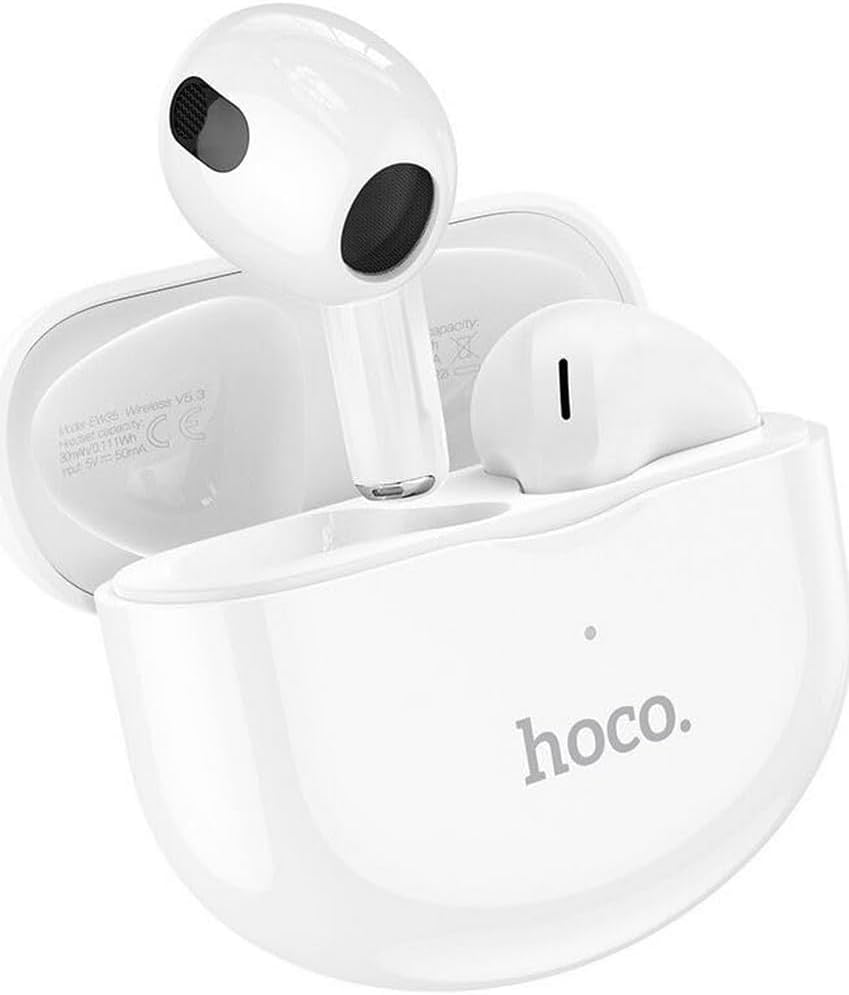
Thank you for choosing the Hoco EW35 Wireless Bluetooth Earphones. These earphones are designed to provide a high-quality audio experience with the convenience of wireless connectivity. Featuring Bluetooth 5.3, touch controls, and an integrated voice assistant, the EW35 offers seamless interaction with your compatible devices. This manual will guide you through the setup, operation, and maintenance of your earphones.
Vsebina paketa
Prosimo, preverite paket za naslednje artikle:
- Hoco EW35 Wireless Bluetooth Earphones (Left and Right)
- etui za polnjenje
- Uporabniški priročnik
- Zaščitna torbica

Nastavitev
1. Polnjenje slušalk in etuija
Before first use, ensure both the earphones and the charging case are fully charged. The charging case holds multiple charges for the earphones, extending their usage time.
- Place the earphones into the charging case. Ensure they are correctly seated in their respective slots.
- Polnilno ohišje priključite na vir napajanja z združljivim kablom USB.
- The indicator light on the charging case will show the charging status. Refer to the product's specific LED indicators for full charge notification.

2. Seznanjanje z napravo Bluetooth
The Hoco EW35 earphones use Bluetooth 5.3 for a stable and efficient connection.
- Open the charging case. The earphones will automatically enter pairing mode (indicated by a flashing LED on the earphones).
- V napravi (pametnem telefonu, tablici, prenosniku itd.) pojdite v nastavitve Bluetooth.
- Iskanje available devices and select "Hoco EW35" from the list.
- Once connected, the earphones will indicate a successful pairing (e.g., a voice prompt or solid LED light).
- Slušalke se bodo samodejno ponovno povezale z zadnjo seznanjeno napravo, ko jih vzamete iz etuija, če je na napravi omogočen Bluetooth.
Navodila za uporabo
Dotaknite se kontrolnikov
The Hoco EW35 earphones feature intuitive touch controls on each earbud. The specific functions may vary slightly depending on your device and application.
- Predvajanje/pavza: Enkratni dotik na obeh ušesnih čepkih.
- Naslednja skladba: Dvakrat tapnite desno slušalko.
- Prejšnja skladba: Dvakrat tapnite levo slušalko.
- Sprejmi/končaj klic: Med dohodnim ali aktivnim klicem enkrat pritisnite katero koli slušalko.
- Zavrni klic: Med dohodnim klicem pritisnite in držite katero koli slušalko 2 sekundi.
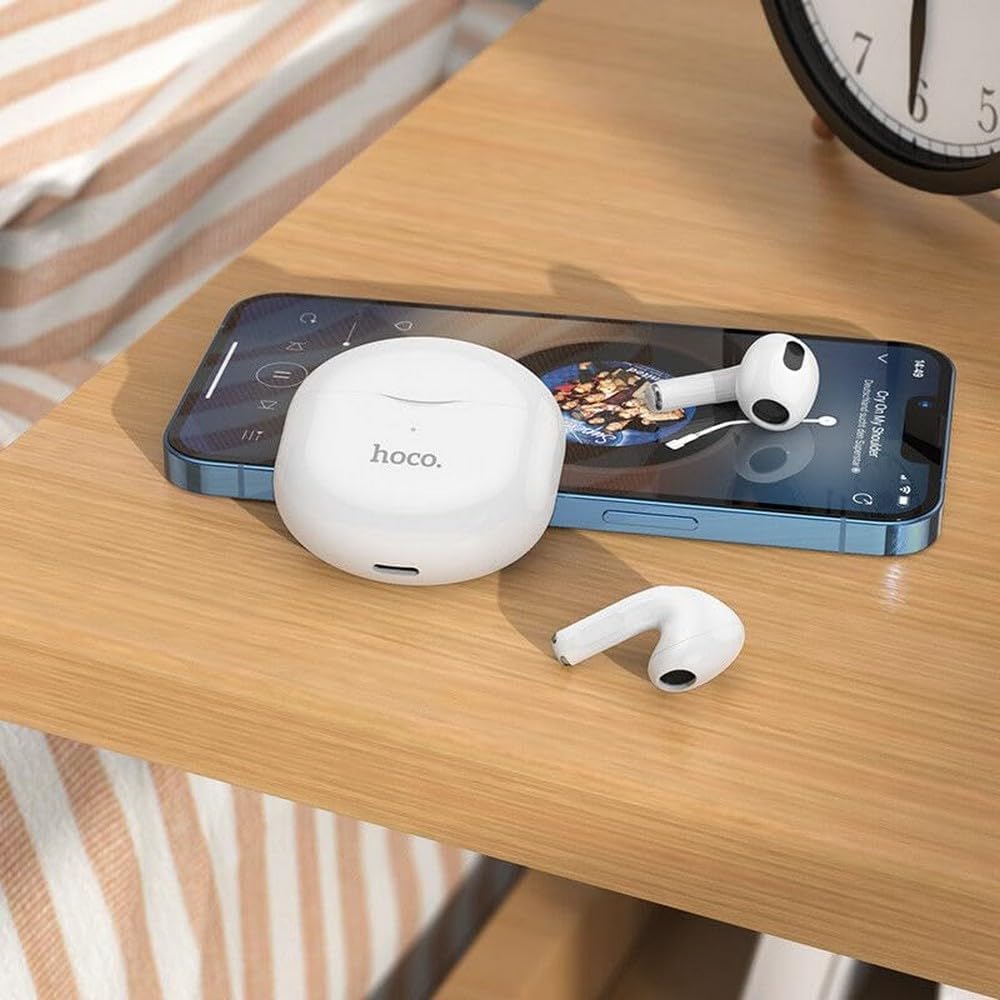
- Aktiviranje glasovnega pomočnika: Trikrat tapnite na katero koli slušalko.
Glasovni pomočnik
The integrated voice assistant allows you to control your device using voice commands. Triple tap either earbud to activate your device's voice assistant (e.g., Siri, Google Assistant).
Vzdrževanje
Čiščenje
Redno čiščenje pomaga ohranjati kakovost zvoka in higieno.
- Za brisanje slušalk in polnilnega ohišja uporabite mehko, suho krpo, ki ne pušča vlaken.
- Za trdovratno umazanijo rahlo dampKrpo obrišite z vodo ali blagim, neabrazivnim čistilom. Pazite, da tekočina ne pride v odprtine.
- Ne uporabljajte agresivnih kemikalij, alkohola ali abrazivnih materialov.
- Nežno očistite ušesne konice in mrežico zvočnika, da odstranite ušesno maslo ali umazanijo.
Shranjevanje
Ko slušalk ne uporabljate, jih shranite v polnilno škatlico, da jih zaščitite in ohranite napolnjene.
- Hraniti na hladnem in suhem mestu, stran od neposredne sončne svetlobe in ekstremnih temperatur.
- Avoid exposing the earphones or case to excessive moisture. While the earphones are rated as waterproof, prolonged exposure or submersion is not recommended.
Odpravljanje težav
If you encounter issues with your Hoco EW35 earphones, try the following solutions:
- Slušalke se ne morejo seznaniti:
- Prepričajte se, da sta obe slušalki napolnjeni.
- Izklopite Bluetooth v napravi in ga znova vklopite.
- Forget "Hoco EW35" from your device's Bluetooth list and attempt to pair again.
- Place earphones back in the case, close it, wait a few seconds, then open it again to re-enter pairing mode.
- Iz ene ali obeh slušalk ni zvoka:
- Preverite glasnost na priključeni napravi.
- Prepričajte se, da so slušalke pravilno nameščene v ušesih.
- Ponovno priključite slušalke na napravo.
- Očistite morebitne umazanije z mrežice zvočnika.
- Težave s polnjenjem:
- Prepričajte se, da je polnilni kabel varno priključen tako na ohišje kot na vir napajanja.
- Poskusite z drugim polnilnim kablom ali napajalnikom.
- Očistite polnilne kontakte na slušalkah in ohišju.
- Dotik se ne odziva:
- Poskrbite, da bodo vaši prsti čisti in suhi.
- Try restarting the earphones by placing them in the case and taking them out again.
Specifikacije
| Funkcija | Podrobnost |
|---|---|
| Ime modela | EW35 |
| Znamka | Hoco |
| Tehnologija povezljivosti | Brezžično (Bluetooth 5.3) |
| Namestitev ušesa | In-Ear |
| Faktor oblike | In-Ear |
| Material | Plastika |
| Čas predvajanja | Up to 4 hours (per earbud) |
| Nadzorna metoda | Dotik, glasovno upravljanje |
| Posebne lastnosti | Integrated Voice Assistant, Touch Control |
| Stopnja vodoodpornosti | Vodotesen |
| Odpravljanje hrupa | Noben |
| Združljive naprave | Smartphones, Tablets, Laptops, Desktops, Smart Speakers, Game Consoles |
| Baterija | 1 litij-ionska (priložena) |
| Akumulatorska baterija | ja |

Varnostne informacije
Da preprečite poškodbe naprave ali telesne poškodbe, preberite in upoštevajte ta varnostna navodila:
- Izogibajte se dolgotrajnemu poslušanju pri visoki glasnosti, da preprečite poškodbe sluha.
- Slušalk ne uporabljajte v situacijah, kjer bi lahko bila nezmožnost slišanja zvokov iz okolice nevarna (npr. vožnja, kolesarjenje, hoja v prometu).
- Slušalke in polnilno ohišje hranite stran od ekstremnih temperatur, neposredne sončne svetlobe in odprtega ognja.
- Do not attempt to disassemble, repair, or modify the product. This may void the warranty and cause damage.
- Hraniti izven dosega otrok in hišnih ljubljenčkov. Majhni deli lahko predstavljajo nevarnost zadušitve.
- Dispose of the product and its battery responsibly, following local regulations.
Garancija in podpora
For detailed warranty information, please refer to the warranty card included in your product packaging. If you require further assistance or have questions not covered in this manual, please visit the official Hoco webspletno mesto ali se obrnite neposredno na njihovo podporo strankam.
Več informacij in podpornih virov najdete na: www.hoco.com