
1. Uvod
The HiFuture Future Zone 2 BT Smartwatch is designed to enhance your daily life by providing convenient access to fitness tracking, communication, and entertainment features directly from your wrist. This manual provides essential information on how to set up, operate, and maintain your new smartwatch.
Key features include step tracking, distance measurement, time and date display, music playback control, an AMOLED touchscreen display, and a seamless Bluetooth calling system. With an impressive 7-day battery life, the Future Zone 2 is built for extended use.
2. Izdelek je končanview
2.1. Lastnosti
- Sledenje dejavnosti: Helps you track simple steps, distance traveled, time, and date.
- Nadzor glasbe: Allows you to control your phone's music player directly from the watch.
- Zaslon: Features a vibrant AMOLED touchscreen display.
- Bluetooth klicanje: Enables hassle-free communication with a built-in Bluetooth calling system.
- Življenjska doba baterije: Offers an impeccable battery that lasts up to 7 days on a single charge.
- Vodoodpornost: IP68 certified for water resistance.
- Športni načini: Supports over 100 sports modes for diverse activity tracking.
2.2. Komponente in zaslon

Slika 2.2.1: The HiFuture Future Zone2 Smartwatch in silver and white, showcasing its sleek design and vibrant display with activity metrics.
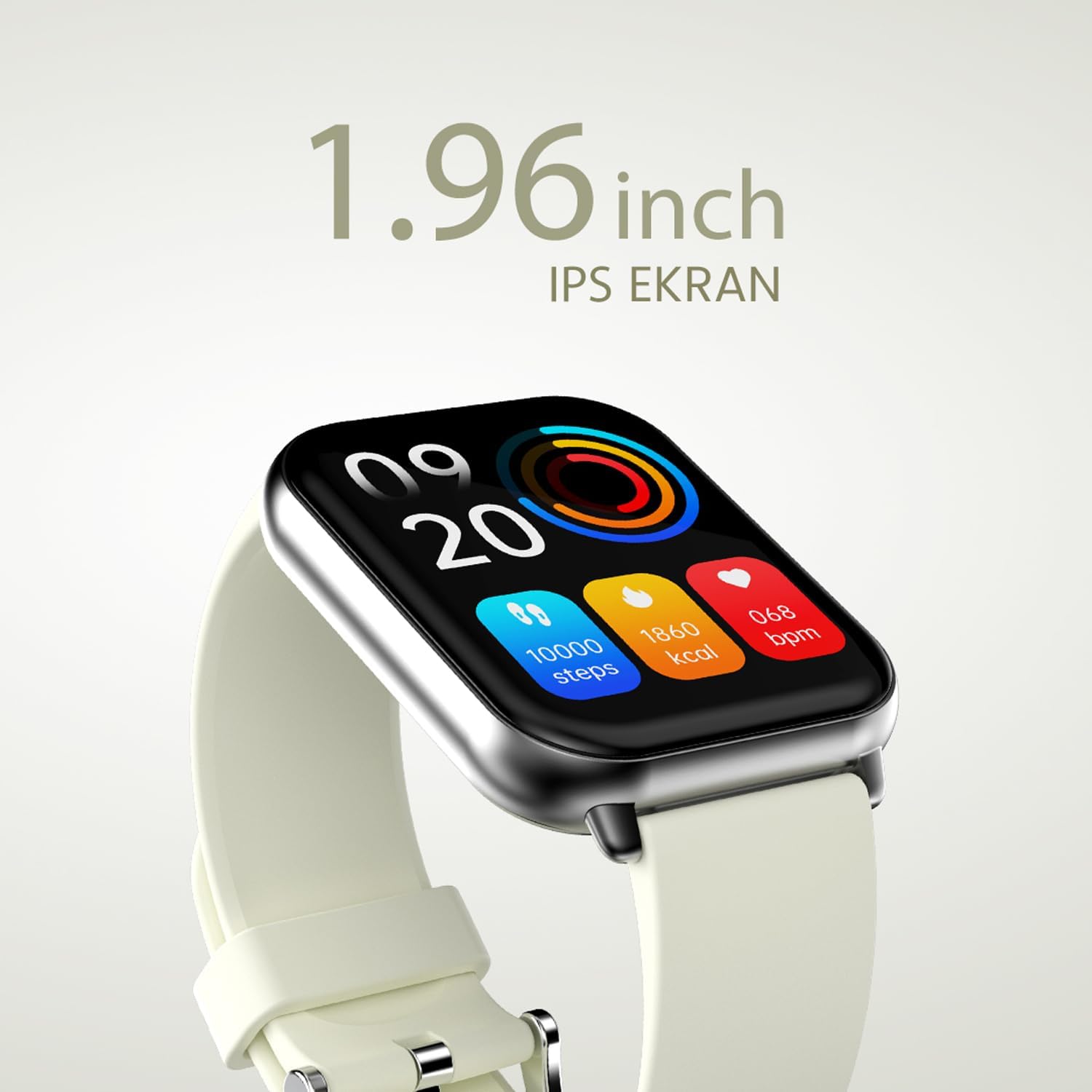
Slika 2.2.2: Podrobno view of the smartwatch display, highlighting its 1.96-inch IPS screen, which offers clear and crisp visuals.

Slika 2.2.3: The smartwatch accompanied by icons representing its core features: 1.96-inch IPS screen, wireless connectivity, 7-day battery life, and IP68 water resistance.

Slika 2.2.4: The smartwatch surrounded by various sport icons, indicating its support for over 100 different sport modes for comprehensive fitness tracking.
3. Nastavitev
3.1. Polnjenje pametne ure
Before first use, fully charge your HiFuture Future Zone2 Smartwatch. Connect the charging cable to the charging port on the back of the watch and plug the USB end into a compatible power adapter (not included) or a computer's USB port. The watch display will indicate charging status. A full charge typically takes approximately 2 hours.
3.2. Seznanjanje s pametnim telefonom
- Prenesite aplikacijo: Iskanje the official HiFuture companion app on your smartphone's app store (Google Play Store for Android or Apple App Store for iOS). Install the app.
- Omogoči Bluetooth: Prepričajte se, da je Bluetooth na vašem pametnem telefonu omogočen.
- Odprite aplikacijo: Launch the HiFuture app and follow the on-screen instructions to create an account or log in.
- Dodaj napravo: Within the app, navigate to the "Add Device" or "Pair Device" section. The app will search for nearby smartwatches.
- Izberite svojo uro: Select "HiFuture Future Zone2" from the list of discovered devices.
- Potrdite seznanjanje: A pairing request will appear on both your phone and the smartwatch. Confirm the pairing on both devices.
- Popolna namestitev: Once paired, the app will guide you through initial settings such as personal information, notification preferences, and watch face customization.
Note: For optimal performance, ensure your smartphone's operating system and the smartwatch app are up to date.
4. Navodila za uporabo
4.1. Osnovna navigacija
- Zaslon na dotik: Za navigacijo po menijih in zaslonih podrsnite levo, desno, navzgor ali navzdol. Dotaknite se, da izberete možnost.
- Stranski gumb: Press the side button to return to the home screen or wake up the display. A long press may access power options or a quick menu.
4.2. Klicanje prek Bluetootha
The Future Zone2 Smartwatch supports Bluetooth calling, allowing you to make and receive calls directly from your wrist when connected to your smartphone.
- Enable Call Audio: Ensure that the smartwatch is connected to your phone for both data and call audio. This setting is usually managed within your phone's Bluetooth settings after initial pairing.
- Klicanje: Access the dialer or contact list on your smartwatch. Tap to dial a number or select a contact to initiate a call.
- Prejemanje klicev: Ko prejmete klic, bo ura prikazala ID klicatelja. Dotaknite se zelene ikone za sprejem klica ali rdeče ikone za zavrnitev.
- Med klicem: You can speak directly into the watch's built-in microphone and listen through its speaker. Options to mute, adjust volume, or transfer the call to your phone may be available on the watch screen.
Slika 4.2.1: The smartwatch screen showing a missed call notification, demonstrating its Bluetooth calling capability.
4.3. Nadzor predvajanja glasbe
Control your smartphone's music playback directly from your smartwatch.
- Access Music Control: Swipe on your watch face or navigate through the app list to find the "Music" or "Media Control" icon.
- Nadzor predvajanja: From this screen, you can play/pause, skip tracks (next/previous), and adjust the volume of the music playing on your connected smartphone.
4.4. Sledenje aktivnosti
The smartwatch automatically tracks your daily steps, distance, and calories burned. You can view these metrics on the watch display or in the companion app for more detailed insights.
- Dnevna aktivnost: The main watch face or a dedicated activity screen will show your current steps, calories, and heart rate (if applicable).
- Športni načini: Select a specific sport mode (e.g., running, cycling, walking) from the watch's menu before starting an activity for more accurate tracking.
5. Vzdrževanje
5.1. Čiščenje pametne ure
- Zaslon in ohišje ure obrišite z mehko krpo, ki ne pušča vlaken.
- Za trdovratne madeže, dampKrpo rahlo navlažite z vodo. Izogibajte se uporabi agresivnih kemikalij ali abrazivnih materialov.
- Pred polnjenjem se prepričajte, da so polnilni kontakti čisti in suhi.
5.2. Vodoodpornost (IP68)
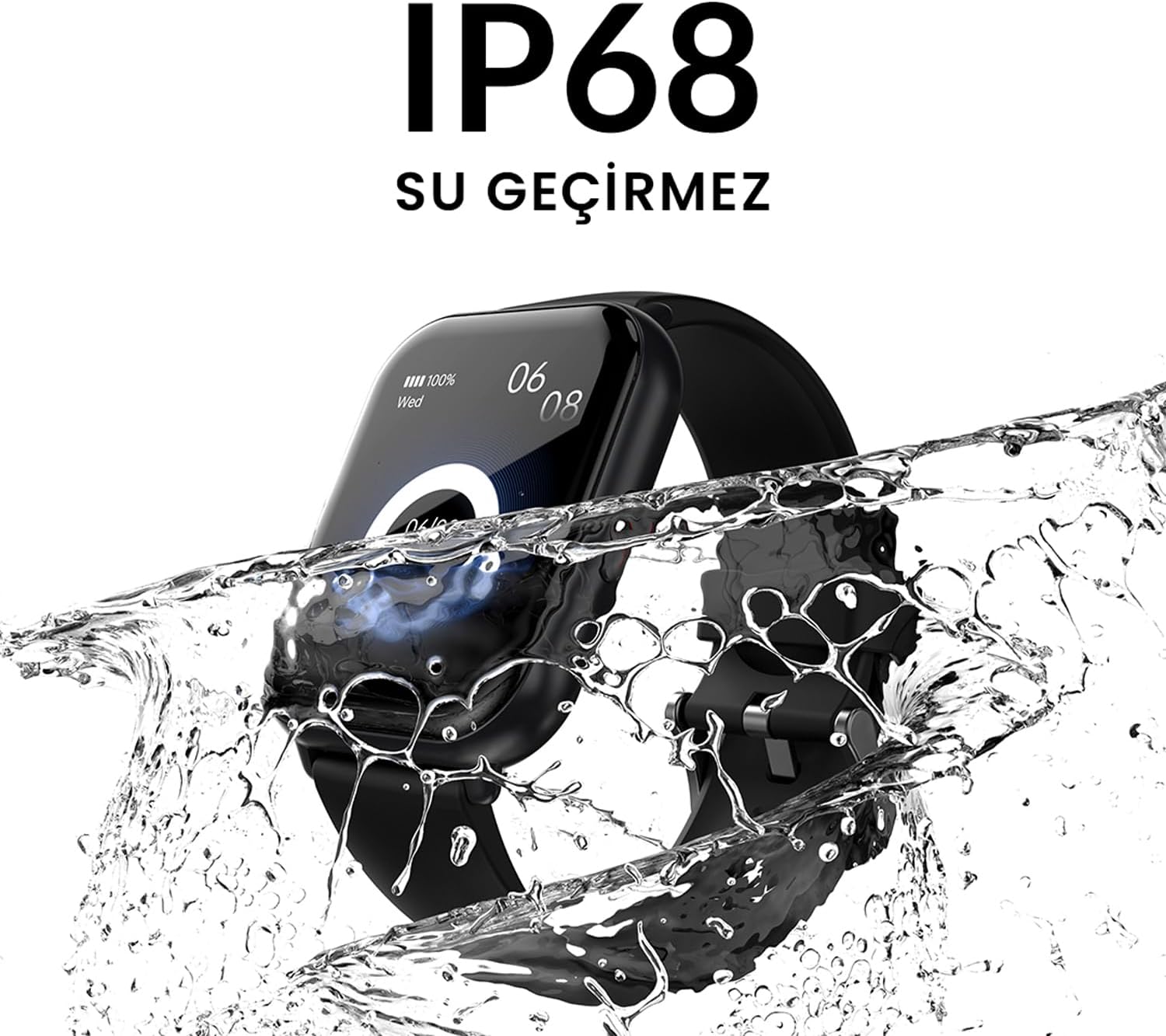
The HiFuture Future Zone2 Smartwatch is IP68 water-resistant, meaning it can withstand immersion in water up to 1.5 meters for up to 30 minutes. It is suitable for daily use, such as hand washing or light rain.
- Do not use the watch for diving, snorkeling, or high-pressure water activities.
- Avoid exposing the watch to hot water, steam, or detergents, as this may compromise its water resistance.
- Če se ura zmoči, jo pred polnjenjem ali uporabo temeljito posušite.

Slika 5.2.1: The smartwatch shown with water splashing over it, illustrating its IP68 water resistance rating.
5.3. Skrb za baterijo
- Da podaljšate življenjsko dobo baterije, se izogibajte pogostemu popolnemu praznjenju baterije.
- Uro polnite samo s priloženim polnilnim kablom.
- Uro shranjujte na hladnem in suhem mestu, ko je dalj časa ne uporabljate.
6. Odpravljanje težav
6.1. Pogoste težave in rešitve
| Izdaja | Možen vzrok | rešitev |
|---|---|---|
| Ura se ne vklopi | Low battery; device frozen | Charge the watch for at least 30 minutes. If still unresponsive, perform a forced restart (refer to device-specific instructions, usually a long press of the side button). |
| Ni mogoče združiti s pametnim telefonom | Bluetooth off; app issue; watch not discoverable | Ensure Bluetooth is on for both devices. Restart both the watch and phone. Clear the app's cache or reinstall it. Make sure the watch is in pairing mode. |
| Klicanje prek Bluetootha ne deluje | Incorrect Bluetooth profile; app permissions | Check your phone's Bluetooth settings to ensure the watch is connected for "Calls" or "Phone audio." Verify app permissions for phone calls. |
| Netočno sledenje dejavnosti | Improper wear; software glitch | Ensure the watch is worn snugly on your wrist. Restart the watch. Update the watch firmware via the app if available. |
7. Specifikacije
| Funkcija | Podrobnost |
|---|---|
| Znamka | HiFuture |
| Ime modela | Smartwatch (Future Zone2) |
| Številka modela | ZONE2 SILVER WHITE |
| barva | Silver and White (as per product title, though spec says Grey) |
| Velikost zaslona | 41 Millimeters (1.96 inches IPS) |
| Tehnologija povezljivosti | Bluetooth |
| Posebne lastnosti | Music Player, Distance Tracker, Bluetooth Calling |
| Združljive naprave | Smartphone, Tablet, Other Portable Devices |
| Sestava baterije | Lithium-ion (1 Lithium-polymer battery included) |
| Akumulatorska baterija | ja |
| Vodoodpornost | IP68 Certified |
| GPS | Brez GPS-a |
| oblika | kvadrat |
| Proizvajalec | HiFuture Group |
8. Garancija in podpora
8.1. Garancija za izdelek
Specific warranty details for the HiFuture Future Zone2 Smartwatch are typically provided with your purchase documentation or on the manufacturer's official webspletnega mesta. Prosimo, shranite dokazilo o nakupu za uveljavljanje garancije.
Note: Information regarding guaranteed software updates and spare parts availability is not explicitly provided.
8.2. Podpora strankam
For technical assistance, troubleshooting beyond this manual, or warranty inquiries, please contact HiFuture customer support through their official webspletnega mesta ali kontaktnih podatkov, ki so navedeni na embalaži izdelka.
Lahko se sklicujete tudi na stran izdelka na Amazon.com.be za dodatne informacije in povratne informacije strankviews.