
1. Uvod
The SimpliSafe 11 Piece Wireless Home Security System Gen 3 is designed to provide comprehensive security for your home. This system combines innovative hardware with advanced features to ensure your safety and peace of mind. It offers easy setup, flexible monitoring options, and smart home compatibility.
2. Vsebina paketa
Preverite, ali so v paketu prisotne vse komponente:
- 1 bazna postaja
- 1 Indoor Wireless Camera
- 1 Tipkovnica
- 2 Motion Sensors
- 6 Entry Sensors

Figure 2.1: All components included in the SimpliSafe 11 Piece Wireless Home Security System Gen 3.
3. Nastavitev
The SimpliSafe system is designed for straightforward setup without the need for professional installation or specialized tools. Follow the instructions provided within the SimpliSafe App for a guided installation process.
- Vklop bazne postaje: Plug in the Base Station to a power outlet. This unit is the central hub of your security system.
- Download SimpliSafe App: Install the SimpliSafe App on your smartphone or tablet.
- Sledite navodilom v aplikaciji: The app will guide you through connecting your Base Station and placing each sensor and camera. No wiring or drilling is required for installation.
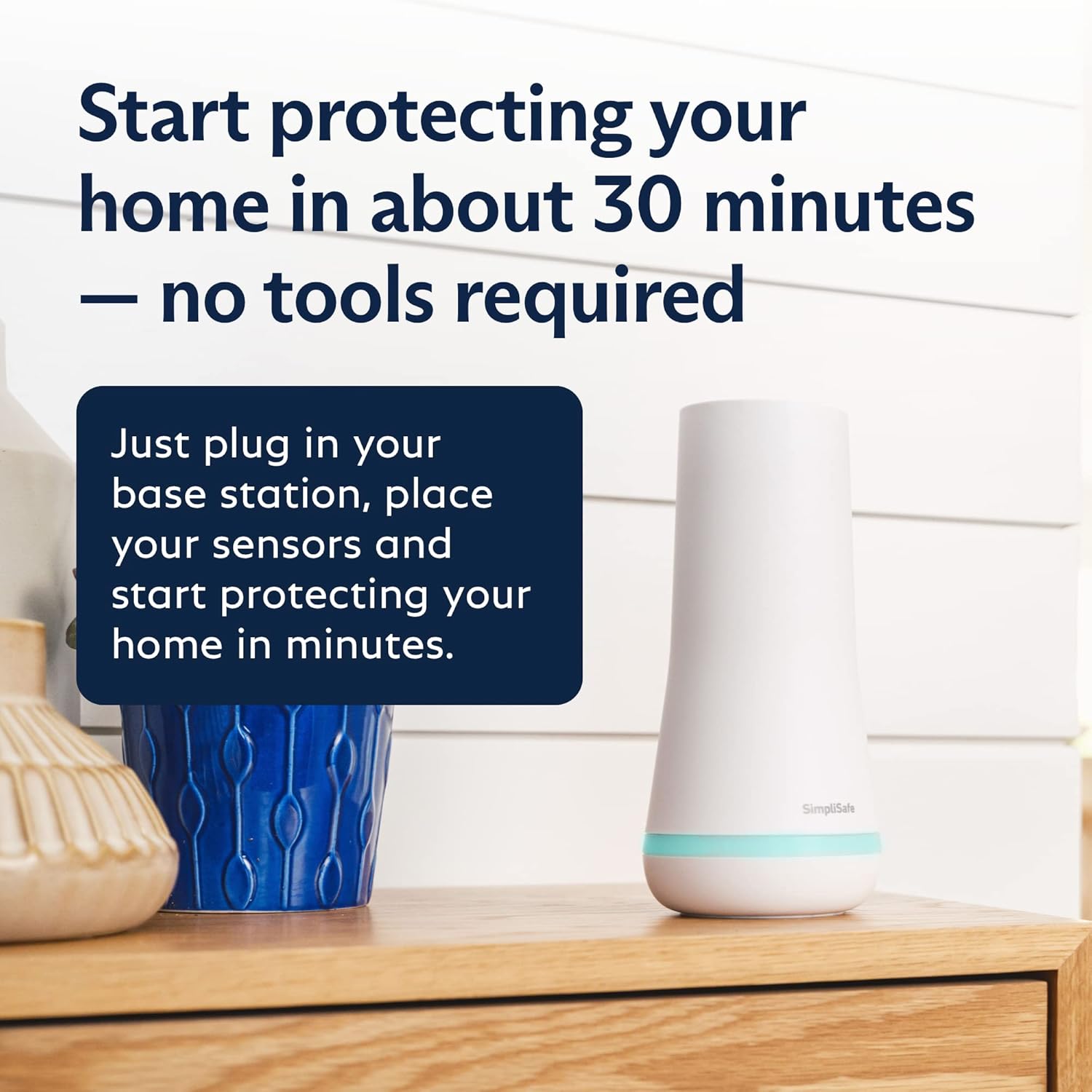
Figure 3.1: The SimpliSafe Base Station, ready for quick setup.

Figure 3.2: The Keypad, which can be easily mounted and removed for flexible placement.
4. Upravljanje sistema
Your SimpliSafe system can be operated via the Keypad or the SimpliSafe App.
4.1 Keypad Operation
The Keypad allows you to arm and disarm your system, and access system settings. It features a clear display and tactile buttons.
- Načini oboroževanja: Select 'Home' for partial arming (e.g., while sleeping), 'Away' for full arming (when no one is home), or 'Off' to disarm the system.
- Vnos PIN-a: Enter your personal identification number (PIN) to change arming modes.
- Gumb za paniko: A dedicated panic button is located on the Keypad for immediate emergency alerts.
4.2 SimpliSafe App Operation
The SimpliSafe App provides remote control and monitoring capabilities for your system from anywhere.
- Daljinsko vklop/izklop: Arm or disarm your system remotely.
- V živo View: Access live video feeds from your cameras.
- Dvosmerni zvok: Speak and listen through your cameras (available on compatible cameras).
- Zgodovina dogodkov: Review a history of detected movements and system events.
5. Komponente večview
Understanding each component's function is key to maximizing your system's effectiveness.
5.1 bazna postaja
The Base Station is the core of your SimpliSafe system. It communicates with all sensors and cameras, and sends alarm signals to the monitoring center via a built-in cellular connection. It includes a backup battery for up to 24 hours of operation during power outages and a loud 95 dB siren.
5.2 Tipkovnica
The wireless Keypad is designed for easy access to your system. It's soft to the touch, easy to use day or night with backlit buttons, and requires no plug, allowing flexible placement anywhere in your home. Its "smash-safe" design ensures it continues to function even if attacked.
5.3 Entry Sensors
The six included Entry Sensors protect your windows, doors, and cabinets. They alert you when someone tries to enter and are designed to blend seamlessly into your home environment. Customizable "Secret Alerts" can be set to quietly notify you if private areas are accessed without triggering a full alarm.
5.4 Motion Sensors
The two Motion Sensors detect motion within a 35-foot range and have a 90-degree field of view. They are specifically designed for human detection and are pet-friendly for animals under 60 lbs, minimizing false alarms. Ideal for covering large rooms when placed in a corner.
5.5 Smart Alarm Wireless Indoor Camera
This indoor camera provides HD 1536p video capture with 10x zoom, a 125° field of view, and night vision. With 24/7 live guard protection (requires Fast Protect™ Monitoring plan), monitoring agents can see, speak to, and deter intruders through the camera's two-way audio feature during an active alarm. It also features a built-in privacy shutter for your control.

Figure 5.1: The Indoor Camera, capable of triggering an alarm and sounding a siren.

Figure 5.2: Key features of the SimpliSafe Indoor Camera for clear surveillance.

Figure 5.3: Intruder Intervention: Agents can communicate through the camera to deter threats.
5.6 Obesek za ključe
The Key Fob provides a convenient way to arm and disarm your system with a simple press of a button, offering quick control when entering or leaving your home.
6. Monitoring Services
SimpliSafe offers optional 24/7 professional monitoring services powered by Fast Protect™ Technology. These plans provide fast emergency response without long-term contracts or hidden fees.
- Core Monitoring: Provides 24/7 professional monitoring for police, fire, and medical dispatch. Includes priority dispatch with verified alarms and unlimited camera recordings.
- Live Guard Protection: Available with the Fast Protect™ Monitoring plan, this feature allows monitoring agents to actively see and speak to intruders through the Smart Alarm Wireless Indoor Camera during an alarm, helping to stop crime in real-time.
- Faster Police Response: By enabling video verification on your SimpliSafe cameras, professional monitoring agents can use eyewitness evidence to verify a break-in, which can lead to priority dispatch for faster police response.

Slika 6.1: Konecview of SimpliSafe monitoring plan options.

Figure 6.2: Benefits of SimpliSafe's professional monitoring services.
7. Integracija pametnega doma
The SimpliSafe system is compatible with popular smart home platforms, allowing for convenient voice control and integration into your existing smart home ecosystem.
- Amazon Alexa: Arm your system using voice commands through Amazon Alexa-enabled devices.
- Google Assistant: Control your SimpliSafe system with voice commands via Google Assistant-enabled devices.

Figure 7.1: Arming your SimpliSafe system using voice commands.
8. Vzdrževanje
Regular maintenance ensures the optimal performance of your SimpliSafe system.
- Zamenjava baterije: The Base Station has a backup battery that lasts up to 24 hours. Individual sensors and the Keypad use standard batteries (2 AA batteries for the Keypad, included). Replace batteries as indicated by system alerts or the SimpliSafe App.
- Čiščenje senzorja: Periodically wipe down sensors and cameras with a soft, dry cloth to remove dust and debris that could interfere with their operation.
- Sistemske posodobitve: Ensure your Base Station and components receive regular software updates through the SimpliSafe App to benefit from the latest features and security enhancements.
9. Odpravljanje težav
Če naletite na težave s sistemom SimpliSafe, upoštevajte naslednje pogoste korake za odpravljanje težav:
- Senzor brez povezave: If a sensor goes offline, check its battery level in the SimpliSafe App. Ensure it is within range of the Base Station and that there are no significant obstructions. Re-pairing the sensor may be necessary.
- Camera Connectivity: If a camera goes offline, verify your Wi-Fi connection. Unplug and re-plug the camera to restart it. Check the SimpliSafe App for specific error messages.
- Lažni alarmi: Review motion sensor placement to ensure they are not triggered by pets or environmental factors like curtains moving in a draft. Adjust sensitivity settings if available.
- Base Station Issues: If the Base Station loses power or Wi-Fi, it will switch to cellular backup (with a professional monitoring plan). Ensure it is plugged into a working outlet and your internet connection is stable.
For persistent issues, consult the comprehensive troubleshooting guides within the SimpliSafe App or contact SimpliSafe customer support.
10. Specifikacije
| Funkcija | Podrobnost |
|---|---|
| Znamka | SimpliSafe |
| Številka modela | KT056-01RUS |
| barva | Bela |
| Vir napajanja | Napajanje na baterije |
| Združljive naprave | Namizni računalnik, prenosni računalnik, pametni telefon, tablični računalnik |
| Mere predmeta (D x Š x V) | 12.2 x 10.8 x 6.3 palcev |
| Ločljivost zajema videa | 1536p |
| Tehnologija povezljivosti | Brezžično |
| Vrsta namestitve | Samolepilni |
| Vrsta opozorila | Gibanje |
| Teža predmeta | 0.35 funta (5.6 unč) |
| Nadzorna metoda | Dotik |
| Sestava baterijskih celic | Alkalna |
| Največji doseg | 30 čevljev |
| Priporočene uporabe | Notranja varnost |
| Raven hrupa (sirena) | 95 dB |
| Senzorska tehnologija | Senzor gibanja |
| Posebne lastnosti | 2-Way Audio, HD Resolution, Motion Sensor, Night Vision |
| Ali so baterije vključene? | Yes (2 AA batteries for Keypad) |
| Vrsta namestitve | Stenski nosilec |
11. Garancija in podpora
Garancija: The SimpliSafe 11 Piece Wireless Home Security System Gen 3 comes with a 1-year manufacturer's warranty.
Podpora: For further assistance, technical support, or to manage your monitoring plan, please refer to the SimpliSafe App or visit the official SimpliSafe website. The app provides comprehensive control and status updates for your system.