
XREAL 6976143800071
XREAL H-C Cable User Manual
Model: 6976143800071
Uvod
This manual provides essential information for the proper use, setup, and maintenance of your XREAL H-C Cable. This high-speed HDMI to USB-C cable is designed to connect various devices, including gaming consoles and PCs, to compatible AR glasses like the XREAL Beam and Air AR glasses, supporting 4K/60Hz video transmission.
Varnostne informacije
Please read and follow these safety guidelines to ensure safe operation and prolong the life of your cable:
- Do not expose the cable to extreme temperatures, direct sunlight, or high humidity.
- Izogibajte se pretiranemu upogibanju ali zvijanju kabla, zlasti v bližini priključkov, saj lahko s tem poškodujete notranje žice.
- Keep the cable away from water and other liquids. If it gets wet, disconnect it immediately and allow it to dry completely before reuse.
- Do not attempt to disassemble or modify the cable. This will void the warranty and may cause damage.
- Hraniti izven dosega otrok in hišnih ljubljenčkov.
- Uporabljajte samo z združljivimi napravami, kot je navedeno v tem priročniku.
Vsebina paketa
Paket vsebuje naslednji izdelek:
- 1 x XREAL H-C Cable (HDMI to USB-C)
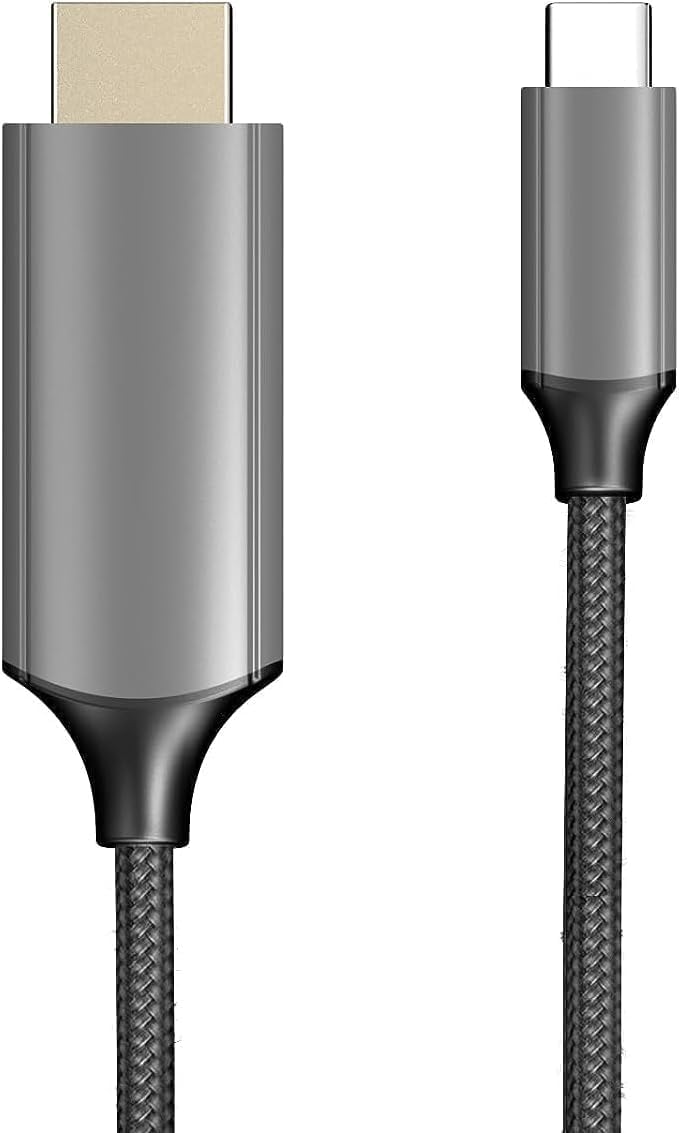
Image: The XREAL H-C Cable showing both the HDMI and USB-C connectors. The cable features a durable, woven design.
Konec izdelkaview
The XREAL H-C Cable is engineered for high-fidelity video and audio transmission. It features a robust, woven design for enhanced durability and tangle-free use. The cable facilitates connection from an HDMI source to a USB-C display, supporting resolutions up to 4K at 60Hz.
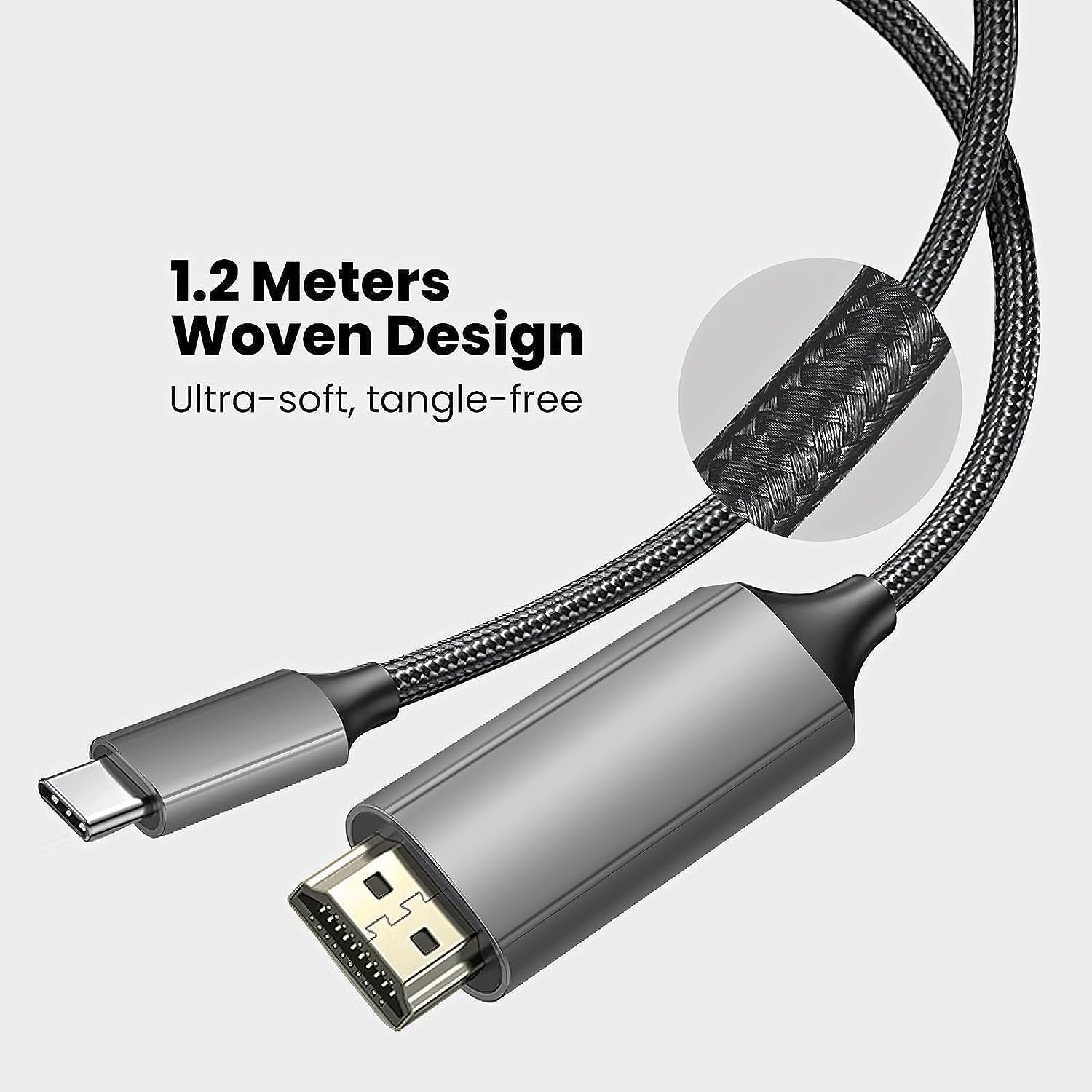
Image: Close-up of the XREAL H-C Cable highlighting its 1.2-meter length and ultra-soft, tangle-free woven design.
Nastavitev
Follow these steps to connect your XREAL H-C Cable:
- Identificirajte konektorje: Locate the HDMI "In" connector and the USB-C "Out" connector on the cable.
- Poveži se z virom: Priključite HDMI "In" end of the cable into the HDMI output port of your source device (e.g., PlayStation, Xbox, Nintendo Switch, PC graphics card).
- Poveži se s prikazom: Priključite USB-C "Out" end of the cable into the USB-C input port of your compatible display device (e.g., XREAL Beam, XREAL Air AR glasses).
- Naprave za vklop: Prepričajte se, da sta tako izvorna naprava kot prikazovalna naprava vklopljeni.
- Preverite povezavo: The display should automatically detect the input signal. If not, you may need to manually select the input source on your display device.

Image: The XREAL H-C Cable clearly labeled with "HDMI In" and "USB-C Out" to indicate connection direction.
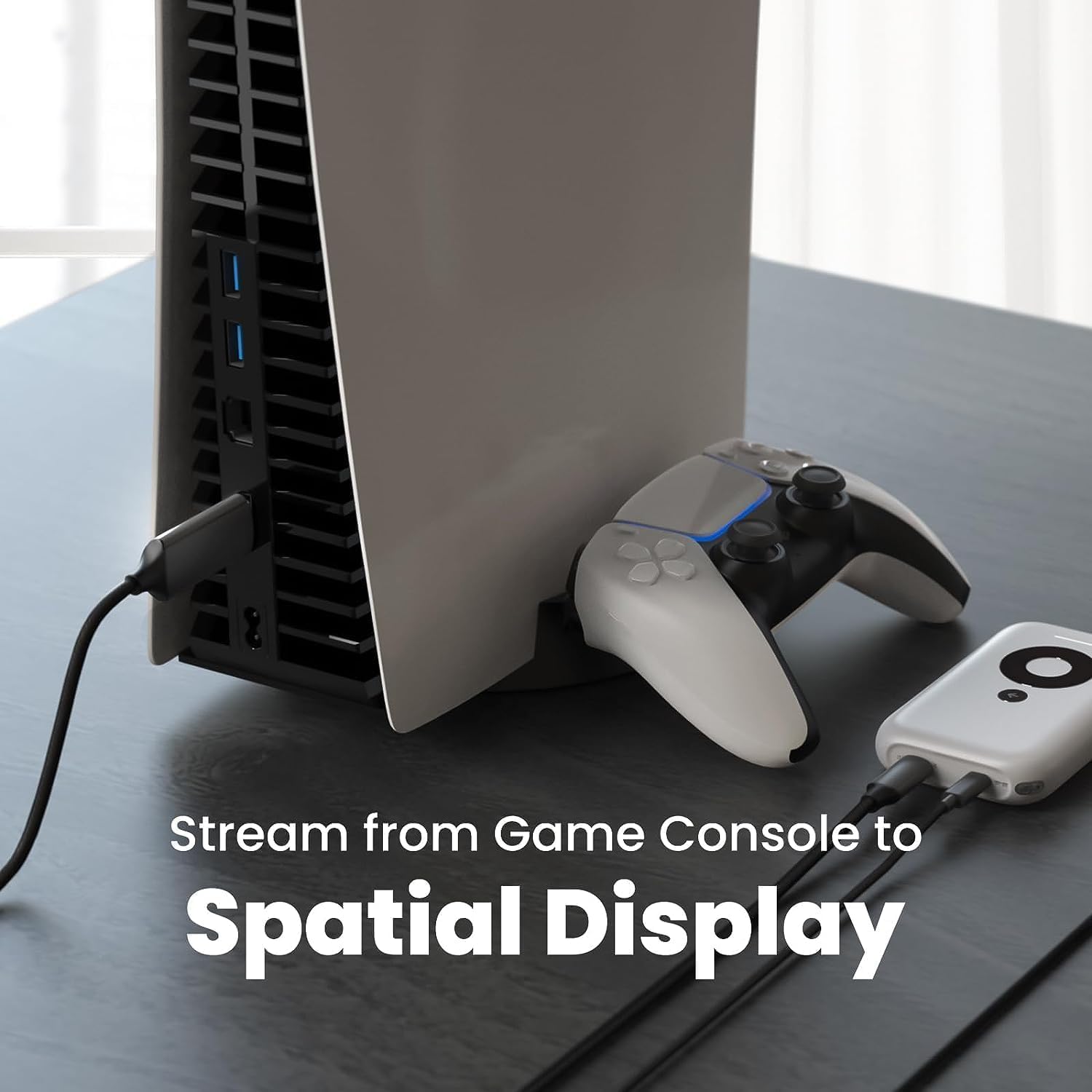
Slika: Bivši/aample setup showing the XREAL H-C Cable connecting a PlayStation 5 console to an XREAL Beam device, enabling streaming to a spatial display.
Delovanje
Once connected, the XREAL H-C Cable operates as a plug-and-play device. No additional drivers or software are typically required.
- Ločljivost in hitrost osveževanja: The cable supports up to 4K resolution at 60Hz. Ensure your source device and display device are configured to output and receive these resolutions and refresh rates for optimal performance.
- Prenos zvoka: The cable transmits both video and audio signals. Verify audio settings on your source device if no sound is heard.
- Združljivost: This cable is designed for specific applications, primarily connecting HDMI output devices to USB-C input displays, such as XREAL AR glasses. It is not a bidirectional cable and will not function if connected in reverse.
Vzdrževanje
Proper care will extend the life of your XREAL H-C Cable:
- Čiščenje: Use a soft, dry, lint-free cloth to gently wipe the cable and connectors. Do not use liquid cleaners or abrasive materials.
- Shranjevanje: When not in use, coil the cable loosely. Avoid tight coiling or sharp bends. Store in a cool, dry place away from direct sunlight.
- Ravnanje: Always grasp the connector housing when plugging or unplugging the cable. Do not pull on the cable itself.
Odpravljanje težav
If you encounter issues with your XREAL H-C Cable, try the following solutions:
| Težava | Možen vzrok | rešitev |
|---|---|---|
| Na zaslonu ni signala |
|
|
| Utripajoča ali popačena slika |
|
|
| Brez zvoka |
|
|
Specifikacije
| Znamka | XREAL |
| Številka modela | 6976143800071 |
| Vrsta priključka | HDMI (Input), USB Type-C (Output) |
| Hitrost prenosa podatkov | 5 Gigabits per second (for compatible data streams) |
| Združljive naprave | Gaming Consoles (PlayStation, Xbox, Switch), Windows Desktop, XREAL Beam, XREAL Air AR Glasses |
| Podpora za največjo ločljivost | 4K pri 60Hz |
| Dolžina kabla | 1.2 metrov (približno 3.9 čevljev) |
Garancija in podpora
XREAL products are manufactured to high quality standards. For information regarding warranty coverage and customer support, please refer to the official XREAL webspletno mesto ali se obrnite neposredno na njihovo službo za stranke. Račun shranite kot dokazilo o nakupu za morebitne garancijske zahtevke.
Za dodatno pomoč obiščite: www.xreal.com/support
Ask a question about this manual
Ask about setup, troubleshooting, compatibility, parts, safety, or missing instructions. Manuals+ will review the question and use this page’s manual context to help answer it.