
HOCO Y10
Hoco Y10 Amoled Smart Sports Watch User Manual
Model: Y10
Uvod
Thank you for choosing the Hoco Y10 Amoled Smart Sports Watch. This manual provides essential information for setting up, operating, and maintaining your device. Please read this manual thoroughly before using the watch to ensure proper function and longevity.
Varnostne informacije
- Do not attempt to disassemble, repair, or modify the device. Unauthorized modifications may void the warranty and cause damage.
- Keep the watch away from extreme temperatures, direct sunlight, and corrosive liquids.
- Use only the provided charging cable. Using incompatible chargers may cause damage or fire.
- While the watch is 3ATM waterproof, it is not suitable for diving or high-pressure water activities. Avoid prolonged submersion.
- Preden začnete s kakršnim koli novim režimom vadbe, se posvetujte z zdravnikom, še posebej, če imate že obstoječe zdravstvene težave.
- Napravo hranite izven dosega otrok in hišnih ljubljenčkov.
Vsebina paketa
Po odprtju preverite vsebino paketa in se prepričajte, da so prisotni vsi elementi:
- Hoco Y10 Amoled Smart Sports Watch
- Polnilni kabel
Konec izdelkaview
The Hoco Y10 Smart Sports Watch features a vibrant 1.3-inch AMOLED display and a durable design suitable for daily wear and sports activities. Below are various views of the watch highlighting its design and features.

Spredaj view of the Hoco Y10 Smart Watch displaying a digital watch face with time, battery, steps, and heart rate.
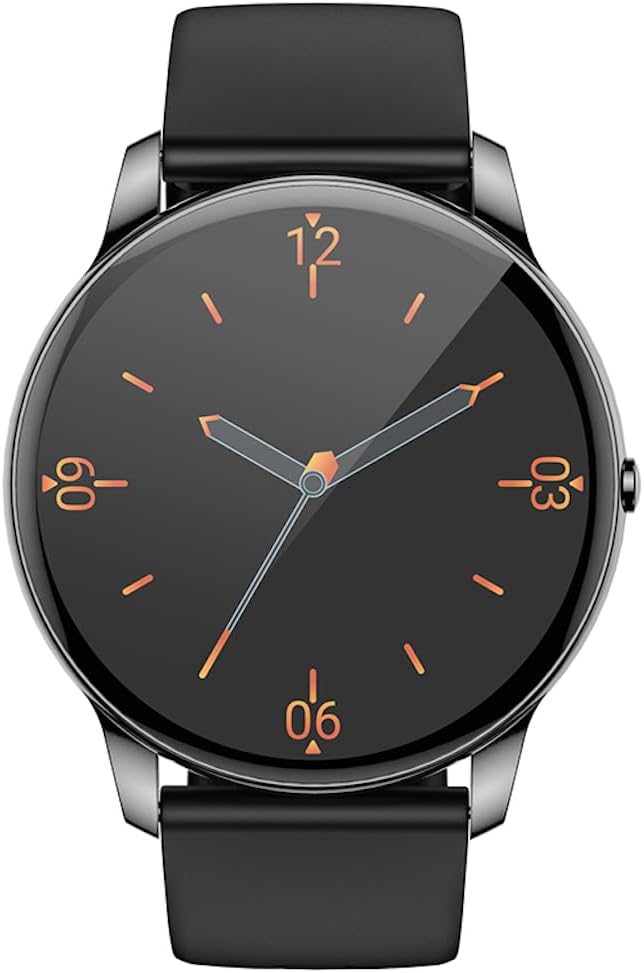
Spredaj view of the Hoco Y10 Smart Watch displaying a classic analog watch face.
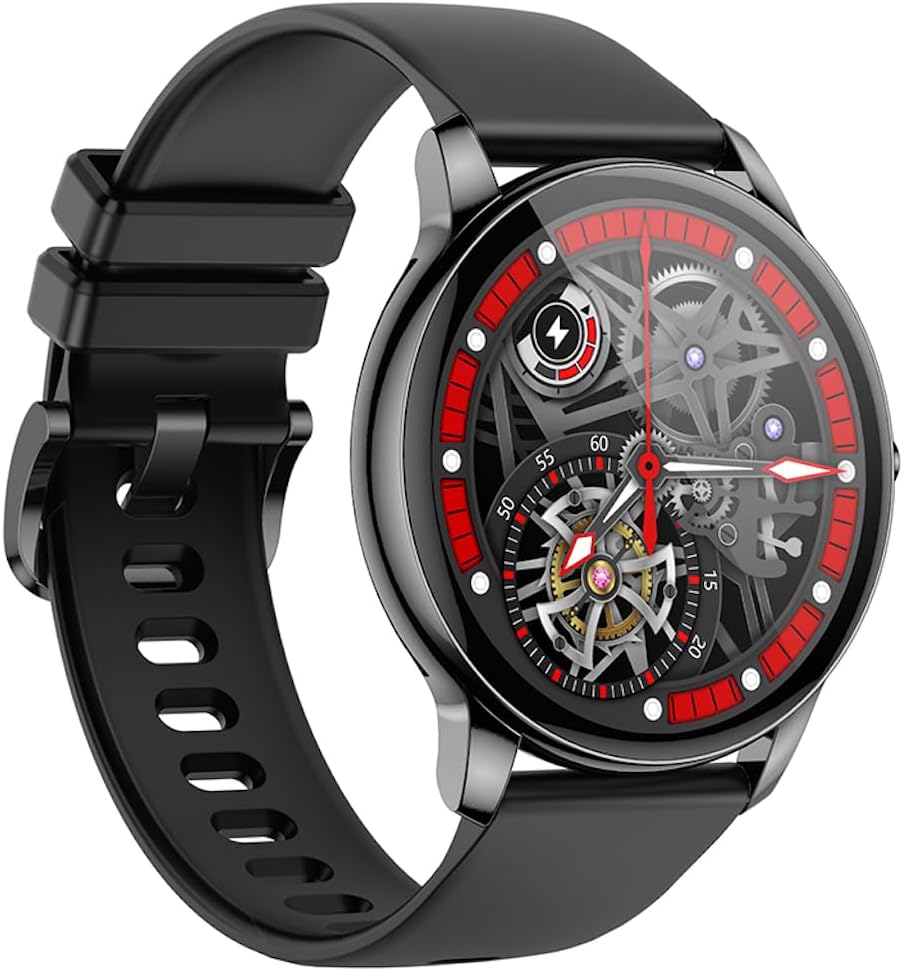
Pod kotom view of the Hoco Y10 Smart Watch showcasing a mechanical-style watch face.
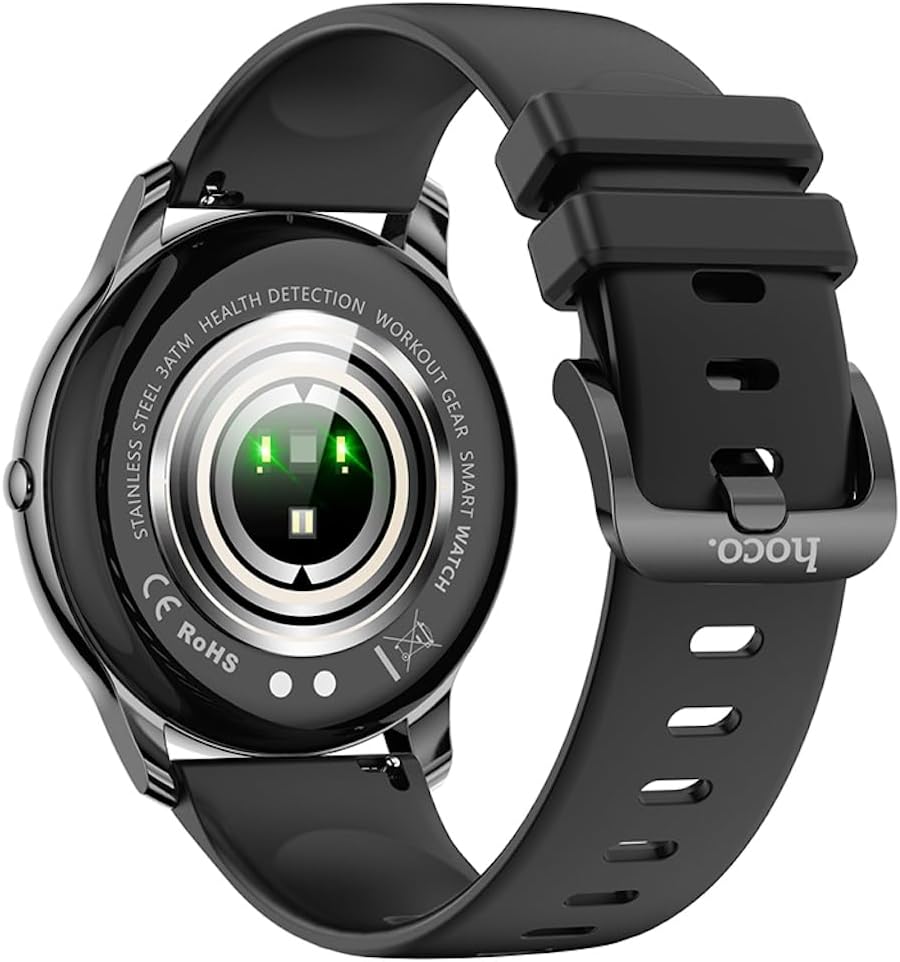
Zadaj view of the Hoco Y10 Smart Watch, highlighting the optical sensors for health detection and charging contacts.
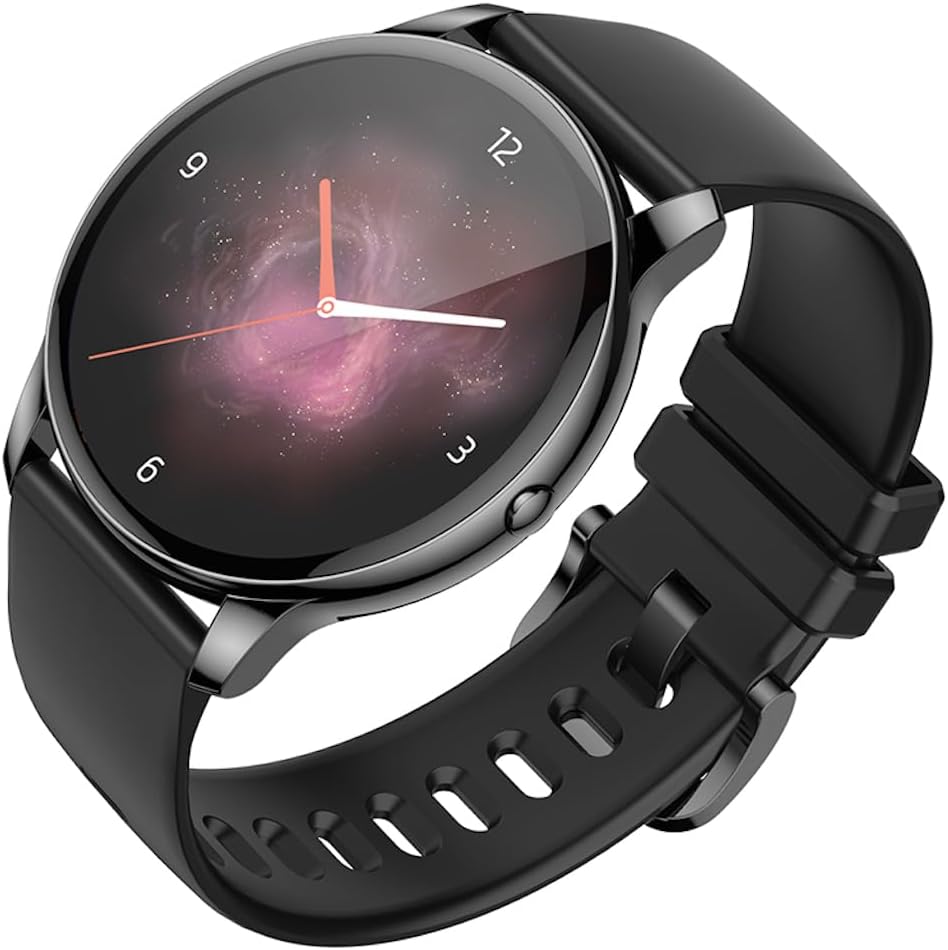
Pod kotom view of the Hoco Y10 Smart Watch with an abstract, artistic watch face.
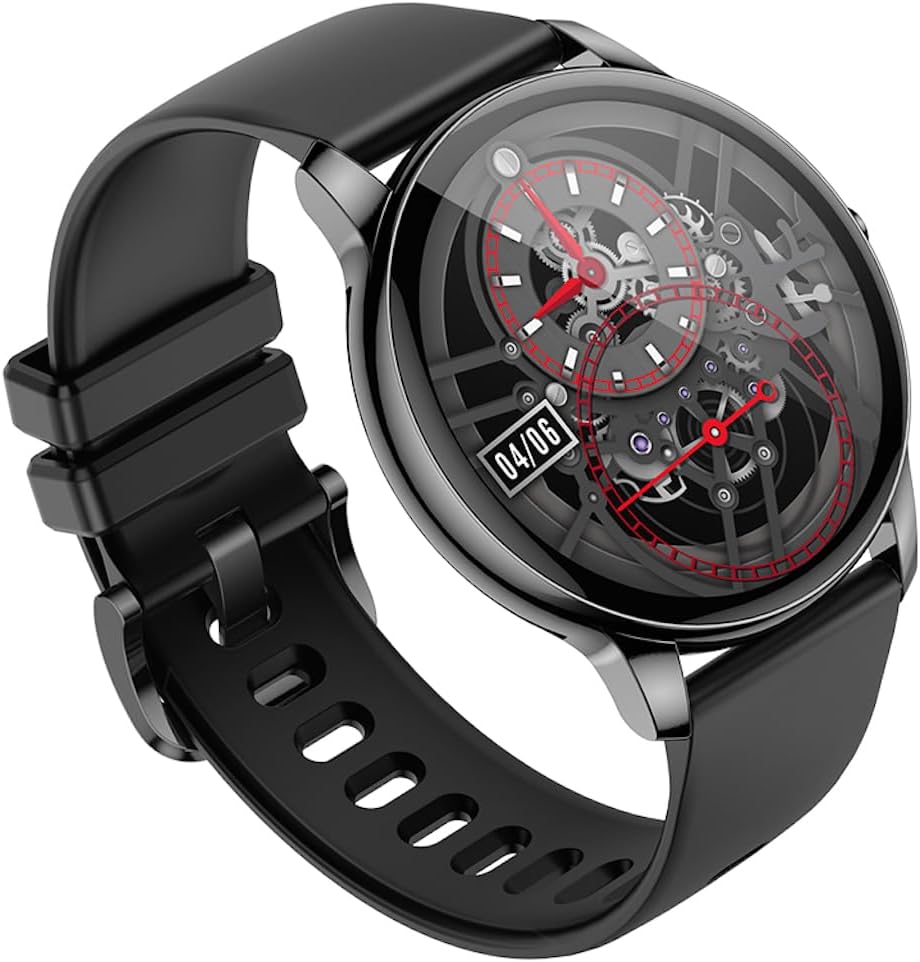
Še en kot view of the Hoco Y10 Smart Watch, showing a detailed mechanical-style watch face with visible gears.

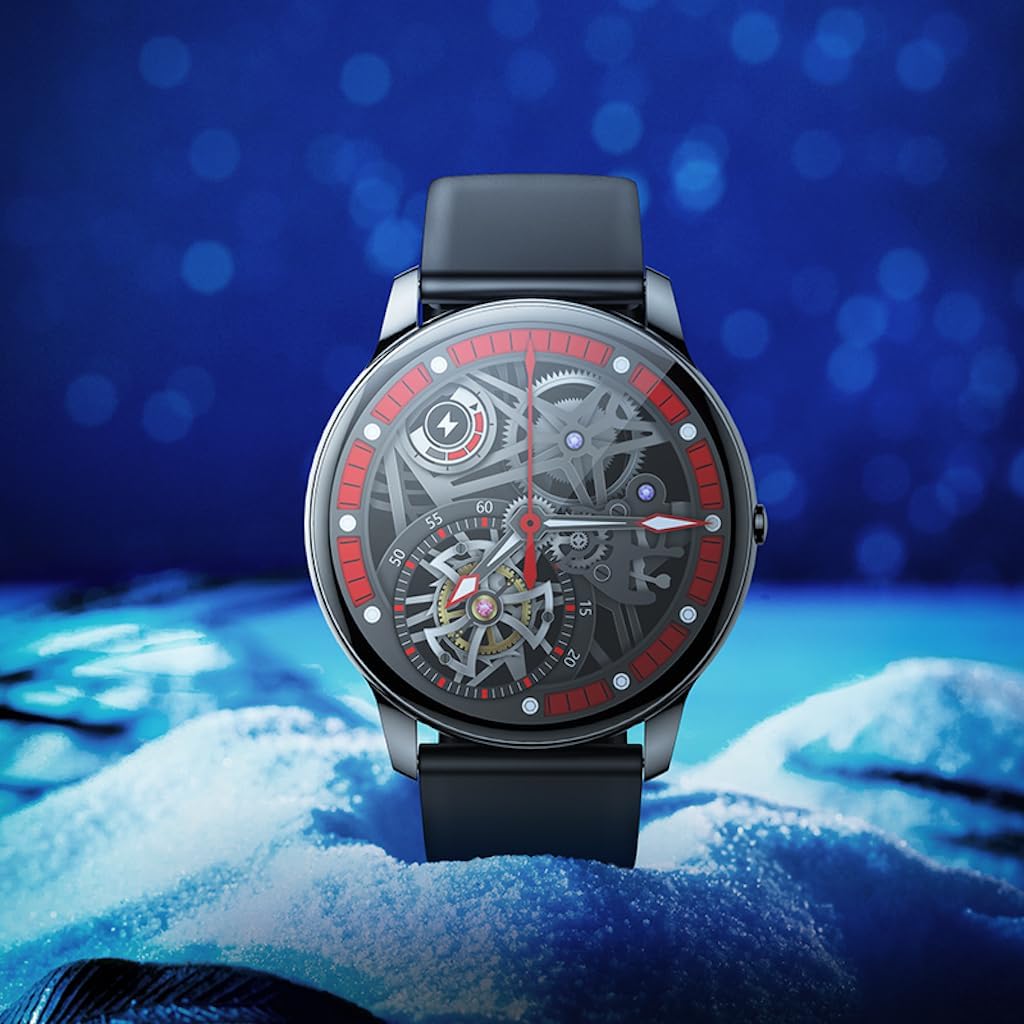
The Hoco Y10 Smart Watch displayed on a textured, light-colored surface, highlighting its sleek design.
Two Hoco Y10 Smart Watches presented together, one with a digital face and the other with an analog face.
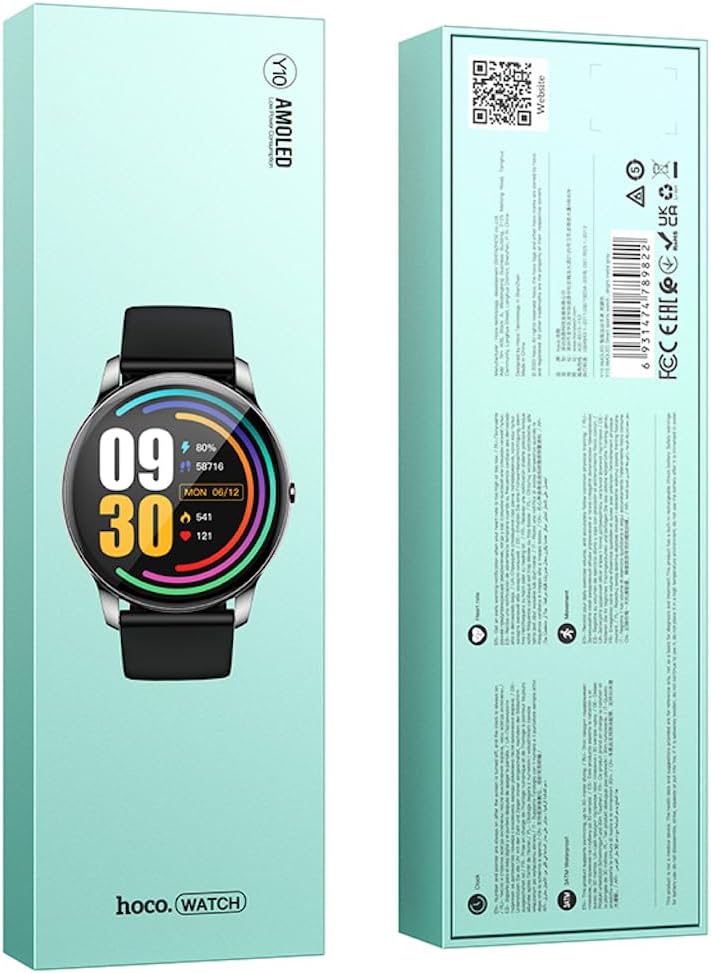
Spredaj in zadaj view of the Hoco Y10 Smart Watch product packaging, showing product details and certifications.
Nastavitev
1. Začetno polnjenje
Before first use, fully charge your Hoco Y10 Smart Watch. Connect the provided charging cable to the charging contacts on the back of the watch and plug the USB end into a standard USB power adapter (not included) or a computer USB port. The watch display will indicate charging status. A full charge typically takes approximately 2 hours.
2. Vklop/izklop
- Za vklop: Press and hold the side button until the Hoco logo appears.
- Za izklop: Na številčnici ure povlecite navzdol ali se pomaknite do menija z nastavitvami in nato izberite »Izklop« ali »Zaustavitev«. Potrdite svojo izbiro.
3. Seznanjanje s pametnim telefonom
To unlock the full features of your Hoco Y10, you need to pair it with your smartphone via Bluetooth. While the specific app name is not provided, most smartwatches require a companion app. Please refer to the QR code on the product packaging or search for "Hoco Smart Watch" or "Hoco Y10" in your phone's app store (Google Play Store for Android, Apple App Store for iOS).
- Prenesite in namestite spremljevalno aplikacijo na svoj pametni telefon.
- Prepričajte se, da je Bluetooth na vašem pametnem telefonu omogočen.
- Odprite aplikacijo in sledite navodilom na zaslonu, da ustvarite račun ali se prijavite.
- In the app, select "Add Device" or "Pair Device" and choose "Hoco Y10" from the list of available devices.
- Potrdite zahtevo za seznanjanje tako na uri kot na pametnem telefonu.
Navodila za uporabo
Osnovna navigacija
- Zaslon na dotik: Za navigacijo po menijih in funkcijah podrsajte levo/desno, gor/dol. Dotaknite se za izbiro.
- Stranski gumb: Typically used to wake the screen, return to the watch face, or access the app menu.
Ključne značilnosti
- Obrazi za gledanje: Customize your watch face by long-pressing the screen or through the companion app.
- Športni načini: Access various sports tracking modes (e.g., running, walking, cycling) to monitor your activity data.
- Spremljanje zdravja: The watch supports health detection features, likely including heart rate monitoring. Refer to the app for detailed data and historical trends.
- Obvestila: Receive call, message, and app notifications directly on your wrist (requires app setup).
- nastavitve: Adjust brightness, language (supports 20 languages), vibration, and other watch settings.
- Nadzor glasbe: Upravljajte predvajanje glasbe na seznanjenem pametnem telefonu.
- vreme: View current weather conditions (requires app synchronization).
Note: The Hoco Y10 does not support direct call functionality.
Vzdrževanje in nega
- Čiščenje: Uro in pašček redno obrišite z mehko krpoamp krpo. Ne uporabljajte močnih kemikalij ali abrazivnih materialov.
- Vodoodpornost: The watch is 3ATM waterproof, meaning it can withstand splashes, rain, and brief immersion. Do not wear it while showering with hot water, in saunas, or for diving. After contact with saltwater, rinse with fresh water and dry thoroughly.
- Polnjenje: Pred polnjenjem se prepričajte, da so polnilni kontakti na uri in kablu čisti in suhi.
- Shranjevanje: When not in use for extended periods, store the watch in a cool, dry place. Charge it periodically to prevent deep discharge of the battery.
Odpravljanje težav
| Težava | Možna rešitev |
|---|---|
| Ura se ne vklopi. | Prepričajte se, da je ura popolnoma napolnjena. Priključite jo na polnilnik za vsaj 30 minut. |
| Seznanitev s pametnim telefonom ni mogoča. |
|
| Netočni zdravstveni podatki. | Prepričajte se, da je ura tesno prilegana zapestju, ne pretesno ali preohlapno. Očistite senzorje na hrbtni strani ure. |
| Kratka življenjska doba baterije. |
|
Specifikacije
| Funkcija | Podrobnost |
|---|---|
| Model | Y10 |
| Glavni zaslon | 1.3-palčni AMOLED |
| Resolucija | 360 x 360 |
| Ocena vodotesnosti | 3ATM |
| procesor | Ruiyu RTL8762DT |
| Spomin | 128 Mb |
| Različica Bluetooth | 5.0 |
| Kapaciteta baterije | 230 mAh |
| Vzdržljivost | 7–10 dni (običajna uporaba) |
| Podprti jeziki | 20 languages (Chinese, English, Russian, Arabic, Vietnamese, Danish, Thai, Polish, Persian, Spanish, Malay, Greek, French, Italy, German, Portuguese, Türkiye, Romania, Hebrew, Burmese) |
| Funkcionalnost klica | Ni podprto |
| Operacijski sistem | Android (združljivo) |
| barva | Bright Metal Grey |
| Teža predmeta | 169 g |
Garancija in podpora
For information regarding the manufacturer's warranty, please refer to the warranty card included with your product or contact your point of purchase. For technical support and further inquiries, please visit the official HOCO webspletno mesto:
Ask a question about this manual
Ask about setup, troubleshooting, compatibility, parts, safety, or missing instructions. Manuals+ will review the question and use this page’s manual context to help answer it.