
1. Uvod
Thank you for choosing the EBTOOLS A9 Magnetic 1080P Mini Camera. This compact and versatile camera is designed for home, office, or courtyard monitoring, offering 1080P high-resolution video recording and Wi-Fi connectivity. This manual provides essential information for setting up, operating, and maintaining your camera to ensure optimal performance.
2. Varnostne informacije
Opozorilo: Do not attempt to disassemble, modify, or repair the product yourself to avoid personal injury or equipment damage.
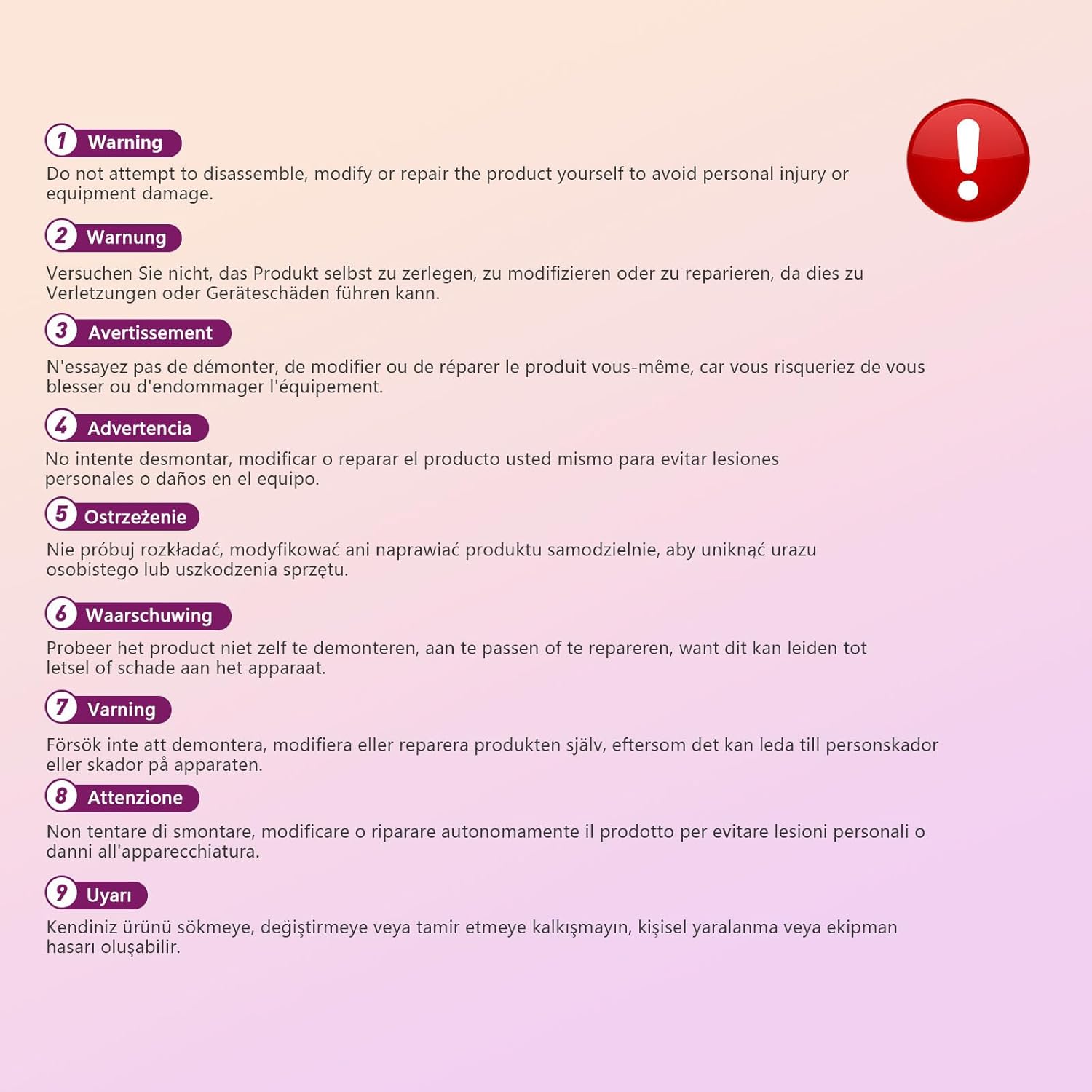
This image displays a warning message in multiple languages, advising users not to disassemble, modify, or repair the product themselves to prevent personal injury or damage to the device.
3. Vsebina paketa
Prosimo, preverite paket za naslednje artikle:
- EBTOOLS A9 Mini Camera
- Magnetni nosilec
- USB polnilni kabel
- Adhesive Pad (for mount)

This image shows the EBTOOLS A9 Mini Camera, a magnetic mount, and a USB charging cable, which are typically included in the product package.
4. Izdelek je končanview
Seznanite se s komponentami fotoaparata:

This image displays the front of the EBTOOLS A9 Mini Camera, highlighting the lens, the ON/OFF button, and the MODE button on the top surface.
- Objektiv: The primary camera lens for video capture.
- Gumb za VKLOP/IZKLOP: Vklopi ali izklopi kamero.
- Gumb MODE: Preklaplja med različnimi načini delovanja.
- Indikatorska lučka: Provides status feedback (e.g., charging, recording, Wi-Fi status).

Ta slika prikazuje stran view of the camera, clearly indicating the Micro USB charging port.

This image displays another side view of the camera, highlighting the Micro SD card slot for local storage.
5. Nastavitev
5.1 Polnjenje fotoaparata
Before first use, fully charge the camera. Connect the supplied USB cable to the camera's Micro USB port and a 5V USB power adapter (not included). The indicator light will show charging status and turn off when fully charged. The built-in 240 mAh battery provides approximately 45 minutes of continuous operation.
5.2 Vstavljanje kartice Micro SD
To store recordings, insert a Micro SD card (up to 128GB, not included) into the Micro SD card slot. Ensure the card is inserted correctly with the contacts facing the camera's front. The camera supports continuous recording and motion-activated recording to the card.

This image shows the EBTOOLS A9 Mini Camera with a Micro SD card partially inserted into its slot, alongside a Wi-Fi signal icon, indicating its storage and connectivity features.
5.3 Namestitev aplikacije in povezava Wi-Fi
The camera connects via Wi-Fi and is controlled using a smartphone app (compatible with Android devices). Refer to the quick start guide or packaging for the specific app name and download instructions. Once the app is installed:
- Vklopite kamero.
- Odprite aplikacijo in sledite navodilom na zaslonu, da dodate novo napravo.
- Connect the camera to your home Wi-Fi network.
- Ko ste povezani, lahko view v živo footage, adjust settings, and access recordings remotely.
6. Navodila za uporabo
6.1 Vklop/izklop
- Za vklop: Press and hold the ON/OFF button until the indicator light illuminates.
- Za izklop: Press and hold the ON/OFF button until the indicator light turns off.
6.2 Načini snemanja
The camera typically supports two main recording modes:
- Nenehno snemanje: Records video continuously to the Micro SD card.
- Snemanje zaznavanja gibanja: Records only when motion is detected, saving storage space and battery life.
Use the MODE button or the smartphone app to switch between these modes. Refer to the app's instructions for detailed mode configuration.
6.3 Opozorila o zaznavanju gibanja
When motion detection is enabled, the camera will send alerts to your smartphone via the app when movement is detected within its field of view. This feature is useful for security monitoring.
6.4 Nadzor aplikacij
The dedicated app allows you to:
- View video v živo iz kamere.
- Dostop in predvajanje posnete hranetage.
- Adjust camera settings (e.g., resolution, recording mode, motion detection sensitivity).
- Receive push notifications for motion alerts.
7. Vzdrževanje
- Čiščenje: Za čiščenje objektiva in ohišja fotoaparata uporabite mehko, suho krpo. Izogibajte se uporabi tekočih čistil ali abrazivnih materialov.
- Shranjevanje: Ko fotoaparata dlje časa ne uporabljate, ga shranite na hladnem in suhem mestu, stran od neposredne sončne svetlobe in ekstremnih temperatur.
- Vzdrževanje baterije: Recharge the battery periodically if stored for a long time to maintain its lifespan.
8. Odpravljanje težav
Če imate težave s fotoaparatom, si oglejte naslednjo tabelo:
| Težava | Možen vzrok | rešitev |
|---|---|---|
| Kamera se ne vklopi | Prazna baterija; Okvarjen gumb za vklop | Charge the camera fully; Contact support if issue persists |
| Ni mogoče vzpostaviti povezave z Wi-Fi | Napačno geslo za Wi-Fi; Kamera je predaleč od usmerjevalnika; Težave z usmerjevalnikom | Verify password; Move camera closer to router; Restart router |
| Ni snemanja na SD kartico | SD card not inserted; SD card full or corrupted; Incorrect recording mode | Insert SD card; Format or replace SD card; Check app settings for recording mode |
| Slaba kakovost videa | Dirty lens; Low light conditions; App resolution settings | Clean the lens; Ensure adequate lighting; Adjust resolution in app |
| App not receiving alerts | Motion detection off; App notifications disabled; Poor Wi-Fi connection | Enable motion detection in app; Check phone notification settings; Ensure stable Wi-Fi |
9. Specifikacije
| Funkcija | Podrobnost |
|---|---|
| Številka modela | EBTOOLSzi9gg2t6c1-12 |
| Ločljivost zajema videa | 1080p, 720p |
| Tehnologija povezljivosti | Brezžično (Wi-Fi) |
| Vir napajanja | Battery Powered (Built-in 240 mAh) |
| Material | Akrilonitril butadien stiren (ABS) |
| Vrsta namestitve | Stenski nosilec (magnetni) |
| Nadzorna metoda | aplikacija |
| Združljive naprave | Pametni telefon (Android) |
| Vrsta opozorila | Samo gibanje |
| Notranja/zunanja uporaba | Notranja |
| Teža predmeta | 2.08 unč |
10. Garancija in podpora
For warranty information and technical support, please refer to the product packaging or contact EBTOOLS customer service directly. Keep your purchase receipt for warranty claims.