
Uvod
This manual provides detailed instructions for the installation, operation, and maintenance of your Mars Gaming MARSGAMING MCX ATX PC Gaming Case, Model MCF. Please read this manual thoroughly before beginning assembly to ensure proper setup and optimal performance.

Figure 1: Mars Gaming MARSGAMING MCX ATX PC Gaming Case (Model MCF)
Ključne značilnosti
- Advanced Gaming Lighting: Features triple vented front and rear fans with ARGB lighting, complemented by a Metal-Mesh front design and tempered glass side window.
- Aerodinamična zasnova: Sophisticated look with pure geometric lines and premium finishes. The aerodynamically designed front panel enhances ventilation and airflow.
- Full ARGB Compatibility: ARGB lighting with multiple preset effects, controllable via an ARGB connector or motherboard for extensive aesthetic customization.
- Največja hladilna zmogljivost: Includes a triple front fan system and a 120mm rear fan. Supports up to 6 x 120mm fans, removable magnetic top and bottom filters, and dual chamber design. Full support for up to 360mm liquid cooling.
- Maximum Internal Capacity: Supports ATX, micro-ATX, and mini-ITX motherboards, up to 5 hard drives, and efficient internal cable management. Accommodates VGAs up to 305mm long (330mm without front fan) and 167mm wide, and heatsinks up to 177mm high.
Vsebina paketa
Preden nadaljujete z namestitvijo, preverite, ali so v paketu prisotne vse komponente.
- Mars Gaming MARSGAMING MCX ATX PC Gaming Case (Model MCF)
- 4 x 120 mm ARGB ventilatorji (prednameščeni)
- Komplet dodatne opreme (vijaki, distančniki, kabelske vezice)
- Uporabniški priročnik (ta dokument)
Navodila za namestitev
1. Priprava primera
Place the case on a stable, flat surface. Remove the tempered glass side panel by unscrewing the thumb screws at the rear of the case and carefully sliding the panel off.
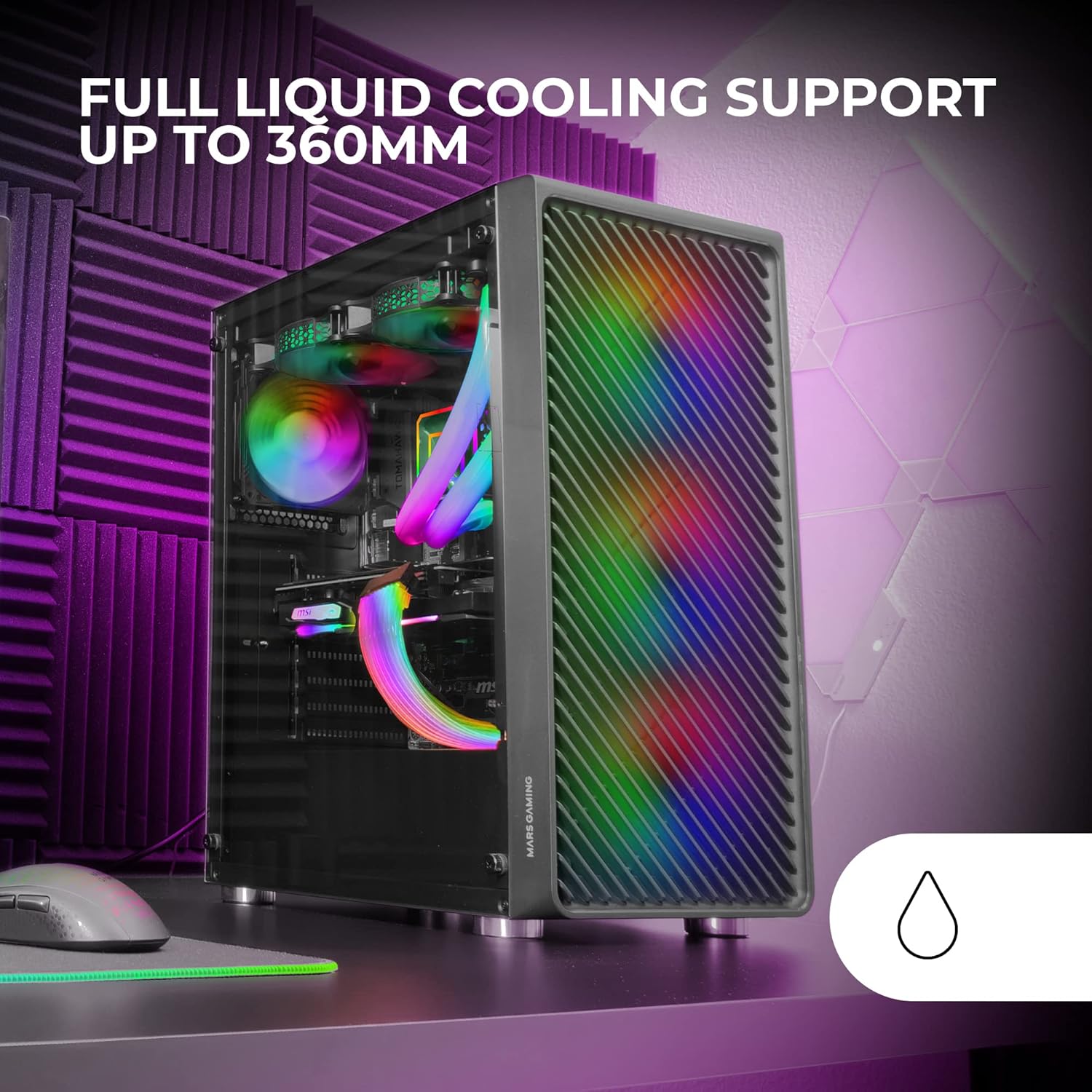
Figure 2: Tempered Glass Side Window
The front panel features a Metal-Mesh design for optimal airflow.

Figure 3: Metal-Mesh Front Panel
2. Namestitev matične plošče
Install the appropriate standoffs for your ATX, Micro-ATX, or Mini-ITX motherboard. Carefully place the motherboard into the case, aligning it with the standoffs and the I/O shield opening. Secure the motherboard with screws from the accessory kit.
3. Namestitev napajalne enote (PSU)
The case features a bottom-mount power supply design. Slide your PSU into its designated compartment at the bottom rear of the case and secure it with screws. Route the necessary cables through the cable management cutouts.
4. Namestitev pogona za shranjevanje
Install your 3.5-inch hard drives and 2.5-inch solid-state drives into the available drive bays. The case supports up to 5 hard drives. Refer to the internal layout diagram for bay locations.
5. Graphics Card (VGA) Installation
Remove the necessary PCI-E slot covers. Insert your graphics card into the appropriate PCI-E slot on your motherboard and secure it with screws. The case supports VGAs up to 305mm long (330mm without a front fan) and 167mm wide.
6. Cooling System Installation (Fans & Liquid Cooling)
The case comes with four pre-installed 120mm ARGB fans (three front, one rear). Additional fans can be installed as follows:
- Vrh: Up to 2 x 120mm or 2 x 140mm fans.
- Spredaj: Up to 3 x 120mm or 2 x 140mm fans (pre-installed).
- Zadaj: 1 x 120mm fan (pre-installed).
For liquid cooling, the case supports radiators up to 360mm.

Figure 4: Pre-installed 4x 120mm ARGB Fans

Figure 5: Internal Layout and Cooling Support
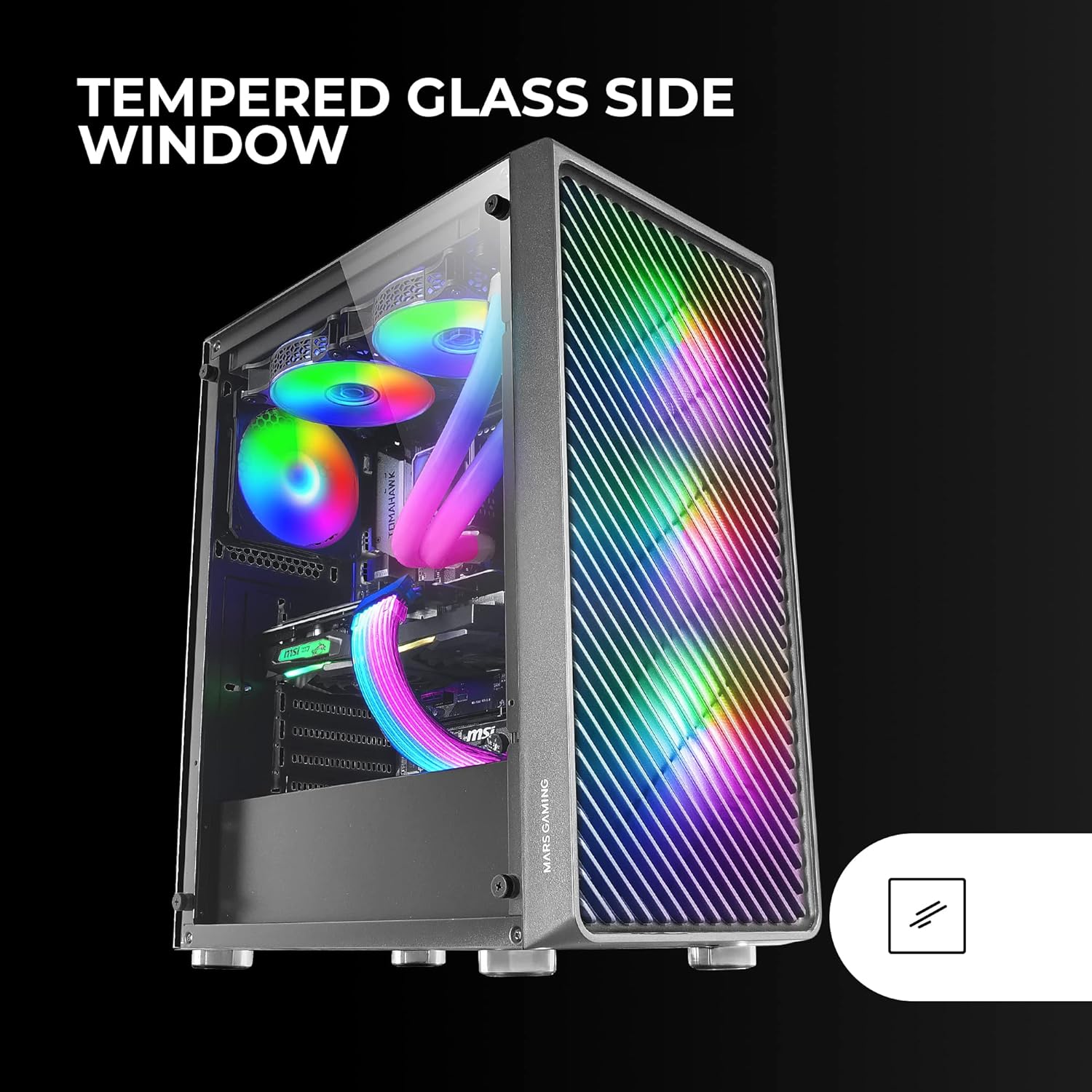
Figure 6: Liquid Cooling Support
7. Upravljanje kablov
Utilize the cable management cutouts and tie-down points behind the motherboard tray to route and secure cables. This improves airflow and aesthetics.
8. Končna montaža
Ko so vse komponente nameščene in kabli urejeni, ponovno namestite stransko ploščo iz kaljenega stekla in jo pritrdite s palčnimi vijaki.
Navodila za uporabo
Vklop
Connect your power supply to a wall outlet. Press the power button located on the top panel of the case to turn on your system.
Nadzor osvetlitve ARGB
The pre-installed ARGB fans can be controlled via your motherboard's ARGB software (if connected to an ARGB header) or through the integrated controller (if applicable). Refer to your motherboard manual for specific ARGB software instructions. The case offers multiple preset lighting effects.
Vzdrževanje
Čiščenje ohišja
Zunanjost ohišja redno čistite z mehko krpoamp cloth. Avoid abrasive cleaners. For interior cleaning, use compressed air to remove dust from components and fans.
Vzdrževanje filtra za prah
The case features removable magnetic dust filters on the top and bottom. Periodically remove and clean these filters to maintain optimal airflow and prevent dust buildup inside the system. Wash with water and mild soap, then dry completely before reattaching.
Odpravljanje težav
Fans Not Spinning / RGB Not Working
- Check all fan and ARGB connections to the motherboard or controller.
- Prepričajte se, da napajalnik zagotavlja zadostno moč.
- Verify that ARGB software or physical controls are correctly configured.
Poor Airflow / Overheating
- Očistite vse filtre za prah in ventilatorje.
- Ensure proper fan orientation for intake and exhaust.
- Verify that no cables are obstructing airflow.
- Consider adding additional fans if temperatures remain high.
System Not Powering On
- Preverite vse napajalne povezave od napajalnika do matične plošče in komponent.
- Prepričajte se, da je kabel gumba za vklop na sprednji plošči pravilno priključen na matično ploščo.
- Verify the PSU is switched on.
Specifikacije
| Funkcija | Podrobnost |
|---|---|
| Znamka | Mars Gaming |
| Ime modela | MCF |
| Vrsta ohišja | Srednji stolp |
| Združljivost matične plošče | ATX, Micro ATX, Mini-ITX |
| Material | Kovina |
| barva | Črna |
| Mere predmeta (D x Š x V) | 14.96"D x 8.5"Š x 18.11"V |
| Teža predmeta | 4.7 kilogramov |
| Internal Bays Quantity | 5 (for 3.5" Hard Disk Form Factor) |
| Največja dolžina GPU-ja | 305mm (330mm without front fan) |
| Največja višina hladilnika CPU | 177 mm |
| Vnaprej nameščeni ventilatorji | 4 x 120 mm ARGB ventilatorji |
| Metoda hlajenja | Zrak, voda |
| Podpora za tekoče hlajenje | Up to 360mm radiator |
| Vrsta montaže napajalnika | Spodnji nosilec |
| Skupno število vrat USB | 2 (USB 2.0) |
| Posebne lastnosti | RGB Lighting, Tempered Glass Side Panel, Metal-Mesh Front Panel |
Garancija in podpora
Za informacije o garanciji in tehnično podporo se obrnite na uradno spletno stran Mars Gaming. webspletno mesto ali se obrnite na njihovo službo za pomoč strankam. Shranite dokazilo o nakupu za uveljavljanje garancije.
Proizvajalec: Mars Gaming