
1. Uvod
The BuzzTV B5 is an advanced Android 11 TV Box designed to deliver a superior 4K UHD streaming experience. This device allows you to access a wide range of entertainment, including movies, TV shows, and applications, directly on your television. This manual provides essential information for the proper setup, operation, maintenance, and troubleshooting of your BuzzTV B5.
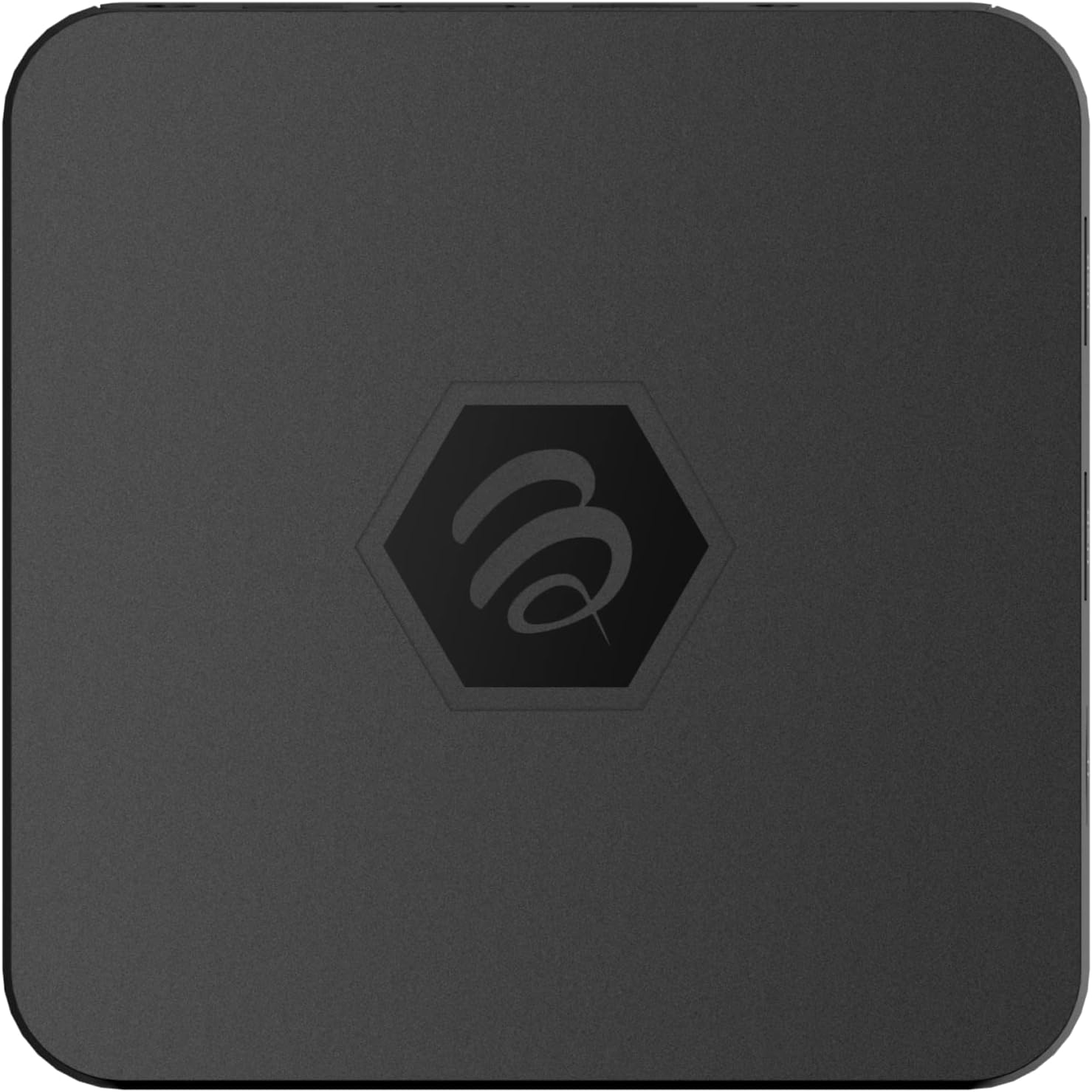
Slika 1.1: Zgoraj view of the BuzzTV B5 Android 11 TV Box.
2. Vsebina paketa
Please verify that all items listed below are included in your BuzzTV B5 package:
- BuzzTV B5 Set Top Box
- IR-100 Remote Control
- Napajalnik adapter
- 2x AAA bateriji (za daljinski upravljalnik)
- HDMI kabel
- Uporabniški priročnik (ta dokument)

Image 2.1: Contents included in the BuzzTV B5 retail package.
3. Navodila za namestitev
Follow these steps to set up your BuzzTV B5 TV Box:
- Povežite se s televizorjem: Connect one end of the provided HDMI cable to the HDMI port on the BuzzTV B5 and the other end to an available HDMI input on your television.
- Priključite napajanje: Plug the power supply adapter into the DC 5V port on the BuzzTV B5, then plug the adapter into a wall outlet. The device should power on automatically or can be powered on using the remote control.
- Vstavite baterije v daljinski upravljalnik: Open the battery compartment on the back of the IR-100 Remote Control and insert the two AAA batteries, ensuring correct polarity (+/-).
- Omrežna povezava: Once the device boots up, follow the on-screen instructions to connect to your network. You can choose between Wi-Fi (wireless) or Ethernet (wired) connection. For a wired connection, connect an Ethernet cable from your router to the Ethernet port on the BuzzTV B5.
- Začetna nastavitev: Complete the initial Android setup process, which may include language selection, Google account login, and time zone settings.

Image 3.1: Rear ports of the BuzzTV B5 for connectivity.
4. Navodila za uporabo
The BuzzTV B5 operates on Android 11, providing a user-friendly interface for navigation and content access.
4.1 Funkcije daljinskega upravljalnika
The IR-100 Remote Control is your primary interface for the BuzzTV B5. Key functions include:
- Gumb za vklop: Vklopi ali izklopi napravo.
- Navigacijska tipkovnica (gor/dol/levo/desno/V redu): Uporablja se za navigacijo po menijih in izbiranje elementov.
- Gumb za nazaj: Vrne se na prejšnji zaslon ali meni.
- Domov gumb: Returns to the main Android home screen.
- Gumbi za glasnost: Prilagodi glasnost zvoka.
- App/Menu Buttons: Accesses specific applications or context menus.

Image 4.1: Layout of the IR-100 Remote Control.
4.2 Dostop do aplikacij
From the home screen, you can access pre-installed applications like Netflix and YouTube, or download new applications from the Google Play Store. Use the navigation pad on your remote to select and launch applications.
4.3 4K UHD Streaming
The BuzzTV B5 supports 4K UHD resolution. Ensure your television is 4K compatible and that you are using a high-speed HDMI cable for optimal picture quality. Streaming quality will also depend on your internet connection speed and the content source.
5. Vzdrževanje
To ensure the longevity and optimal performance of your BuzzTV B5, consider the following maintenance tips:
- Čiščenje: Za čiščenje zunanjosti naprave uporabite mehko, suho krpo. Izogibajte se tekočim čistilom ali abrazivnim materialom.
- Prezračevanje: Napravo postavite v dobro prezračevano območje, da preprečite pregrevanje. Ne prekrivajte prezračevalnih odprtin.
- Posodobitve programske opreme: Periodically check for and install system updates to benefit from new features, performance improvements, and security patches. These can usually be found in the device's settings menu.
- Cikel moči: Če naprava preneha delovati, izključite napajalnik, počakajte 10 sekund in ga nato znova priklopite, da izvedete cikel napajanja.
6. Odpravljanje težav
If you encounter issues with your BuzzTV B5, refer to the following common problems and solutions:
| Težava | Možen vzrok | rešitev |
|---|---|---|
| Brez moči | Napajalnik ni priključen; vtičnica ne deluje. | Prepričajte se, da je napajalnik varno priključen na napravo in delujočo električno vtičnico. Poskusite z drugo vtičnico. |
| Ni signala na televiziji | Incorrect HDMI input selected; faulty HDMI cable. | Select the correct HDMI input on your TV. Check HDMI cable connections or try a different HDMI cable. |
| Daljinski upravljalnik se ne odziva | Prazne baterije; daljinski upravljalnik ni seznanjen (če je primerno); ovira. | Replace AAA batteries. Ensure no obstructions between remote and device. |
| Težave z omrežno povezavo | Incorrect Wi-Fi password; router issues; weak signal. | Verify Wi-Fi password. Restart your router. Move the device closer to the router or use an Ethernet cable. |
| Applications Crashing/Freezing | Insufficient memory; outdated app; software glitch. | Close background apps. Update the app or the device's firmware. Clear app cache/data in settings. |
7. Specifikacije
Detailed technical specifications for the BuzzTV B5 Android 11 TV Box:
- Operacijski sistem: Android OS 11
- procesor: Amlogic S905W2 Quad-Core A-35
- GPU: Mali-G31 MP2
- RAM: 2GB DDR
- Shranjevanje: 16 GB eMMC
- Wi-Fi: Dual Band AC
- LAN: 10/100 Mbps Ethernet
- Bluetooth: 4.2
- Vrata USB: 2x USB 2.0
- Reža za microSD: 1
- Napajalni vmesnik: DC 5V
- HDMI izhod: 1
- Optični avdio izhod: 1
- Izhodna ločljivost: 4K (32 FPS)
- Dimenzije: 9.06 x 5.63 x 2.32 palcev
- Teža artikla: 1.01 funtov

Image 7.1: BuzzTV B5 with a summary of its technical specifications.
8. Informacije o garanciji
For detailed warranty information regarding your BuzzTV B5, please refer to the warranty card included in your product packaging or visit the official BuzzTV webGarancijski pogoji se lahko razlikujejo glede na regijo in prodajalca.
9. Podpora
If you require further assistance or have questions not covered in this manual, please contact BuzzTV customer support or visit their official website for FAQs, software downloads, and additional resources.
BuzzTV Official Webspletno mesto: www.buzztv.com