
Uvod
This manual provides comprehensive instructions for the iFLYTEK Translator 2.0 easytrans 800. It covers device setup, operation, maintenance, and troubleshooting to ensure optimal performance and user experience. The iFLYTEK Translator 2.0 is designed for seamless communication across language barriers, offering advanced voice and camera translation capabilities.
Vsebina paketa
Preverite, ali so v paketu prisotni vsi elementi:
- iFLYTEK Translator 2.0 easytrans 800 Device
- USB polnilni kabel
- Kratek vodnik
- Navodila za uporabo (ta dokument)
- Trak/Pašček

Image: The iFLYTEK Translator 2.0 easytrans 800 device, its charging cable, and documentation laid out next to the product box.
Konec izdelkaview
The iFLYTEK Translator 2.0 easytrans 800 features a compact design with a user-friendly interface.

Slika: spredaj view of the iFLYTEK Translator 2.0 easytrans 800 showing the screen, navigation buttons, and speaker. Rear view shows the camera lens and SOS button.
Komponente naprave:
- Sprednja plošča: Touchscreen display, navigation buttons (ABC, O, 中文), speaker.
- Zadnja stran: Camera lens, SOS button.
- Stranski gumbi: Power button, volume controls.
- Pristanišča: USB charging port, 3.5mm headphone jack.
Nastavitev
1. Polnjenje naprave
Before first use, fully charge the translator. Connect the provided USB cable to the device's charging port and a compatible USB power adapter (not included).
- Polno polnjenje običajno traja približno 2-3 ure.
- Indikator baterije na zaslonu bo prikazal stanje polnjenja.
2. Vklop/izklop
- Za vklop: Press and hold the Power button (usually on the side) until the screen illuminates.
- Za izklop: Pritisnite in držite gumb za vklop, nato pa na zaslonu izberite »Izklop«.
3. Začetna izbira jezika
Upon first power-on, you will be prompted to select the device's interface language. Follow the on-screen instructions.
4. Omrežna povezava
The iFLYTEK Translator requires an internet connection for optimal translation accuracy. Connect to a Wi-Fi network or utilize the built-in global communication feature.
- Wi-Fi: Navigate to Settings > Wi-Fi, select your network, and enter the password.
- Global Communication: The device includes 2 years of global communication coverage in 98 countries. This feature activates automatically when a Wi-Fi connection is not available.
Navodila za uporabo
The iFLYTEK Translator 2.0 easytrans 800 offers two primary translation modes: Voice Translation and Camera Translation.
1. Voice Translation (59 Languages)
This mode allows for real-time spoken language translation.
- Select the source and target languages on the device screen.
- Press and hold the designated voice input button (e.g., "ABC" for language A, "中文" for language B).
- Speak clearly into the device's microphone.
- Release the button. The device will process your speech and provide the translation audibly and on-screen.
The device features advanced noise reduction technology and four microphones for high accuracy even in noisy environments, with a response time of approximately 0.5 seconds.

Image: The iFLYTEK Translator 2.0 device screen showing a Japanese phrase and its translation, demonstrating voice translation functionality.
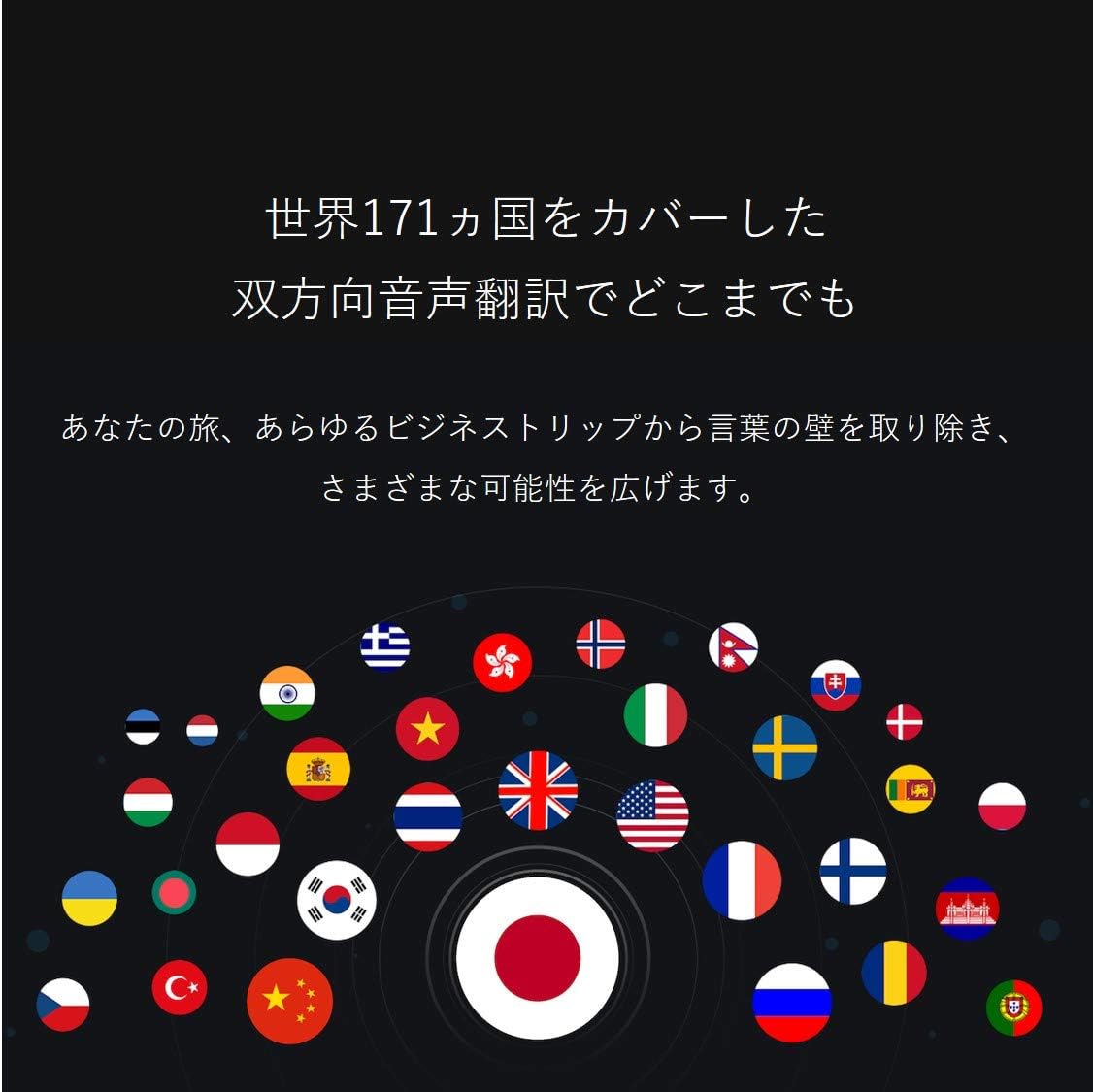
Image: A collection of national flags, symbolizing the extensive language support of the iFLYTEK Translator 2.0 across 171 countries.
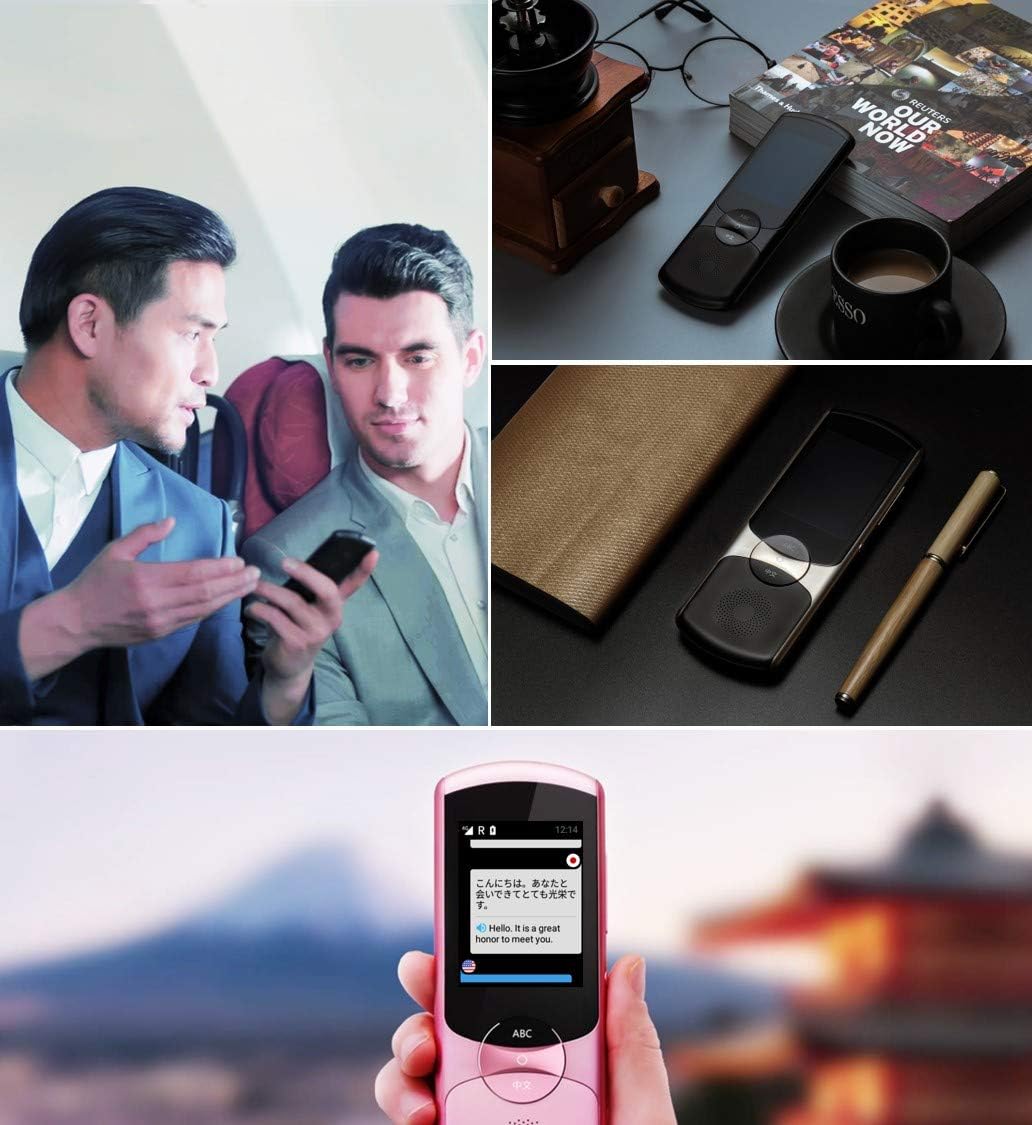
Image: A collage showing the iFLYTEK Translator 2.0 being used in different scenarios, including a business meeting and a travel setting, highlighting its versatility.
2. Camera Translation (11 Languages)
This mode translates text captured by the device's camera.
- Select Camera Translation mode from the main menu.
- Point the device's camera at the text you wish to translate (e.g., signs, menus, documents).
- Ensure the text is well-lit and within the camera's frame.
- Tap the capture button on the screen. The device will process the image and display the translated text.

Image: A user holding the iFLYTEK Translator 2.0 to translate text on a map, demonstrating the camera translation feature.
3. Pronunciation Scoring and Accent Check
The device includes an AI-powered feature to help users improve their pronunciation and check accents.
- Access the Pronunciation Scoring feature from the menu.
- Select the language for practice.
- Speak the displayed phrases or words into the microphone.
- The device will provide feedback on your pronunciation and accent.

Image: An adult and a child interacting with the iFLYTEK Translator 2.0, illustrating its use for pronunciation scoring and language learning.
Vzdrževanje
- Čiščenje: Za čiščenje naprave uporabite mehko, suho krpo. Ne uporabljajte tekočih čistil ali aerosolov.
- Shranjevanje: Napravo shranjujte na hladnem in suhem mestu, stran od neposredne sončne svetlobe in ekstremnih temperatur.
- Vzdrževanje baterije: Da podaljšate življenjsko dobo baterije, se izogibajte pogostemu popolnemu praznjenju baterije. Napravo redno polnite, tudi če je dalj časa ne uporabljate.
- Posodobitve programske opreme: Redno preverjajte in nameščajte posodobitve programske opreme, da zagotovite optimalno delovanje in dostop do novih funkcij.
Odpravljanje težav
| Težava | Možen vzrok | rešitev |
|---|---|---|
| Naprava se ne vklopi. | Prazna baterija; naprava je zamrznjena. | Napravo polnite vsaj 30 minut. Izvedite prisilni ponovni zagon tako, da držite gumb za vklop 10–15 sekund. |
| Prevod je netočen ali počasen. | Poor internet connection; unclear speech; incorrect language selection. | Ensure a stable Wi-Fi or cellular connection. Speak clearly and directly into the microphone. Verify that the correct source and target languages are selected. |
| Camera translation not working. | Insufficient lighting; blurry image; text too small. | Ensure adequate lighting. Hold the device steady to avoid blur. Position the device closer to the text if it's too small. |
| Iz zvočnika ni zvoka. | Volume too low; speaker obstructed. | Increase the volume using the side buttons. Check if the speaker is blocked by debris. |
Specifikacije
| Funkcija | Podrobnost |
|---|---|
| Znamka | iFLYTEK |
| Številka modela | EASYTRANS 800 |
| Voice Translation Support | 59 Jeziki |
| Camera Translation Support | 11 Jeziki |
| Tehnologija zmanjševanja hrupa | Yes, with 4 microphones |
| Globalna komunikacija | 2 years coverage in 98 countries |
| Odzivni čas | Približno 0.5 sekund |
| Združljive naprave | Laptop, Personal Computer (for data transfer/updates) |
| Strojni vmesnik | 802.11 b/g/n (Wi-Fi) |
| Zvočni format | WAV |
| Priključek za slušalke | 3.5 milimetrov |
| Vrsta baterije | 1 litij-ionska baterija (priložena) |
| Teža predmeta | 120 gramov |
| Velikost zaslona | 5.8 palcev |
| Življenjska doba baterije | Do 6 uri |
| Čas digitalnega snemanja | 120 minut |
Garancija in podpora
For warranty information and technical support, please refer to the official iFLYTEK webspletno mesto ali se obrnite na njihovo službo za stranke. Račun shranite kot dokazilo o nakupu za uveljavljanje garancije.
The device includes 2 years of global communication, which is a service feature rather than a warranty.