
Kuephom PM10-Black
Kuephom Portable Bluetooth CD Walkman User Manual
Model: PM10-Black
Uvod
This manual provides detailed instructions for the operation and maintenance of your Kuephom Portable Bluetooth CD Walkman. Designed for versatility, this device supports CD, Bluetooth, USB, and AUX playback, featuring anti-skip protection and a built-in speaker. Please read this manual thoroughly before use to ensure proper functionality and longevity of your device.
Vsebina paketa
Preverite, ali so v vašem paketu priloženi vsi spodaj navedeni elementi:
- CD player X 1
- Slušalke X 1
- Avdio kabel X 1
- Polnilni kabel X 1
- Pouch X 1
Konec izdelkaview

Figure 1: Kuephom Portable Bluetooth CD Walkman and its accessories, including earbuds, audio cable, charging cable, and pouch.

Figure 2: Detailed diagram illustrating the various buttons and ports on the Kuephom Portable CD Walkman, including volume controls, playback buttons, mode selection, Bluetooth transmit, USB slot, AUX in jack, earphone jack, and speaker.
Nastavitev
Polnjenje naprave
The CD player has a built-in rechargeable lithium battery. Before first use, fully charge the device.
- Connect the provided USB charging cable to the charging port (DC 5V) on the device.
- Connect the other end of the USB cable to a compatible USB power source (e.g., wall charger, power bank, car charger, or computer USB port).
- Indikatorska lučka polnjenja bo med polnjenjem svetila in ugasnila, ko bo baterija popolnoma napolnjena. Popolno polnjenje traja približno 4 uri.

Figure 3: The portable CD player connected to a power source via its USB charging cable, demonstrating various charging options.
Vklop/izklop
Potisnite VKLOP/IZKLOP switch located on the side of the device to turn it on or off.
Vstavljanje CD-ja
- Potisnite ODPRTO switch to open the CD compartment cover.
- Carefully place a CD (CD, CD-R, CD-RW, MP3, WMA, WAV formats supported) onto the spindle with the label side facing up.
- Gently press the center of the CD until it clicks into place.
- Close the CD compartment cover firmly until it latches.
Video 1: Demonstration of inserting a CD into the Kuephom Portable CD Player and closing the compartment. This video also shows the supported disc formats.
Connecting Headphones or External Speakers (AUX)
For private listening or connecting to non-Bluetooth devices:
- Insert the 3.5mm jack of your headphones into the Priključek za slušalke.
- To connect to external speakers or a car audio system, use the provided 3.5mm audio cable. Insert one end into the AUX In Jack on the CD player and the other end into the AUX input of your external device.

Figure 4: The portable CD player connected to a car's audio system via an AUX cable, demonstrating its use in a vehicle with anti-shock protection for uninterrupted playback.
Navodila za uporabo
Osnovno predvajanje
- Pritisnite Predvajaj/Premor button (►▮▮) to start or pause playback.
- Pritisnite Naprej button (►►) to skip to the next track.
- Pritisnite Prejšnja button (◄◄) to go to the beginning of the current track or the previous track.
- Pritisnite Stop gumb (■) za ustavitev predvajanja.
- Glasnost prilagodite s tipko Vol+ in Vol- gumbi.
Funkcionalnost Bluetooth
The device supports two-way Bluetooth connection:
Bluetooth Transmitting (Connecting to Bluetooth Headphones/Speakers)
- Ensure the CD player is powered on and a CD is inserted.
- Pritisnite Bluetooth prenos button (labeled "TRANSMIT" or "BT" on some models) to enter Bluetooth transmitting mode. The Bluetooth icon on the display will flash.
- Preklopite slušalke ali zvočnik Bluetooth v način seznanjanja.
- The CD player will automatically search for and connect to nearby Bluetooth devices. Once connected, the Bluetooth icon will stop flashing.

Figure 5: The portable CD player actively transmitting audio via Bluetooth to both headphones and a separate Bluetooth speaker, illustrating its wireless output capability.
Bluetooth Receiving (Connecting to Smartphone/Laptop)
- Pritisnite Način BT button (labeled "BT" or "MODE" on some models) to switch the CD player into Bluetooth receiving mode.
- Na pametnem telefonu, tabličnem računalniku ali prenosnem računalniku omogočite Bluetooth in poiščite razpoložljive naprave.
- Select "Kuephom CD Player" (or similar name) from the list of devices to pair.
- Once connected, you can play audio from your smart device through the CD player's built-in speaker.
Video 2: This video demonstrates the Bluetooth playback feature, showing the CD player connecting to a smartphone to stream audio, highlighting its versatility as a Bluetooth speaker.
Drugi načini predvajanja
- USB predvajanje: Vstavite bliskovni pogon USB v USB reža. The player will automatically switch to USB mode and begin playing compatible audio files.
- Funkcija ponavljanja: Pritisnite ponovi gumb za preklapljanje med načini ponavljanja (npr. ponovitev enega, ponovitev vseh).
- A-B Repeating: Pritisnite AB button to set a starting point (A) and an ending point (B) for a section of audio to repeat. Press again to clear.
- Prilagoditev hitrosti: Uporabite Prilagoditev hitrosti buttons (labeled "SPEED" or "SPEED +/-") to increase or decrease the playback speed. This feature is particularly useful for language learning.
- Programming Playback: Refer to the detailed product diagram (Figure 2) for the "PROG." button if available on your model for custom track sequencing.
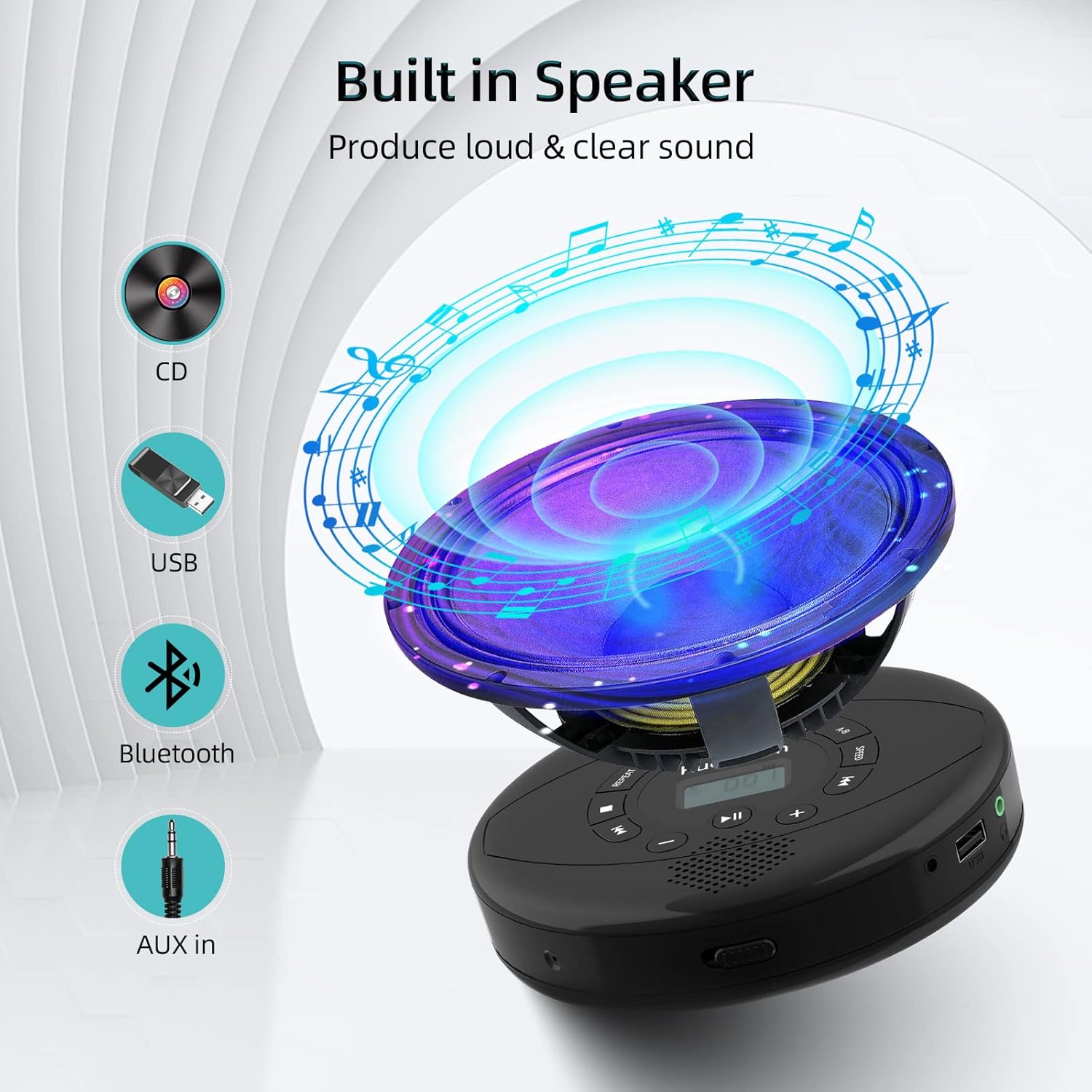
Figure 6: Illustration of the built-in speaker and the various audio input options supported by the device, including CD, USB, Bluetooth, and AUX in.
Vzdrževanje
- Napravo vzdržujte čisto tako, da jo obrišete z mehko, suho krpo. Izogibajte se uporabi abrazivnih čistil ali topil.
- Naprave ne izpostavljajte ekstremnim temperaturam, neposredni sončni svetlobi ali visoki vlažnosti.
- Handle CDs by their edges to prevent scratches and smudges. Clean CDs with a soft, lint-free cloth, wiping from the center outwards.
- Ko naprave dalj časa ne uporabljate, jo shranite na hladnem in suhem mestu.
Odpravljanje težav
| Težava | Možen vzrok | rešitev |
|---|---|---|
| Naprava se ne vklopi. | Battery is low or depleted. Power switch is off. | Charge the device fully. Ensure the ON/OFF switch is in the "ON" position. |
| CD preskakuje ali se ne predvaja. | CD is dirty, scratched, or damaged. Device is unstable. | Clean the CD. Try another CD. Ensure the device is on a stable surface or utilize its anti-skip protection during movement. |
| Iz slušalk/zvočnikov ni zvoka. | Volume is too low. Headphones/speakers not properly connected. Incorrect mode selected. | Increase volume. Re-insert headphone/AUX cable firmly. Ensure correct mode (CD, Bluetooth, USB, AUX) is selected. |
| Bluetooth seznanjanje ne uspe. | Device not in pairing mode. Bluetooth device too far. Interference. | Ensure the CD player is in Bluetooth transmitting/receiving mode. Move devices closer. Turn off other Bluetooth devices to reduce interference. |
Specifikacije
| Funkcija | Podrobnost |
|---|---|
| Dimenzije izdelka | 5.7 x 5.7 x 1.2 palcev |
| Teža predmeta | 1.21 funtov |
| Številka modela | PM10-Black |
| Baterija | 1 litijeva polimerna baterija (priložena) |
| Znamka | Kuephom |
| Tehnologija povezljivosti | Bluetooth, pomožni, USB |
| Podprti formati | CD, CD-R, CD-RW, MP3, WMA, WAV |
| Posebna funkcija | Portable, Anti-Skip, Built-in Speakers |
Garancija in podpora
For warranty information or technical support, please refer to the contact details provided with your purchase or visit the official Kuephom webspletnega mesta. Račun shranite kot dokazilo o nakupu za morebitne garancijske zahtevke.
Ask a question about this manual
Ask about setup, troubleshooting, compatibility, parts, safety, or missing instructions. Manuals+ will review the question and use this page’s manual context to help answer it.