
1. Uvod
This manual provides detailed instructions for the operation and maintenance of your Coby CVR42BK Portable Cassette Player and Recorder. Please read this manual thoroughly before using the device to ensure proper function and longevity.
2. Vsebina paketa
Preverite, ali so v vašem paketu prisotni vsi spodaj navedeni elementi:
- Coby CVR42BK Portable Cassette Player and Recorder
- Zunanji mikrofon na nosilcu
- 120V AC adapter
- Uporabniški priročnik (ta dokument)

Figure 2.1: Included items in the Coby CVR42BK package.
3. Izdelek je končanview
The Coby CVR42BK is a portable cassette player and recorder designed for both playback and one-touch recording. It features a built-in handle for portability and includes an external boom microphone for enhanced recording quality.

Figure 3.1: Coby CVR42BK Portable Cassette Player and Recorder.
3.1 Kontrole in kazalniki
Familiarize yourself with the controls and ports on your device:
- Gumb za predvajanje: Initiates cassette playback.
- Gumb za snemanje: Activates recording function (requires a blank cassette).
- Fast Forward Button: Hitro previja trak naprej.
- Rewind Button: Hitro previje trak nazaj.
- Gumb za ustavitev/izmet: Stops playback/recording and opens the cassette compartment.
- Nadzor glasnosti: Prilagodi glasnost predvajanja.
- Vhod za slušalke (3.5 mm): Za zasebno poslušanje.
- Vhod za zunanji mikrofon: Connects the included boom microphone.
- Priključek za napajalnik: For connecting the 120V AC adapter.
- Predal za baterije: Holds 4 C batteries for portable power.
4. Nastavitev
4.1 Napajanje naprave
The CVR42BK can be powered by either the included AC adapter or 4 C batteries (not included).
- AC napajanje: Connect the 120V AC adapter to the AC adapter port on the device and then plug it into a standard wall outlet.
- Moč baterije: Open the battery compartment on the underside of the unit. Insert 4 C batteries, ensuring correct polarity (+/-). Close the compartment securely.

Figure 4.1: Power options for the CVR42BK.
4.2 Loading a Cassette Tape
- Pritisnite Stop / Eject gumb za odpiranje vrat predalčka za kaseto.
- Insert a cassette tape with the open edge facing upwards and the tape side facing you.
- Nežno zaprite vratca predala za kaseto, dokler se ne zaskočijo.

Figure 4.2: Loading a cassette tape.
5. Navodila za uporabo
5.1 Playing a Cassette Tape
- Ensure a cassette tape is loaded (refer to Section 4.2).
- Pritisnite Igraj gumb. Kaseta se bo začela predvajati.
- Prilagodite Nadzor glasnosti na želeno raven poslušanja.
- Za previjanje naprej pritisnite Hitro naprej button. To rewind, press the Previjanje nazaj gumb.
- Če želite ustaviti predvajanje, pritisnite Stop / Eject gumb.
- Za zasebno poslušanje priključite slušalke na 3.5 mm vtičnico za slušalke.
5.2 Recording Audio (One-Touch Recording)
The CVR42BK features one-touch recording and Automatic Level Control (ALC) to optimize recording levels.
- Load a blank or recordable cassette tape into the device. Note: Re-using older cassettes may affect sound quality. New cassettes are recommended for optimal results.
- Pritisnite Zapis gumb. The Igraj button will also engage simultaneously. The device will begin recording audio from its built-in microphone or the connected external microphone.
- Če želite ustaviti snemanje, pritisnite Stop / Eject gumb.
- The device includes an auto-stop feature that will automatically stop recording when the tape reaches its end.
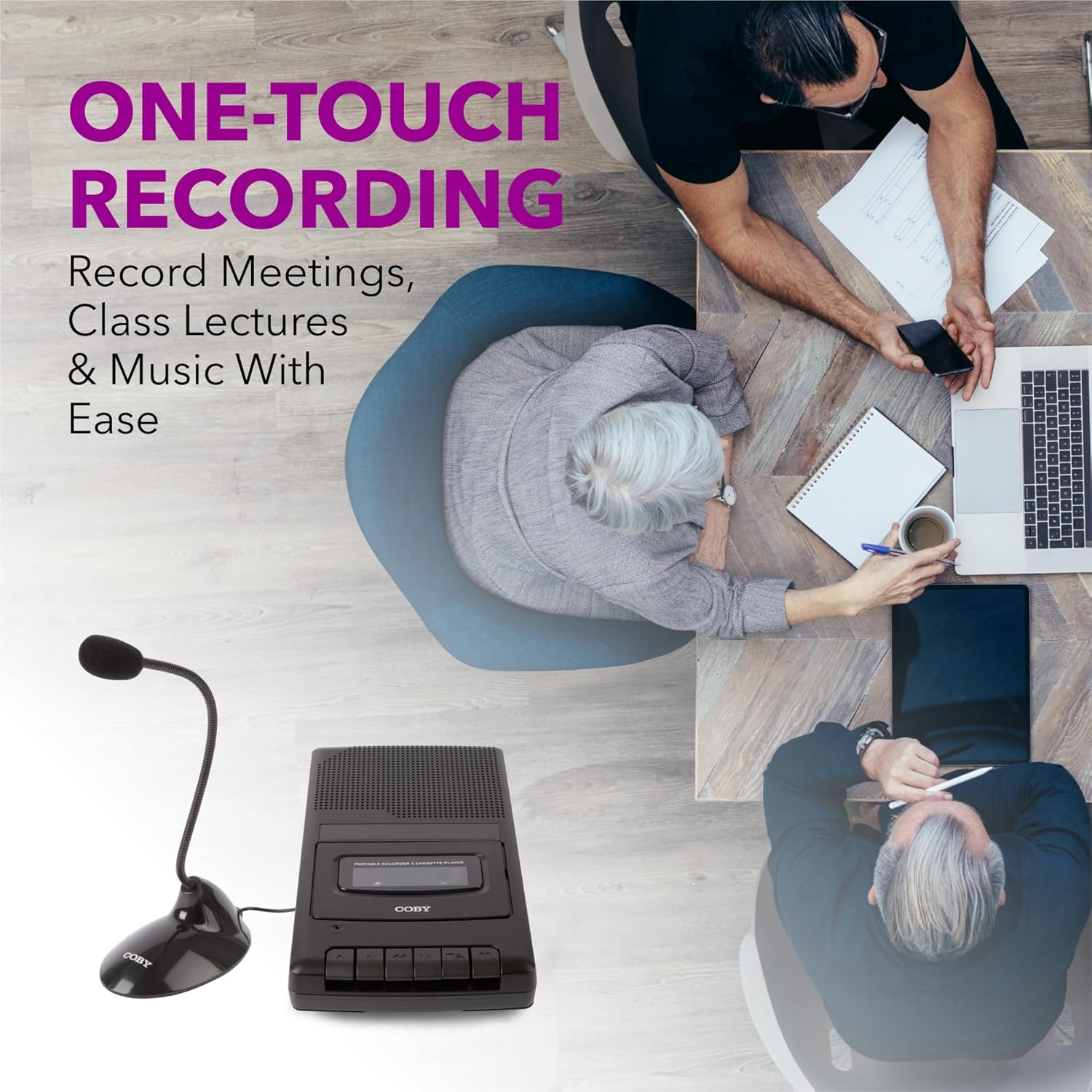
Figure 5.1: Using the CVR42BK for recording.
5.3 Using the External Boom Microphone
For higher quality recordings, especially for lectures or meetings, connect the included external boom microphone.
- Locate the external microphone input port on the CVR42BK.
- Plug the external boom microphone into this port.
- Position the microphone appropriately for the sound source you wish to record.
- Proceed with recording as described in Section 5.2. The device will automatically prioritize the external microphone when connected.

Figure 5.2: External boom microphone in use.
6. Vzdrževanje
- Čiščenje: Za čiščenje zunanjosti enote uporabite mehko, suho krpo. Ne uporabljajte tekočih čistil ali topil.
- Čiščenje glave traku: Periodically clean the tape heads with a specialized cassette head cleaning kit to ensure optimal sound quality and prevent tape damage.
- Shranjevanje: When not in use for extended periods, remove batteries to prevent leakage. Store the device in a cool, dry place away from direct sunlight and extreme temperatures.
- Nega kasete: Store cassette tapes in their cases to protect them from dust and physical damage. Avoid exposing tapes to strong magnetic fields.
7. Odpravljanje težav
| Težava | Možen vzrok | rešitev |
|---|---|---|
| Brez moči | Napajalnik ni priključen ali je okvarjen; baterije so prazne ali nepravilno vstavljene. | Check AC adapter connection and power outlet. Replace batteries or ensure correct polarity. |
| Med predvajanjem ni zvoka | Volume too low; headphones connected; tape head dirty; tape damaged. | Increase volume. Disconnect headphones. Clean tape heads. Try a different tape. |
| Snemanje ne deluje | Tape is write-protected; tape is full; microphone not connected or faulty. | Ensure the write-protect tab on the cassette is intact. Use a blank tape. Check microphone connection. |
| Slaba kakovost zvoka | Dirty tape heads; old or damaged cassette tape; external interference. | Clean tape heads. Use a new or known-good cassette tape. Move away from electronic devices. |
| Trak se ne premika | Tape jammed; mechanism fault. | Gently open compartment and check for tape jams. If problem persists, contact support. |
8. Specifikacije
| Številka modela | CVR42BK |
| Vir napajanja | 120V AC Adapter (included) or 4 x 'C' Batteries (not included) |
| Lastnosti | Automatic Level Control (ALC), One-Touch Recording, Fast Forward, Rewind, Volume Control, Auto-Stop |
| Mikrofon | Built-in microphone, External Boom Microphone (included) |
| Priključek za slušalke | 3.5 mm stereo |
| Mere izdelka (D x Š x V) | 10.2 x 5.83 x 1.97 palcev (25.9 x 14.8 x 5 cm) |
| Teža predmeta | 1.75 funtov (0.79 kg) |
| UPC | 810071491450 |
9. Garancija in podpora
Za informacije o garanciji ali tehnično podporo glejte garancijski list, ki je priložen izdelku, ali obiščite uradno spletno stran Coby. webspletnega mesta. Račun shranite kot dokazilo o nakupu za morebitne garancijske zahtevke.
Proizvajalec: Summit Electronics LLC