
Uvod
Thank you for choosing the Hoco CW31 15W Wireless Fast Charger. This device is designed to provide efficient and convenient wireless charging for compatible mobile phones and TWS earphones. Please read this manual carefully before use to ensure proper operation and to maximize the lifespan of your product.
Varnostne informacije
- Polnilnika ne izpostavljajte vodi, vlagi ali ekstremnim temperaturam.
- Izogibajte se padcem ali izpostavljanju polnilnika močnim udarcem.
- Do not disassemble, modify, or attempt to repair the charger yourself. This will void the warranty and may cause damage or injury.
- Polnilnik hranite izven dosega otrok in hišnih ljubljenčkov.
- Use only compatible power adapters (PD/QC charger recommended) to ensure optimal performance and safety.
- Do not place metal objects, credit cards, or other foreign objects between the charging pad and your device, as this may interfere with charging or cause overheating.
- If the charger emits smoke, unusual odors, or makes strange noises, immediately disconnect it from the power source.
Vsebina paketa
Prosimo, preverite paket za naslednje artikle:
- Hoco CW31 Wireless Fast Charger
- Polnilni kabel USB-A do Type-C
- Navodila za uporabo (ta dokument)
Konec izdelkaview
The Hoco CW31 features a sleek design with a tempered glass surface and aluminum alloy base, providing a stable and efficient charging platform.

The Hoco CW31 wireless charging pad is shown alongside its included USB-A to Type-C charging cable, highlighting the compact design of the charger.
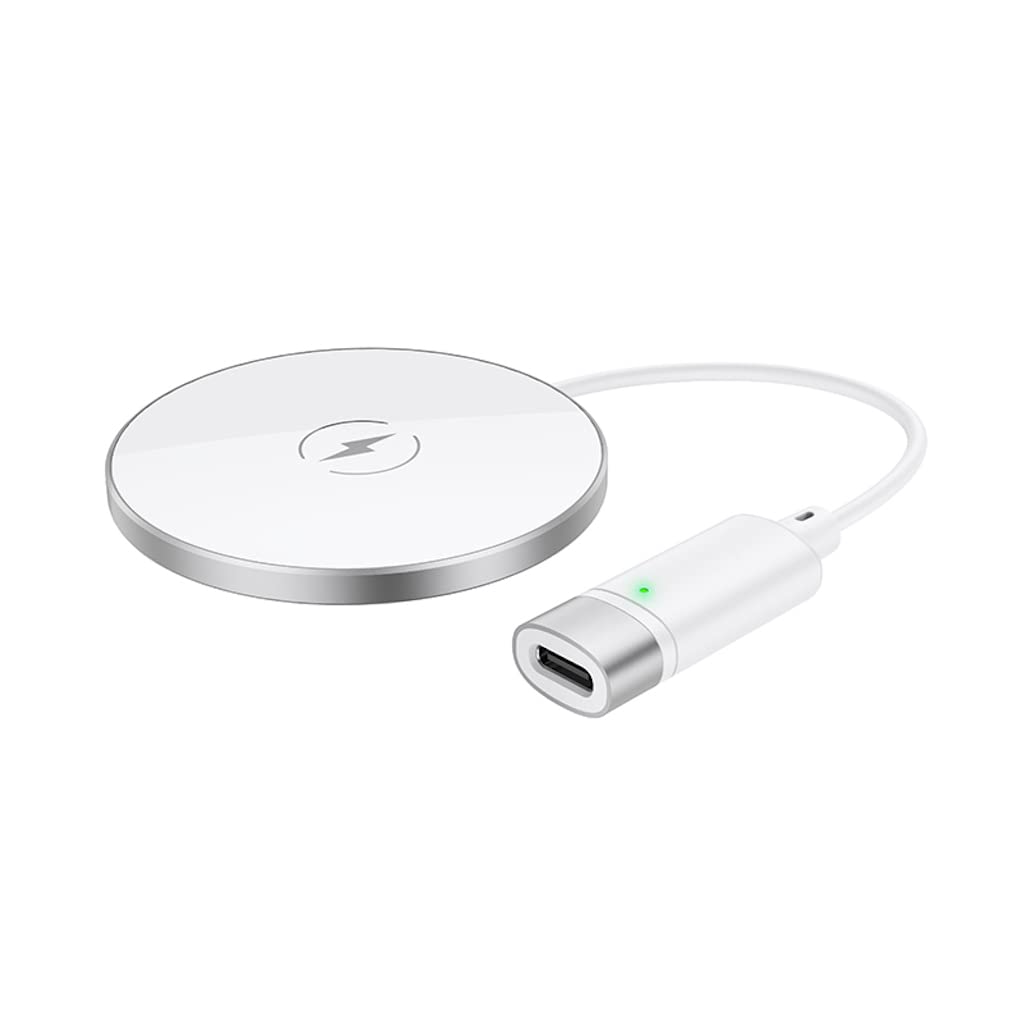
This image shows a smartphone placed on the Hoco CW31 wireless charging pad, indicating active charging with a battery icon displaying 57% charged.
Specifikacije
| Številka modela | CW31 |
| Vhod (Tip-C) | 5V-2A, 9V-2A, 12V-1.5A |
| Brezžični izhod | 5W / 7.5W / 10W / 15W |
| Brezžični izhod MagSafe | 7.5 W |
| Material | Tempered Glass + Aluminum Alloy |
| Dimenzije | 204 x 60 x 5 mm |
| Teža | 37 g |
| Vrsta priključka | USB |
| Združljive naprave | Cellular Phones, Qi-compatible TWS Earphones |
| Posebne lastnosti | Zaščita pred kratkim stikom, hitro polnjenje |
| barva | Srebrna |
| Vhodna voltage | 5V |
| Skupno število vrat USB | 1 |
| Moč | 15 W |
| Izhodni tok | 3A |
Nastavitev
- Priključite na vir napajanja: Connect the provided USB-A to Type-C charging cable to the Type-C input port on the Hoco CW31 charger.
- Plug into Adapter: Connect the USB-A end of the cable to a compatible power adapter (a PD/QC fast charger is required for optimal 15W charging speeds, not included).
- Vklop: Once connected to a power source, the charger is ready for use.

The Hoco CW31 wireless charger is depicted connected to a wall power adapter via its cable, with a smartphone placed on the charging pad.
Navodila za uporabo
- Postavite napravo: Place your Qi-compatible mobile phone or TWS earphones directly onto the center of the Hoco CW31 wireless charging pad.
- Potrdite polnjenje: Ensure the device is properly aligned. Charging will begin automatically, and your device's screen or indicator light should confirm that it is charging.
- Odstrani napravo: Once your device is fully charged or you wish to stop charging, simply lift it from the charging pad.
For MagSafe compatible devices, the charger will magnetically align for optimal charging at 7.5W.
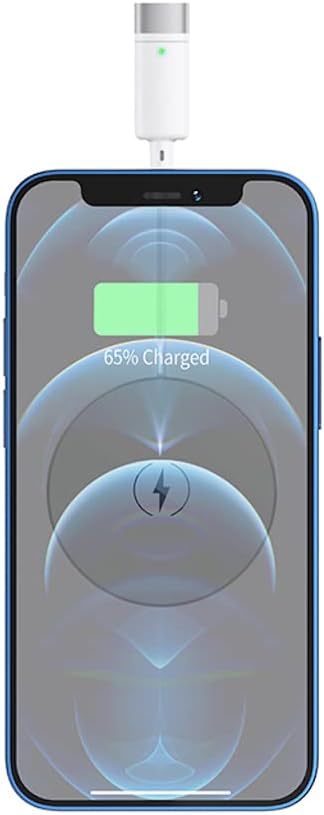
Bližnji posnetek view of a smartphone receiving a wireless charge from the Hoco CW31 pad, with the screen showing 65% battery.
Vzdrževanje
- Čiščenje: Pred čiščenjem polnilnik izključite iz vira napajanja. Za brisanje površine uporabite mehko, suho krpo. Ne uporabljajte tekočih čistil ali aerosolov.
- Shranjevanje: Polnilnik shranjujte na hladnem in suhem mestu, stran od neposredne sončne svetlobe in ekstremnih temperatur, ko ga ne uporabljate.
- Skrb za kabel: Avoid bending or twisting the charging cable excessively to prevent damage.
Odpravljanje težav
| Težava | Možna rešitev |
|---|---|
| Naprava se ne polni |
|
| Počasno polnjenje |
|
| Indikatorska lučka polnilnika ne deluje |
|
Garancija in podpora
For warranty information and customer support, please refer to the documentation included with your purchase or contact Hoco customer service directly. Keep your proof of purchase for warranty claims.