
1. Uvod
Hvala za nakupasing the Edifier X3s True Wireless Stereo Earbuds. This manual provides detailed instructions on how to set up, operate, and maintain your earbuds to ensure optimal performance and longevity. Please read this manual thoroughly before use.

Image: The Edifier X3s earbuds, one removed from the open charging case, showcasing njihovo kompaktno zasnovo.
2. Vsebina paketa
- Edifier X3s True Wireless Earbuds (Left and Right)
- etui za polnjenje
- USB polnilni kabel
- Ušesni nastavki (različne velikosti)
- Uporabniški priročnik
3. Nastavitev
3.1 Polnjenje slušalk in etuija
Pred prvo uporabo popolnoma napolnite slušalke in polnilno ohišje.
- Slušalke namestite v polnilno ohišje. Prepričajte se, da so pravilno nameščene; indikatorske lučke na slušalkah bodo svetile.
- Connect the charging case to a power source using the provided USB cable. The indicator light on the charging case will show charging status.
- A full charge for the charging case typically takes approximately 8 hours. The earbuds will charge automatically when placed in the case.
3.2 Bluetooth seznanjanje
Follow these steps to pair your Edifier X3s earbuds with your device:
- Prepričajte se, da so slušalke napolnjene.
- Odprite polnilno ohišje. Slušalke bodo samodejno prešle v način seznanjanja, kar bo označila utripajoča lučka na slušalkah.
- V napravi (pametnem telefonu, tabličnem računalniku itd.) omogočite Bluetooth in poiščite nove naprave.
- Select "EDIFIER X3s" from the list of available devices.
- Ko je povezava vzpostavljena, bo glasovni poziv potrdil uspešno seznanitev, indikatorske lučke slušalk pa se bodo ugasnile.
Podpora za slušalke TrueWireless Mirroring, allowing seamless switching between single and dual earbud use.
4. Navodila za uporabo
4.1 Kontrole na dotik
The Edifier X3s earbuds feature intuitive touch controls on each earbud. Refer to the diagram below for specific functions:

Image: A diagram illustrating the touch control functions for the left and right Edifier X3s earbuds.
- Single Tap (L/R): Play/Pause music, Answer an Incoming Call
- Double Tap (L): Prejšnja pesem
- Double Tap (R): Naslednja pesem
- Triple Tap (L): Switch On Game Mode
- Triple Tap (R): Aktivirajte glasovnega pomočnika
- Long Press for 2-3 Seconds (L/R): Hang Up/Reject a Call
- Long Press (L): Zmanjšanje glasnosti
- Long Press (R): Glasnost
4.2 Igralni način
To enhance your gaming experience, the Edifier X3s features a dedicated Game Mode. Triple-tap the levo earbud to activate or deactivate Game Mode. This mode optimizes audio-visual synchronization for gaming.
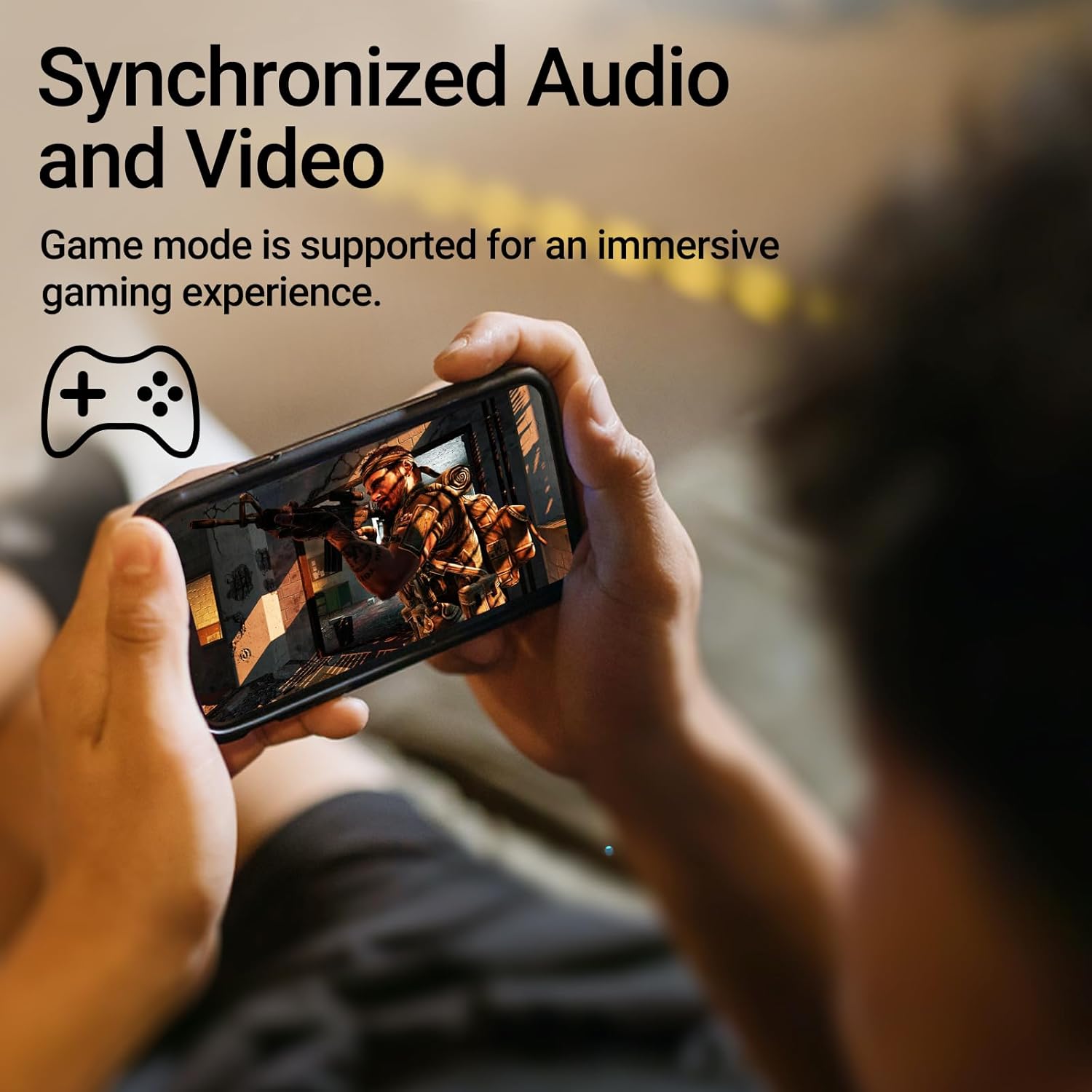
Image: A person holding a smartphone, playing a game, with the text "Synchronized Audio and Video. Game mode is supported for an immersive gaming experience."
5. Ključne značilnosti
- True Wireless Experience: Bluetooth V5.2 with Qualcomm aptX audio decoding for high-fidelity sound and stable connections.
- Podaljšan čas predvajanja: Up to 28 hours of total playtime, with 8 hours from the earbuds and an additional 20 hours from the charging case.
- Superior Call Clarity: Equipped with Qualcomm cVc 8.0 noise cancellation technology for crystal clear calls.
- IP55 Rated Protection: Dust and water resistance make these earbuds suitable for outdoor activities and various weather conditions.
- Udobna in lahka zasnova: Weighing only 62g, these earbuds provide a secure and comfortable fit for extended wear.

Image: A close-up of the Qualcomm aptX QCC3040 chip, highlighting Bluetooth V5.2 with aptX audio decoding for lossless audio transmission.

Image: Hands holding the Edifier X3s charging case, with an overlay indicating "Up to 28 hours of playback in total: 8 hours (earbuds), 20 hours (charging case)".

Image: A graphic illustrating cVc 8.0 noise reduction, showing how ambient noise is reduced while voice remains clear during calls.

Image: A woman exercising, with an overlay indicating "Dust and water resistant. Feel free to use them at the gym or on a rainy day. IP55-Rated."
6. Vzdrževanje
6.1 Čiščenje
- Slušalke in polnilno ohišje redno čistite z mehko, suho krpo, ki ne pušča vlaken.
- Odstranite ušesne nastavke in jih po potrebi očistite z blagim milom in vodo. Preden jih ponovno namestite, se prepričajte, da so popolnoma suhi.
- Z vatirano palčko nežno očistite polnilne kontakte na slušalkah in ohišju.
6.2 Shranjevanje
- Ko slušalk ne uporabljate, jih shranite v polnilno škatlico, da jih zaščitite in ohranite napolnjene.
- Hranite na hladnem in suhem mestu, stran od ekstremnih temperatur in neposredne sončne svetlobe.
6.3 Odpornost na vodo in prah
The earbuds are IP55 rated, meaning they are protected against dust ingress and low-pressure water jets from any direction. While they can withstand sweat and light rain, they are not designed for submersion in water. Do not use them while swimming or showering.
7. Odpravljanje težav
- Slušalke se ne morejo seznaniti: Prepričajte se, da sta obe slušalki v polnilnem ohišju, nato pa odprite pokrov, da zaženete način seznanjanja. Preverite nastavitve Bluetooth v napravi in poskusite znova vzpostaviti povezavo.
- Deluje samo ena slušalka: Obe slušalki vstavite nazaj v polnilno ohišje, zaprite pokrov, počakajte nekaj sekund in ga nato ponovno odprite. To ju pogosto ponovno sinhronizira.
- Ni zvoka: Check the volume level on both your device and the earbuds. Ensure the earbuds are properly paired and connected.
- Težave s polnjenjem: Verify that the charging cable is securely connected and the power source is active. Clean the charging contacts on the earbuds and case.
- Slaba kakovost klica: Ensure the earbuds are clean and positioned correctly in your ears. Check for any obstructions to the microphone.
8. Specifikacije
- Model: EDIFIER X3S
- Povezljivost: Brezžično (Bluetooth V5.2)
- Avdio dekodiranje: Qualcomm aptX
- Odpravljanje hrupa: Qualcomm cVc 8.0 (for calls)
- čas predvajanja: Earbuds: 8 hours, Total with Charging Case: 28 hours
- Čas polnjenja (kovček): Približno 8 ur
- Odpornost na vodo/prah: Ocena IP55
- Nadzorna metoda: Dotik
- Teža: 62 grama (skupaj)
- Material: Polikarbonat (PC), termoplastični elastomer (TPE)
- Združljive naprave: Smartphones, Gaming Devices, Tablets
9. Garancija in podpora
For warranty information and customer support, please refer to the warranty card included with your product or visit the official Edifier webspletnega mesta. Shranite dokazilo o nakupu za morebitne garancijske zahtevke.