
1. Uvod
Thank you for choosing the cimetech Wireless Keyboard and Mouse Combo. This product is designed to provide a comfortable and efficient typing and navigation experience for your computer. This manual will guide you through the setup, operation, and maintenance of your new wireless combo.

Figure 1: cimetech Wireless Keyboard and Mouse Combo (Dark Blue)
2. Ključne značilnosti
- Slim and Ergonomic Design: The keyboard features a tilt angle for comfortable typing. The mouse has a contoured, sweat-resistant, skin-friendly finish for extended use.
- Full Size & Ultra-thin Keyboard: Measuring 14.5x5.8x0.2 inches with 99 keys, this ultra-thin keyboard is portable and suitable for various environments. It includes multi-media hotkeys for quick access to music, internet, email, and volume controls.
- Less Noise & Low Profile Tipke: The keyboard's noise-reduced keys and the silent click of the mouse minimize disturbance. Both devices feature auto-sleeping mode and on/off switches to conserve battery life.
- Fast Operation 2.4G Wireless Plug and Play: Connect both the keyboard and mouse with a single USB receiver for a strong, reliable wireless connection up to 10 meters (33 ft) without delays or dropouts.
- Široka združljivost: Works with PC, desktop computers, laptops, or notebooks running Windows XP / Vista / 7 / 8 / 10 operating systems.
3. Navodila za namestitev
3.1. Namestitev baterije
The mouse requires one (1) AA battery, and the keyboard requires two (2) AA batteries (not included). Ensure correct polarity when inserting batteries.
- Za miško: Open the battery compartment cover on the underside of the mouse. Insert one AA battery, observing the polarity markings. Close the cover.
- Za tipkovnico: Open the battery compartment cover on the underside of the keyboard. Insert two AA batteries, observing the polarity markings. Close the cover.
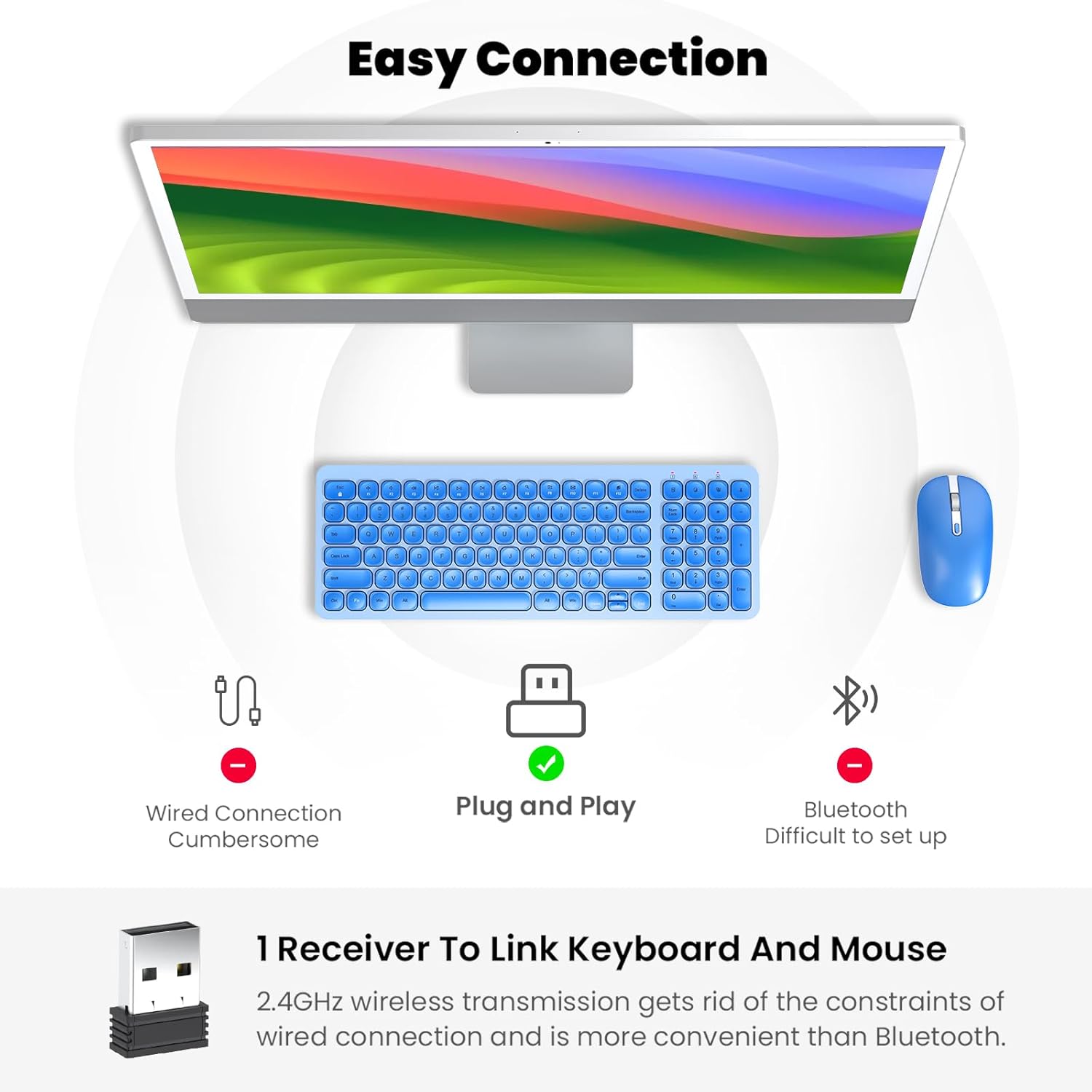
Figure 2: Mouse battery compartment showing AA battery insertion.
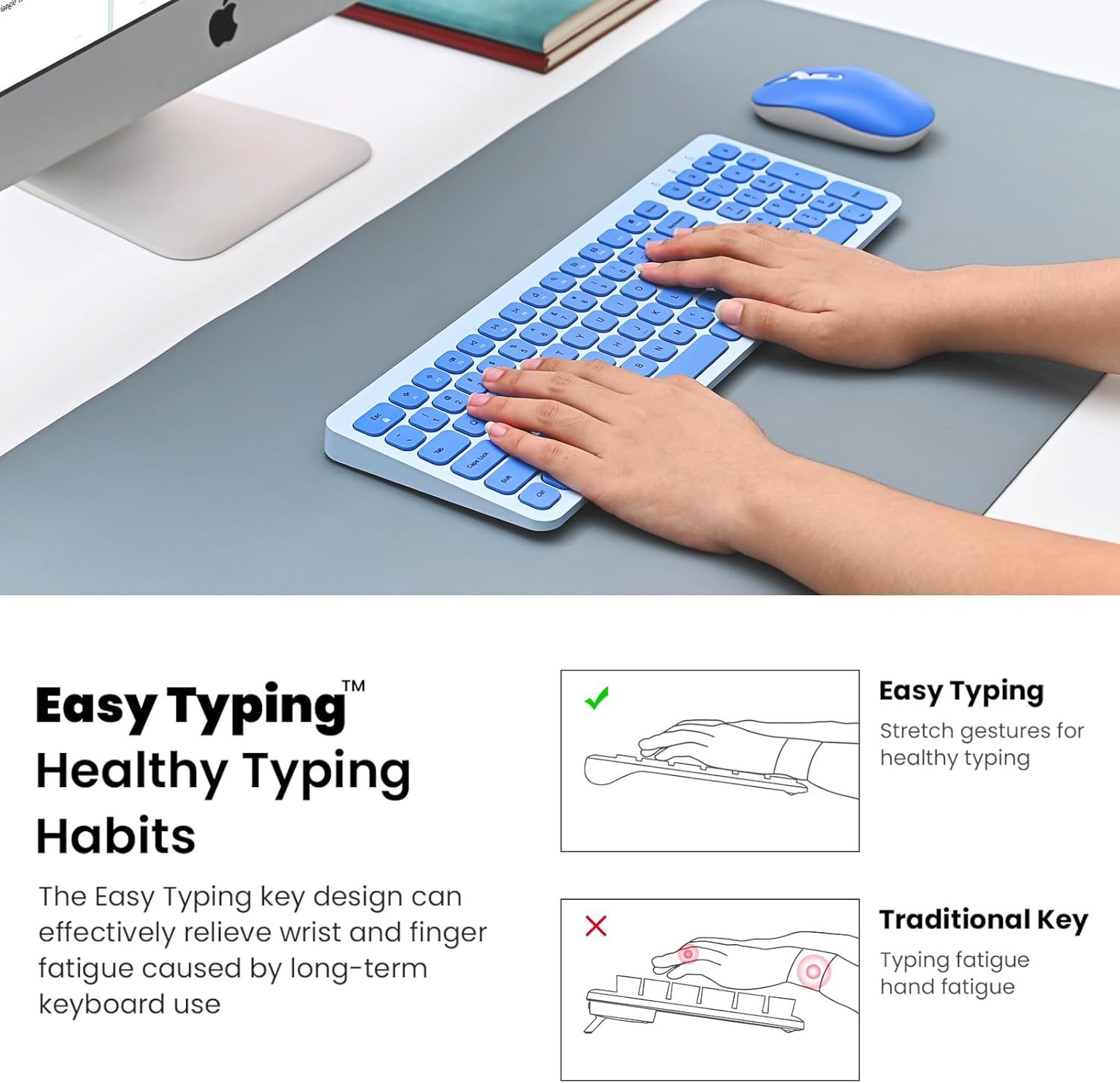
Figure 3: Keyboard battery compartment showing two AA batteries.
3.2. Priključitev USB-sprejemnika
The 2.4G USB receiver is conveniently stored inside the mouse's battery compartment.
- Locate and remove the USB receiver from the mouse's battery compartment.
- USB-sprejemnik priključite v razpoložljiva vrata USB na vašem računalniku.
- Turn on the mouse using the ON/OFF switch located on its underside.
- Turn on the keyboard using the ON/OFF switch located on its underside.
- Vaš računalnik bi moral samodejno zaznati in namestiti potrebne gonilnike. Tipkovnica in miška sta zdaj pripravljeni za uporabo.

Figure 4: USB receiver stored within the mouse battery compartment.
3.3. Setup Demonstration Video
Video 1: Demonstration of battery installation and USB receiver setup for the cimetech Wireless Keyboard.
Video 2: Detailed look at the cimetech Wireless Keyboard and Mouse Combo, including battery and dongle placement.
4. Navodila za uporabo
4.1. Uporaba tipkovnice
- Tipkanje: Nizko profifile scissor-switch keys provide a quiet and comfortable typing experience with uniform force distribution.
- Večpredstavnostne bližnjice: Use the 'Fn' key in combination with the F1-F12 keys for quick access to various functions such as media control, volume adjustment, and internet browsing. Refer to the keycap icons for specific functions.
- Numerična tipkovnica: The full-size keyboard includes a dedicated numeric keypad for efficient data entry.
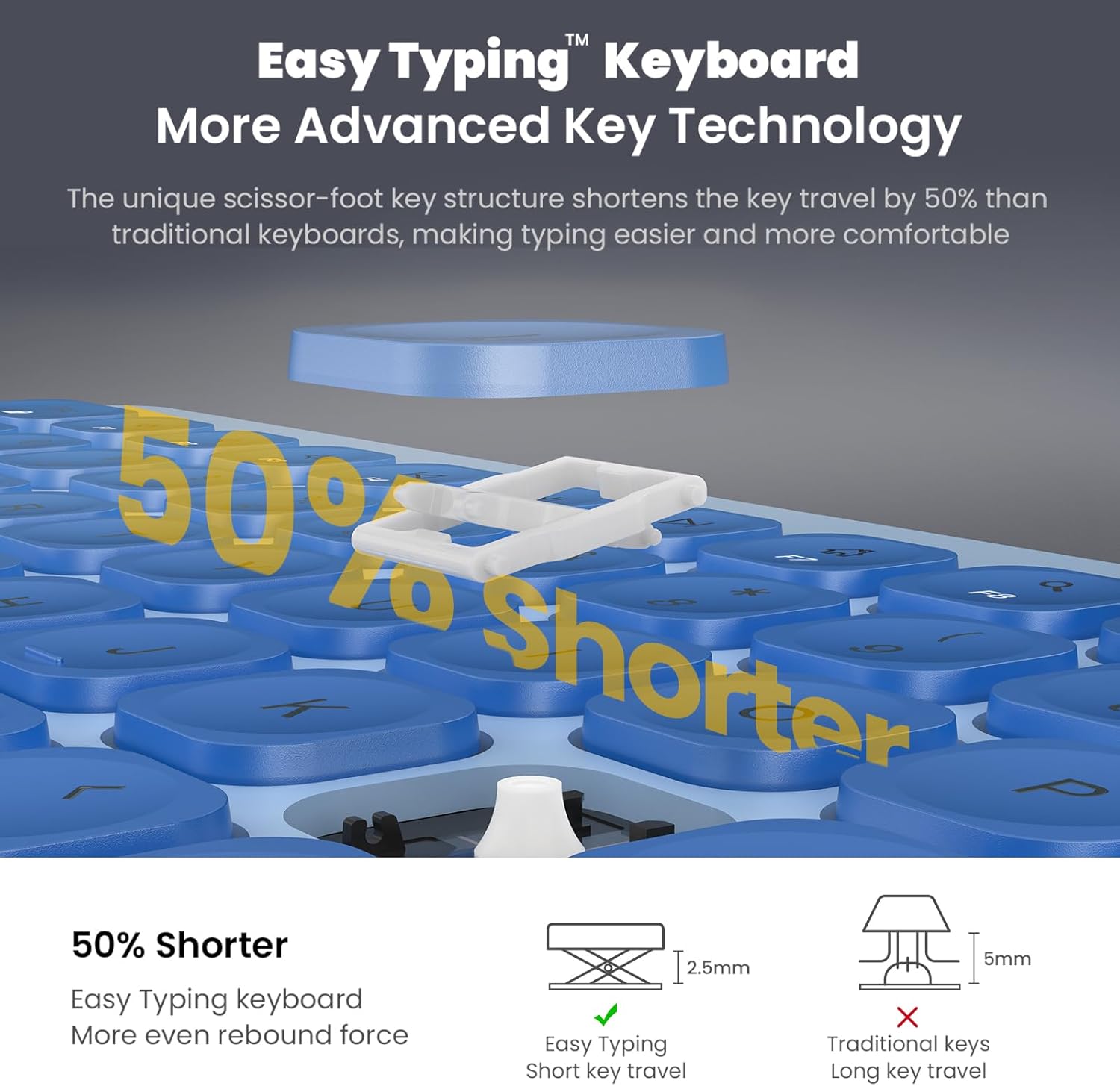
Figure 5: Close-up of the keyboard keys, highlighting the scissor-switch mechanism for comfortable typing.
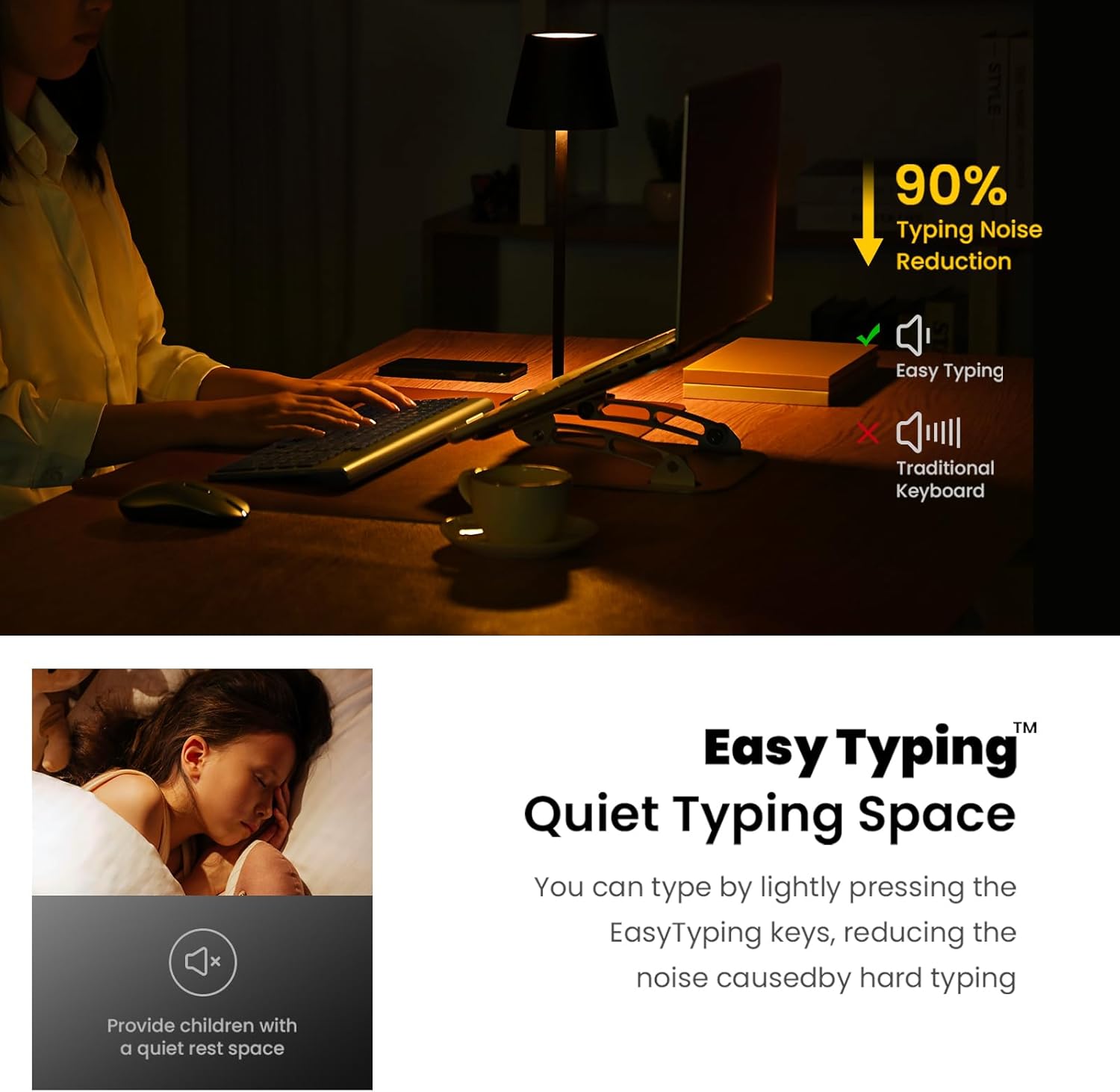
Figure 6: The keyboard's quiet keys reduce typing noise, ideal for shared spaces.
4.2. Uporaba miške
- Prilagoditev DPI: The mouse features adjustable DPI settings (800/1200/1600) to customize cursor sensitivity. Press the DPI button (usually located near the scroll wheel) to cycle through settings.
- Tihi klik: Miška je zasnovana s tihimi gumbi za zmanjšanje hrupa.
- Kolesce za pomikanje: Use the metal scroll wheel for smooth vertical scrolling.
4.3. Funkcije za varčevanje z energijo
- Način samodejnega spanja: The keyboard enters sleep mode after 10 minutes of inactivity, and the mouse after 15 minutes, to conserve battery. Press any key or click the mouse to wake them up.
- VKLOP/IZKLOP stikala: For extended periods of non-use, turn off the keyboard and mouse using their respective ON/OFF switches.
5. Vzdrževanje
- Čiščenje: Use a soft, dry cloth to clean the surfaces of the keyboard and mouse. Avoid using harsh chemicals or abrasive materials.
- Zamenjava baterije: Replace batteries when performance degrades. Always use new AA batteries and dispose of old batteries responsibly.
- Shranjevanje: When not in use for extended periods, store the USB receiver inside the mouse's battery compartment to prevent loss.
6. Odpravljanje težav
- Ni odziva tipkovnice/miške:
- Ensure both devices are turned ON using their respective switches.
- Preverite, ali so baterije pravilno vstavljene in ali so dovolj napolnjene. Po potrebi jih zamenjajte.
- Preverite, ali je USB-sprejemnik varno priključen v delujoča USB-vrata na vašem računalniku. Poskusite z drugimi USB-vhodi.
- Znova zaženite računalnik.
- Zakasnitev ali občasna povezava:
- Ensure the distance between the devices and the USB receiver is within 10 meters (33 ft).
- Avoid placing the receiver near strong electromagnetic interference sources (e.g., other wireless devices, large metal objects).
- Zamenjajte baterije, če so prazne.
- Mouse Cursor Movement is Erratic:
- Očistite optični senzor na spodnji strani miške.
- Prepričajte se, da miško uporabljate na primerni površini (ki ni močno odsevna ali prozorna).
- Adjust the DPI setting to a lower sensitivity if the cursor is too fast.
7. Specifikacije
| Funkcija | Podrobnost |
|---|---|
| Dimenzije izdelka | 14.57 x 5.31 x 1.97 palcev |
| Teža predmeta | 1.21 funtov |
| Tehnologija povezljivosti | Radio Frequency, USB (2.4G Wireless) |
| Posebne lastnosti | Ergonomic, Lightweight, Portable, Silent Keys, Auto-Sleep |
| Združljive naprave | Laptop, Personal Computer (Windows XP / Vista / 7 / 8 / 10) |
| Baterija za tipkovnico | 2 x AA baterije (niso vključene) |
| Baterija za miško | 1 x AA baterija (ni priložena) |
8. Garancija in podpora
For information regarding product warranty, returns, or technical support, please refer to the retailer's policy or contact cimetech customer service directly. Optional protection plans may be available for purchase separately to extend coverage beyond the standard warranty period.
- Možnosti načrta zaščite:
- 3-letni načrt zaščite
- 4-letni načrt zaščite
- Popolna zaščita (mesečni paket, ki pokriva upravičene pretekle in prihodnje nakupe)