
1. Izdelek je končanview
The Ratakee Digital Alarm Clock Radio is designed to provide reliable timekeeping, dual alarm functionality, and AM/FM radio reception. It features a large LED display with adjustable brightness for comfortable viewing day and night. This manual provides detailed instructions for setting up and operating your device.

Slika: spredaj view of the Ratakee Digital Alarm Clock Radio, displaying the time 12:00 in blue LED digits.
2. Nastavitev
2.1 Napajalni priključek
To power the clock radio, plug the AC adapter into any standard 110V wall outlet. The display will illuminate, indicating the unit is receiving power.
2.2 Namestitev rezervnega napajanja z baterijo
For battery backup, insert two (2) AAA batteries (not included) into the battery compartment located on the bottom of the unit. These batteries will preserve your time and alarm settings during a power outage, but will not power the display or alarm functions.
2.3 Začetna nastavitev časa
Upon first power-up or after a prolonged power interruption without battery backup, the display may show a default time. Refer to the 'Setting Time' section under 'Operating' for instructions on how to set the current time.
3. Navodila za uporabo
3.1 Čas nastavitve
- Pritisnite in držite ČAS NAST gumb, dokler ne začnejo utripati številke za uro.
- Uporabite URA in MINUTA gumbe za nastavitev časa.
- Pritisnite ČAS NAST ponovno za potrditev in izhod iz načina nastavitve časa.
3.2 Svetlost zaslona (zatemnitev)
The clock features a 1.6-inch LED display with adjustable brightness. To adjust the display brightness:
- Pritisnite DIMMER button repeatedly to cycle through the 4 available brightness levels. Select the level most comfortable for your environment.

Image: Comparison of the clock display at high and low brightness settings, demonstrating the dimmer function.
3.3 Nastavitev alarmov (dvojni alarm)
This clock supports two independent alarms (Alarm 1 and Alarm 2). Each alarm can be set to a beep sound or a radio station.
- Pritisnite in držite ALARM 1 or ALARM 2 gumb, dokler ne utripajo številke ure budilke.
- Uporabite URA in MINUTA gumbe za nastavitev želenega časa alarma.
- Pritisnite ALARM 1 or ALARM 2 button again to select the alarm source (Beep or Radio). The corresponding icon will appear on the display.
- Pritisnite ALARM 1 or ALARM 2 button a third time to confirm and activate the alarm.
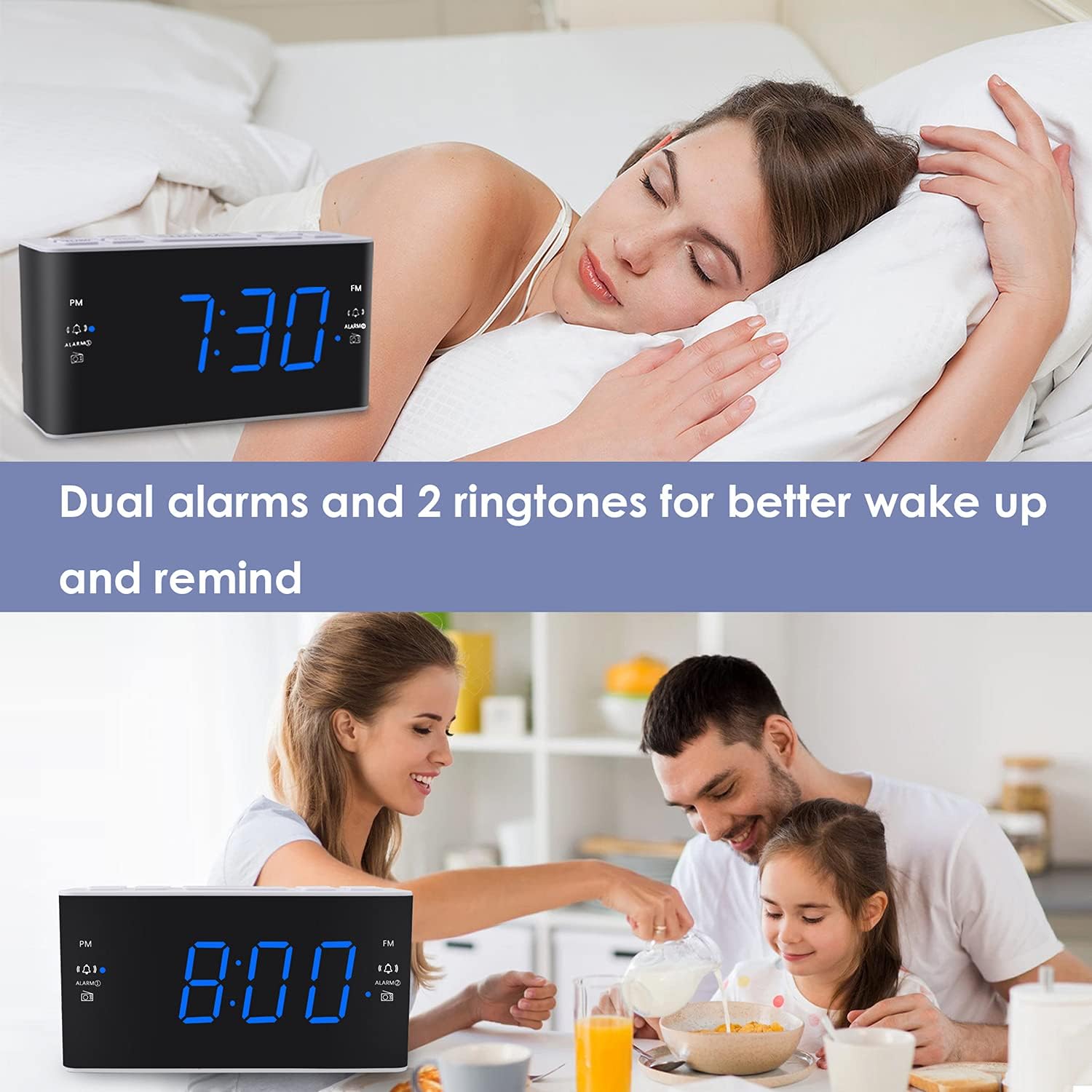
Image: Visual representation of the dual alarm feature, showing the clock used for different wake-up scenarios.
3.4 Funkcija dremeža
Ko se oglasi alarm, pritisnite veliko DREMEŽ button on top of the unit to temporarily silence the alarm for 9 minutes. The alarm will sound again after this period. You can repeat the snooze function up to 5 times.
To turn off the alarm completely for 24 hours, press any other button on the clock (e.g., Radio, Time Set, Alarm 1/2) while the alarm is sounding.
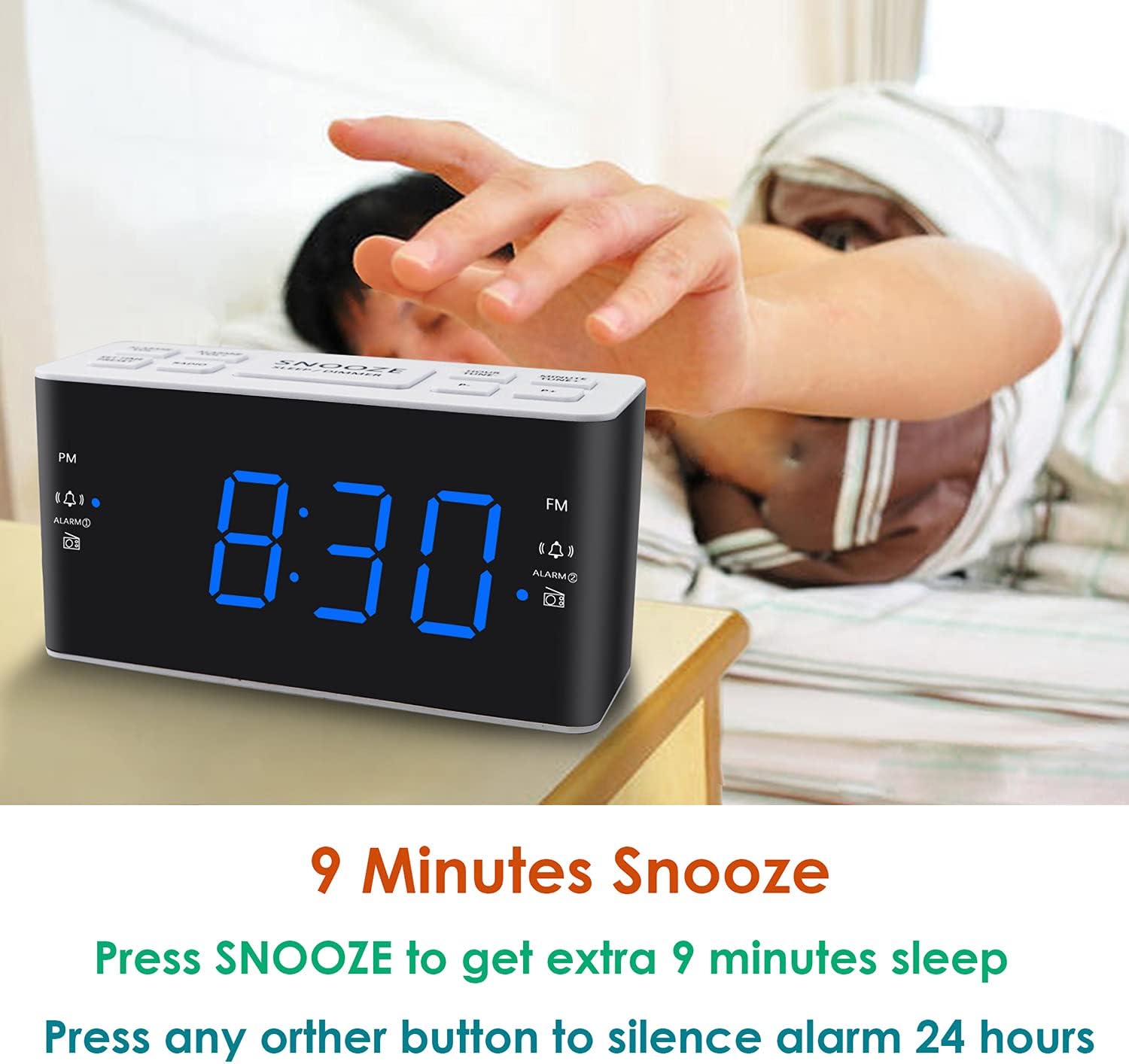
Image: Demonstrates the easy access and function of the snooze button for an additional 9 minutes of sleep.
3.5 Delovanje AM/FM radia
The clock radio features digital tuning for AM and FM bands.
- Pritisnite RADIO gumb za vklop ali izklop radia.
- Uporabite TUNE+ in TUNE- gumbe za ročno uglaševanje želene frekvence.
- Pritisnite in držite TUNE+ or TUNE- za samodejno iskanje naslednje razpoložljive postaje.
- Glasnost prilagodite s tipko GLASNOST+ in ZV.- buttons (0-15 levels).
3.6 Saving Radio Presets
You can save up to 20 AM stations and 20 FM stations for quick access.
- Nastavite želeno radijsko postajo.
- Pritisnite in držite PREDNASTAVITEV gumb, dokler ne utripa prednastavljena številka.
- Uporabite TUNE+ or TUNE- , da izberete želeno prednastavljeno številko (P01–P20).
- Pritisnite PREDNASTAVITEV ponovno za potrditev in shranjevanje postaje.
Za priklic shranjene prednastavitve na kratko pritisnite PREDNASTAVITEV večkrat pritisnite gumb , da se pomikate med shranjenimi postajami.
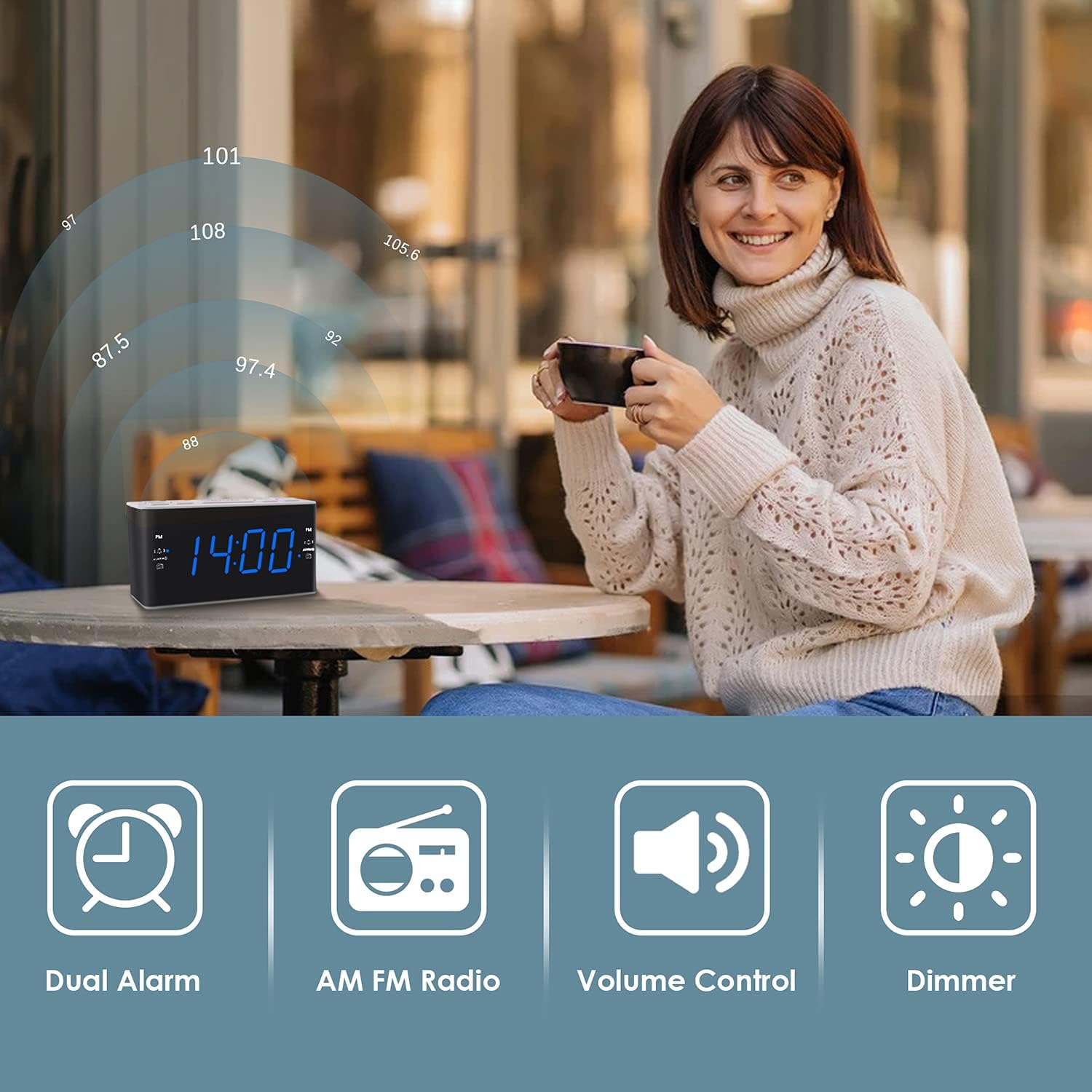
Image: Illustrates the various features of the clock radio, including AM/FM radio functionality.
3.7 Časovnik za spanje
Časovnik za spanje vam omogoča, da zaspite ob poslušanju radia, ki se po določenem času samodejno izklopi.
- Medtem ko se predvaja radio, pritisnite SPANJE button repeatedly to cycle through the available sleep timer durations (10-90 minutes).
- Radio bo predvajal izbrani čas in se nato samodejno izklopil.
4. Vzdrževanje
4.1 Čiščenje
To clean the clock radio, gently wipe the surface with a soft, dry cloth. Do not use abrasive cleaners, waxes, or solvents as they may damage the finish. Ensure the unit is unplugged before cleaning.
4.2 Zamenjava baterije
Če ura med izpadom električne energije izgubi čas ali nastavitve alarmatage, the AAA backup batteries may need replacement. Replace both batteries simultaneously with new ones, ensuring correct polarity.
5. Odpravljanje težav
If you encounter issues with your Ratakee Digital Alarm Clock Radio, please refer to the following common solutions:
- Brez napajanja/izklop zaslona: Ensure the AC adapter is securely plugged into both the clock and a working wall outlet. Check if the outlet has power.
- Alarm se ne oglasi: Verify that the alarm is activated (alarm icon visible on display) and the alarm time is correctly set. Check the alarm volume level.
- Radio Static/Poor Reception: Extend the FM wire antenna fully for better reception. Try repositioning the clock radio to a different location to improve signal strength. For AM reception, rotate the unit to find the best signal.
- Time/Settings Lost After Power Outage: Ensure fresh AAA batteries are installed correctly in the battery backup compartment.
Če težava po poskusu teh rešitev še vedno obstaja, se za dodatno pomoč obrnite na podporo strankam.
6. Specifikacije
| Znamka | Ratakee |
| Številka modela | H249US |
| barva | Modra LED |
| Dimenzije izdelka | 15.49 x 7.87 x 5.59 cm |
| Teža predmeta | 350 g |
| Material | Plastika |
| Vrsta zaslona | LED |
| Vir napajanja | AC Powered (110V) |
| Rezervna baterija | 2 x AAA baterije (niso priložene) |
| FM frekvenčno območje | 87.5-108 MHz |
| AM frekvenčni razpon | 520-1710 KHz |
| Posebne lastnosti | Alarm, Brightness Dimmer, Radio |

Image: Product dimensions of the Ratakee Digital Alarm Clock Radio.
7. Garancija in podpora
Ratakee is committed to providing quality products and customer satisfaction. If you have any questions regarding the operation, setup, or performance of your alarm clock radio, please do not hesitate to contact our customer support team.
In the event that the product is deemed defective, you may be eligible for a hassle-free replacement or refund. For specific inquiries or to report an issue, please reach out to us directly. We are dedicated to assisting you and ensuring a positive experience with your Ratakee product.