
1. Izdelek je končanview
The ELRO DV477W-M is an additional indoor monitor designed to expand your existing ELRO DV477W or DV477IP series video intercom system. This 7-inch color monitor allows for clear two-way communication with visitors at your door and provides convenient door opening functionality.
Ključne značilnosti:
- 7-inch (18 cm) color display for clear video.
- High-quality microphone and speaker for two-way audio communication.
- Door opening function for convenient access control.
- Modern design with brushed aluminum finish.
- Compatible with ELRO DV477W and DV477IP series video intercoms.
Vsebina paketa:
- ELRO DV477W-M 7-inch Indoor Monitor
- Montažni nosilec
- 15m 4-wire Electrical Cable
- Napajalni adapter
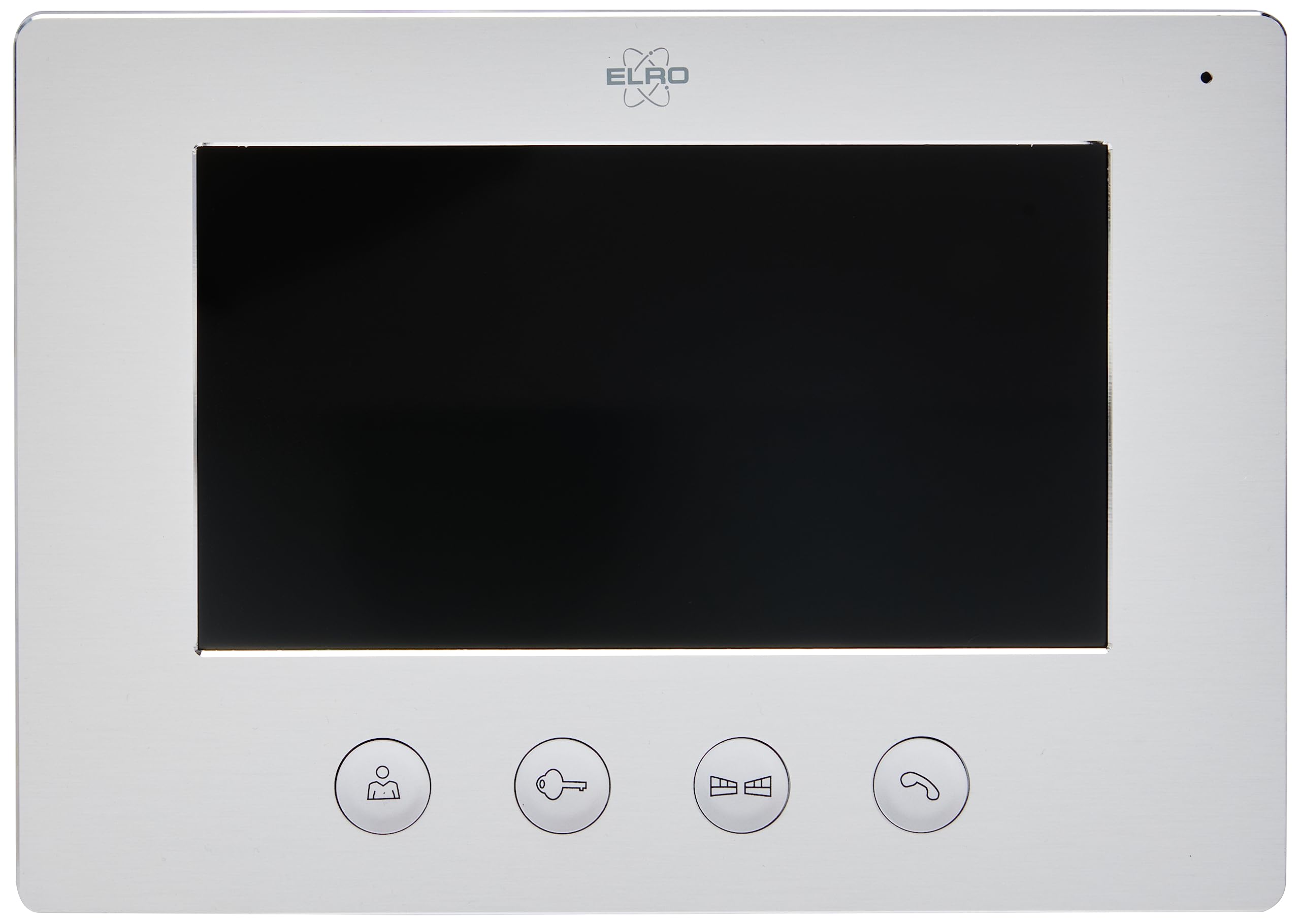
Image 1.1: The ELRO DV477W-M 7-inch indoor monitor, featuring a sleek design and control buttons.
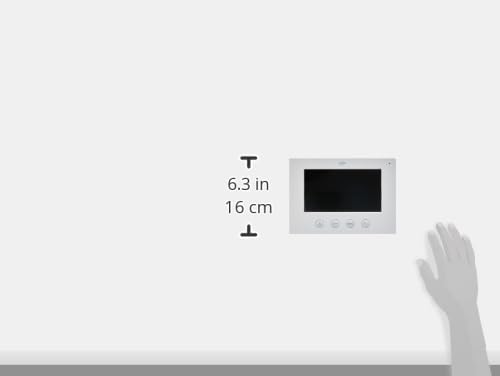
Image 1.2: Diagram showing the dimensions of the ELRO DV477W-M monitor, approximately 6.3 inches (16 cm) in height.
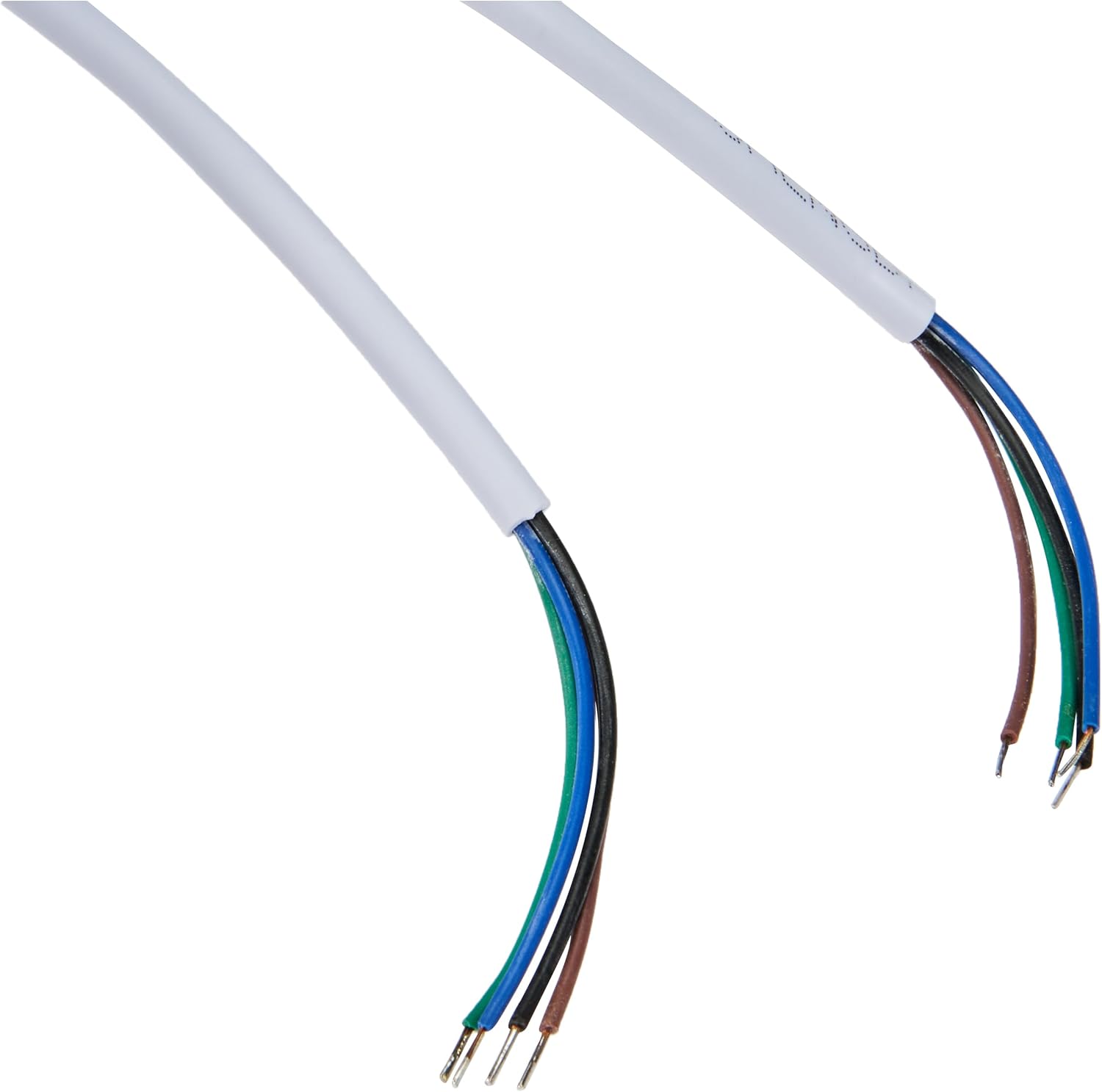
Image 1.3: The included 15-meter 4-wire electrical cable for connecting the monitor to the intercom system.
2. Nastavitev in namestitev
This section provides instructions for installing your ELRO DV477W-M additional indoor monitor. Ensure all power is disconnected from your existing intercom system before beginning installation.
2.1 Varnostni ukrepi:
- Pred namestitvijo ali vzdrževanjem vedno odklopite napajanje.
- Če niste prepričani glede postopkov ožičenja, se posvetujte z usposobljenim električarjem.
- Do not expose the monitor to moisture or extreme temperatures.
2.2 Mounting the Monitor:
- Choose a suitable indoor location for the monitor, ensuring it is within reach of the 15m cable and a power outlet.
- Priloženi nosilec uporabite kot šablono za označevanje vrtalnih točk na steni.
- Po potrebi izvrtajte luknje in vstavite zidne vložke.
- Pritrdite montažni nosilec na steno z ustreznimi vijaki.
2.3 Žične povezave:
- Connect the 4-wire electrical cable from your existing ELRO DV477W or DV477IP outdoor unit/main monitor to the corresponding terminals on the back of the DV477W-M additional monitor. Ensure correct polarity for each wire (e.g., power, ground, audio, video). Refer to your main intercom system's manual for specific wiring diagrams.
- Priključite napajalnik na vtičnico monitorja in ga nato priključite v stensko vtičnico.
- Carefully attach the monitor to the mounted bracket.
Opomba: The 4-wire cable typically carries power, ground, audio, and video signals. Incorrect wiring can damage the device or prevent proper operation.
3. Navodila za uporabo
Once installed and powered on, the ELRO DV477W-M monitor is ready for use. It functions as an extension of your main intercom system.
3.1 Sprejem klica:
- When a visitor presses the doorbell button on the outdoor unit, the monitor will ring and display the visitor's image.
- Pritisnite Odgovori button (usually indicated by a telephone icon) to initiate two-way audio communication.
- Če želite končati pogovor, pritisnite Končaj klic gumb.
3.2 Opening the Door:
- Med klicem ali ko viewing the visitor, press the Odklepanje vrat button (often depicted as a key or unlock icon) to activate the electronic door lock connected to your main intercom system.
- The door will unlock for a short period, allowing the visitor to enter.
3.3 Spremljanje:
- Some systems allow you to manually activate the camera on the outdoor unit to view the entrance area without a visitor pressing the doorbell. Refer to your main intercom system's manual for this feature.
4. Vzdrževanje
Proper maintenance ensures the longevity and optimal performance of your ELRO DV477W-M monitor.
4.1 Čiščenje:
- Wipe the monitor screen and casinz mehko, suho krpo, ki ne pušča vlaken.
- Za trdovratne madeže rahlo dampkrpo sperite z vodo. Izogibajte se uporabi agresivnih kemikalij, abrazivnih čistil ali topil, saj lahko poškodujejo premaz.
- Do not spray cleaning liquids directly onto the monitor.
4.2 Splošna nega:
- Keep the monitor away from direct sunlight, heat sources, and areas with high humidity.
- Ensure ventilation openings (if any) are not blocked.
- Izogibajte se padcem ali izpostavljanju monitorja močnim udarcem.
5. Odpravljanje težav
If you encounter issues with your ELRO DV477W-M monitor, refer to the following common problems and solutions.
| Težava | Možen vzrok | rešitev |
|---|---|---|
| No image or sound on the monitor. |
|
|
| Slika je popačena ali nejasna. |
|
|
| Med komunikacijo ni zvoka. |
|
|
| Door unlock function does not work. |
|
|
If these solutions do not resolve the issue, please contact ELRO customer support.
6. Specifikacije
| Funkcija | Podrobnost |
|---|---|
| Številka modela | DV477W-M |
| Proizvajalec | ELRO |
| Velikost zaslona | 7 palcev (18 cm) |
| Mere izdelka (D x Š x V) | 21.5 x 2.5 x 15 cm |
| Teža | 386 gramov |
| Material | Aluminij |
| Vključene komponente | Monitor, Mounting Bracket, 15m 4-wire Electrical Cable, Power Adapter |
| Potrebne baterije | št |
| Združljivost | ELRO DV477W and DV477IP series video intercom systems |
7. Garancija in podpora
ELRO products are designed for reliability and performance. For specific warranty information, please refer to the documentation included with your original ELRO video intercom system or visit the official ELRO webmesto.
If you require technical assistance, have questions about installation, or need to report a fault, please contact ELRO customer support. Contact details can typically be found on the ELRO webspletnem mestu ali v embalaži vašega izdelka.
Opomba: Informacije o razpoložljivosti rezervnih delov trenutno niso na voljo.

