
1. Uvod
The Voxelab Aquila X2 is an open-source FDM (Fused Deposition Modeling) 3D printer designed for both beginners and experienced users. It features a robust metal frame, a removable build plate, and intelligent functions like filament detection and resume printing. This manual provides essential information for safe and effective use of your printer.

Image: The Voxelab Aquila X2 3D Printer with a samptisk.
2. Varnostna navodila
Please read and understand all safety instructions before operating the printer to prevent injury or damage.
- Tiskalnik vedno uporabljajte v dobro prezračevanem prostoru.
- Keep the printer away from flammable materials, heat sources, and water.
- Do not touch the nozzle or heated bed during operation, as they reach high temperatures.
- Med delovanjem tiskalnika naj otroci in hišni ljubljenčki ne bodo v bližini.
- Prepričajte se, da je napajalnik voltage matches your local requirements.
- Ne poskušajte spreminjati električnih komponent tiskalnika.
- Pred kakršnim koli vzdrževanjem ali čiščenjem izključite tiskalnik iz električne vtičnice.
3. Vsebina paketa
Upon receiving your Voxelab Aquila X2, verify that all components are present and undamaged. The package typically includes:
- Voxelab Aquila X2 3D Printer (partially assembled)
- Filament spool holder
- Napajalni kabel
- USB kabel
- SD kartica in čitalnik kartic
- Tools for assembly and maintenance
- Sample filament
- Uporabniški priročnik (ta dokument)
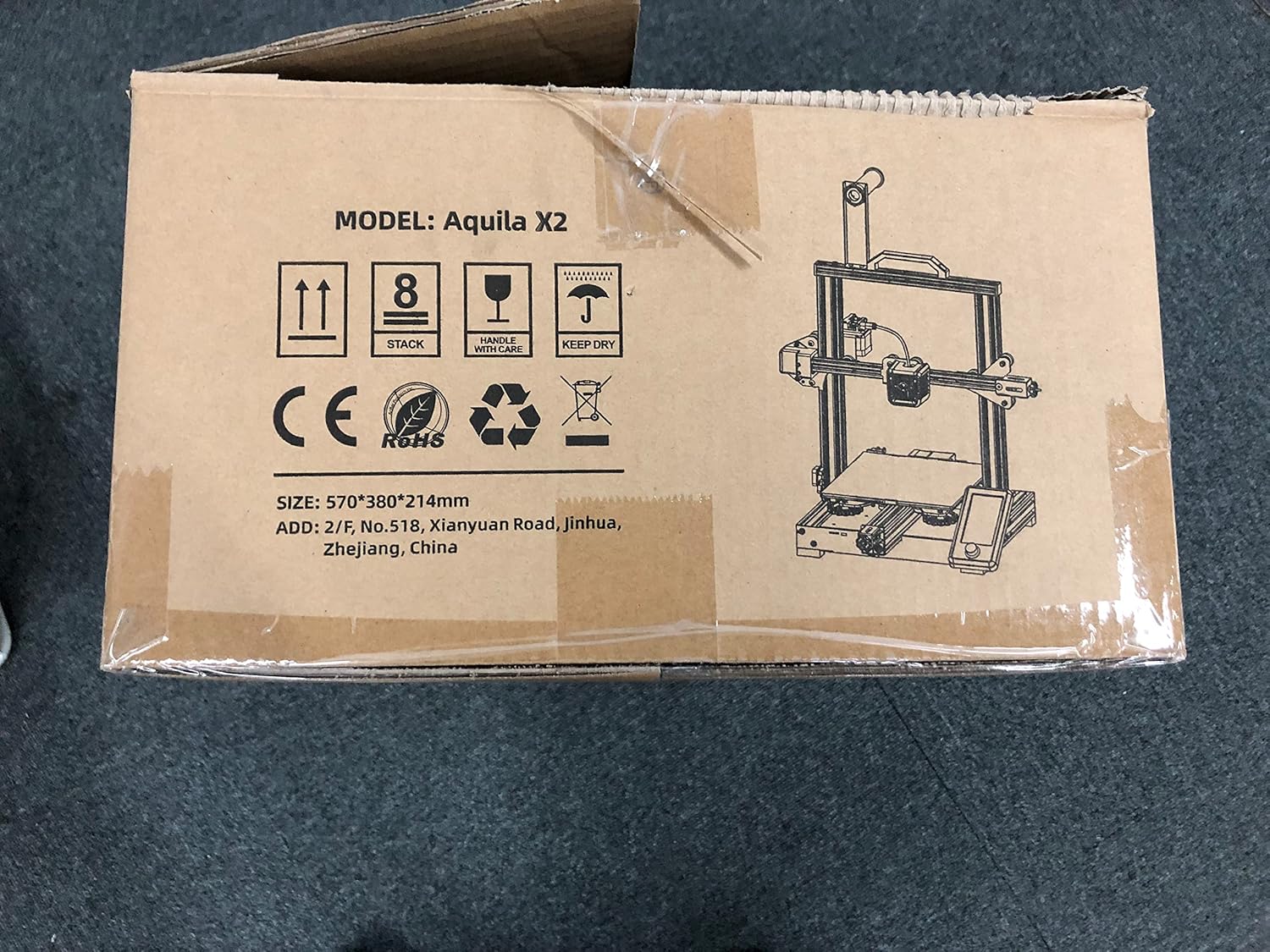
Image: The Voxelab Aquila X2 product packaging.
4. Navodila za namestitev
The Aquila X2 comes semi-assembled. Follow these steps to complete the setup:
4.1 Montaža
- Razpakirajte komponente: Previdno odstranite vse dele iz embalaže.
- Attach Gantry: Secure the gantry to the base using the provided screws. Ensure it is aligned correctly.
- Install Spool Holder: Mount the filament spool holder onto the designated position on the frame.
- Povežite kable: Connect all motor, endstop, and hotend cables according to the labels. Double-check connections for security.
- Preverjanje napajanja: Verify the power supply switch is set to the correct voltagza vašo regijo (115 V ali 230 V).
4.2 Initial Leveling
Accurate bed leveling is crucial for successful prints.
- Vklop: Vklopite tiskalnik.
- Auto Home: Navigate to the 'Prepare' menu on the screen and select 'Auto Home'. The nozzle will move to the home position.
- Onemogoči steperje: Select 'Disable Steppers' from the 'Prepare' menu to move the print head freely.
- Adjust Corners: Move the nozzle to each corner of the print bed. Use a piece of paper between the nozzle and the bed. Adjust the bed leveling knobs until there is slight friction when moving the paper.
- Center Check: Repeat the process for the center of the bed.

Image: Voxelab Aquila X2 3D Printer dimensions.
5. Navodila za uporabo
This section covers basic operation, from loading filament to starting your first print.
5.1 Vstavljanje filamenta
- Predgrevanje: On the printer's screen, select 'Prepare' > 'Preheat PLA' (or appropriate filament type).
- Insert Filament: Once the hotend reaches temperature, insert the filament into the filament detection sensor and then into the extruder's input hole.
- Feed Filament: Gently push the filament until it exits the nozzle. You may need to press the extruder lever to release tension.

Image: The Voxelab Aquila X2 3D Printer in operation, highlighting its features.
5.2 Začetek tiskanja
- Priprava G-kode: Use a slicing software (e.g., Cura, VoxelMaker) to convert your 3D model (.STL, .OBJ) into a G-code file. Shrani to file to the provided SD card.
- Vstavite kartico SD: Insert the SD card into the printer's card slot.
- Izberite File: On the printer's screen, navigate to 'Print' and select your desired G-code file.
- Monitor tiskanja: The printer will begin heating and then start printing. Monitor the first few layers to ensure proper adhesion.

Image: The printer's colorful screen with rotary knob for navigation.
6. Ključne značilnosti
The Voxelab Aquila X2 incorporates several features to enhance your 3D printing experience:
- Filament Detection Sensor: Automatically pauses printing and notifies you when filament runs out or breaks, preventing failed prints and material waste.
- Resume Printing Function: V primeru izklopatage, the printer can resume printing from where it left off once power is restored.
- Removable Carbon Silicon Crystal Glass Plate: Provides strong adhesion during printing and allows for easy removal of finished prints once cooled. Heats up quickly.
- Large Build Volume: Offers a generous print area of 220 x 220 x 250 mm for various project sizes.
- Open-Source Technology: Allows for flexible upgrades and modifications, catering to advanced users.
- Tiho delovanje: Designed to operate with noise levels below 50 decibels for a more pleasant printing environment.

Image: Visual representation of the resume printing and filament detection features.

Slika: Konecview of key features including all-metal body, high precision, and color screen.
7. Vzdrževanje
Redno vzdrževanje zagotavlja optimalno delovanje in podaljšuje življenjsko dobo vašega tiskalnika.
- Clean Print Bed: After each print, allow the bed to cool and then clean it with isopropyl alcohol to remove any residue.
- Pregled šob: Periodically check the nozzle for clogs or wear. Replace if necessary.
- Namažite gibljive dele: Apply a small amount of lithium grease to the Z-axis lead screw and smooth rods every few months.
- Tighten Belts: Ensure the X and Y axis belts are properly tensioned. They should be taut but not overly tight.
- Posodobitve vdelane programske opreme: Check the Voxelab webza morebitne posodobitve vdelane programske opreme, ki so na voljo za izboljšanje delovanja in dodajanje novih funkcij.
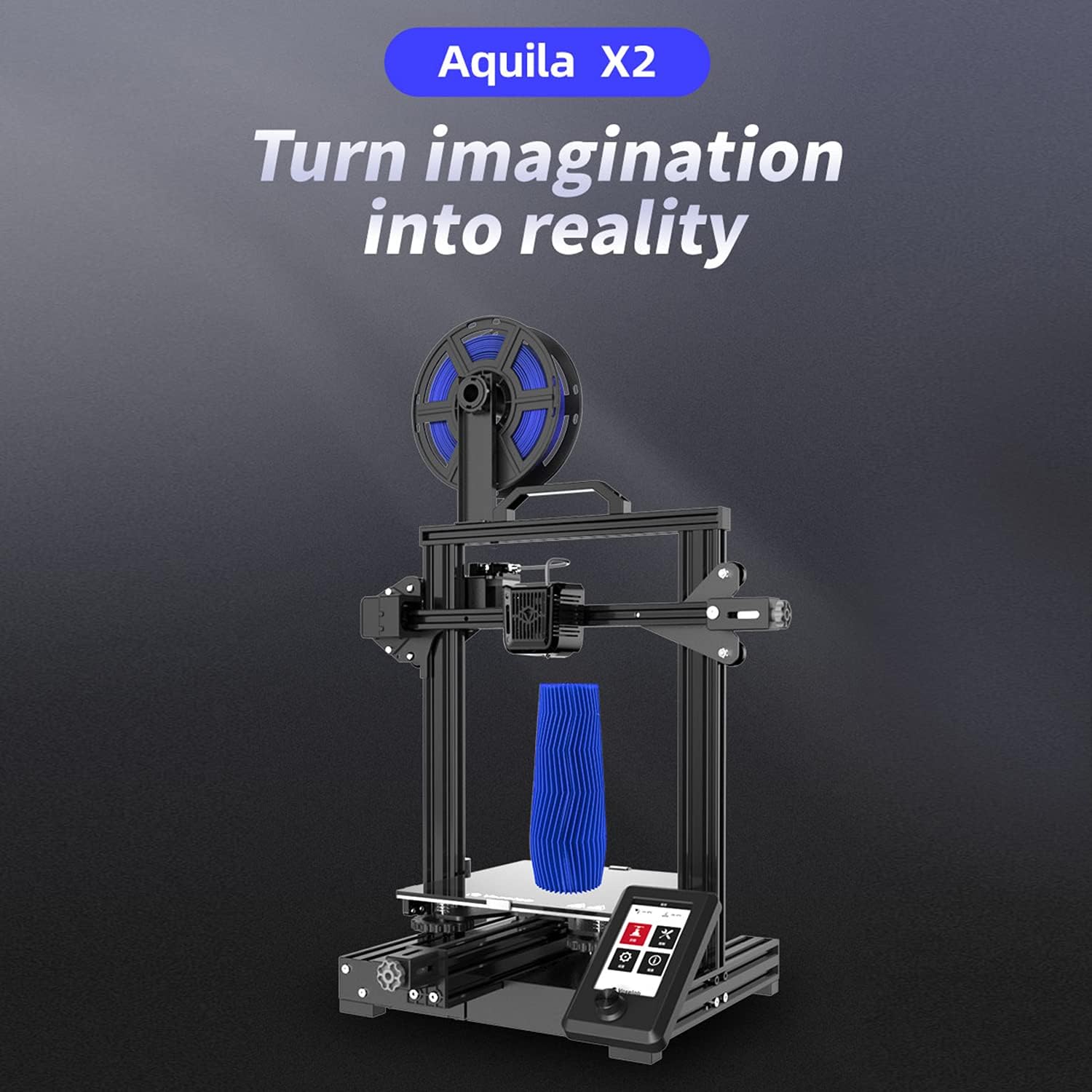
Image: The ultra-flat glass print bed, important for print adhesion and maintenance.
8. Odpravljanje težav
Za pogoste težave in njihove možne rešitve glejte ta razdelek.
- Print Not Sticking to Bed:
Možni vzroki: Bed not level, nozzle too far from bed, bed not heated, dirty print surface, incorrect initial layer settings.
rešitve: Re-level the bed, adjust Z-offset, ensure bed temperature is appropriate for filament, clean bed with isopropyl alcohol, check slicer settings for initial layer height and speed. - Filament Not Extruding:
Možni vzroki: Zamašena šoba, zapleten filament, napačna temperatura, zdrsavanje zobnika ekstruderja.
rešitve: Clean or replace nozzle, untangle filament, ensure hotend temperature is correct for filament, check extruder tension. - Poor Print Quality (Layer Shifts, Gaps):
Možni vzroki: Loose belts, unstable printer, incorrect print speed, worn nozzle.
rešitve: Tighten X and Y axis belts, ensure printer is on a stable surface, reduce print speed, replace nozzle. - Tiskalnik se ne vklopi:
Možni vzroki: Loose power cable, incorrect voltage switch setting, faulty power supply.
rešitve: Check power cable connections, verify power supply voltage switch, contact support if issue persists.
9. Specifikacije
Detailed technical specifications for the Voxelab Aquila X2 3D Printer:
| Funkcija | Specifikacija |
|---|---|
| Extruder Number | 1 |
| Premer ekstruderja | 0.4 mm |
| Max Extruder Temp. | 250 °C |
| Max Platform Temp. | 110 °C |
| Hitrost tiskanja | ≤180mm/s (50-80mm/s normally) |
| Support Filament | PLA, ABS, PETG |
| Tiskanje obsega | 220 x 220 x 250 mm |
| Ločljivost plasti | 0.1-0.4 mm |
| Ločljivost tiskanja | ±0.2 mm |
| Velikost naprave | 473 x 480 x 473 mm |
| Neto teža | 8.2 kg |
| Vhodna voltage | Izmenična napetost 115/230 V 50/60 Hz |
| Izhodna voltage | DC 24V |
| Moč | 350 W |
| Delovno okolje | 15-30 °C |

Image: Technical specifications of the Voxelab Aquila X2.
10. Garancija in podpora
Voxelab provides a 12-month warranty for all 3D printers, along with lifetime technical support and 12-hour professional customer service.
For technical assistance, troubleshooting, or warranty claims, please contact Voxelab customer service through their official webspletno mesto ali prodajalec, kjer ste izdelek kupili.
Voxelab Official Webspletno mesto: www.voxelab3dp.com