
Uvod
The Sengled Wi-Fi Smart LED Bulb offers a comprehensive system for lighting control and energy management. With these bulbs, you can adjust brightness, set schedules, and save energy from any location. This manual provides detailed instructions for setup, operation, and maintenance of your smart bulbs.

Image: Sengled Wi-Fi Smart LED Bulb, E26 base, warm white.
Navodila za namestitev
Setting up your Sengled Wi-Fi Smart LED Bulbs is a straightforward process. No additional hub or bridge is required as the bulbs connect directly to your 2.4GHz Wi-Fi network.
- Prenesi in registriraj se: Download the Sengled Home app from your smartphone's app store. Create an account and register within the app.
- Namestite žarnico: Screw the smart LED bulb into a standard E26 light socket. Ensure the power is turned on.
- Sledite vodniku v aplikaciji: Open the Sengled Home app and follow the on-screen instructions to connect your bulb to your 2.4GHz Wi-Fi network.

Image: Visual guide for the three-step setup process: 1. Download Sengled Home app, 2. Install bulb, 3. Follow in-app instructions.
Pomembna opomba:
- These bulbs are not compatible with 5GHz Wi-Fi networks. Ensure your device is connected to a 2.4GHz network during setup.
Navodila za uporabo
Glasovni nadzor
Integrate your Sengled Smart LED Bulbs with smart speakers like Google Home for hands-free control. Use voice commands to turn the lights ON/OFF, adjust brightness, or activate custom mood scenes.

Image: A person using a smartphone with a voice command, demonstrating integration with Google Home and Alexa for hands-free control.
Remote and Group Control
Control your lighting from anywhere using the Sengled Home app on your smartphone. You can turn lights ON/OFF, brighten, or dim them even when you are away from home. This feature provides security benefits and peace of mind if you forget to turn off lights.
The app also allows you to create groups of bulbs for simultaneous control. For example, you can control all lights in a room or on a specific floor with a single command.

Image: An illustration showing multiple rooms with smart bulbs, controlled via a smartphone app for group control.
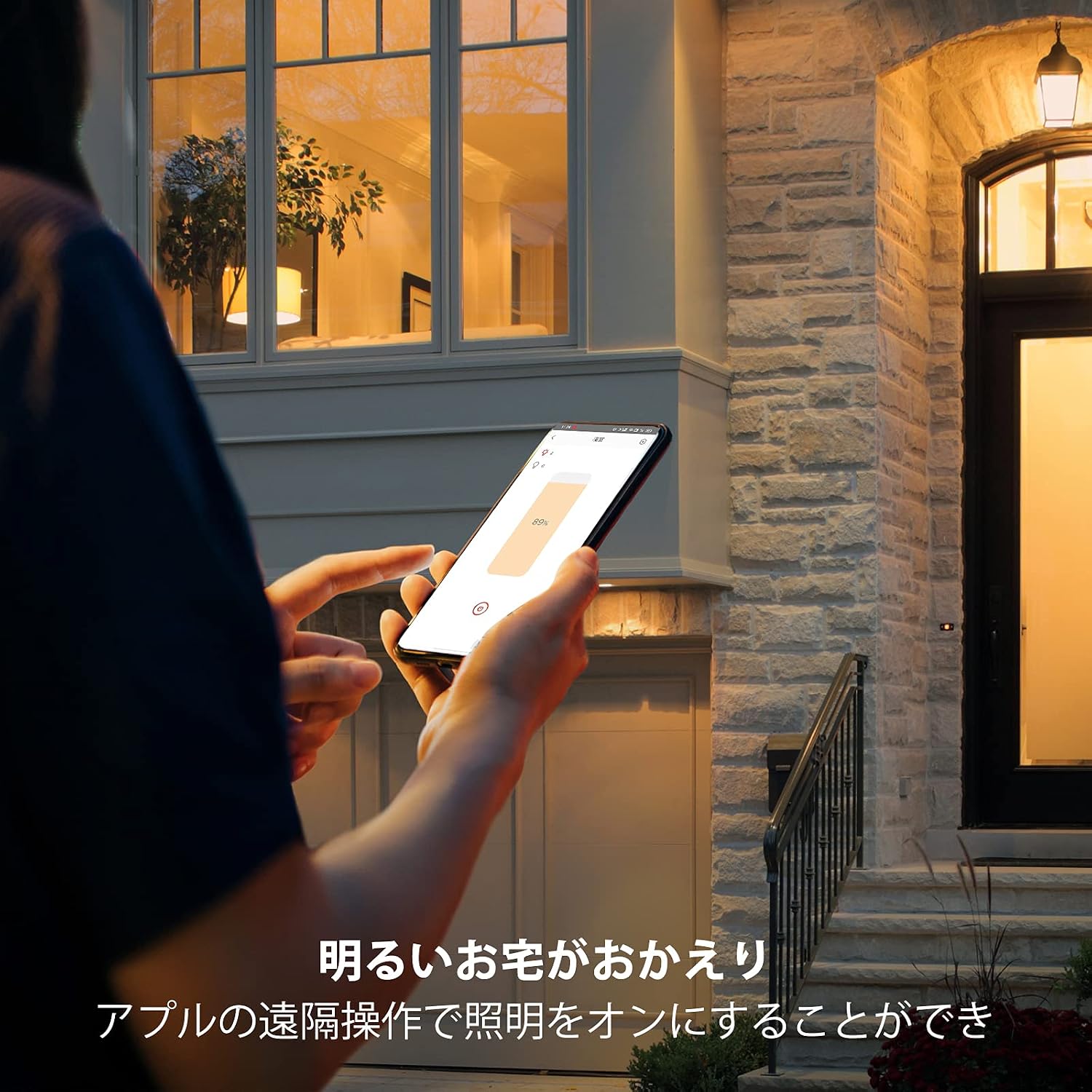
Image: A person remotely turning on lights at home using a smartphone app while approaching the house.
Funkcija razporejanja
Utilize the timer and scheduling features to automate your lighting. Set your bulbs to gradually brighten before your alarm, or dim automatically after bedtime. This allows you to start your day with invigorating light, switch to focused light for work, and relax with soft light in the evening, adapting to your daily routine.

Image: A person interacting with a tablet, while a smartphone displays options to customize scenes and schedules within the Sengled app.
Dimmable and Eye-Friendly Light
The Sengled LED bulbs provide sufficient brightness (800 lumens, equivalent to 60W) and vivid colors (CRI90+). They emit soft, natural light similar to sunlight, which helps prevent eye fatigue during extended periods of work or study, meeting JIS Class AA standards.
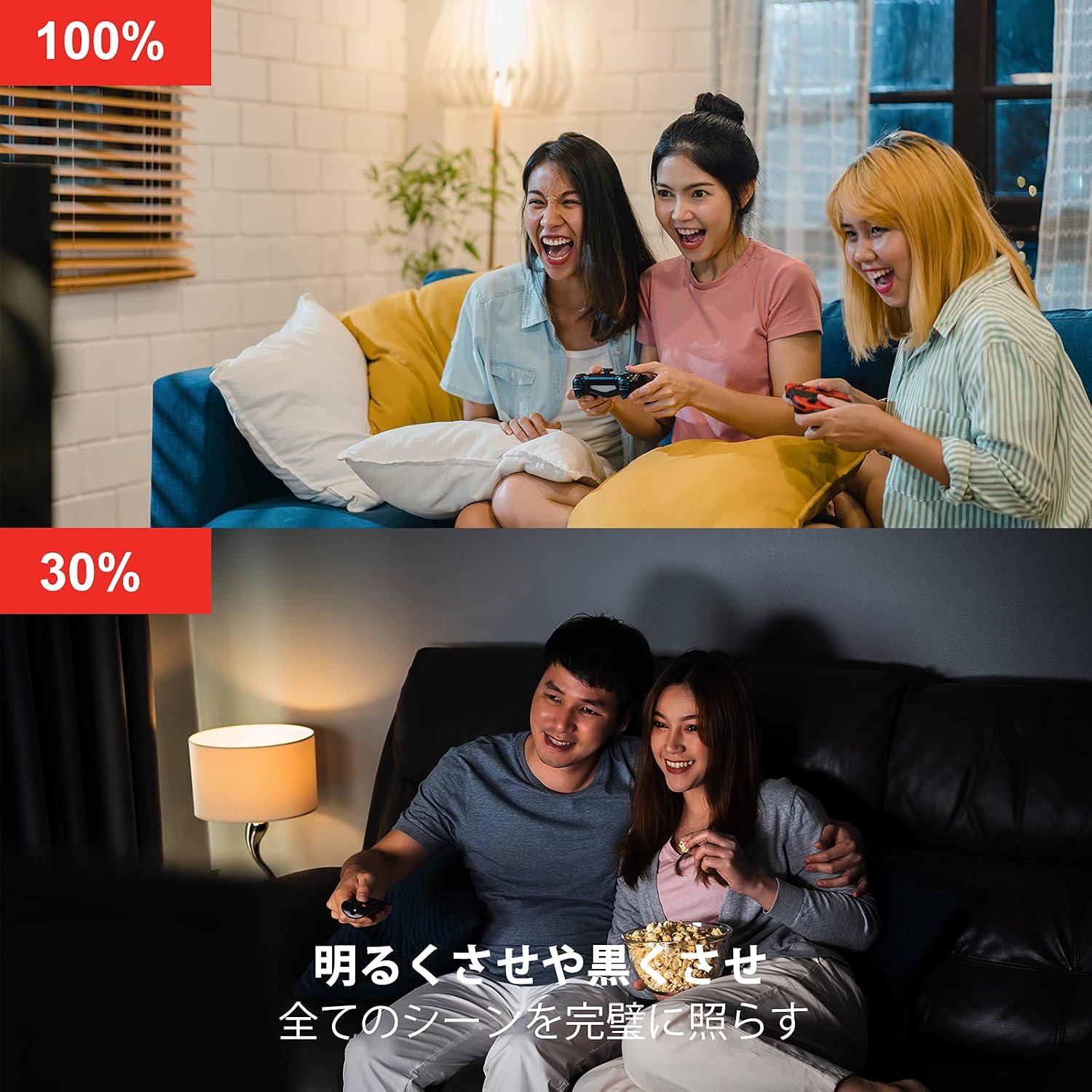
Image: Two scenes demonstrating brightness levels: 100% for a bright environment and 30% for a relaxed, dim setting.
Vzdrževanje
Sengled Smart LED Bulbs are designed for long-term use with minimal maintenance. To ensure optimal performance and longevity:
- Čiščenje: Pred čiščenjem se prepričajte, da je žarnica izklopljena in ohlajena. Obrišite z mehko, suho krpo. Ne uporabljajte tekočih čistil ali abrazivnih materialov.
- Shranjevanje: If storing the bulbs, keep them in a cool, dry place away from direct sunlight and extreme temperatures.
- Trdna povezava: Ensure the bulb is securely screwed into the E26 socket to prevent intermittent connection issues or buzzing sounds.
Odpravljanje težav
- Žarnica se ne povezuje z omrežjem Wi-Fi:
- Ensure your Wi-Fi network is 2.4GHz. These bulbs are not compatible with 5GHz networks.
- Check your Wi-Fi signal strength at the bulb's location.
- Restart your Wi-Fi router and try the setup process again.
- Ensure the bulb is within range of your router.
- Voice Control Issues (e.g., with Alexa):
- Verify that the Sengled skill is enabled in your Alexa or Google Home app.
- As of August 2025, some users have reported issues with Alexa integration for certain Sengled Wi-Fi bulbs. If you experience persistent issues, please contact Sengled customer support for the latest information and solutions.
- Buzzing Sound from Bulb:
- Ensure the bulb is screwed in tightly and making a firm connection with the socket.
- If the buzzing persists, try the bulb in a different fixture. If the issue continues, the bulb may be defective.
- Daljinski upravljalnik ne deluje:
- Preverite internetno povezavo svojega pametnega telefona.
- Ensure the Sengled Home app is up to date.
- Confirm the bulb is connected to your home Wi-Fi network.
Specifikacije
| Funkcija | Specifikacija |
|---|---|
| Znamka | Očaran |
| Številka modela | W21-J11WFFS4P |
| Vrsta svetlobe | LED |
| Podnožje žarnice | E26 |
| Wattage | 8 W |
| Žarnica enakovredna | 60 vatov |
| Svetlost | 800 lumnov |
| Barvna temperatura | 2700 Kelvinov (toplo bela) |
| Indeks barvnega upodabljanja (CRI) | 90 |
| Protokol povezljivosti | Wi-Fi (samo 2.4 GHz) |
| Vrsta krmilnika | Amazon Alexa, Googlov pomočnik |
| Življenjska doba delovanja | 20,000 uri |
| voltage | 100 volta |
| Notranja/zunanja uporaba | Notranja |
| Število elementov | 4 žarnic v pakiranju |
Garancija in podpora
Sengled provides a manufacturer's warranty for this product.
- Garancijska doba: 2 leti od datuma nakupa.
- Returns/Exchanges (within 30 days of arrival): For returns or exchanges within 30 days of product arrival, please contact Amazon.JP customer service.
- Exchanges (after 30 days and within 2 years): For exchanges of damaged products after 30 days of arrival and within the 2-year warranty period, please contact Sengled customer support directly.
Podpora uporabnikom
If you have any questions regarding the use of your Sengled product, please contact us via email:
E-pošta: support_JP@sengled.com
Please note that email inquiries may take some time to receive a response. We appreciate your understanding.

Image: Information on Sengled customer support, 2-year warranty, and 25,000 hours lifespan.