
1. Uvod
The Pro-Ject Debut RecordMaster II is a high-fidelity turntable designed for an enhanced vinyl listening experience and digital conversion. This model features a pre-mounted OM5e cartridge, a built-in switchable phono preamplifier, and a USB output for direct connection to a PC or Mac. It incorporates a belt drive system with a low-noise AC motor, TPE decoupling, and a DC-driven AC generator for stable speed. Electronic speed change allows for playback at 33, 45, and 78 RPM, with a simple stylus exchange (OM78, not included) and drive belt adjustment required for 78 RPM.
This manual provides essential information for the proper setup, operation, and maintenance of your turntable to ensure optimal performance and longevity.
2. Varnostna navodila
- Pred uporabo natančno preberite vsa navodila.
- Gramofona ne izpostavljajte vodi, vlagi in neposredni sončni svetlobi.
- Do not place the turntable near heat sources such as radiators, heat registers, stoves, or other apparatus that produce heat.
- Uporabljajte samo priključke/dodatke, ki jih je določil proizvajalec.
- Med nevihtami ali če gramofona dalj časa ne uporabljate, ga izključite iz električnega omrežja.
- Za vse servise se obrnite na usposobljeno servisno osebje.
- Zagotovite ustrezno prezračevanje okoli enote.
3. Vsebina paketa
Preverite, ali so v vašem paketu priloženi vsi spodaj navedeni elementi:
- Pro-Ject Debut RecordMaster II Turntable with pre-mounted OM5e cartridge
- Connect it RCA Cable
- Prevleka za prah
- Adapter for 7-inch singles
- Napajanje
4. Navodila za namestitev
Follow these steps to set up your Pro-Ject Debut RecordMaster II turntable:
4.1 Razpakiranje in namestitev
Carefully remove all components from the packaging. Place the turntable on a stable, level surface away from vibrations and direct heat sources. Ensure adequate space for the dustcover to open fully.
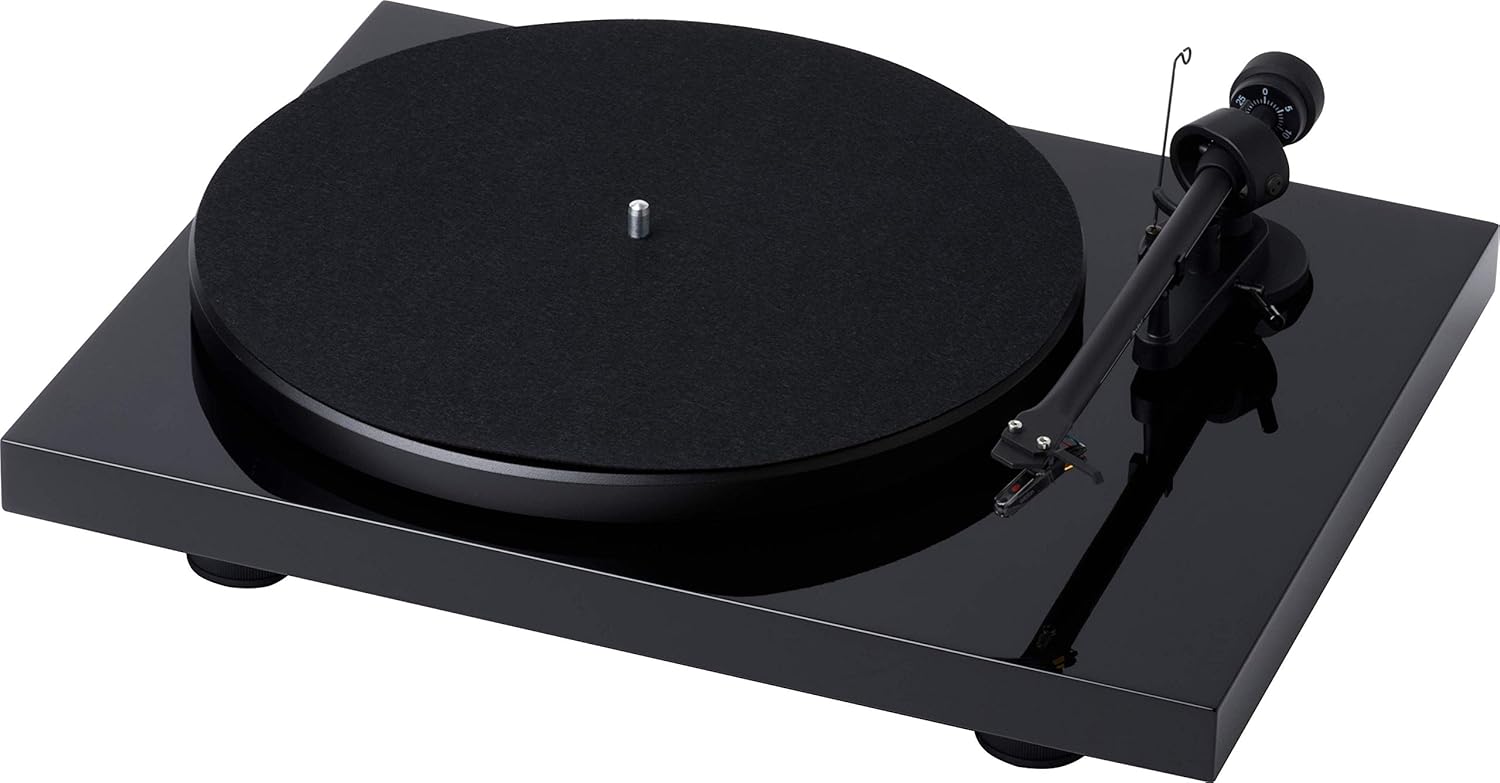
Slika 1: Od zgoraj navzdol view of the Pro-Ject Debut RecordMaster II Turntable.
4.2 Namestitev plošče in traku
- Ploščo namestite na vreteno.
- Carefully loop the drive belt around the motor pulley and the inner rim of the platter.
4.3 Ravnovesje ročice in sila sledenja
The turntable comes with a pre-mounted OM5e cartridge. Refer to the cartridge manufacturer's instructions for precise tracking force and anti-skating settings. Generally, balance the tonearm until it floats freely, then set the tracking force using the counterweight.
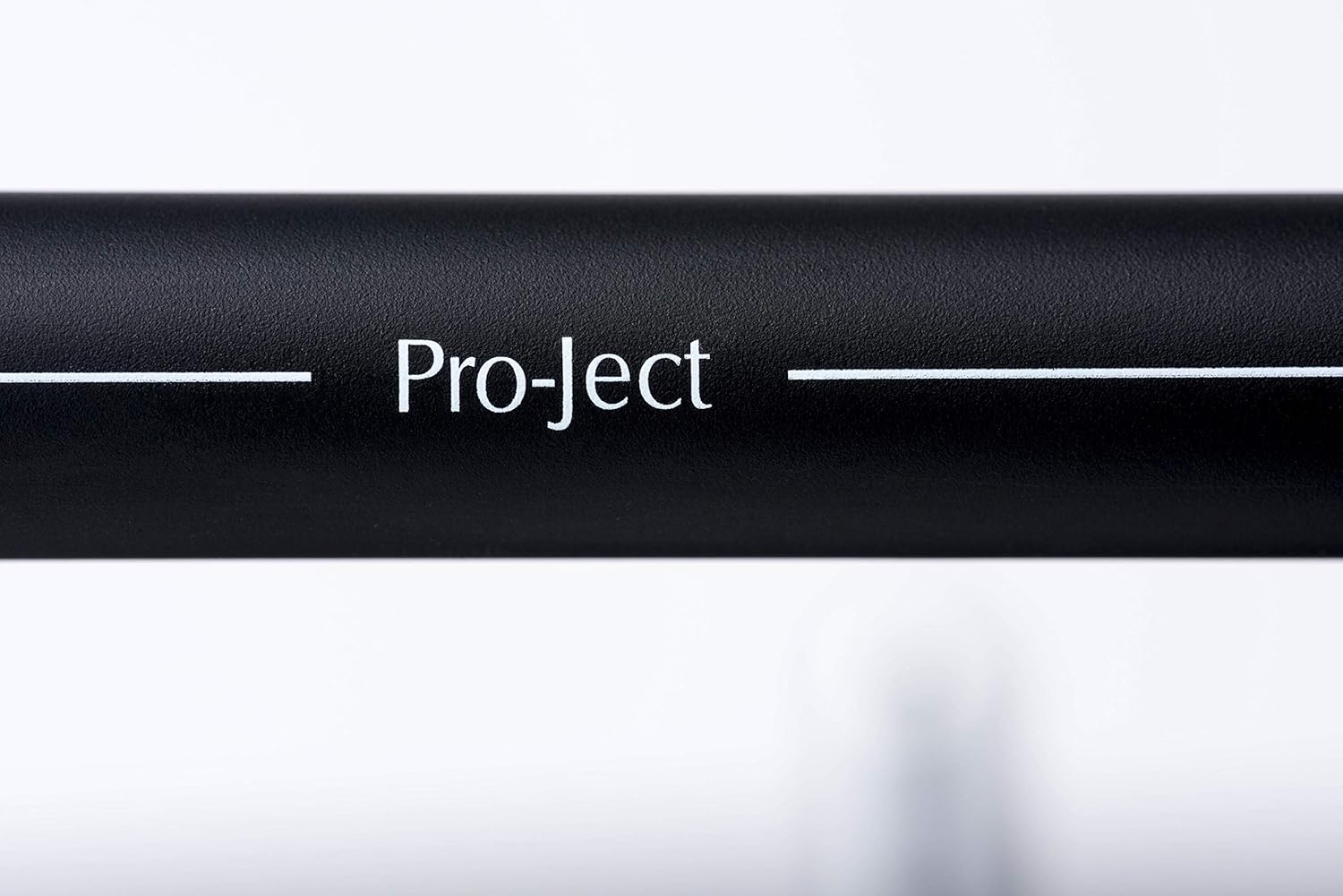
Figure 2: Close-up of the tonearm, showing the Pro-Ject branding.
4.4 Priključitev na avdio sistem
The Debut RecordMaster II features a built-in switchable phono preamplifier and USB output. You can connect it to a line-level input on your hi-fi system or directly to a PC/Mac via USB.
- RCA povezava: Use the supplied RCA cable to connect the turntable's output to an available line-level input (e.g., AUX, CD) on your amplifier or receiver. Ensure the phono preamplifier switch on the turntable is set to 'Line Out' if connecting to a line-level input, or 'Phono Out' if connecting to an ampzvočnik z namenskim phono vhodom.
- USB povezava: Connect the turntable to your computer using a USB cable (not included). This allows for digital recording of your vinyl.
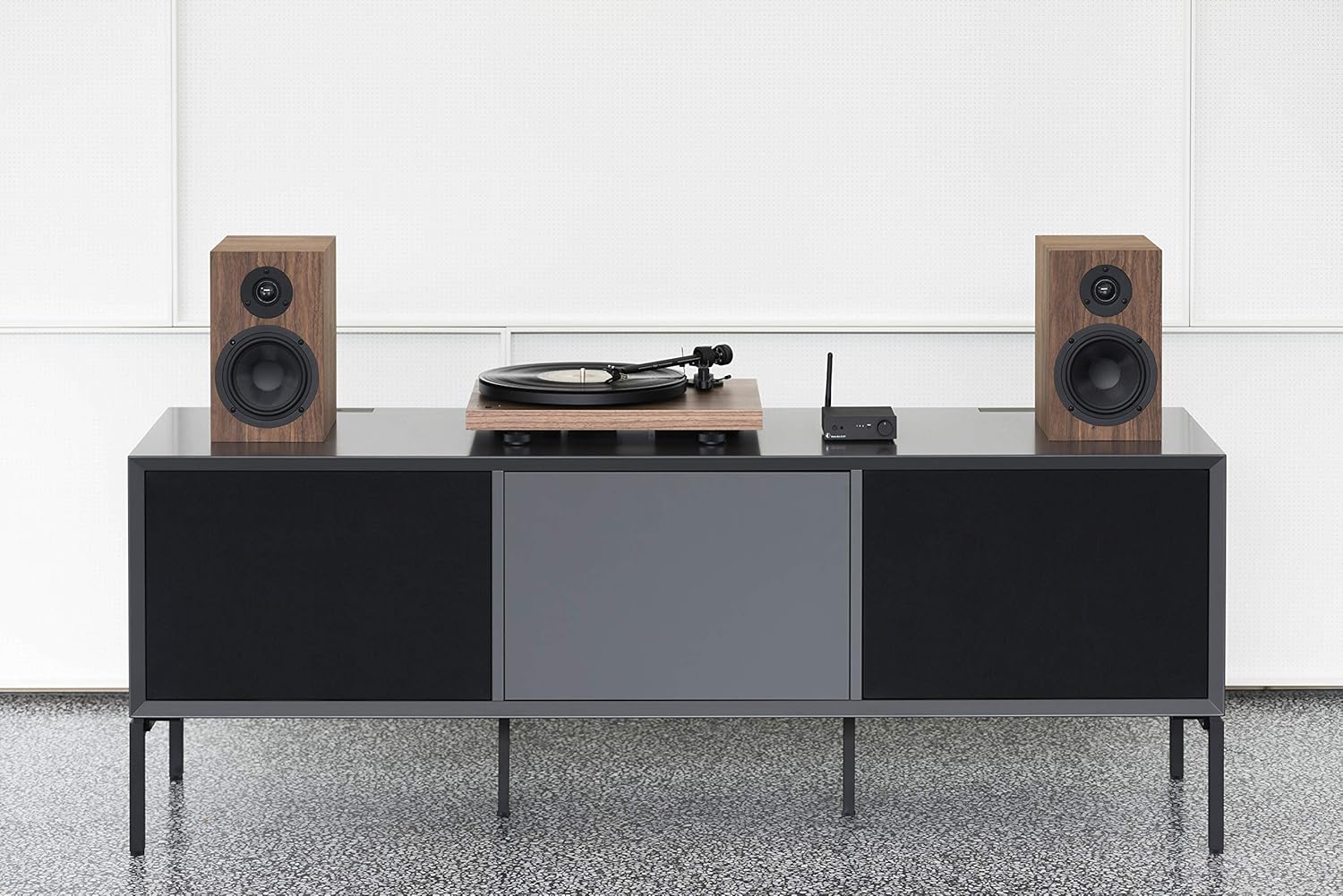
Figure 3: Turntable integrated into a home audio setup with speakers.

Figure 4: Turntable connected to a laptop, demonstrating USB recording capability.
4.5 Dustcover Installation
Attach the dustcover hinges to the designated slots on the rear of the turntable. The dustcover protects the turntable from dust and debris when not in use.
5. Navodila za uporabo
5.1 Vklop/izklop
Locate the power switch, typically on the underside or rear of the plinth. Turn the switch to the 'On' position to power the turntable. Turn it 'Off' when not in use.

Figure 5: Detail of the power switch for the turntable.
5.2 Izbira hitrosti
The turntable supports 33, 45, and 78 RPM playback. Use the electronic speed change function to select the appropriate speed for your record. For 78 RPM records, a specific OM78 stylus (not included) and a drive belt turnover to a larger diameter of the pulley are required.
5.3 Predvajanje plošče
- Postavite ploščo na krožnik.
- Prepričajte se, da je izbrana pravilna hitrost predvajanja.
- Raise the tonearm using the tonearm lift lever.
- Nežno premaknite ročico gramofona čez želeni začetni utor plošče.
- Slowly lower the tonearm using the lift lever. The stylus will descend onto the record and playback will begin.
5.4 Stopping Playback
- Raise the tonearm using the tonearm lift lever.
- Move the tonearm back to its rest position.
- Lower the tonearm onto its rest using the lift lever.
- Izklopite gramofon.
5.5 Snemanje na USB
To record vinyl to your PC/Mac, connect the turntable via USB. Use appropriate audio recording software (not included) on your computer to capture the audio signal. Ensure the turntable's phono preamplifier is set to 'Line Out' for USB recording.
6. Vzdrževanje
6.1 Čiščenje pisala
Regularly clean the stylus using a soft brush or a dedicated stylus cleaning fluid. Brush gently from back to front to remove dust and debris.
6.2 Zapisi o čiščenju
Use a carbon fiber brush or a record cleaning solution to keep your vinyl records free of dust and static. Clean records before each play to minimize wear on the stylus and improve sound quality.
6.3 Dustcover Care
Clean the dustcover with a soft, damp krpo. Izogibajte se abrazivnim čistilom, ki lahko opraskajo površino.
7. Odpravljanje težav
If you encounter issues with your turntable, consult the following common problems and solutions:
| Težava | Možen vzrok | rešitev |
|---|---|---|
| Ni zvoka ali pa je glasnost zelo nizka | Napačna izbira vnosa na amplifier; Phono preamp switch incorrect; Loose cables. | Select correct input; Adjust phono preamp switch; Check all cable connections. |
| Popačen zvok | Dirty stylus; Incorrect tracking force or anti-skating; Damaged stylus. | Clean stylus; Re-adjust tracking force/anti-skating; Replace stylus if damaged. |
| Nepravilna hitrost predvajanja | Wrong speed selected; Drive belt issue. | Select correct speed (33/45/78 RPM); Check drive belt for proper placement or wear. |
| Brenčanje | Ground wire not connected; Interference from other electronics. | Ensure ground wire is securely connected; Move turntable away from other electronic devices. |
8. Specifikacije
| Funkcija | Podrobnost |
|---|---|
| Znamka | Projekt |
| Ime modela | Recordmaster II |
| Številka modela artikla | RM II Om5e |
| Vrsta motorja | AC motor |
| Največja vrtilna hitrost | 78 RPM |
| Posebne lastnosti | USB Output, Built-in Phono Preamplifier, Electronic Speed Change |
| Združljive naprave | Osebni računalnik |
| Vrsta priključka | USB |
| Material | Plastika |
| Dimenzije izdelka | 32 x 41.5 x 11.8 cm; 7.7 kg |
| Vrsta vira napajanja | Električni na kabel |
| Baterije priložene | št |
| Potrebne baterije | št |
9. Garancija in podpora
For detailed warranty information, please refer to the documentation included with your product or visit the official Pro-Ject Audio Systems website. For technical support or service inquiries, please contact Pro-Ject customer service through their official channels.