
Hommie L3-ES
Hommie Smartwatch L3-ES User Manual
Model: L3-ES
1. Uvod
Thank you for choosing the Hommie Smartwatch L3-ES. This device is designed to help you monitor your health and fitness, stay connected, and manage your daily activities with ease. Please read this manual carefully to understand the functions and proper operation of your new smartwatch.
The Hommie Smartwatch L3-ES features a 1.3-inch full touch IPS screen, continuous 24-hour heart rate monitoring, blood pressure tracking, sleep analysis, pedometer, calorie counter, and various sports modes. It also provides call and SMS notifications, ensuring you never miss important alerts.
2. Vsebina paketa
Upon opening your Hommie Smartwatch L3-ES package, please verify that all the following items are included:
- 1 x Hommie Smartwatch (L3-ES)
- 1 x Leather Strap (pre-installed or separate)
- 1 x Black and Red Silicone Strap
- 1 x Military Green Fabric Strap
- 1 x magnetni polnilni kabel
- 1 x Zaščita zaslona
- 1 x voščilnica
- 1 x uporabniški priročnik

Image: Contents of the Hommie Smartwatch L3-ES package, showing the smartwatch, three interchangeable straps (leather, silicone, fabric), a magnetic charging cable, a screen protector, and the user manual.
3. Nastavitev
3.1 Polnjenje pametne ure
Pred prvo uporabo popolnoma napolnite pametno uro. Magnetni polnilni kabel priključite na polnilne priključke na zadnji strani ure in USB-konec priključite v napajalnik (ni priložen) ali USB-vhod računalnika.
3.2 App Installation (Wearhealth)
To unlock the full potential of your Hommie Smartwatch, you need to download and install the Wearhealth application on your smartphone. Scan the QR code provided in the manual or on the packaging, or search for "Wearhealth" in your device's app store.
- Za naprave iOS: Download Wearhealth from App Store
- For Android devices: Search "Wearhealth" on Google Play Store.
Image: Close-up of the user manual showing QR codes for downloading the Wearhealth application for both iOS and Android devices.
3.3 Seznanjanje s pametnim telefonom
- Prepričajte se, da je Bluetooth na vašem pametnem telefonu omogočen.
- Open the Wearhealth app.
- Follow the in-app instructions to search for and connect to your Hommie Smartwatch (L3-ES).
- Grant all necessary permissions requested by the app for full functionality (e.g., notifications, location, health data).
4. Navodila za uporabo
4.1 Osnovna operacija
- Vklop/izklop: Pritisnite in držite stranski gumb za vklop ali izklop.
- Aktivacija zaslona: Raise your wrist or press the side button to wake the screen. The 3D acceleration sensor allows the screen to light up when rotated between 30 to 80 degrees.
- Navigacija: Swipe left/right or up/down on the touch screen to navigate through menus and functions. Tap to select.
- Prilagoditev svetlosti: Adjust screen brightness directly on the watch to suit different environments.
4.2 Spremljanje zdravja
Pametna ura ponuja celovite funkcije spremljanja zdravja:
- Monitor srčnega utripa: Neprekinjeno 24-urno sledenje srčnega utripa. View your real-time heart rate on the watch or detailed data in the app.
- Merilnik krvnega tlaka: Measure your blood pressure directly from your wrist.
- Monitor spanja: Automatically tracks your sleep patterns from 10:00 PM to 8:00 AM, analyzing deep sleep, light sleep, and awake times.
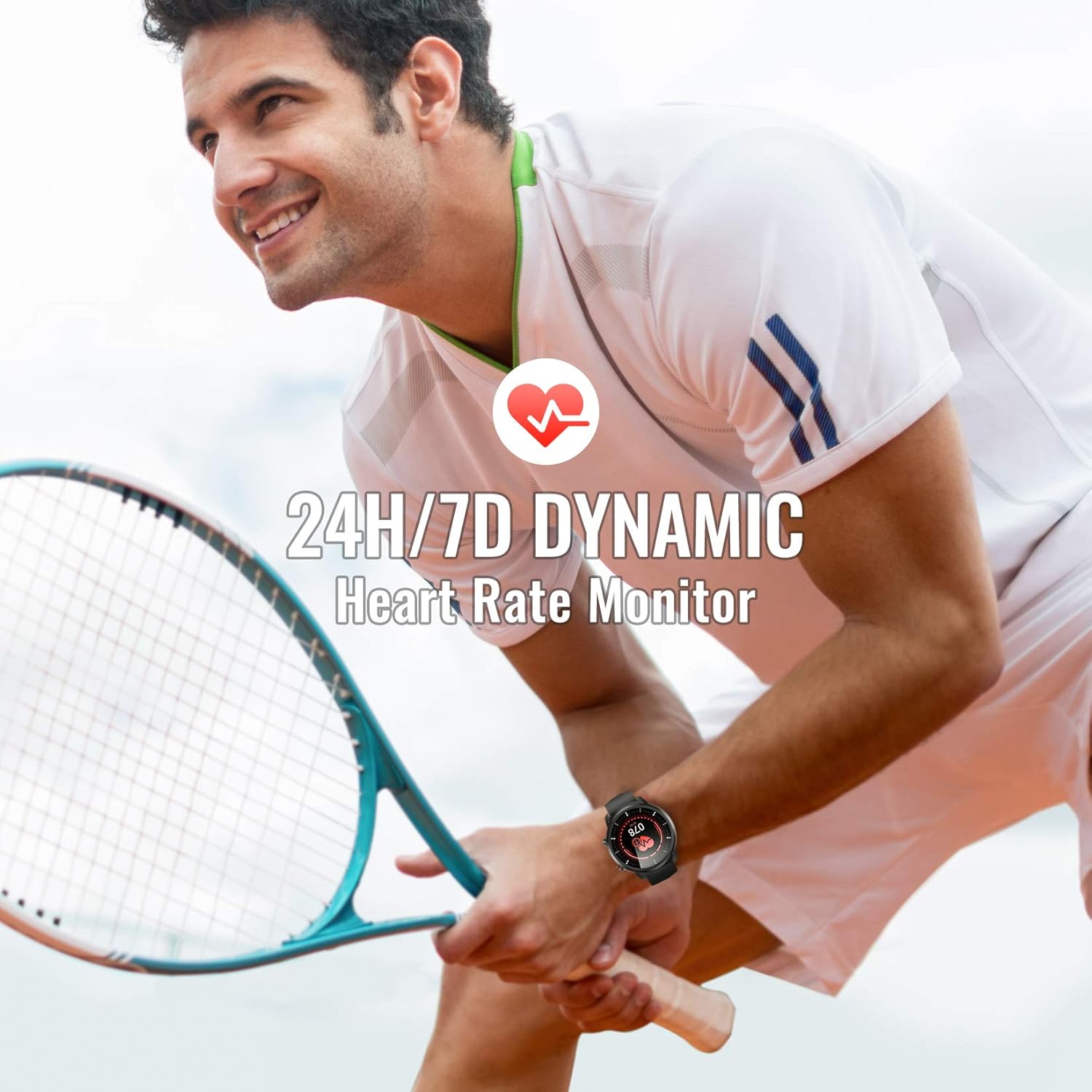
Image: A man playing tennis, wearing the Hommie Smartwatch, highlighting its 24-hour/7-day dynamic heart rate monitoring capability.

Image: A man sleeping, with the Hommie Smartwatch visible on his wrist. The image illustrates the smartwatch's sleep analysis feature, displaying total sleep time, and breakdowns of deep, light, and awake sleep stages.
4.3 Sledenje aktivnosti in športni načini
The smartwatch records your daily activities and supports various sports modes:
- Pedometer: Spremlja vaše korake čez dan.
- Razdalja: Calculates the distance covered based on your steps.
- Kalorije: Estimates calories burned during your activities.
- Športni načini: Includes 9 different sports modes such as running, basketball, climbing, and more. During sports, the watch records activity data.

Image: A man climbing outdoors, wearing the Hommie Smartwatch. The image highlights the watch's ability to track calories, distance, and steps, along with icons representing various sports modes like running, swimming, and football.
4.4 Obvestila in opomniki
Stay connected by receiving notifications directly on your wrist:
- Call & SMS Reminders: The watch vibrates to alert you of incoming calls and messages.
- Obvestila aplikacij: Receive alerts from social media apps like Facebook, WhatsApp, Instagram, and Twitter when connected to the Wearhealth app.
- Sedentarni opomniki: The watch can remind you to move after periods of inactivity.
Note: The smartwatch cannot directly make calls or reply to text messages.
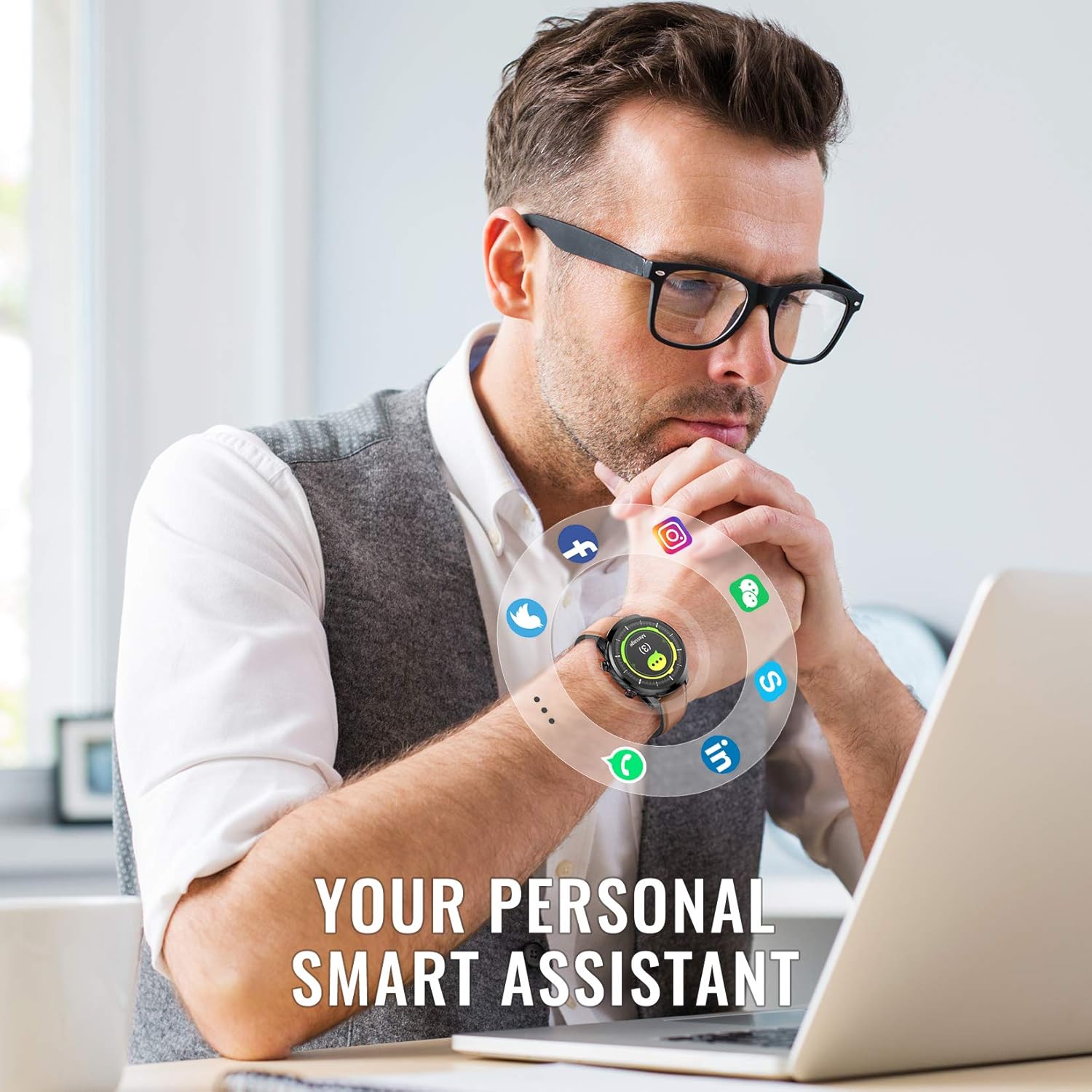
Image: A man working on a laptop, wearing the Hommie Smartwatch. Various social media and communication app icons (Facebook, Instagram, WhatsApp, Twitter, LinkedIn, phone, message) are shown around the watch, illustrating its notification capabilities.
NIKOLI Prilagajanje
- Obrazi za gledanje: The Wearhealth app allows you to customize your favorite screen saver with 8 different dial styles.
- Zamenjava traku: Easily change between the included leather, silicone, and fabric straps to match your style or activity.

Image: The Hommie Smartwatch displayed with its three interchangeable straps (leather, military green fabric, and black/red silicone). The image also illustrates the variety of app custom dial options and 8 different watch face interfaces available.
5. Vzdrževanje
5.1 Vodoodpornost (IP68)
The Hommie Smartwatch is IP68 waterproof, meaning it can withstand immersion in water up to 10 meters deep. You can wear it for swimming, showering, or daily washing without issues. However, please observe the following precautions:
- Do not expose the watch to high-temperature water (e.g., hot showers, saunas).
- Do not wear it for deep diving (depths greater than 10 meters).
- Avoid contact with chemical solvents, detergents, or soaps, as these can damage the seals.
- After contact with saltwater, rinse the watch with fresh water and dry it thoroughly.
5.2 Charging and Battery Life
The smartwatch offers excellent battery life, lasting up to 10 days on a single charge and up to 20 days in standby mode. Use the provided magnetic charging cable for optimal charging. Avoid using damaged cables or non-certified chargers.
5.3 Čiščenje
Regularly clean your smartwatch and straps to prevent skin irritation and maintain its appearance. Use a soft, dry cloth to wipe the watch body. For straps, follow specific cleaning instructions based on the material (leather, silicone, fabric).
6. Odpravljanje težav
If you encounter issues with your Hommie Smartwatch, please refer to the following common solutions:
- Watch not connecting to app/phone:
- Prepričajte se, da je Bluetooth na vašem telefonu omogočen in da je ura v dosegu.
- Znova zaženite pametno uro in telefon.
- Check if the Wearhealth app has all necessary permissions enabled in your phone's settings.
- Try unpairing and re-pairing the device through the Wearhealth app.
- Time/Date not syncing:
- Ensure the watch is successfully connected to the Wearhealth app. The time and date usually sync automatically upon connection.
- Check your phone's time and date settings.
- Obvestila se ne prikazujejo:
- Verify that notification permissions are granted to the Wearhealth app in your phone's settings.
- Ensure the specific app notifications are enabled within the Wearhealth app settings.
- Check if the watch is in Do Not Disturb mode.
- Netočni zdravstveni podatki:
- Prepričajte se, da je ura tesno prilegana zapestju, približno za širino enega prsta od zapestne kosti.
- Senzor naj bo čist.
- Note that these devices are not medical instruments and data is for reference only.
- Zaslon se ne odziva:
- Restart the watch by pressing and holding the side button.
- Prepričajte se, da je zaslon čist in suh.
7. Specifikacije
| Funkcija | Specifikacija |
|---|---|
| Znamka | Hommie |
| Model | L3-ES |
| Velikost zaslona | 1.3 palcev |
| Vrsta zaslona | Digital IPS Full Touch |
| Povezljivost | Bluetooth 4.0 ali novejši |
| Združljivost operacijskega sistema | Android 4.4 in novejši, iOS 9.0 in novejši |
| Ocena vodoodpornosti | IP68 (do 10 metra) |
| Vrsta baterije | Litijev polimer |
| Življenjska doba baterije | Do 10 dni (uporaba), 20 dni (v stanju pripravljenosti) |
| Teža izdelka | 200 g |
| Dimenzije (paket) | 18.8 x 11.91 x 2.39 cm |
| Posebne lastnosti | Heart Rate Monitor, Blood Pressure Monitor, Sleep Monitor, Pedometer, Activity Tracker, Call/SMS Reminders, Multiple Sports Modes |
| Certifikati | CE, RoHS, FCC |
8. Garancija in podpora
The Hommie Smartwatch L3-ES has been certified by CE, RoHS, and FCC, ensuring its quality and safety standards. For any product-related inquiries, technical support, or warranty claims, please contact Hommie customer service through the retailer's platform or the official Hommie webmesto.
Prosimo, shranite dokazilo o nakupu za namene garancije.
Sorodni dokumentiL3-ES


Ask a question about this manual
Ask about setup, troubleshooting, compatibility, parts, safety, or missing instructions. Manuals+ will review the question and use this page’s manual context to help answer it.