
Uvod
Thank you for choosing the UiiSii Songbirds TWS21 Wireless In-Ear Earbuds. This manual provides essential information for setting up, operating, and maintaining your earbuds to ensure optimal performance and longevity. Please read this manual thoroughly before using the product.
Vsebina paketa
Preverite, ali so v paketu vsi elementi:
- UiiSii Songbirds TWS21 Wireless Earbuds (Left and Right)
- etui za polnjenje
- USB polnilni kabel
- Uporabniški priročnik
Konec izdelkaview
The UiiSii Songbirds TWS21 earbuds feature a lightweight, semi in-ear design for comfortable wear. They are equipped with touch controls for easy management of audio and calls.
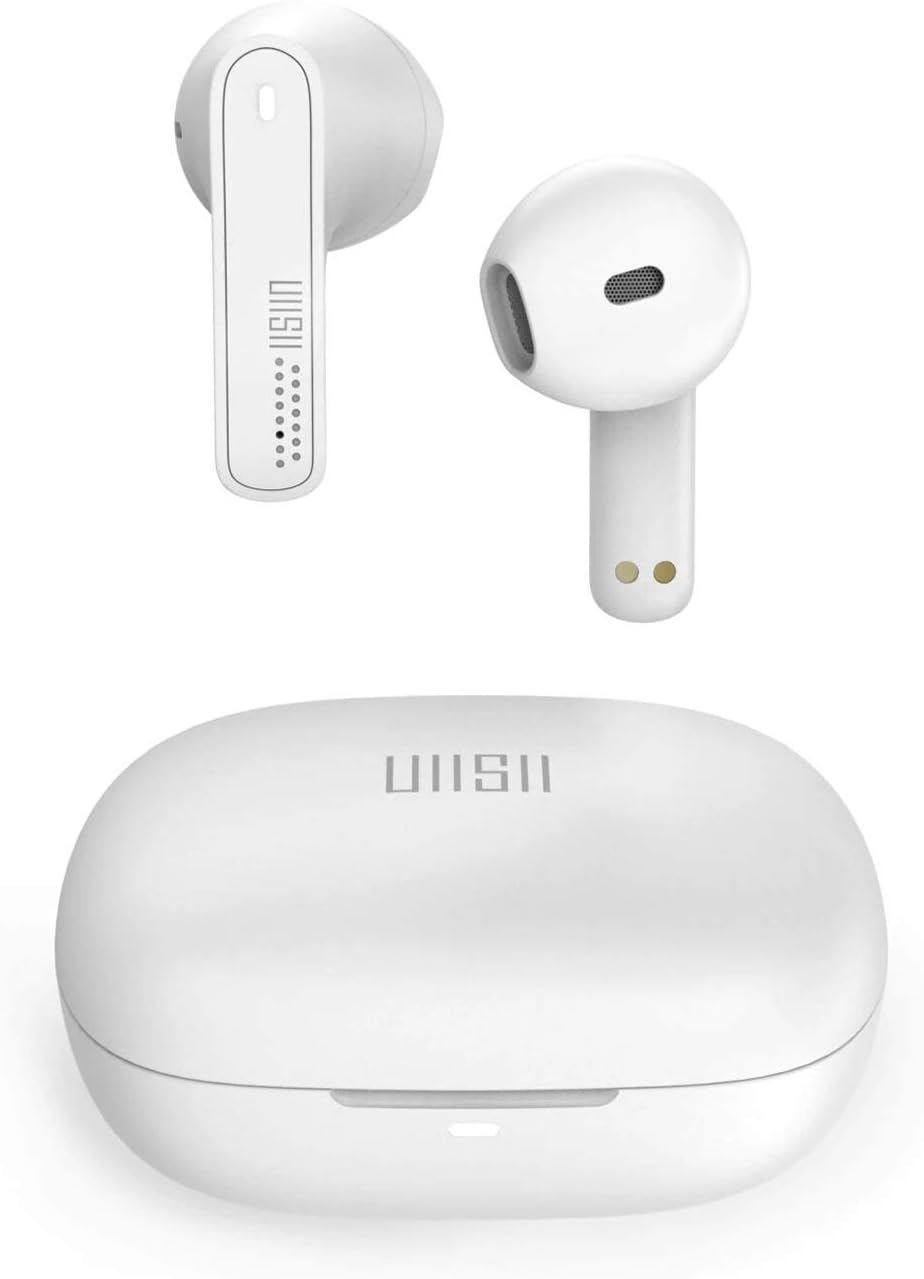
Image: UiiSii TWS21 Earbuds shown inside their charging case, with the case lid open. The earbuds are white, and the case is also white, displaying the UiiSii logo.
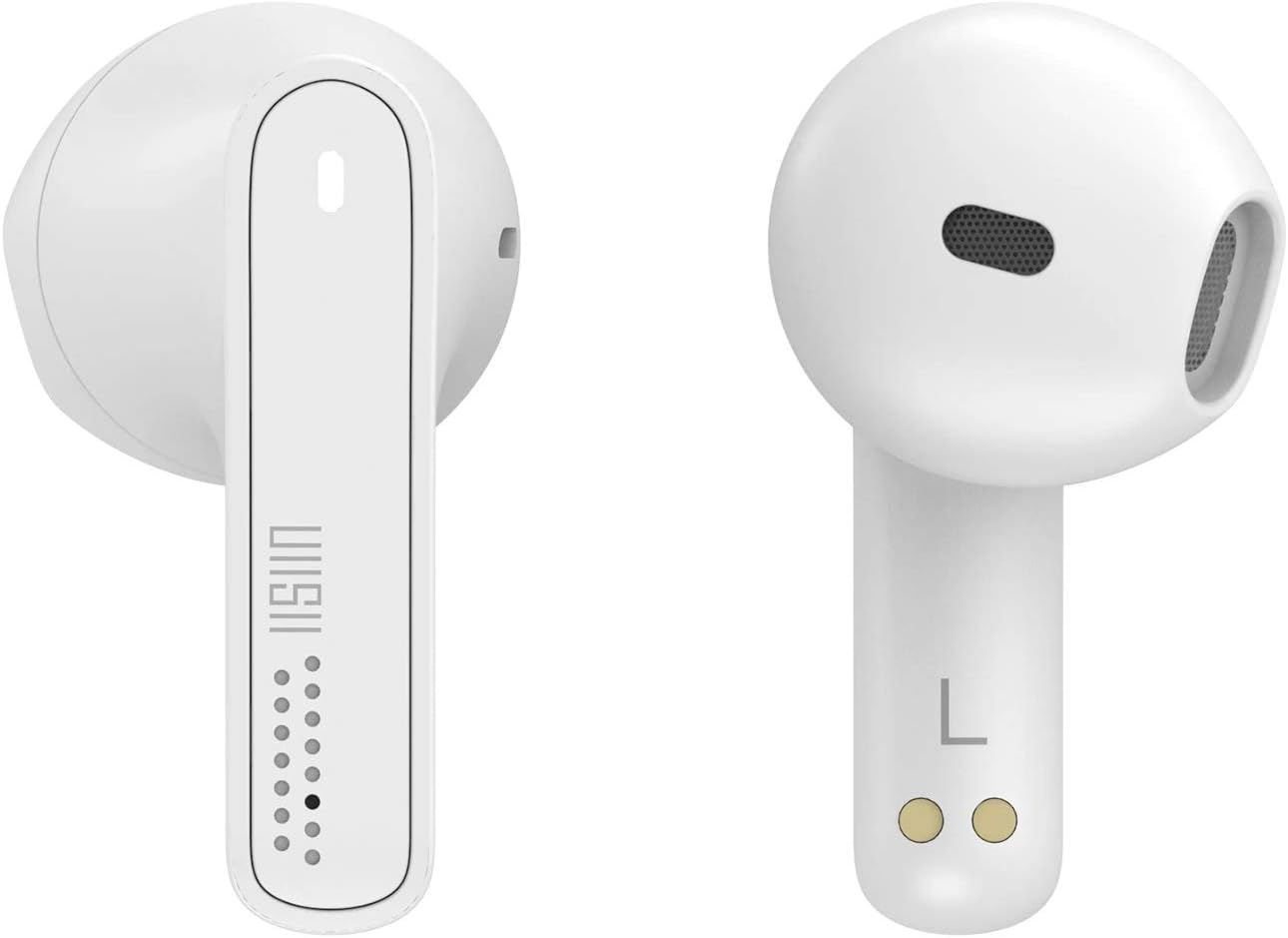
Slika: Bližnji posnetek view of the left and right UiiSii TWS21 earbuds. The design is sleek and white, highlighting the touch sensitive area and charging contacts.
Nastavitev
1. Polnjenje slušalk in etuija
Before first use, fully charge the earbuds and the charging case. Place the earbuds into the charging case. Connect the USB charging cable to the charging port on the case and to a power source. The indicator lights on the case will show the charging status.
2. Seznanjanje z napravo
- Prepričajte se, da so slušalke napolnjene.
- Open the charging case. The earbuds will automatically enter pairing mode, and an indicator light will flash.
- V napravi (pametnem telefonu, tabličnem računalniku itd.) omogočite Bluetooth.
- Iskanje available Bluetooth devices and select "UiiSii TWS21" from the list.
- Ko so slušalke povezane, bo indikatorska lučka na njih prenehala utripati.
Slušalke se bodo samodejno ponovno povezale z zadnjo seznanjeno napravo, ko jih vzamete iz etuija, če je na napravi omogočen Bluetooth.
Navodila za uporabo
The UiiSii TWS21 earbuds feature intuitive touch controls. The touch-sensitive area is located on the outer surface of each earbud.

Image: An illustration demonstrating the touch control functions of the UiiSii TWS21 earbuds, showing icons for Siri, Google Assistant, Call, and Music.
Funkcije upravljanja na dotik:
- Predvajanje/pavza: Enkratni dotik na obeh ušesnih čepkih.
- Naslednja skladba: Dvakrat tapnite desno slušalko.
- Prejšnja skladba: Dvakrat tapnite levo slušalko.
- Sprejmi/končaj klic: Enkratni dotik na obeh ušesnih čepkih.
- Zavrni klic: Pritisnite in držite eno od slušalk 2 sekundi.
- Povečaj glasnost: Trikrat tapnite desno slušalko.
- Znižaj glasnost: Trikrat tapnite levo slušalko.
- Aktivirajte glasovnega pomočnika (Siri/Google Assistant): Pritisnite in držite eno od slušalk 3 sekundi.
Prostoročno telefoniranje:
The earbuds support hands-free calling. You can use a single earbud while the other charges, providing up to 6 hours of non-stop call time in mono mode.

Image: An illustration showing one UiiSii TWS21 earbud in use for hands-free calling, with a microphone icon indicating its function.
Vzdrževanje
Čiščenje:
- Slušalke in polnilno ohišje redno čistite z mehko, suho krpo, ki ne pušča vlaken.
- Ne uporabljajte abrazivnih čistil, alkohola ali kemičnih topil.
- Prepričajte se, da so polnilni kontakti brez prahu in umazanije.
Shranjevanje:
- Ko slušalk ne uporabljate, jih shranite v polnilni etui, da jih zaščitite in ohranite napolnjene.
- Izogibajte se ekstremnim temperaturam in visoki vlažnosti.
Odpravljanje težav
Slušalke se ne morejo seznaniti:
- Prepričajte se, da sta obe slušalki napolnjeni.
- Izklopite Bluetooth v napravi in ga nato znova vklopite.
- Pozabite napravo s seznama Bluetooth in poskusite znova seznaniti.
- Slušalke vstavite nazaj v etui, zaprite pokrov, počakajte nekaj sekund in ga nato odprite, da ponovno zaženete način seznanjanja.
Ni zvoka ali nizka glasnost:
- Preverite glasnost tako na napravi kot na slušalkah.
- Prepričajte se, da so slušalke pravilno priključene na vašo napravo.
- Očistite morebitne umazanije iz zvočnikov slušalk.
Težave s polnjenjem:
- Prepričajte se, da je polnilni kabel varno priključen tako na ohišje kot na vir napajanja.
- Preverite, ali so polnilni kontakti na slušalkah in v ohišju čisti.
- Poskusite z drugim polnilnim kablom USB ali napajalnikom.
Specifikacije
| Funkcija | Opis |
|---|---|
| Ime modela | TWS21 |
| Znamka | UiiSii |
| Tehnologija povezljivosti | Brezžično (Bluetooth 5.0) |
| Nadzorna metoda | Dotik |
| Faktor oblike slušalk | In-Ear |
| Nadzor hrupa | Aktivno odpravljanje hrupa |
| Vodoodpornost | IPX5 (Nano ceramic plasma-coated) |
| Brezžično Domet | Do 40 čevljev (12 metrov) |
| Call Time (Mono Mode) | Do 6 ur |
| Čas poslušanja (z enim polnjenjem) | Približno 3.5 ure |
| Total Listening Time (with Case) | Več kot 24 ur |
| Hitro polnjenje | 8 minut polnjenja za 1 uro poslušanja |
| Vključene komponente | Zaščitna torbica |
| Materiali | Metal, Rubber, Ceramic |
| barva | Bela |

Image: Visual representation of the UiiSii TWS21 earbuds' battery life, indicating over 24 hours total listening time with the case, 6 hours call time in mono mode, and approximately 3.5 hours listening time on a single charge.
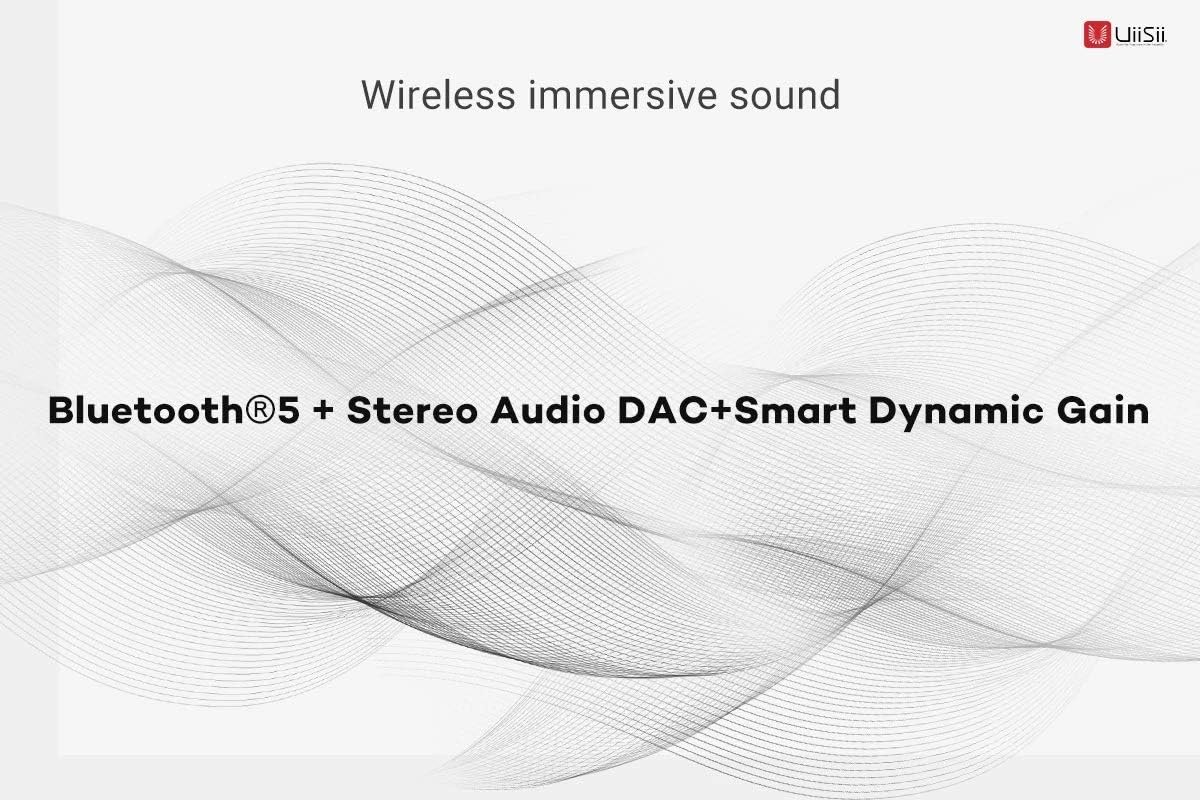
Image: Graphic highlighting the wireless immersive sound features of the UiiSii TWS21 earbuds, including Bluetooth 5, Stereo Audio DAC, and Smart Dynamic Gain.
Informacije o garanciji
UiiSii products are covered by a limited warranty from the date of purchase. Please refer to the warranty card included in your package or visit the official UiiSii webZa podrobne garancijske pogoje obiščite spletno mesto. Ta garancija običajno krije proizvodne napake, ne pa škode, ki jo povzroči nepravilna uporaba, nesreče, nepooblaščene spremembe ali običajna obraba.
Podpora
For further assistance, technical support, or customer service inquiries, please contact UiiSii customer support through their official website or the contact information provided in your product packaging. When contacting support, please have your product model (TWS21) and proof of purchase ready.