
Uvod
Thank you for choosing the GTRACING GT890MF Gaming Chair. This manual provides detailed instructions for the assembly, operation, maintenance, and troubleshooting of your new gaming chair. Please read this manual carefully before use to ensure proper function and longevity of the product. Keep this manual for future reference.
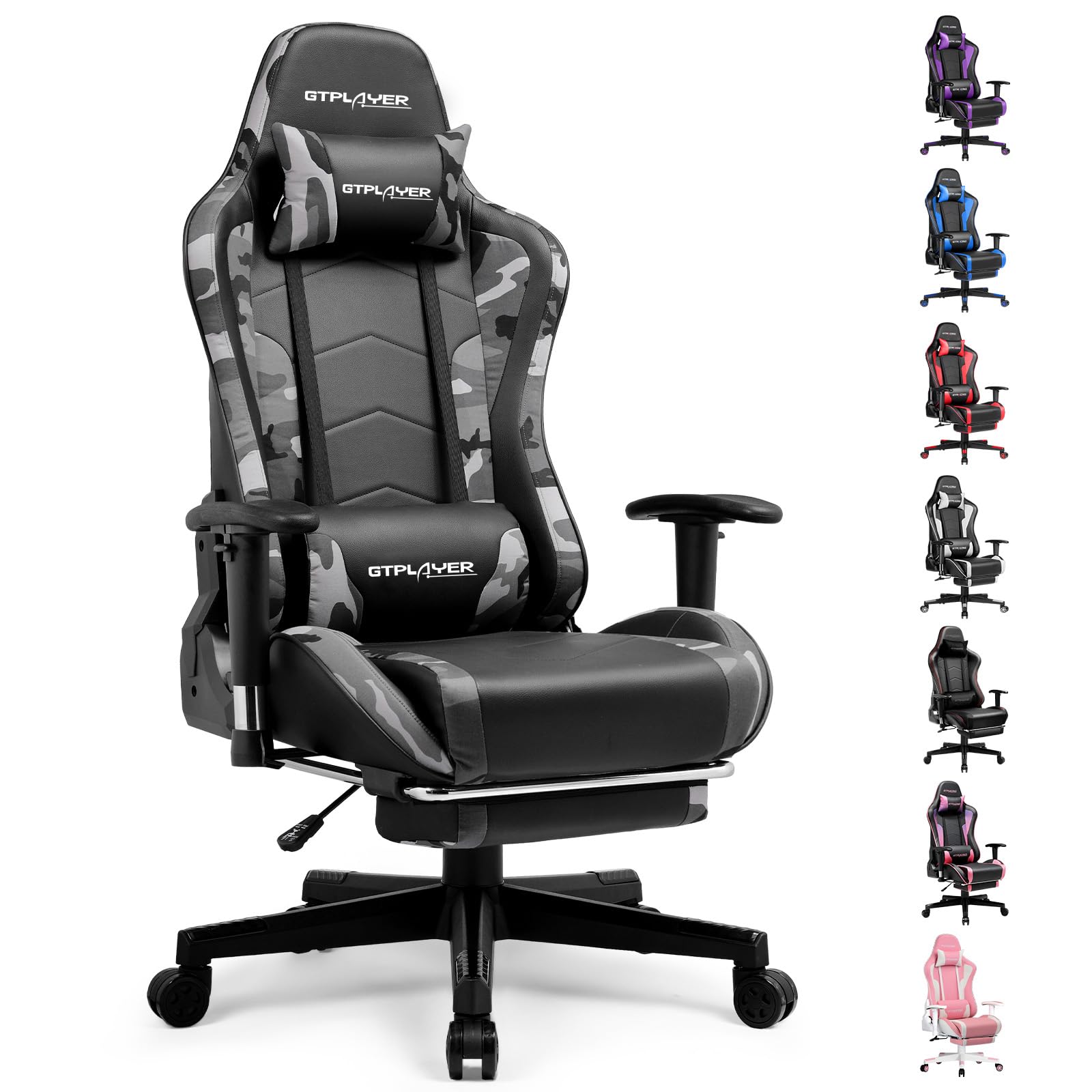
Image: The GTRACING GT890MF Gaming Chair, featuring a camouflage pattern, footrest, and integrated Bluetooth speakers, set up in a gaming environment.
Varnostne informacije
- Samo za notranjo uporabo.
- Največja nosilnost: 300 lbs. Ne prekoračite te omejitve.
- Use caution when adjusting chair height and recline to prevent injury.
- Ensure all screws and bolts are tightened securely before use and periodically check for looseness.
- Med nastavljanjem držite roke in prste stran od gibljivih delov.
- Ne stojte na stolu.
Postavitev in montaža
Assembly is required for this chair. Please follow the steps below carefully. It is recommended to have two people for assembly.
Vsebina paketa

Image: An exploded diagram showing all components of the GTRACING GT890MF Gaming Chair, including the backrest, seat, armrests, base, wheels, gas lift, and footrest.
Montažni koraki
- Pritrdite naslone za roke: Securely fasten the armrests to the seat base using the provided screws. Ensure they are oriented correctly.
- Priključitev naslonjala na sedež: Align the backrest with the seat mechanism and attach it using the designated bolts.
- Namestite oporo za noge: Potisnite oporo za noge v za to namenjene reže pod sedežem.
- Sestavite osnovo: Insert the casters (wheels) into the star base. Place the gas lift cylinder into the center hole of the star base.
- Pritrditev sedeža na podstavek: Carefully place the assembled seat and backrest onto the gas lift cylinder, ensuring it is seated firmly.
- Pritrditev vzglavnika in ledvenih blazin: Position the headrest and lumbar support pillows as desired.
Navodila za uporabo
Prilagoditve stola
- Nastavitev višine sedeža: Za dvig ali spust sedeža povlecite ročico, ki se nahaja pod desno stranjo sedeža, navzgor. Spustite ročico na želeni višini.
- Naklon hrbtnega naslona: Pull the lever on the right side of the chair upwards to recline the backrest. Lean back to the desired angle (90 to 160 degrees) and release the lever to lock it in place.
- Nastavitev naslona za roke: The armrests are multi-directional. Use the buttons or levers on the armrests to adjust their height, pivot, and slide forward/backward.
- Podaljšek naslona za noge: Pull the footrest out from under the seat when desired. Push it back in when not in use.
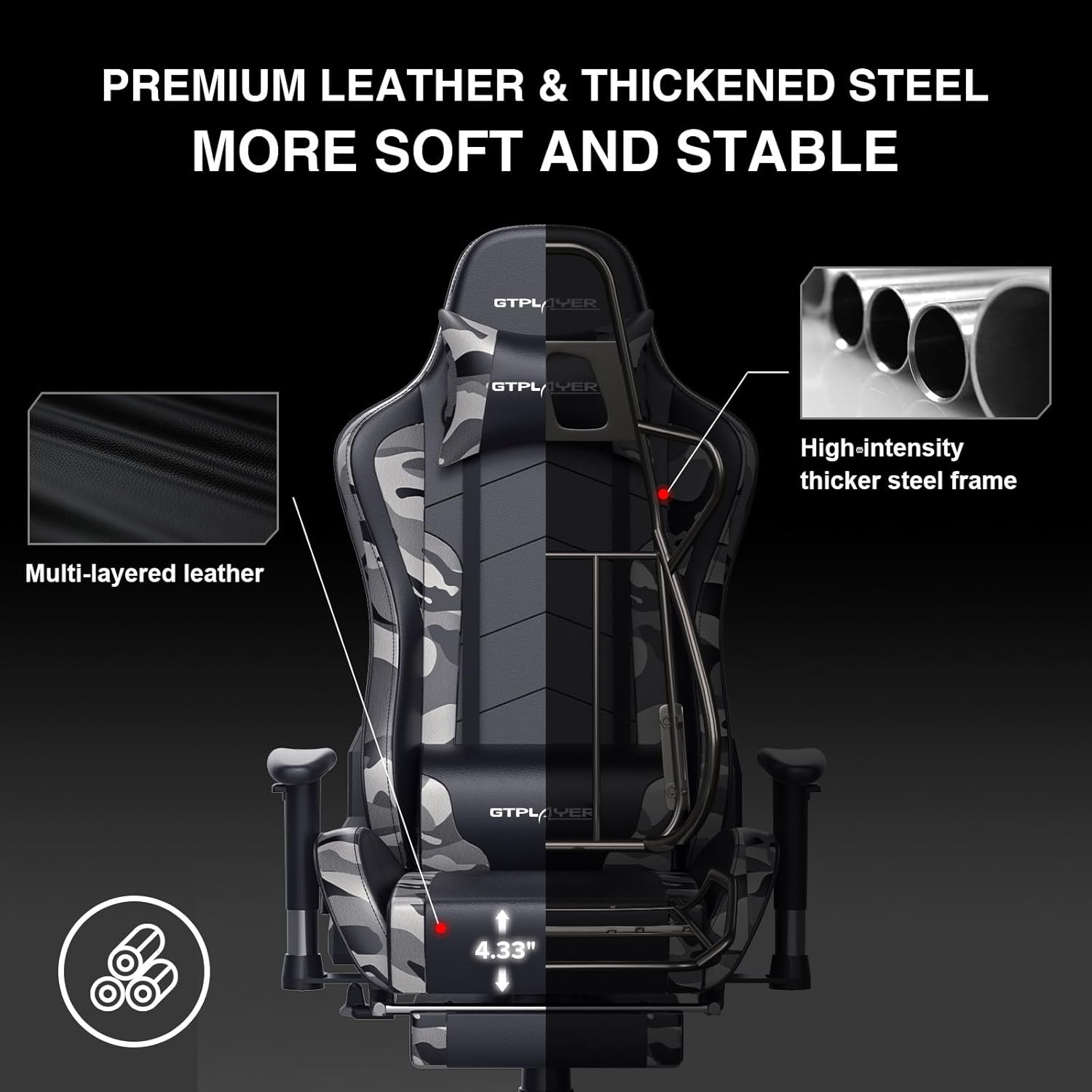
Image: The GTRACING GT890MF Gaming Chair demonstrating its backrest recline function, adjustable from 90 degrees for work to 155 degrees for resting.

Slika: Bližnji posnetek view of the GTRACING GT890MF Gaming Chair's adjustable multi-directional armrests, highlighting their ability to move up, down, and pivot for optimal positioning.
Delovanje Bluetooth zvočnika
Your GTRACING GT890MF chair is equipped with dual Bluetooth 5.1 speakers for an immersive audio experience.
- Vklop: Locate the power button for the Bluetooth speakers, typically on the side or back of the chair. Press and hold to power on. A sound or indicator light will confirm activation.
- Način seznanjanja: The speakers will automatically enter pairing mode when powered on for the first time, or if no device is connected. An indicator light will usually flash.
- Priključite napravo: On your smartphone, tablet, or other Bluetooth-enabled device, go to Bluetooth settings and search for available devices. Select "GTPLAYER" or a similar name to connect.
- Predvajanje zvoka: Once connected, audio from your device will play through the chair's speakers. Adjust volume from your connected device.
- Ugasniti: Press and hold the power button again to turn off the speakers.

Image: The GTRACING GT890MF Gaming Chair with a visual representation of sound waves emanating from the integrated Bluetooth speakers in the headrest area.

Image: A detailed diagram illustrating the dual Bluetooth 5.1 speakers within the GTRACING GT890MF Gaming Chair, highlighting features like clear treble, stereo sound, HiFi audio, and dust prevention.

Image: A user seated in the GTRACING GT890MF Gaming Chair, with an illustration showing how the chair's Bluetooth speakers can connect to various devices like PC/TV, PS4/PS5/XBOX, and other Bluetooth 5.1 enabled devices. A separate USB Bluetooth transmitter is shown as an option for non-Bluetooth devices.
Vzdrževanje
- Čiščenje: Obrišite z oglasomamp cloth. Avoid harsh chemicals or abrasive cleaners that may damage the faux leather upholstery.
- Pregled: Občasno preverite vse vijake in matice, da se prepričate, da so trdno priviti. Po potrebi jih ponovno privijte.
- Nega kolesc: Za zagotovitev nemotenega kotaljenja poskrbite, da so kolesca čista od las in umazanije.
- Shranjevanje: Store the chair in a dry, cool place away from direct sunlight to prevent material degradation.
Odpravljanje težav
| Težava | Možen vzrok | rešitev |
|---|---|---|
| Stol se ne nastavlja po višini | Gas lift lever not engaged or gas lift faulty. | Ensure the lever is fully pulled. If issue persists, contact support for gas lift replacement. |
| Backrest does not recline/lock | Recline lever not engaged or mechanism obstructed. | Ensure the recline lever is fully pulled/released. Check for obstructions in the recline mechanism. |
| Bluetooth speakers not pairing | Speakers not powered on, out of range, or already paired to another device. | Ensure speakers are charged and powered on. Move device closer to chair. Disconnect from other devices. Try restarting both chair speakers and your device. |
| Stol se maja | Zrahljani vijaki ali neenakomerna montaža. | Preverite in privijte vse vijake za montažo. Prepričajte se, da je stol na ravni, enakomerni površini. |
Specifikacije
- Ime modela: GT890MF
- Znamka: GTRACING
- barva: Kamuflaža
- Material: Faux Leather, Foam Fill, Steel Frame
- Dimenzije izdelka (G x Š x V): 20.87 cm x 21.65 cm x 53.15 cm
- Višina sedeža: Adjustable, up to 22.04 inches
- Globina sedeža: 20.87 palcev
- Teža artikla: 47 funta
- Največja priporočena teža: 300 funta
- Nazaj slog: Solid Back, Reclining (90 to 160 degrees)
- Posebne lastnosti: Adjustable Height, Adjustable Lumbar, Ergonomic Design, Foot Rest, Rolling Casters, Dual Bluetooth 5.1 Speakers
- Montaža: Obvezno

Image: A diagram illustrating the key dimensions of the GTRACING GT890MF Gaming Chair, including overall height, width, and depth.

Image: A detailed diagram showing various dimensions of the GTRACING GT890MF Gaming Chair, including seat height, armrest height, and backrest height, along with maximum load capacity (330 lbs) and recommended user height (6.2 ft).
Garancija in podpora
GTRACING offers a worry-free purchase experience for your gaming chair.
- 30-dnevna politika: Free replacement or refund within 30 days of purchase.
- 1-letna garancija: Free replacement or repair within 1 year of purchase for manufacturing defects.
For any questions, suggestions, or support needs, please feel free to contact our customer service team. We are dedicated to ensuring customer satisfaction.

Image: A group of customer service representatives wearing headsets, symbolizing available support.