
Divoom ACDIVDITPNK
Divoom Ditoo Retro Pixel Art Game Bluetooth Speaker Instruction Manual
Model: ACDIVDITPNK
1. Uvod
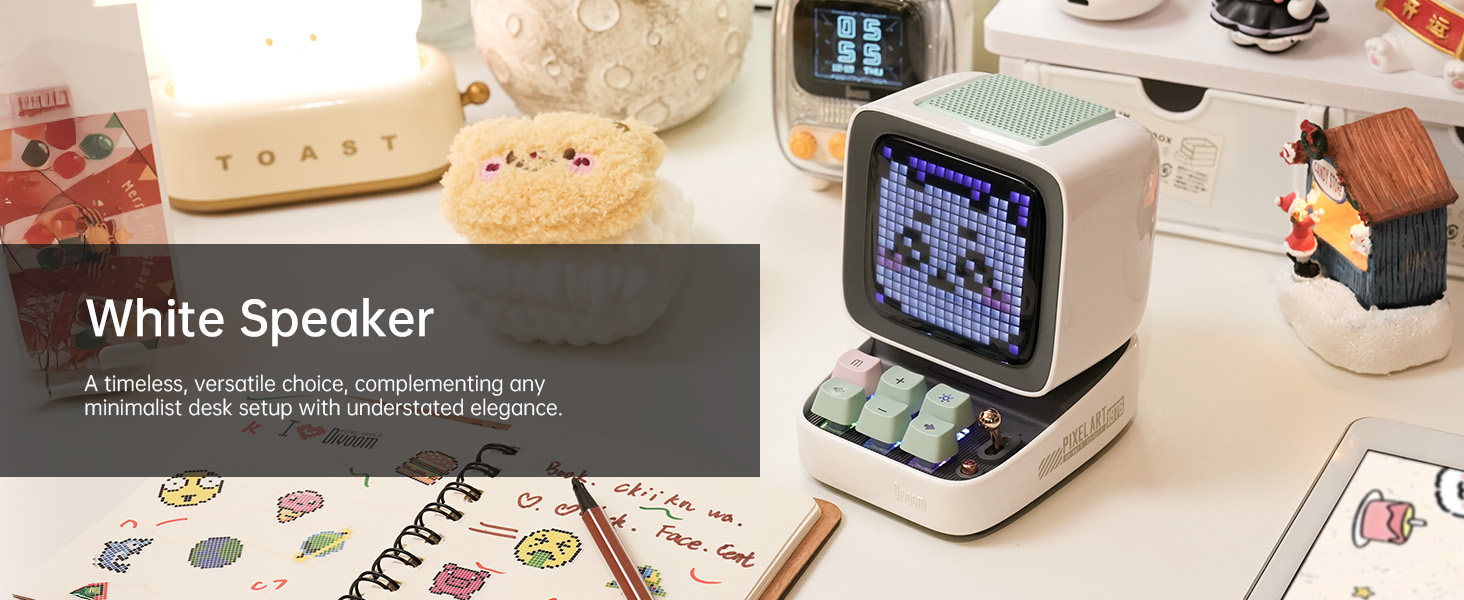
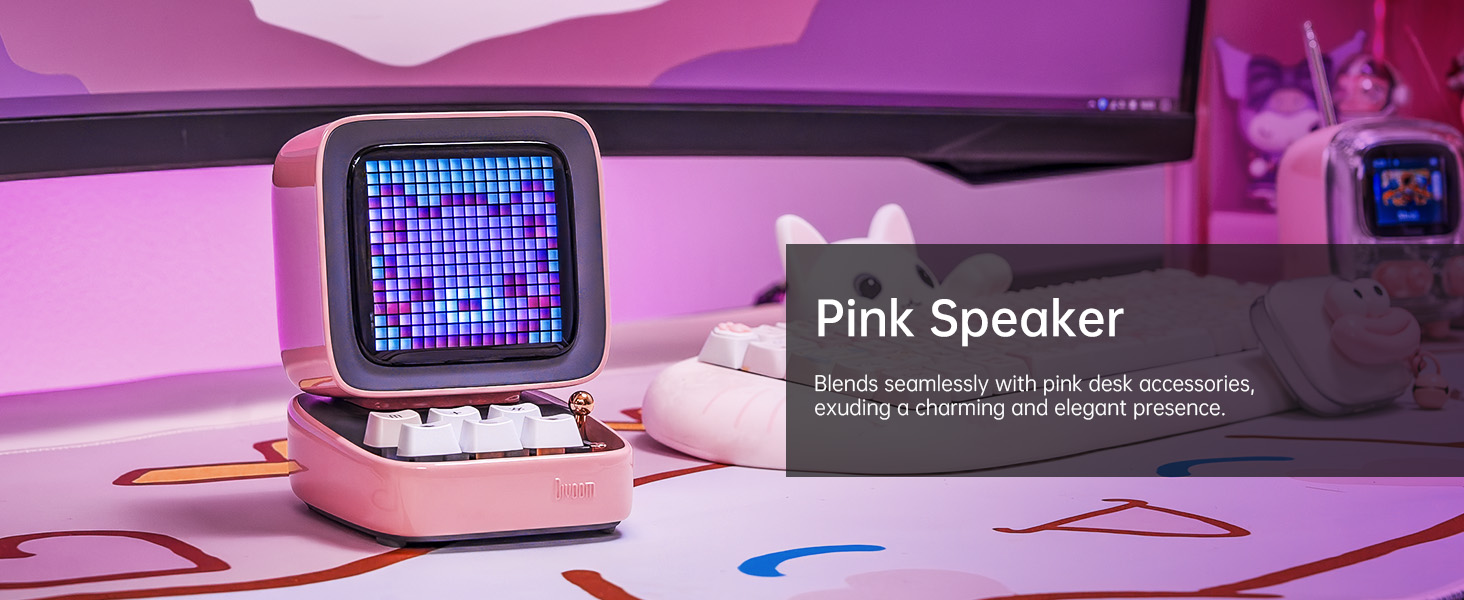
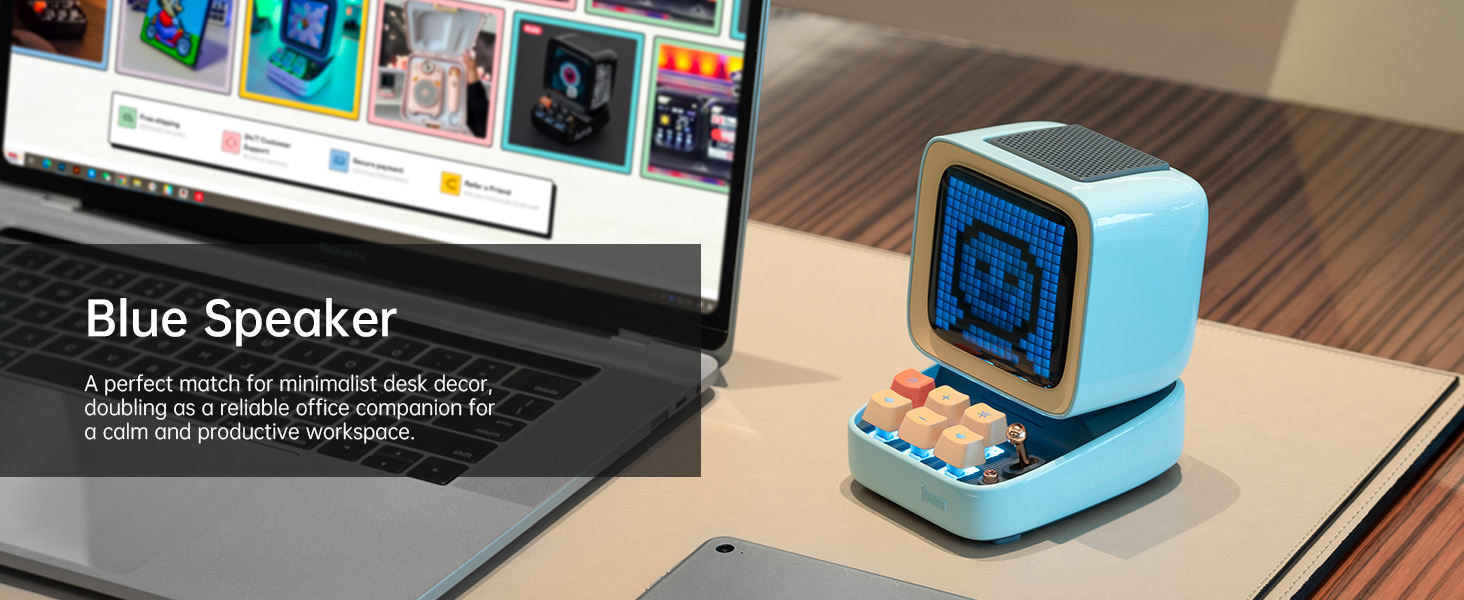
The Divoom Ditoo is a versatile retro-styled pixel art Bluetooth speaker designed to enhance your daily life with its unique blend of audio quality and interactive visual display. It features a 16x16 LED screen for pixel art, a powerful 10W DSP speaker, and a range of smart functions controlled via a dedicated mobile application. This manual provides detailed instructions for setting up, operating, maintaining, and troubleshooting your Divoom Ditoo speaker.

2. Navodila za namestitev
2.1. Kaj je vključeno
Upon unboxing your Divoom Ditoo, please ensure all the following items are present:
- DitooPro Speaker
- Darilna škatla
- Polnilni kabel USB-C
- Vodnik za hiter začetek
- Cute Sticker

2.2. Polnjenje naprave
Before first use, fully charge your Divoom Ditoo speaker. Connect the provided USB-C charging cable to the USB-C charging port (13) located on the back of the device and plug the other end into a compatible USB power adapter (not included). The battery indicator (9) will show charging status. A full charge provides approximately 8 hours of playback, though this may vary based on display brightness and image complexity.
2.3. Začetni vklop
To power on the Divoom Ditoo, press and hold the ON/OFF button (14) located on the back of the device until the screen illuminates.
2.4. Namestitev aplikacije
For full functionality and customization, download the Divoom app on your smartphone or tablet. Scan the QR code on the product packaging or visit the official Divoom webspletno mesto: http://www.divoom.com/AppDownLoad
2.5. Bluetooth seznanjanje
Once the app is installed and the Ditoo is powered on, open the Divoom app on your device. The app will guide you through the Bluetooth pairing process. Ensure Bluetooth is enabled on your smartphone/tablet. Select 'Ditoo' from the list of available devices to connect.
3. Delovanje
3.1. Nadzor nadview
The Divoom Ditoo features a set of physical buttons and a lever for direct control, in addition to app control. Refer to the diagram and table below for button functions:

| št. | Gumb/vrata | Function (Press) | Funkcija (zadrži) |
|---|---|---|---|
| 1 | "m" button | Sistem menija Vstop/Izhod | Vklop/izklop osvetlitve tipkovnice |
| 2 | "+" button | Povečaj glasnost | Spremenite svetlobne učinke |
| 3 | "*" Lighting button | Spremenite funkcijo luči | Spremenite svetlobne učinke |
| 4 | "-" button | Prejšnja pesem | Zadnji svetlobni učinek |
| 5 | "---" Lower key | Zmanjšajte glasnost | Nižja svetlost |
| 6 | "+" button | Naslednja pesem | Naslednji svetlobni učinek |
| 7 | Vzvod | Short pull: Play/Pause | Long pull: Start voice memo recording |
| 8 | Gumb za vir zvoka | Preklapljanje med različnimi zvočnimi viri | Double press: Disconnect Bluetooth connection |
| 9 | Indikator baterije | Pritisnite kateri koli gumb, da preverite stanje baterije | N/A |
| 10 | Bas vrata | N/A | N/A |
| 11 | Zadnja loputa vrat | N/A | N/A |
| 12 | Ponastavite luknjo za zatič | N/A | N/A |
| 13 | Vrata za polnjenje USB Type-C | N/A | N/A |
| 14 | Gumb za VKLOP/IZKLOP | N/A | Drži: VKLOP/IZKLOP zvočnika |
| 15 | Reža za kartico TF | Predvajanje glasbe s kartice TF | N/A |
3.2. Pixel Art Creation & Gallery
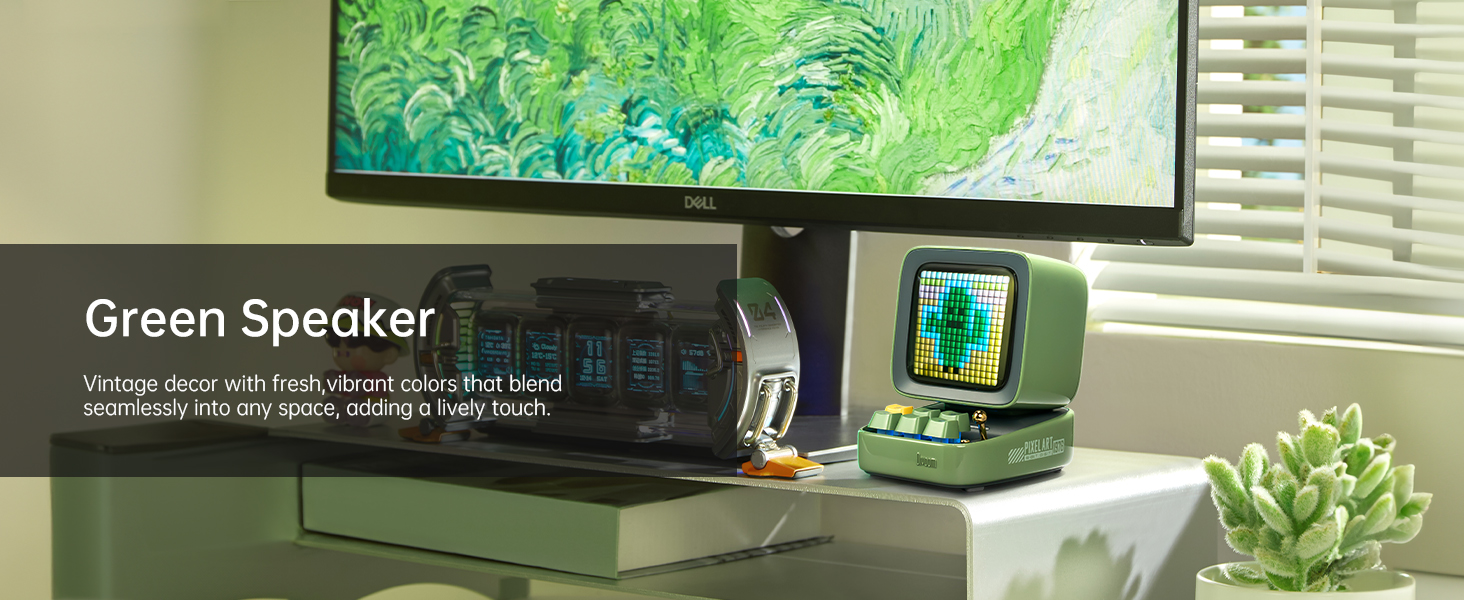
The Divoom Ditoo's standout feature is its pixel art display. Use the Divoom app to create your own pixel art designs or browse a vast online gallery of user-generated content. You can display static images, animations, or even text messages on the screen.


3.3. Predvajanje glasbe
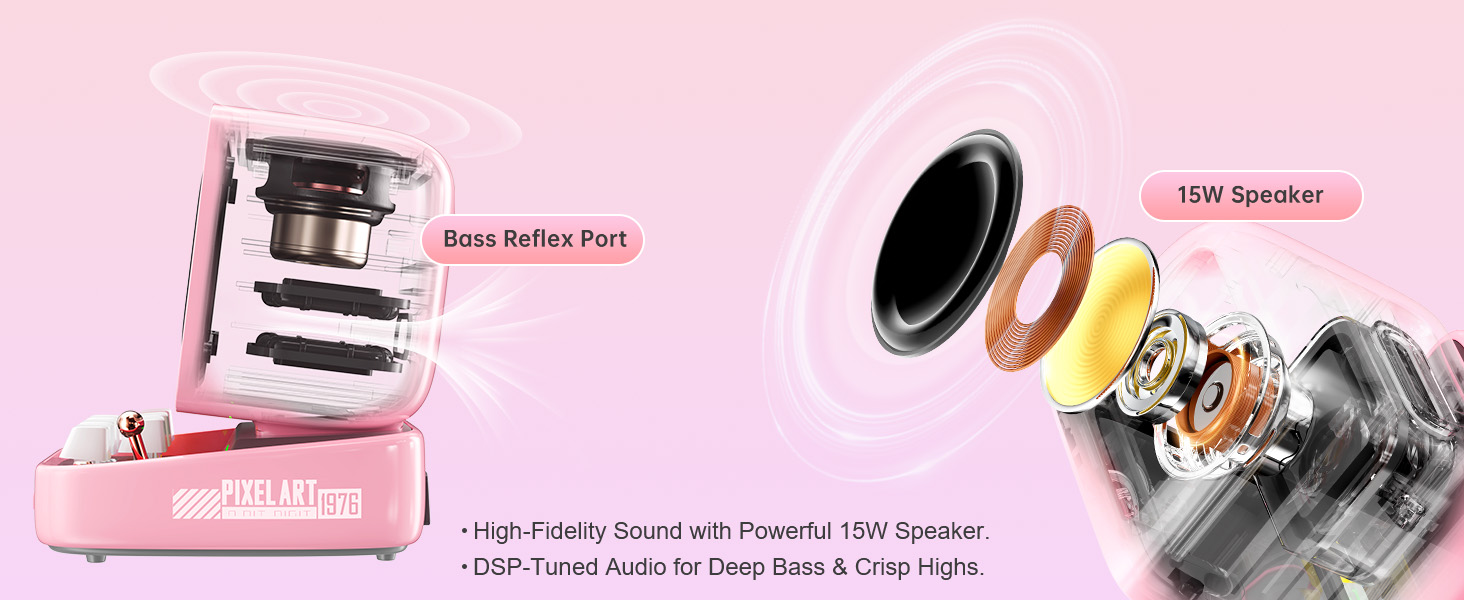
Connect your Ditoo via Bluetooth to stream music from your smartphone or tablet. The 10W DSP-tuned speaker delivers clear audio with deep bass and crisp highs. The pixel display can also visualize the music with dynamic equalizer effects.
3.4. Smart Alarm & Sleep Aid
Utilize the Divoom Ditoo as a smart alarm clock with customizable wake-up sounds. The app also offers a sleep aid function with 24 soothing white noise sounds to help you relax and fall asleep.
3.5. Druge funkcije
The Divoom Ditoo offers a variety of additional features:
- Spletni radio: Access various internet radio stations through the app.
- Obvestila: Receive social media notifications displayed on the screen.
- Mini igre: Play classic pixel games like Tetris and Snake directly on the device.
- Glasovna beležka: Record short voice messages.
- Time Planner: Organize your schedule and set reminders.
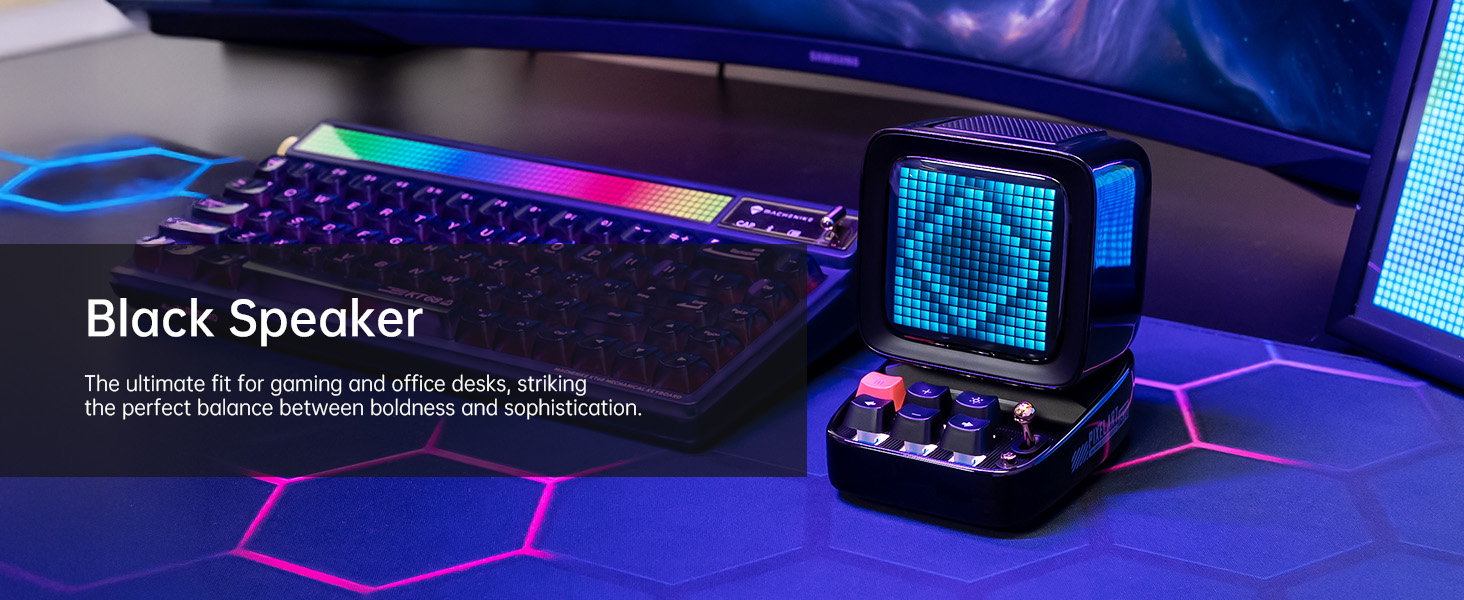
- RGB osvetlitev: Customize the keyboard backlight with a wide range of colors.
4. Vzdrževanje
4.1. Čiščenje
To clean your Divoom Ditoo, gently wipe the exterior surfaces with a soft, dry, lint-free cloth. Avoid using abrasive cleaners, solvents, or spray cleaners directly on the device. Do not expose the device to excessive moisture.
4.2. Skrb za baterijo
To prolong battery life, avoid fully discharging the device frequently. If storing the device for an extended period, charge it to approximately 50% before storage and recharge every few months to prevent deep discharge.
5. Odpravljanje težav
If you encounter issues with your Divoom Ditoo, please refer to the following common troubleshooting steps:
- Naprava se ne vklopi: Ensure the device is fully charged. Connect it to a power source using the USB-C cable and try again.
- Težave s povezavo Bluetooth:
- Prepričajte se, da je Bluetooth omogočen na vašem pametnem telefonu/tabličnem računalniku.
- Make sure the Ditoo is within the 10-meter Bluetooth range.
- Try disconnecting and re-pairing the device via the Divoom app or your device's Bluetooth settings.
- Restart both the Ditoo speaker and your connected device.
- Display Not Working Correctly:
- Check the brightness settings using the "---" lower key button (5) or through the app.
- If the display appears washed out, especially with light colors, this can be a characteristic of the pixel screen; try designs with stronger contrast.
- Težave s kakovostjo zvoka:
- Ensure the volume is adjusted on both the Ditoo and your connected device.
- Check for any obstructions around the speaker or bass port (10).
- High-Pitched Buzzing Sound (when plugged in with high brightness): If you experience a high-pitched buzzing sound when the device is plugged in and brightness is high, try reducing the display brightness or operating the device on battery power.
- Težave s funkcionalnostjo aplikacije: Ensure your Divoom app is updated to the latest version. Try restarting the app or reinstalling it if problems persist.
- Naprava se ne odziva: Locate the reset pin hole (12) on the back of the device. Use a small pin or paperclip to press the reset button inside. This will restart the device without erasing podatki.
If these steps do not resolve your issue, please contact Divoom customer support for further assistance.
6. Tehnične specifikacije
Below are the detailed technical specifications for the Divoom Ditoo speaker:
| Specifikacija | Vrednost |
|---|---|
| Ime modela | Enako |
| Številka modela artikla | ACDIVDITPNK |
| Dimenzije izdelka | 2.64" G x 2.48" Š x 2.64" V (67 mm x 63 mm x 67 mm) |
| Teža predmeta | 1.76 funtov (800 gramov) |
| barva | Roza |
| Velikost zvočnika | 48 milimetrov |
| Največja izhodna moč zvočnika | 15 vatov |
| Frekvenčni odziv | 20000 Hz |
| Tehnologija povezljivosti | Bluetooth (brezžično) |
| Bluetooth obseg | 10 metrov |
| Kapaciteta baterije | 5000 milliamp ure |
| Življenjska doba baterije (predvajanje) | Do 8 ur (odvisno od uporabe) |
| Vir napajanja | Napajanje na baterije |
| Nadzorna metoda | Nadzor aplikacij |
| Posebne lastnosti | Pixel Art Creation, Alarm Clock, Online Radio, Game, Voice Memo, Notification, Wireless Bluetooth |
| Združljive naprave | Prenosni računalnik, osebni računalnik, pametni telefon |
| Država izvora | Kitajska |
7. Garancija in podpora
For warranty information and customer support, please refer to the official Divoom website or the contact details provided in your product packaging. You can also find a digital version of the user manual (PDF) at: https://manuals.plus/m/3cf8fd57ae4f3f798dc4eeb47cfd5a619d8060411270294fb558812758a969b7
Divoom is committed to providing quality products and support. If you have any questions or require assistance, do not hesitate to reach out to their customer service team.
Ask a question about this manual
Ask about setup, troubleshooting, compatibility, parts, safety, or missing instructions. Manuals+ will review the question and use this page’s manual context to help answer it.