Uvod
This manual provides essential instructions for the safe and efficient use of your Redmi 10000mAh Power Bank (Model PB100LZm). Please read this manual thoroughly before using the product and retain it for future reference.
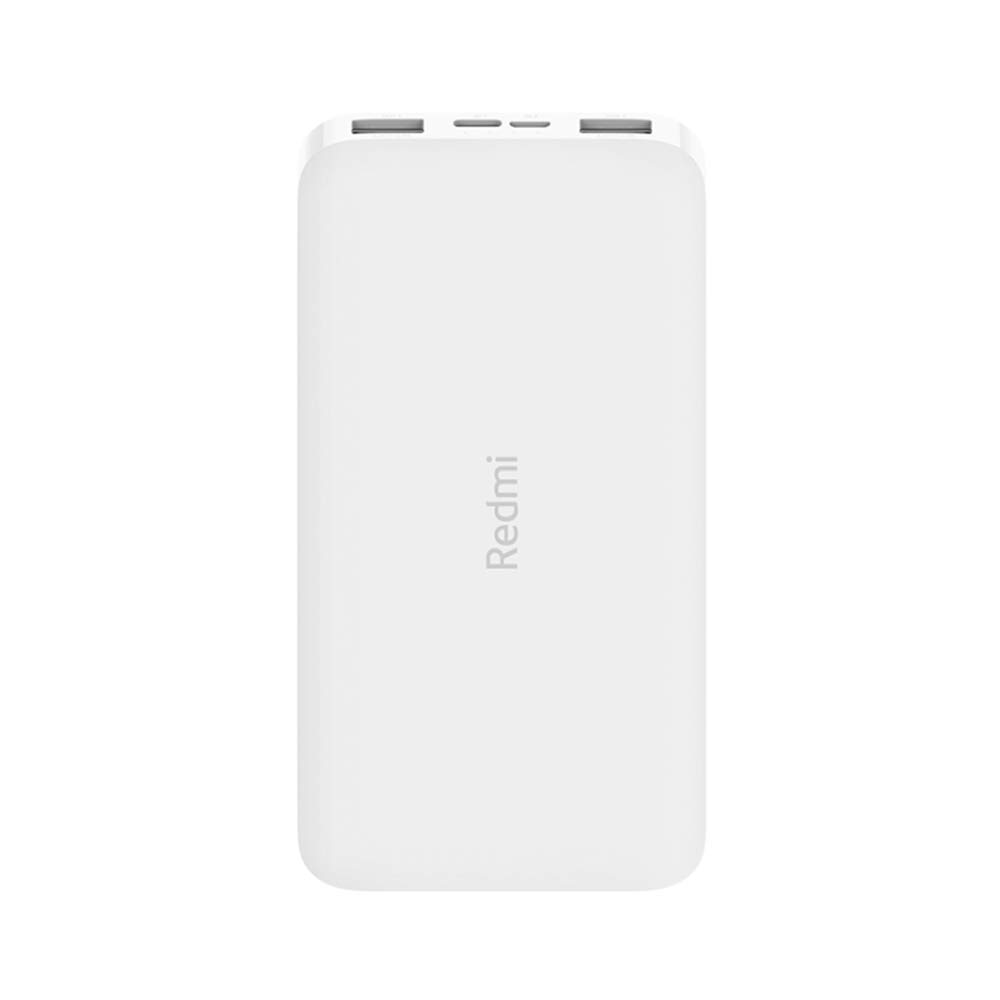
Slika: Pod kotom view of the white Redmi 10000mAh Power Bank.
Varnostne informacije
To prevent injury, damage to the product, or damage to property, observe the following safety precautions:
- Prenosne baterije ne razstavljajte, popravljajte ali spreminjajte.
- Do not expose the power bank to fire, high temperatures, or direct sunlight.
- Izogibajte se stiku z vodo ali drugimi tekočinami.
- Prenosne baterije ne spuščajte, ne udarjajte in ne izpostavljajte močnim vibracijam.
- Hraniti izven dosega otrok.
- Uporabljajte samo združljive polnilne kable in adapterje.
- Powerbank zavrzite v skladu z lokalnimi predpisi.
Konec izdelkaview
Familiarize yourself with the components of your Redmi 10000mAh Power Bank.

Image: Close-up of the power bank's top edge showing two USB-A output ports (OUT1, OUT2), one Micro-USB input port (IN1), one USB-C input port (IN2), and four LED battery level indicators.
- Izhodna vrata USB-A (OUT1, OUT2): Uporablja se za polnjenje zunanjih naprav.
- Micro-USB Input Port (IN1): Uporablja se za polnjenje powerbanka.
- USB-C Input Port (IN2): Uporablja se za polnjenje powerbanka.
- LED indikatorji: Four small lights indicating the remaining battery level.
- Gumb za vklop: Located on the side, used to check battery level or activate charging.

Slika: Stran view of the power bank highlighting the power button.
Nastavitev
Začetno polnjenje prenosne baterije
Before first use, fully charge your Redmi 10000mAh Power Bank.
- Connect a compatible USB cable to either the Micro-USB (IN1) or USB-C (IN2) input port on the power bank.
- Drugi konec kabla priključite na napajalnik USB (ni priložen) ali na vrata USB računalnika.
- The LED indicators will light up, showing the charging progress. All four LEDs will be solid when fully charged.
Povezovanje naprav
The power bank is compatible with mobile phones and other USB-powered devices.
- Use the appropriate charging cable for your device.
- Connect one end of the cable to one of the USB-A output ports (OUT1 or OUT2) on the power bank.
- Drugi konec kabla priključite na polnilno vtičnico na vaši napravi.
Navodila za uporabo
Polnjenje zunanjih naprav
Once a device is connected, the power bank should automatically begin charging. If not, press the power button once to initiate charging.

Image: The power bank connected via a USB cable to charge a mobile phone, resting on a wooden table.
- The LED indicators will show the power bank's remaining battery level during charging.
- Z obema izhodnima priključkoma USB-A lahko hkrati polnite dve napravi.
Preverjanje nivoja baterije
Press the power button once to check the remaining battery level. The LED indicators will light up for a few seconds:
- 1 LED: 0-25 % preostale baterije
- 2 LED: 25-50 % preostale baterije
- 3 LED: 50-75 % preostale baterije
- 4 LED: 75-100 % preostale baterije
Vzdrževanje
- Čiščenje: Prenosno baterijo obrišite z mehko, suho krpo. Ne uporabljajte agresivnih kemikalij ali abrazivnih materialov.
- Shranjevanje: Power bank shranjujte na hladnem in suhem mestu, stran od neposredne sončne svetlobe in ekstremnih temperatur.
- Vzdrževanje baterije: For optimal battery life, avoid fully discharging the power bank frequently. Recharge it when the battery level is low. If not used for extended periods, charge it to about 50% every three months.
Odpravljanje težav
| Težava | Možna rešitev |
|---|---|
| Powerbank se ne polni. |
|
| Naprava se ne polni iz prenosne baterije. |
|
| Počasno polnjenje. |
|
Specifikacije
| Znamka | Xiaomi |
| Številka modela | PB100LZm |
| Zmogljivost | 10000 mAh |
| barva | Bela |
| Vrsta baterije | Litijev polimer |
| Vhodna vrata | 1x Micro-USB, 1x USB-C |
| Izhodna vrata | 2x USB-A (5.1V=2.4A each) |
| Združljive naprave | Mobile Phones and other USB-powered devices |
| Dimenzije | 15.8 x 8 x 2 cm |
| Teža | 276 gramov |
Garancija in podpora
Based on the provided product information, this product is indicated as having brez garancije. For any product-related inquiries or technical support, please refer to the official Xiaomi support channels or your point of purchase.