
Uvod
Thank you for choosing the Edifier TWS1 True Wireless Stereo Earbuds. This manual provides essential information for the proper use and maintenance of your device. The TWS1 earbuds offer a wire-free audio experience with dynamic stereo sound. They feature an impressive 32-hour total playtime with the charging case and are designed with an IPX5 rating for splash and sweat resistance, making them suitable for various activities.
Please read this manual thoroughly before operating the earbuds to ensure optimal performance and longevity.
Vsebina paketa
Preverite, ali so v vašem paketu priloženi vsi spodaj navedeni elementi:
- Edifier TWS1 True Wireless Stereo Earbuds (Left and Right)
- etui za polnjenje
- USB polnilni kabel
- Več velikosti ušesnih nastavkov (majhni, srednji, veliki)
- Uporabniški priročnik
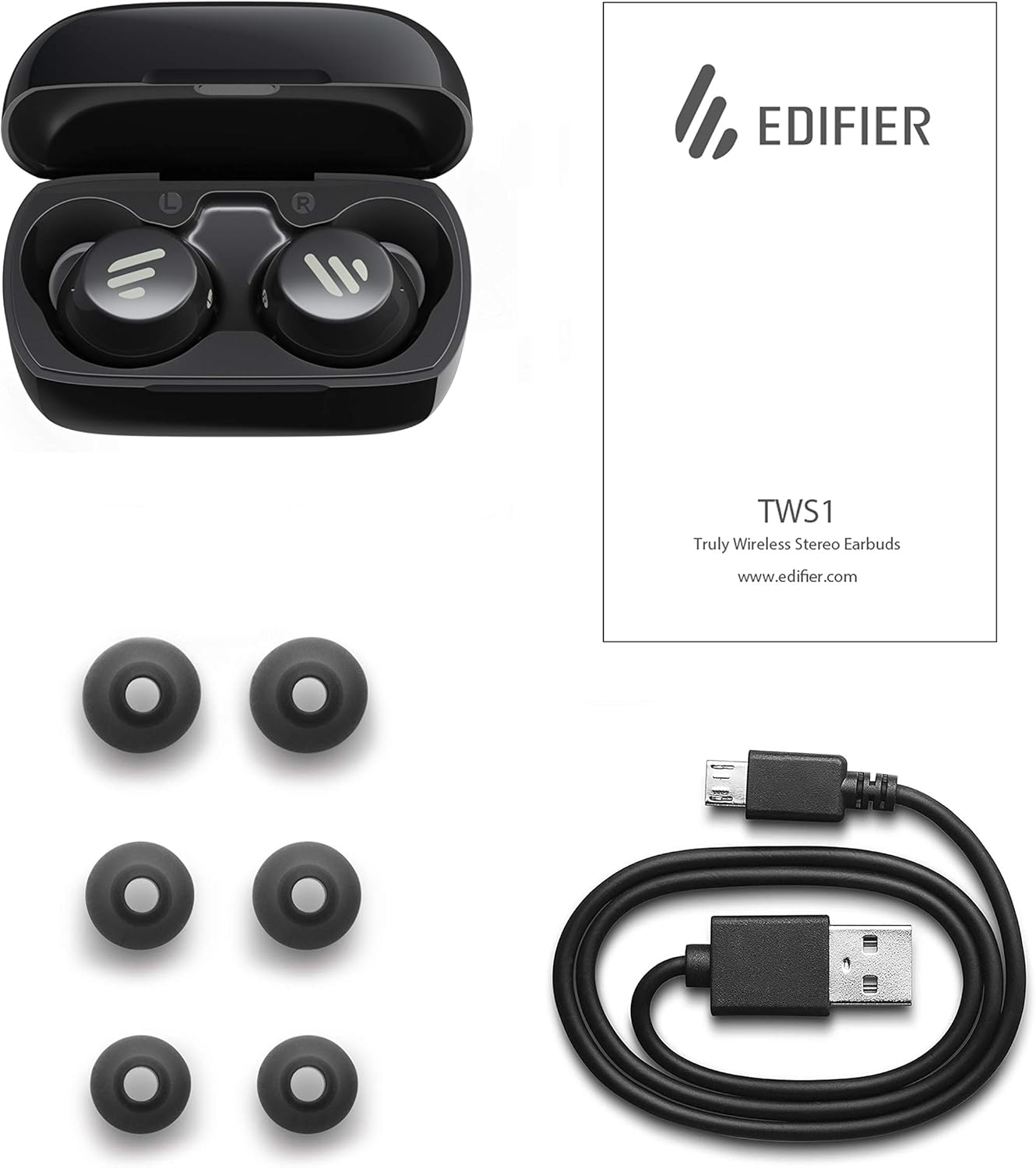
Image: The Edifier TWS1 earbuds, charging case, USB charging cable, and various sizes of ear tips are displayed alongside the user manual, illustrating the complete package contents.
Nastavitev
1. Polnjenje slušalk in etuija
Before first use, fully charge the earbuds and the charging case. Place the earbuds into the charging case. Connect the USB charging cable to the charging port on the case and a power source. The indicator light on the case will show charging status. Once fully charged, the indicator will change or turn off.
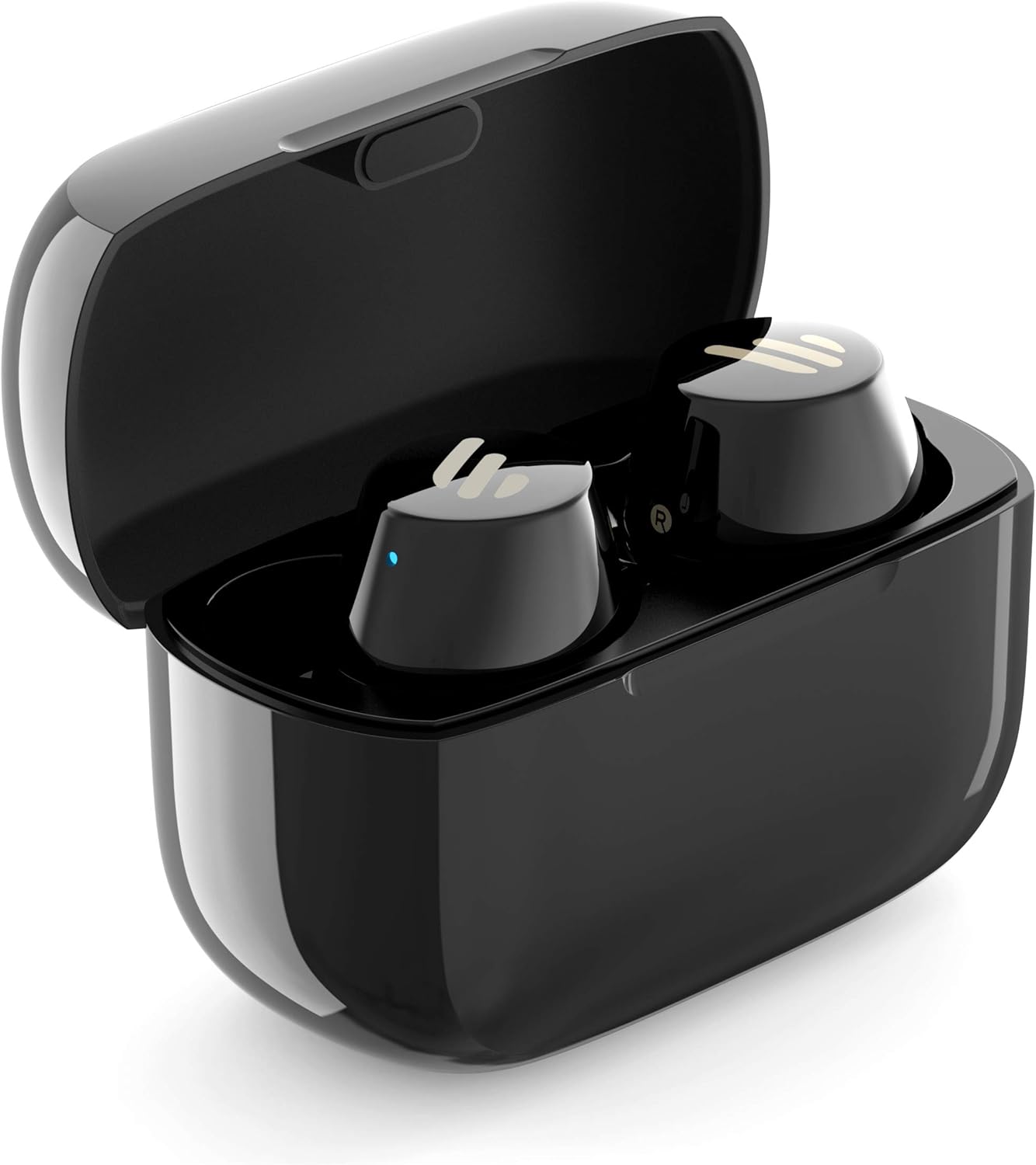
Image: The Edifier TWS1 earbuds are shown nestled within their open charging case, with a blue indicator light visible, signifying charging or power status.
2. Seznanjanje z napravo
- Prepričajte se, da so slušalke napolnjene.
- Open the charging case. The earbuds will automatically enter pairing mode, and the indicator light on one earbud will flash rapidly.
- V napravi (pametnem telefonu, tablici, prenosniku) omogočite Bluetooth in poiščite nove naprave.
- Na seznamu razpoložljivih naprav izberite »EDIFIER TWS1«.
- Ko so slušalke povezane, bo indikatorska lučka na njih prenehala utripati.
3. Namestitev ušesnih čepkov
Choose the ear tips that provide the most comfortable and secure fit for your ears. Insert the earbuds into your ear canals and gently twist them until they feel snug and stable. A proper fit is crucial for optimal sound quality and noise isolation.
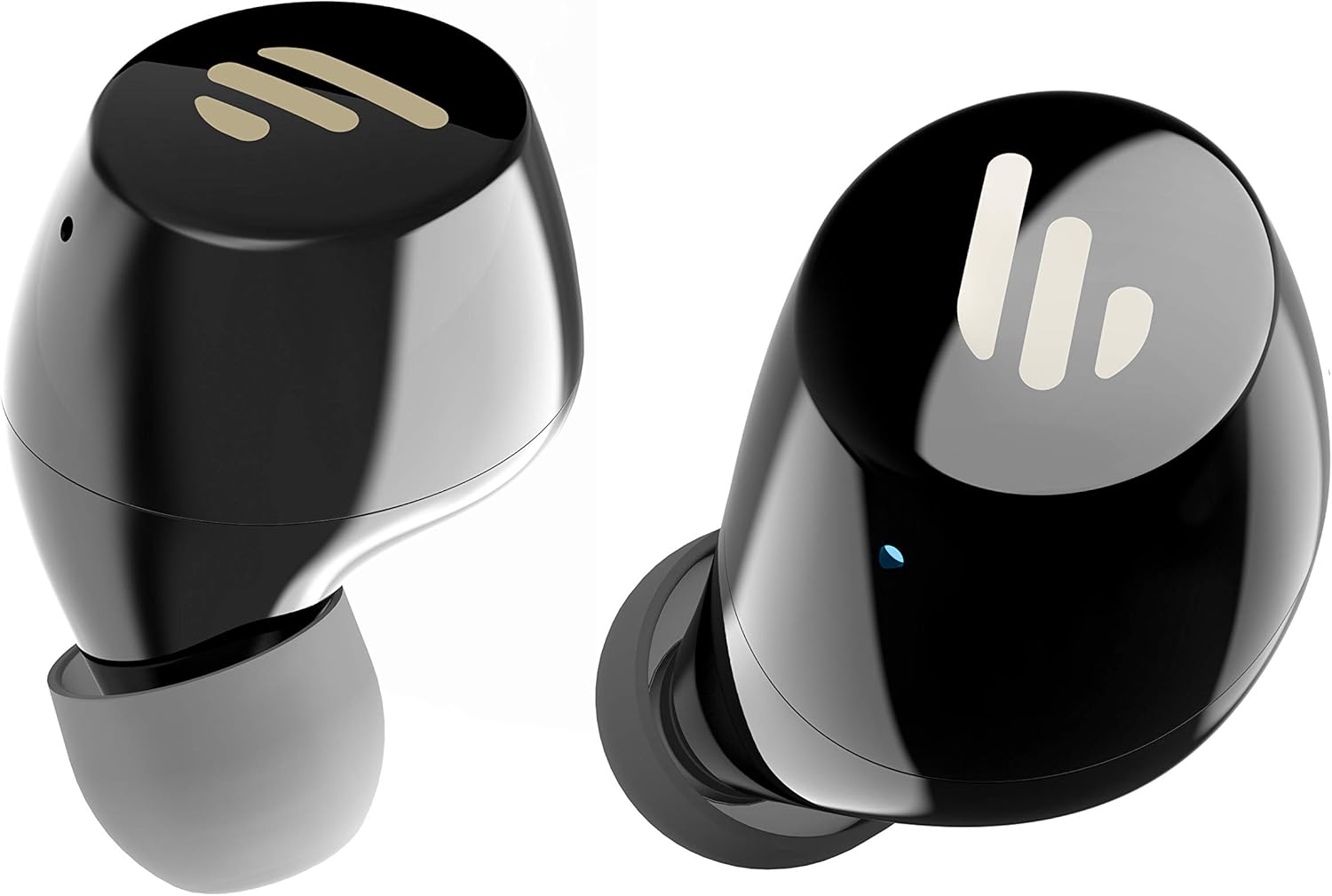
Slika: Podrobna view of the Edifier TWS1 earbuds, highlighting their ergonomic shape and the silicone ear tips designed for a comfortable and secure in-ear fit.
Navodila za uporabo
The Edifier TWS1 earbuds feature touch controls for easy operation.
- Vklop: Earbuds power on automatically when removed from the charging case.
- Ugasniti: Place earbuds back into the charging case to power off automatically.
- Predvajanje/pavza: Double-tap the touch panel on either earbud.
- Naslednja skladba: Trikrat se dotaknite zaslona na dotik na desni slušalki.
- Prejšnja skladba: Trikrat se dotaknite zaslona na dotik na levi slušalki.
- Sprejmi/končaj klic: Double-tap the touch panel on either earbud.
- Zavrni klic: Pritisnite in držite zaslon na dotik na kateri koli slušalki 2 sekundi.
- Aktiviranje glasovnega pomočnika: Press and hold the touch panel on the left earbud for 2 seconds.
Vzdrževanje
- Čiščenje: Slušalke in polnilno ohišje redno čistite z mehko, suho krpo. Ne uporabljajte abrazivnih čistil ali topil.
- Vodoodpornost: The earbuds are IPX5 rated, meaning they are resistant to splashes and sweat. Do not submerge them in water or expose them to heavy rain. Ensure the charging port is dry before charging.
- Shranjevanje: Ko slušalk ne uporabljate, jih shranite v polnilno škatlico, da jih zaščitite in ohranite napolnjene. Hranite na hladnem in suhem mestu, stran od ekstremnih temperatur.
- Vzdrževanje baterije: Da bi podaljšali življenjsko dobo baterije, se izogibajte pogostemu popolnemu praznjenju slušalk in polnilnega ohišja. Redno jih polnite, tudi če jih ne uporabljate nenehno.
Odpravljanje težav
If you encounter issues with your Edifier TWS1 earbuds, please refer to the following common solutions:
| Težava | rešitev |
|---|---|
| Slušalke se ne vklopijo. | Ensure the earbuds and charging case are fully charged. Place earbuds in the case and close it, then open to power on. |
| Seznanitev z napravo ni mogoča. | Make sure Bluetooth is enabled on your device. Ensure earbuds are in pairing mode (flashing indicator). Try forgetting the device in your Bluetooth settings and re-pairing. |
| Samo ena slušalka deluje. | Place both earbuds back into the charging case, close the lid, and then open it again. This should re-sync them. If the issue persists, try resetting the earbuds. |
| Ni zvoka ali nizka glasnost. | Check the volume level on both your device and the earbuds. Ensure earbuds are properly seated in your ears. Try cleaning the ear tips and speaker mesh. |
| Težave s polnjenjem. | Ensure the charging cable is securely connected. Try a different USB port or power adapter. Clean the charging contacts on the earbuds and inside the case. |
Ponastavitev na tovarniške nastavitve
If problems persist, a factory reset may resolve them:
- Obe slušalki vstavite v ohišje za polnjenje.
- Press and hold the touch panel on both earbuds simultaneously for approximately 8 seconds until the indicator lights flash rapidly, then release.
- Odstranite slušalke iz ohišja in jih poskusite ponovno seznaniti z napravo.
Specifikacije
| Funkcija | Podrobnost |
|---|---|
| Blagovna znamka | Edifier |
| Ime modela | TWS1 BK |
| Številka modela artikla | TWS1_BK |
| barva | Črna |
| Materiali | Plastika |
| Tehnologija povezljivosti | Brezžično |
| Brezžična komunikacijska tehnologija | Bluetooth |
| Faktor oblike slušalk | V ušesu |
| Namestitev ušesa | V ušesu |
| Priključek za slušalke | Brez Jacka |
| Nadzorna metoda | Dotik |
| Stopnja vodoodpornosti | Vodoodporen (IPX5) |
| Združljive naprave | Pametni telefoni, tablice, prenosniki, namizni računalniki |
| Posebne uporabe za izdelek | Komunikacija |
| Dimenzije izdelka | 2.32 x 1.72 x 2.04 cm; 130 gramov |
| Vključene komponente | TWS1 Earbuds |
| Opis starostne skupine | Odrasel |
Garancija in podpora
Edifier products are designed and manufactured to the highest quality standards. For information regarding warranty coverage, please refer to the warranty card included with your product or visit the official Edifier website. For technical support or further assistance, please contact Edifier customer service through their official channels.