
1. Pomembne varnostne informacije
Please read all instructions carefully before using the Media-Tech MT6510 Sonic Electric Toothbrush. Keep this manual for future reference.
- Polnilne postaje ne potapljajte v vodo ali katero koli drugo tekočino.
- Ensure the charging port cover on the toothbrush handle is securely closed before rinsing the handle under water. The toothbrush handle is IPX7 waterproof, meaning it can withstand immersion in water up to 1 meter for 30 minutes.
- Ta naprava vsebuje baterije, ki jih ni mogoče zamenjati.
- Do not modify or repair the appliance yourself. Contact qualified service personnel for any repairs.
- Hraniti izven dosega otrok. Ta izdelek je namenjen odraslim.
- If you have any medical concerns regarding oral health, consult your dentist before using this product.
2. Izdelek je končanview
The Media-Tech MT6510 Sonic Electric Toothbrush utilizes advanced sonic technology to provide effective oral hygiene. It features 36,000 vibrations per minute, two cleaning modes, a 2-minute timer with 30-second interval reminders, and a long-lasting battery.

Slika 2.1: Spredaj view of the Media-Tech MT6510 Sonic Electric Toothbrush, showcasing njegovo elegantno obliko in kontrolne gumbe.
2.1 Vključene komponente
- 1 x Media-Tech MT6510 Sonic Toothbrush Handle
- 2 x DuPont Toothbrush Heads
- 1 x polnilna osnova
- 1 x potovalna torbica
- 1 x uporabniški priročnik

Image 2.2: The Media-Tech MT6510 toothbrush, two brush heads, and travel case, as included in the set.
3. Nastavitev
3.1 Začetno polnjenje
Before first use, fully charge the toothbrush for approximately 12-16 hours. A full charge provides up to 60 days of use based on twice-daily brushing for 2 minutes.
- Polnilno bazo priključite na električno vtičnico.
- Place the toothbrush handle onto the charging base. Ensure the handle is seated correctly.
- The charging indicator light will illuminate to show that the toothbrush is charging.
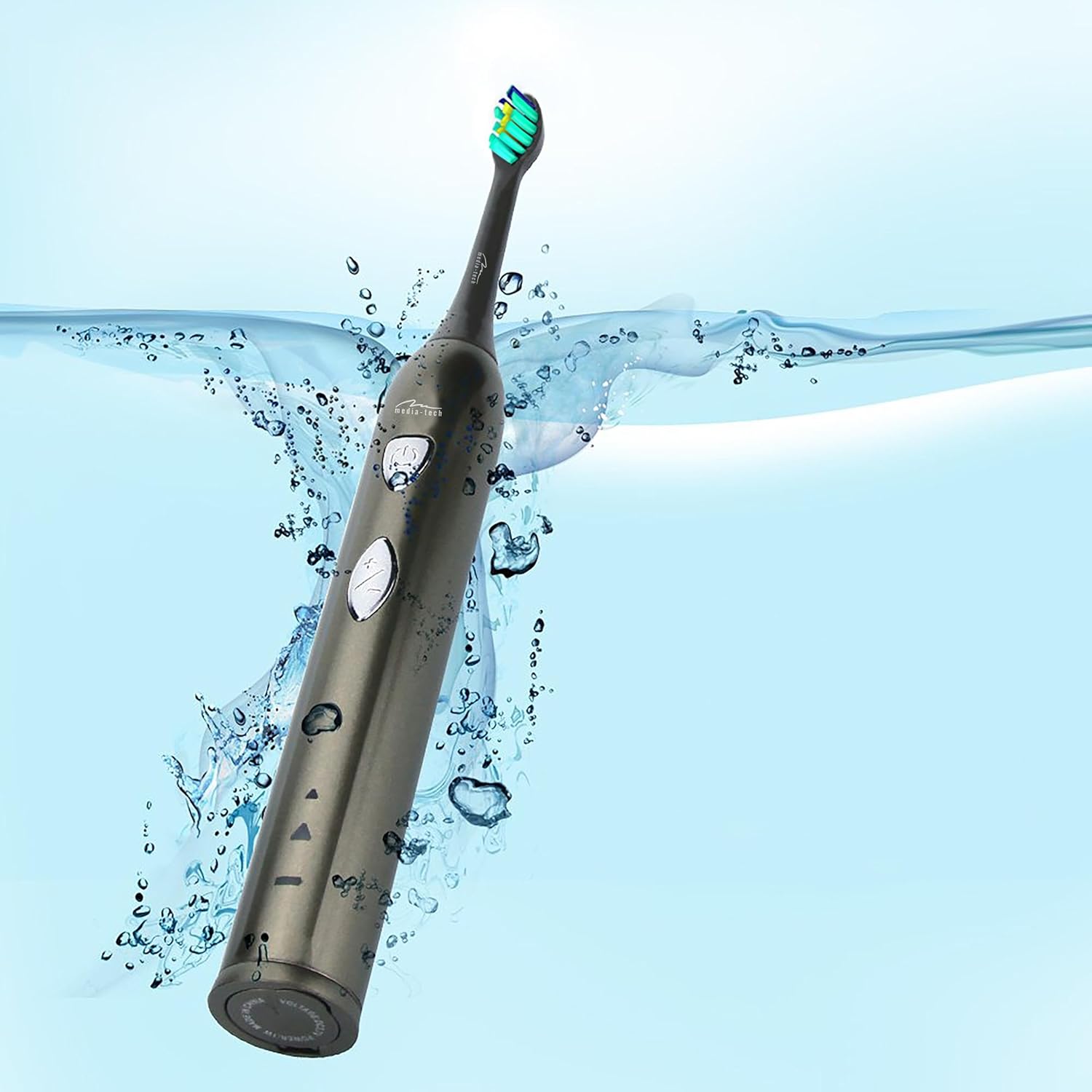
Image 3.1: The toothbrush handle placed on its charging base, indicating the charging process.
3.2 Pritrditev glave ščetke
Glavo ščetke poravnajte s kovinskim držalom na ročaju zobne ščetke in jo močno potisnite navzdol, da se zaskoči. Pred uporabo se prepričajte, da je varno pritrjena.
4. Navodila za uporabo
4.1 Vklop/izklop in izbira načina

Slika 4.1: Podrobno view of the toothbrush handle, showing the power button and mode selection button.
- Vklop: Press the power button (top button) once to turn on the toothbrush. It will start in the last used mode.
- Spremeni način: While the toothbrush is on, press the mode button (bottom button) to cycle through the available cleaning modes:
- Daily Cleaning Mode: For regular, thorough cleaning.
- Način beljenja: For deep cleaning and stain removal.
- Ugasniti: Ponovno pritisnite gumb za vklop, da izklopite zobno ščetko.
4.2 Tehnika ščetkanja
- Navlažite glavo ščetke in nanesite majhno količino zobne paste.
- Glavo ščetke položite na zobe pod rahlim kotom proti liniji dlesni.
- Pritisnite gumb za vklop, da začnete ščetkati.
- Gently move the brush head slowly from tooth to tooth, allowing the sonic vibrations to clean. Do not scrub.
- The toothbrush features a 2-minute timer and a 30-second interval reminder. It will briefly pause every 30 seconds to indicate when to move to a different quadrant of your mouth.
- Po 2 minutah se zobna ščetka samodejno izklopi, kar pomeni, da je priporočeni čas ščetkanja končan.

Image 4.2: The toothbrush positioned in a glass in a bathroom setting, ready for use.
5. Vzdrževanje
5.1 Čiščenje glave ščetke
After each use, rinse the brush head thoroughly under running water. Do not use harsh cleaning agents.
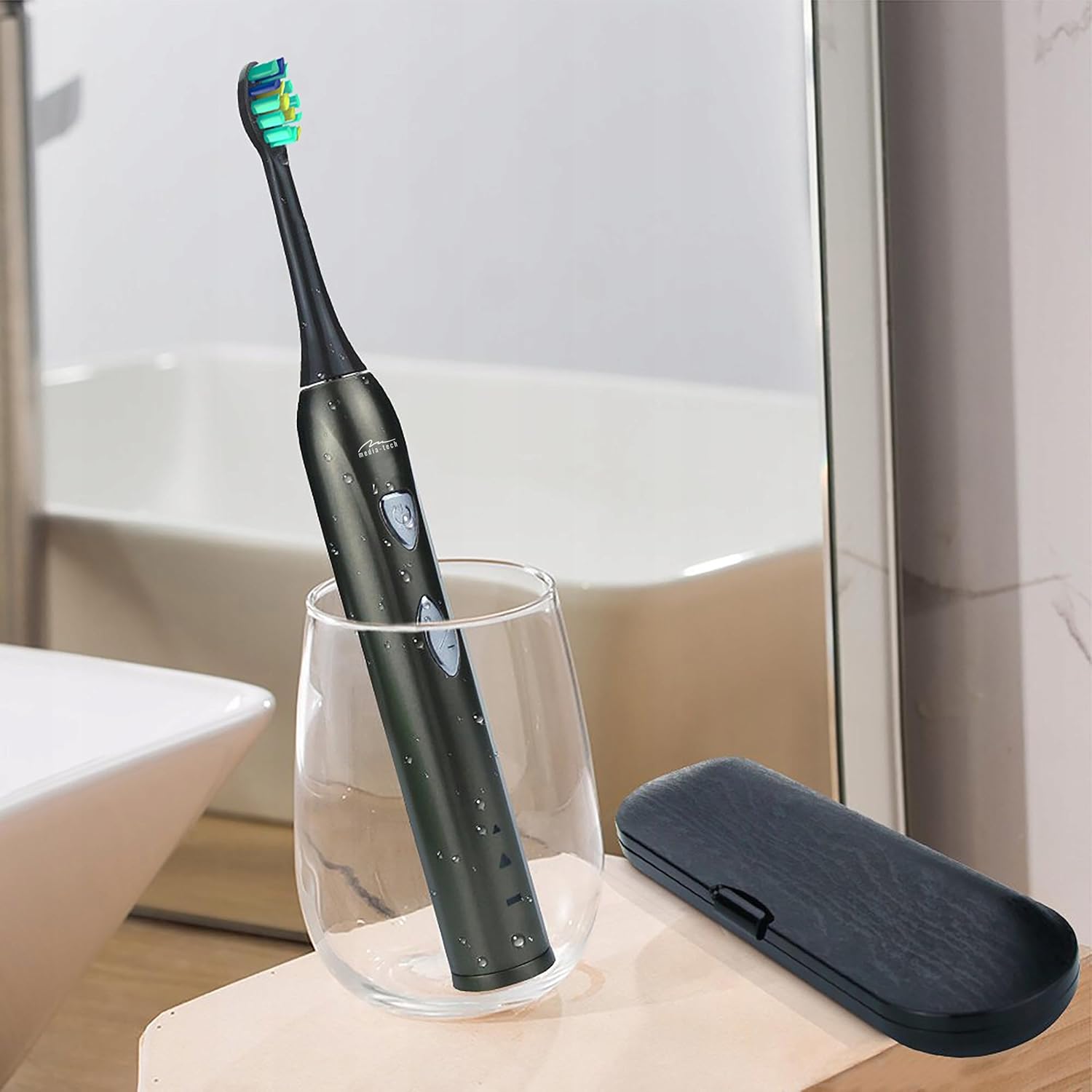
Image 5.1: A close-up of the brush head, showing bristles and water droplets after rinsing.
5.2 Čiščenje ročaja
Obrišite ročaj zobne ščetke z oglasomamp cloth. Ensure the charging port cover is closed before rinsing the handle under running water. Do not use abrasive cleaners or immerse the entire handle in water for extended periods.
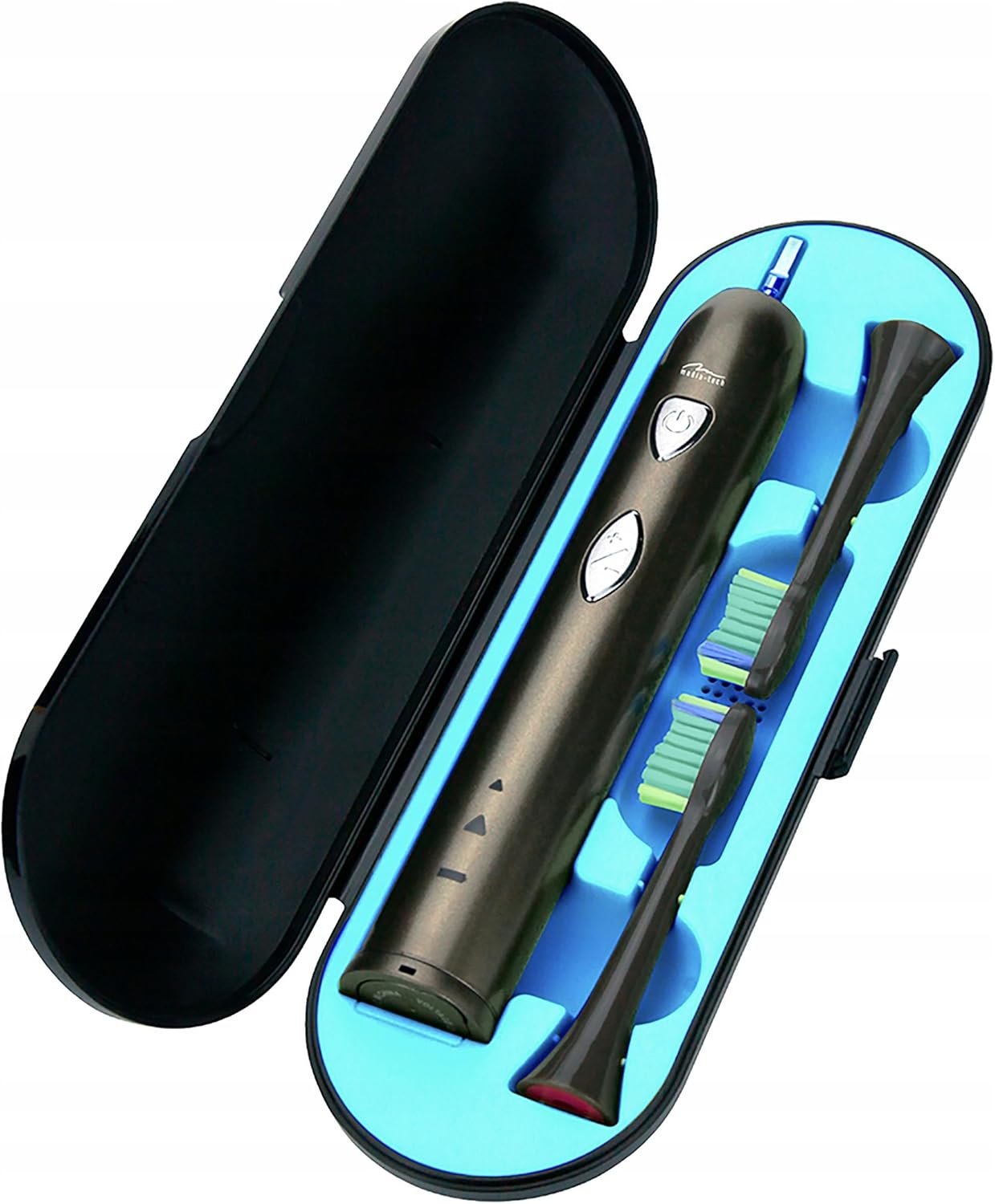
Image 5.2: The toothbrush handle partially submerged in water, demonstrating its IPX7 waterproof rating.
5.3 Zamenjava nastavkov ščetke
Dentists recommend replacing brush heads every 3 months, or sooner if the bristles become frayed. To replace, simply pull the old brush head off the handle and push a new one on until it clicks.
5.4 Shranjevanje
When not in use, store the toothbrush and brush heads in a clean, dry place. The included travel case is ideal for hygienic storage and transport.
6. Odpravljanje težav
| Težava | Možen vzrok | rešitev |
|---|---|---|
| Zobna ščetka se ne vklopi. | Baterija je prazna. | Zobno ščetko polnite vsaj 12 ur. |
| Weak vibration or performance. | Nizka baterija. | Napolnite zobno ščetko. |
| Glava ščetke je ohlapna. | Glava ščetke ni pravilno pritrjena. | Remove and re-attach the brush head, ensuring it clicks into place. |
| Indikator polnjenja ne sveti. | Charging base not connected or toothbrush not seated correctly. | Check power connection and ensure the toothbrush is properly placed on the charging base. |
7. Specifikacije
- Številka modela: MT6510
- Znamka: Medijsko-tehnološki
- Tehnologija: Sonic
- Vibracije: 36,000 na minuto
- Načini čiščenja: 2 (Daily Cleaning, Whitening)
- Časovnik: 2-minute auto-off with 30-second interval reminder
- Ocena vodoodpornosti: IPX7
- Vrsta baterije: Litij-ionski
- Življenjska doba baterije: Do 60 dni (na podlagi tipične uporabe)
- Dimenzije izdelka: 17.5 x 2.7 x 17.5 cm (approximate, as per packaging)
- Teža: 95 g (približno)
8. Garancija in podpora
For warranty information, please refer to the documentation provided at the time of purchase or contact your retailer. For technical support or further assistance, please contact Media-Tech customer service or visit their official webmesto.