
BANNER ENGINEERING S18AW3FF50
S18AW3FF50 EZ-Beam S18 Series Photoelectric Sensor User Manual
Model: S18AW3FF50 | Brand: BANNER ENGINEERING
1. Uvod
This manual provides essential information for the installation, operation, and maintenance of the BANNER ENGINEERING S18AW3FF50 EZ-Beam S18 Series Photoelectric Sensor. This sensor is designed for reliable object detection in industrial environments, featuring a 50 mm range, 20-250VAC input, and SPST solid-state light operate output.
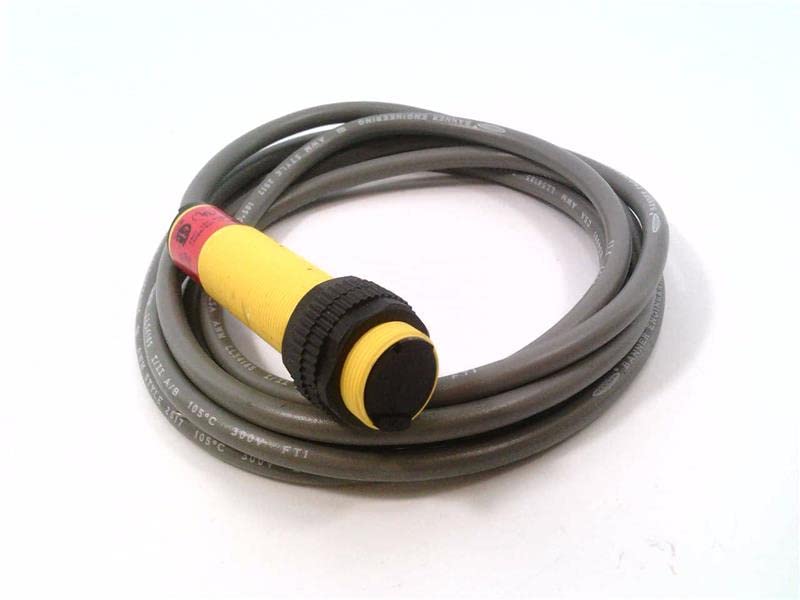
Figure 1: BANNER ENGINEERING S18AW3FF50 Photoelectric Sensor with coiled cable.
2. Nastavitev in namestitev
Pravilna namestitev je ključnega pomena za optimalno delovanje in varnost. Pazljivo sledite tem korakom.
2.1 Razpakiranje in pregled
- Carefully remove the sensor from its packaging.
- Inspect the sensor for any visible damage that may have occurred during shipping.
- Preverite, ali so prisotne vse komponente, navedene na dobavnem listu.
2.2 Montaža senzorja
The S18AW3FF50 sensor is designed for easy mounting. Ensure the mounting surface is stable and free from excessive vibration.
- Select a mounting location that provides clear line-of-sight for the sensor's detection range (50 mm).
- Secure the sensor using appropriate mounting hardware (not included). The sensor features a threaded barrel for secure attachment.
- Ensure the sensor is oriented correctly for the intended detection application.
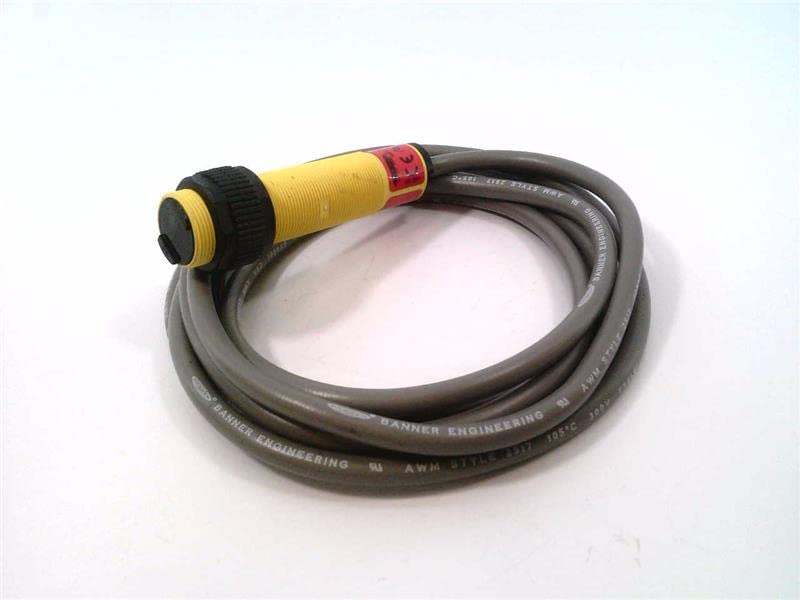
Slika 2: stran view of the S18AW3FF50 sensor, showing the threaded barrel and cable.
2.3 Električne povezave
OPOZORILO: Disconnect all power before making electrical connections to prevent electric shock or damage to the equipment.
The S18AW3FF50 operates on 20-250VAC input and provides an SPST Solid-State Light Operate output. The sensor comes with a 2M (6.5FT) cable.
| Barva žice | funkcija |
|---|---|
| Rjava | AC Line (L1) |
| Modra | AC Neutral (L2) |
| Črna | Output (SPST Light Operate) |
Connect the sensor wires to the control circuit according to the provided wiring diagram and local electrical codes. Ensure all connections are secure.
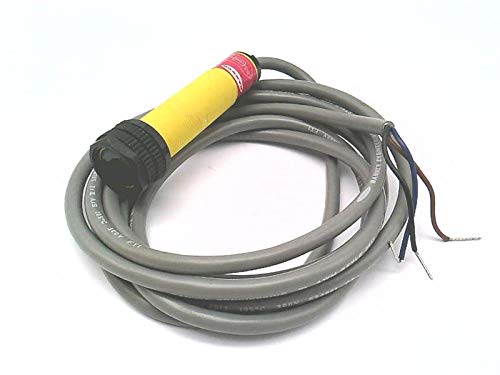
Figure 3: S18AW3FF50 sensor showing the cable with exposed wires for electrical connection.
3. Delovanje
Once installed and wired, the S18AW3FF50 sensor is ready for operation.
3.1 Vklop
Apply power to the sensor (20-250VAC). The sensor will typically have an indicator LED (if present) to show power status and output state.
3.2 Detection Principle
The S18AW3FF50 is a photoelectric sensor operating in a fixed field mode. It emits a light beam and detects objects based on the reflection or interruption of this beam. The "Light Operate" output means the output will be active when light is received by the sensor (i.e., when an object is detected or not detected, depending on the specific fixed field configuration).
3.3 Range and Performance
The sensor has a specified detection range of 50 mm. Ensure that objects to be detected fall within this range for reliable operation. Environmental factors such as dust, moisture, and ambient light can affect performance.
4. Vzdrževanje
The S18AW3FF50 sensor is designed for low maintenance. Regular checks can ensure long-term reliable operation.
4.1 Čiščenje
- Periodically clean the sensor lens and housing to remove dust, dirt, or debris that may accumulate and interfere with detection.
- Use a soft, lint-free cloth and a mild cleaning solution if necessary. Avoid abrasive cleaners or solvents.
4.2 Pregled kablov in priključkov
- Regularly inspect the sensor cable for any signs of wear, cuts, or damage.
- Check electrical connections to ensure they remain secure and free from corrosion.
5. Odpravljanje težav
This section provides solutions to common issues encountered with the S18AW3FF50 sensor.
| Težava | Možen vzrok | rešitev |
|---|---|---|
| Senzor se ne vklopi | No power supply; Incorrect wiring; Damaged sensor. | Verify power supply (20-250VAC); Check wiring against Table 1; Replace sensor if damaged. |
| Senzor ne zaznava predmetov | Object out of range (50 mm); Dirty lens; Misalignment; Ambient light interference. | Ensure object is within 50 mm range; Clean sensor lens; Realign sensor; Shield sensor from strong ambient light. |
| Občasno zaznavanje | Vibration; Loose connections; Fluctuating power. | Secure sensor mounting; Check all electrical connections; Ensure stable power supply. |
6. Specifikacije
Key technical specifications for the BANNER ENGINEERING S18AW3FF50 Photoelectric Sensor.
- Model: S18AW3FF50
- serija: EZ-Beam S18 Series
- Obseg zaznavanja: 50 mm
- Vhodna voltage: 20-250VAC
- Vrsta izhoda: SPST Solid-State Light Operate
- Dolžina kabla: 2 M (6.5 FT)
- Vrsta senzorja: Photoelectric, Fixed Field
- Proizvajalec: BANNER ENGINEERING
- ASIN: B07RZTBRLS
- Prvič na voljo: 3. december 2021
7. Garancija in podpora
For warranty information and technical support, please contact BANNER ENGINEERING directly or refer to their official webmesto.
Politika vračila: The product may be subject to a return policy of 30 days for refund/replacement, as per the seller's terms.
Proizvajalec: BANNER ENGINEERING
Za dodatno pomoč obiščite BANNER ENGINEERING official webmesto.
Povezani dokumenti - S18AW3FF50
 |
Understanding Light Operate and Dark Operate Sensor Modes | Banner Engineering Banner Engineering's iKnow Training Note explains the operational principles of Light Operate (LO) and Dark Operate (DO) modes for photoelectric sensors, detailing Opposed, Retroreflective, and Proximity sensing configurations. |
 |
Banner S18 Series AC Voltage Sensors: Installation Guide and Specifications Comprehensive guide to Banner Engineering's S18 Series AC Voltage sensors, covering installation, models, wiring, dimensions, specifications, and accessories. Features detailed technical data for various sensing modes including opposed, retro-reflective, polarized retro-reflective, and diffuse. |
 |
R45C IO-Link to Dual Analog Input-Output Converter Quick Start Guide Setup and installation guide for the Banner Engineering R45C IO-Link to Dual Analog Input-Output Converter. Includes specifications, status indicators, and wiring instructions. |
 |
R45C Modbus to Dual Analog Input-Output Converter Quick Start Guide Quick start guide for the Banner Engineering R45C Modbus to Dual Analog Input-Output Converter, detailing features, installation, status indicators, specifications, and warranty information. |
 |
Rešitve senzorjev Banner Engineeringview Celovit vodnik po ponudbi industrijskih senzorjev podjetja Banner Engineering, vključno s fotoelektričnimi, laserskimi, ultrazvočnimi, radarskimi, svetlobnimi zavesami in vidnimi senzorji. Vsebuje izbirna merila in tehnične specifikacije. |
 |
Q5Z Global Laser Measurement Sensor with IO-Link Instruction Manual Comprehensive instruction manual for the Banner Engineering Q5Z Global Laser Measurement Sensor with IO-Link, detailing its features, configuration options, installation procedures, specifications, and support. |
Ask a question about this manual
Ask about setup, troubleshooting, compatibility, parts, safety, or missing instructions. Manuals+ will review the question and use this page’s manual context to help answer it.