
PELONIS FZ10-19JR
PELONIS FZ10-19JR Quiet Oscillating Tower Fan User Manual
Model: FZ10-19JR | Brand: PELONIS
Uvod
The PELONIS 3-speed oscillating Tower fan with timer and remote provides maximum comfort in a minimum space. With a tall, narrow profile, this fan is ideal for smaller rooms or areas with limited floor space. It features three speeds, multiple modes, and a timer for automatic shutoff. A convenient remote control allows for easy operation from a distance.
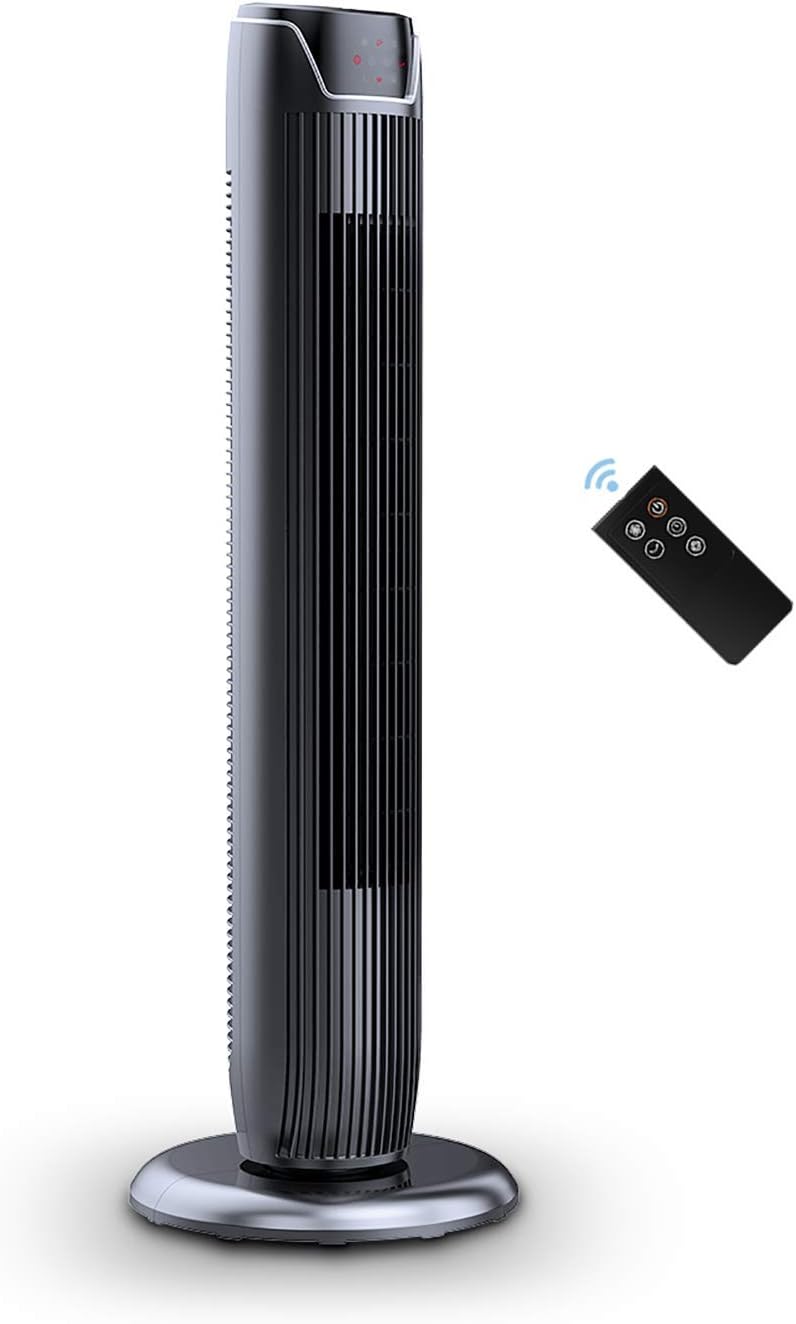
Figure 1: PELONIS FZ10-19JR Quiet Oscillating Tower Fan and Remote Control.
Varnostne informacije
Always read and follow all safety instructions before using this appliance to prevent injury or damage. Keep this manual for future reference.
- Zaščita pred pregrevanjem: The motor has built-in overheat protection for peace of mind, automatically shutting off the fan if it overheats.
- Varnost otrok: The compact design on the fan grid ensures the safety of children by preventing finger penetration.
- Predlog 65 Opozorilo: Ta izdelek lahko vsebuje kemikalije, za katere država Kalifornija ve, da povzročajo raka in prirojene okvare ali drugo reproduktivno škodo.
- Ventilator postavite na stabilno, ravno površino, da preprečite prevračanje.
- V rešetko ventilatorja ne vstavljajte prstov ali tujih predmetov.
- Pred čiščenjem ali kakršnim koli vzdrževanjem izključite ventilator iz električne vtičnice.
Vsebina paketa
Po odprtju paketa preverite, ali so vse komponente prisotne:
- PELONIS FZ10-19JR Tower Fan Unit
- Daljinski upravljalnik
- Base Parts (multiple pieces for assembly)
- Uporabniški priročnik (PDF na voljo na spletu)
Nastavitev
The PELONIS FZ10-19JR Tower Fan requires minimal assembly. Follow these steps to set up your fan:
- Sestavite osnovo: The base comes in multiple pieces. Snap the base pieces together securely.
- Attach Fan Unit to Base: Carefully align the fan unit with the assembled base. Ensure the power cord is routed through the designated opening in the base.
- Zavarujte bazo: Locate the screw underneath the base and tighten it to firmly attach the fan unit to the base.
- Umestitev: Place the assembled fan on a stable, flat surface.
- Napajalni priključek: Plug the fan into a standard 120V/60HZ power outlet.
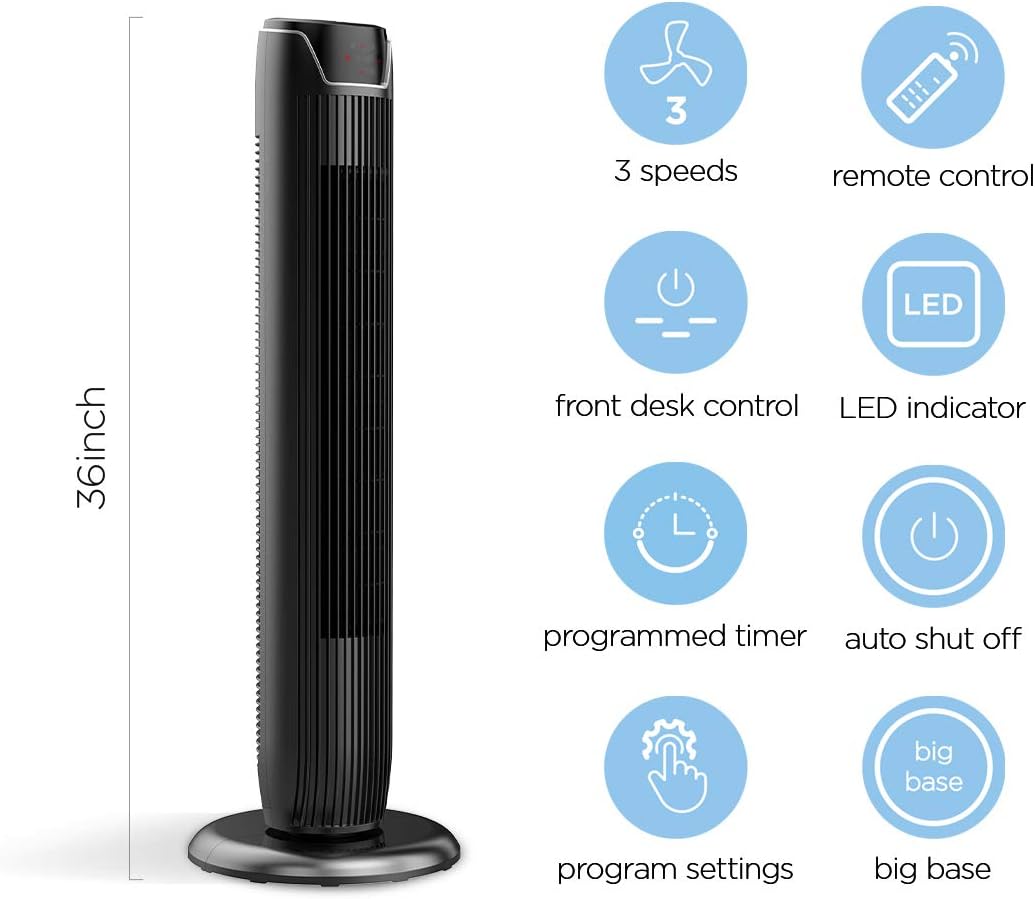
Figure 2: The 36-inch height of the tower fan, highlighting its compact design and various features.

Figure 3: Key features of the PELONIS tower fan, including silent operation, wide-angle airflow, timer, and auto shut-off.
Video 1: Overview of the 36-inch PELONIS FZ10-19JR Oscillating Tower Fan, demonstrating its compact size and features.
Navodila za uporabo
Your PELONIS tower fan can be operated using the multi-functional control panel on top of the unit or the included remote control.
Nadzorna plošča in daljinski upravljalnik
Both the control panel and the remote offer identical functions for convenience. The control panel is located on the top of the fan for easy access without bending.

Figure 4: Close-up of the overhead control panel, highlighting the tight fence design for safety and the internal gale wheel for air volume.
- Gumb za vklop (VKLOP/IZKLOP): Vklopi ali izklopi ventilator.
- Gumb za način: Cycles through different wind modes (Normal, Natural, Sleep).
- Gumb za hitrost: Prilagodi hitrost ventilatorja (nizka, srednja, visoka).
- Oscillation Button (Osc): Activates or deactivates the 60° wide-angle oscillation function.
- Gumb časovnika: Sets the automatic shutoff timer (up to 7 hours).
Načini ventilatorja
- Običajni veter: Provides a constant airflow.
- Naravni veter: Simulates natural breezes with alternating strong and weak airflows.
- Spanje: Operates at a low noise level (as low as 48 dB) for undisturbed sleep. The LED display auto-off after 30 seconds to minimize light disturbance.
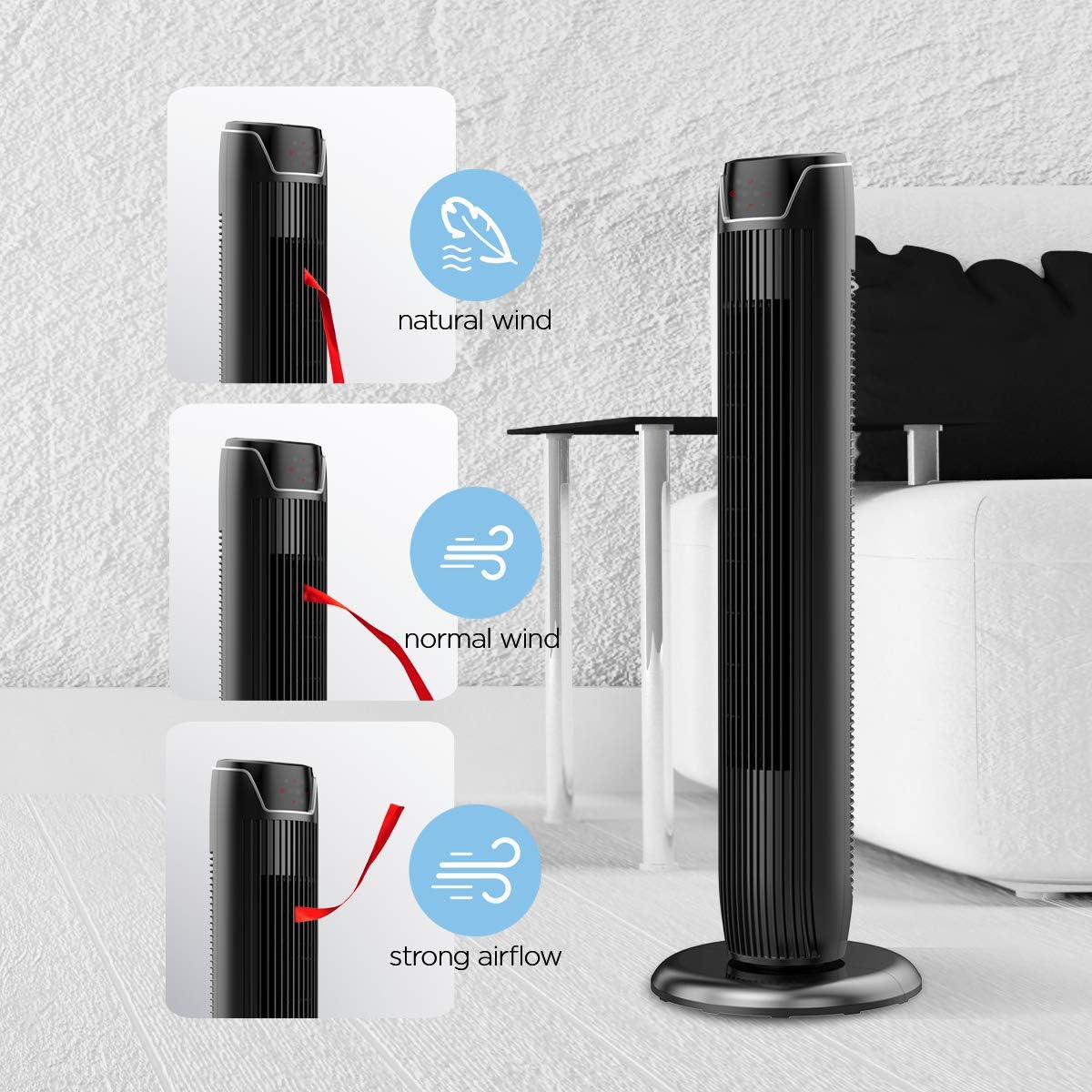
Figure 5: Visual representation of the fan's different wind modes: Natural Wind, Normal Wind, and Strong Airflow.

Figure 6: The fan's quiet operation in sleep mode, ideal for bedrooms and nurseries.

Figure 7: Illustration of the fan's ultra-silence feature (below 48dB on low speed), perfect for quiet environments.
Shranjevanje na daljavo
The fan features a built-in cubby at the back for convenient storage of the remote control, ensuring it is always within reach and not easily misplaced.
Video 2: Demonstration of the remote control storage slot on the back of the Pelonis Tower Fan.
Vzdrževanje
Redno čiščenje pomaga ohranjati delovanje ventilatorja in podaljšuje njegovo življenjsko dobo.
- Čiščenje zunanjosti: Uporabite mehko, damp krpo za brisanje zunanjih površin ventilatorja. Ne uporabljajte abrazivnih čistil ali topil.
- Čiščenje rešetke: Use a vacuum cleaner with a brush attachment to remove dust from the fan grilles. For deeper cleaning, a compressed air can may be used to dislodge dust from hard-to-reach areas.
- Notranje čiščenje: The fan is not designed for easy disassembly for internal cleaning. Regular external cleaning and compressed air use are recommended to minimize dust accumulation inside.
- Preden ventilator ponovno priključite, se prepričajte, da je popolnoma suh.
Odpravljanje težav
If you encounter issues with your PELONIS tower fan, try the following troubleshooting steps:
- Ventilator se ne vklopi:
- Prepričajte se, da je napajalni kabel varno priključen v delujočo električno vtičnico.
- Preverite, ali vtičnica deluje, tako da vanjo priključite drugo napravo.
- Verify the fan's power button is pressed.
- Fan Not Oscillating:
- Press the oscillation button on the control panel or remote.
- Ensure there are no obstructions preventing the fan from rotating.
- Šibek pretok zraka:
- Povečajte nastavitev hitrosti ventilatorja.
- Clean the fan grilles to remove any dust or debris that may be obstructing airflow.
- Nenavaden hrup:
- Prepričajte se, da je ventilator postavljen na stabilno, ravno površino.
- Check for any loose parts or foreign objects within the fan grilles.
- If the noise is a creaking sound during oscillation, ensure the base is not overtightened. Loosen it slightly if necessary.
- Daljinski upravljalnik ne deluje:
- Ensure the remote control's batteries are correctly installed and not depleted.
- Point the remote directly at the fan's control panel.
- Prepričajte se, da med daljinskim upravljalnikom in ventilatorjem ni ovir.
Specifikacije
| Funkcija | Podrobnost |
|---|---|
| Znamka | PELONIS |
| Ime modela | FZ10-19JR |
| barva | Sijajno črna |
| Dizajn električnega ventilatorja | Talni ventilator |
| Vir napajanja | Električni na kabel |
| Slog | Moderno |
| Dimenzije izdelka | 11.8"D x 11.8"Š x 36.14"V |
| Vrsta sobe | Spalnica |
| Posebna funkcija | Nihajna |
| Priporočene uporabe | Office, Air Circulation, Bedroom, Living Room, Home |
| Nivo hrupa | 48 dB |
| Vrsta zaključka | Sijajni |
| voltage | 120 volta |
| Vključene komponente | Daljinsko |
| Notranja/zunanja uporaba | Notranja |
| Specifikacija izpolnjena | ETL |
| Nadzorna metoda | Daljinsko |
| Material rezila | Plastika |
| Število ravni moči | 3 |
| Proizvajalec | Pelonis |
| UPC | 750545105431 |
| Teža predmeta | 9.13 funtov |
Garancija in podpora
PELONIS ponuja 1-letna garancija proizvajalca with the purchase of this product, demonstrating confidence in its quality.
For detailed information, refer to the official User Manual (PDF) available online:
Prenesi uporabniški priročnik (PDF)
For further assistance or inquiries, please visit the official PELONIS Store on Amazon: Trgovina PELONIS
Ask a question about this manual
Ask about setup, troubleshooting, compatibility, parts, safety, or missing instructions. Manuals+ will review the question and use this page’s manual context to help answer it.