
Uvod
This document serves as an instruction manual for accessing and utilizing the John Deere TM1792CD Technical Manual. This CD contains comprehensive technical information for the John Deere 5105 and 5205 series tractors, issued on December 5, 2003. It is an essential resource for service, maintenance, and repair procedures, providing detailed diagrams, specifications, and step-by-step instructions.
Konec izdelkaview
The TM1792CD is an electronic technical manual provided on a compact disc. It contains 980 pages of detailed information, covering various aspects of the John Deere 5105 and 5205 tractors. This manual is an official John Deere product, designed to assist technicians and owners in understanding and maintaining their equipment.
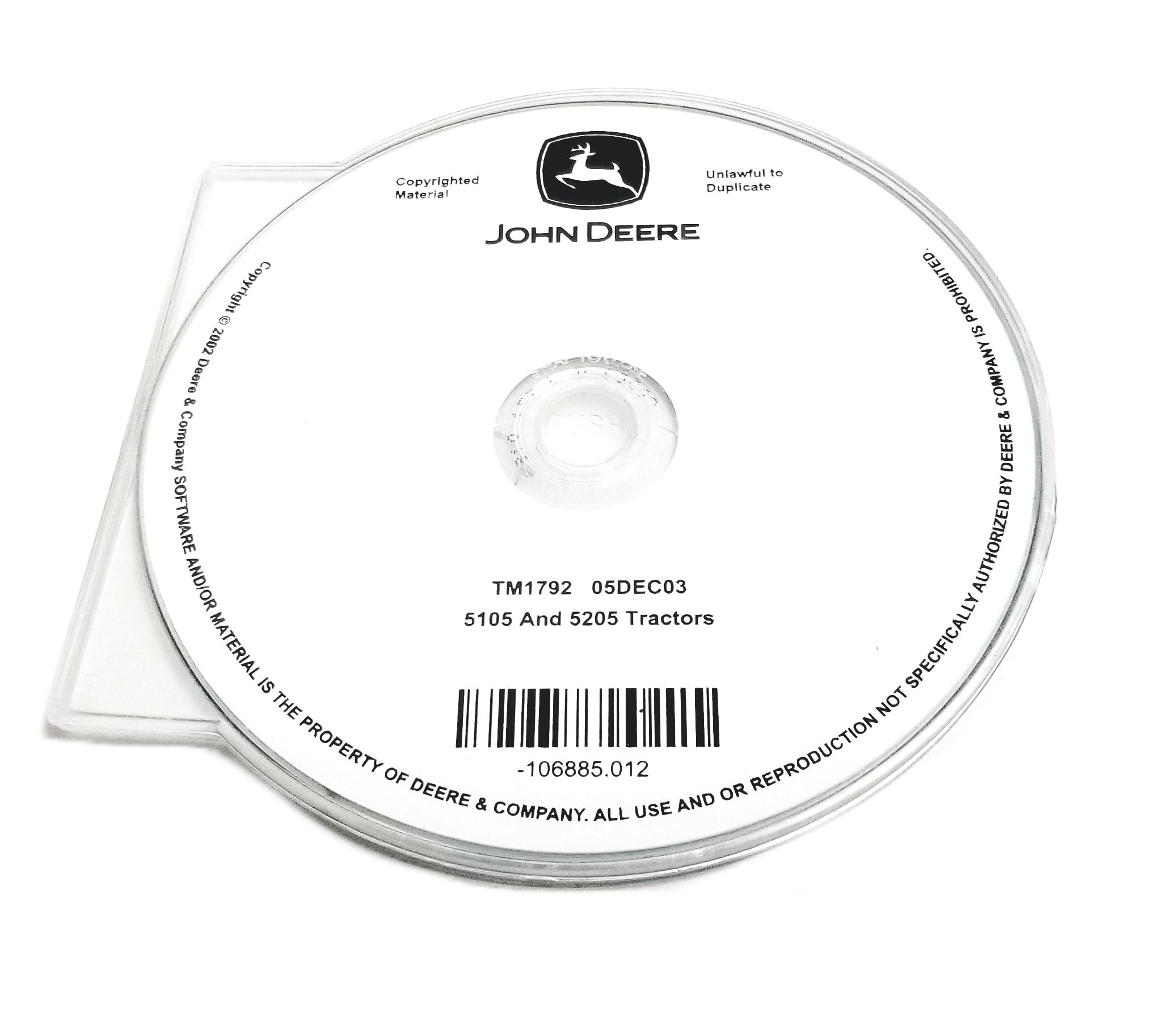
Image: The John Deere TM1792CD Technical Manual CD. The disc label displays "JOHN DEERE", "TM1792 05DEC03", and "5105 And 5205 Tractors", along with copyright and duplication warnings. The barcode and part number -106885.012 are also visible.
Sistemske zahteve
To access the content of the TM1792CD, ensure your computer meets the following general requirements:
- Operacijski sistem: Compatible with common operating systems (e.g., Windows XP, Vista, 7, 8, 10, or later; macOS with compatible software).
- CD/DVD pogon: A functional CD-ROM or DVD-ROM drive is required to read the disc.
- PDF Reader: Adobe Acrobat Reader or a similar PDF viewing software is necessary to open and view priročnik files.
- Procesor: Minimum 1 GHz processor or faster.
- RAM: Minimum 512 MB RAM (1 GB recommended).
- Shranjevanje: Sufficient free hard disk space for temporary files if copying content.
Installation and Access
- Vstavite CD: Gently insert the TM1792CD into your computer's CD/DVD drive with the label facing upwards.
- AutoPlay (Windows): If AutoPlay is enabled, a dialog box may appear. Select "Open folder to view files" or "Run [program name]" if an executable is present.
- Ročni dostop: If AutoPlay does not activate, open "My Computer" or "This PC," locate your CD/DVD drive (e.g., D: or E:), and double-click on its icon to browse the contents.
- Locate Manual Files: The manual content is typically provided in PDF format. Look for files with a ".pdf" extension. The main manual file might be named "TM1792.pdf" or similar.
- Open the Manual: Double-click on the PDF file to open it with your installed PDF reader.
Opomba: It is recommended to copy the PDF files to your computer's hard drive for faster access and to preserve the CD from wear and tear.
Krmarjenje po priročniku
Once the PDF manual is open, utilize the features of your PDF reader for efficient navigation:
- Bookmarks/Table of Contents: Most PDF readers display a navigation pane on the left side, which often includes bookmarks or a digital table of contents. Use these to jump to specific sections like Engine, Transmission, Hydraulics, Electrical System, etc.
- Funkcija iskanja: Use the search function (usually Ctrl+F or Cmd+F) to find specific keywords, part numbers, or topics within the manual.
- Zoom: Adjust the zoom level to view diagrams and small text clearly.
- Tiskanje: You can print specific pages or entire sections if a hard copy is needed for reference during work.
Vzdrževanje in nega
To ensure the longevity and readability of your TM1792CD, follow these care guidelines:
- Ravnajte previdno: Hold the CD by its edges to avoid touching the data surface.
- Shranjevanje: Ko CD-ja ne uporabljate, ga shranite v originalni škatlici ali zaščitni ovojnici. Hranite ga stran od neposredne sončne svetlobe, ekstremnih temperatur in visoke vlažnosti.
- Čiščenje: If the CD becomes dirty, gently wipe the data side with a soft, lint-free cloth, moving from the center outwards. Do not use abrasive materials or harsh chemicals.
- Izogibajte se praskam: Scratches on the data surface can render the CD unreadable. Exercise caution when handling.
Odpravljanje težav
If you encounter issues accessing or using the TM1792CD, consider the following:
- CD Not Reading:
- Ensure the CD is clean and free of scratches.
- Try the CD in another computer's drive to rule out a faulty CD drive.
- Znova zaženite računalnik.
- PDF FileNe odpira se:
- Verify that you have a PDF reader (e.g., Adobe Acrobat Reader) installed.
- Update your PDF reader to the latest version.
- Try opening other PDF files to confirm your reader is functional.
- Počasno delovanje:
- Kopirajte PDF files from the CD to your computer's hard drive for faster access.
- Close other demanding applications while viewprebiranje priročnika.
Specifikacije
| Funkcija | Podrobnost |
|---|---|
| Vrsta izdelka | Technical Manual on CD |
| Številka modela priročnika | TM1792CD |
| Applicable Tractors | John Deere 5105, John Deere 5205 |
| Datum izdaje | 05DEC03 (December 5, 2003) |
| Število strani | 980 Pages (Electronic Document) |
| Proizvajalec | John Deere |
| ASIN | B07RN125DN |
Support and Copyright Information
For further assistance regarding the content of this technical manual or John Deere products, please refer to official John Deere support channels or authorized dealerships. This manual is an OEM John Deere product.
Informacije o avtorskih pravicah:
- Copyright © 2002 Deere & Company.
- All use and/or reproduction not specifically authorized by Deere & Company is prohibited.
- This material is copyrighted and unlawful to duplicate without authorization.
The part number associated with this manual is -106885.012.


