
1. Uvod
Thank you for choosing the Cshidworld G33Pro-W Wireless Earbuds. This manual provides detailed instructions on how to set up, operate, and maintain your earbuds to ensure optimal performance and longevity. Please read this manual carefully before using the product and keep it for future reference.
2. Vsebina paketa
- Cshidworld G33Pro-W Wireless Earbuds (Left and Right)
- Prenosni etui za polnjenje
- USB polnilni kabel
- Uporabniški priročnik
3. Izdelek je končanview

Image: The Cshidworld G33Pro-W Wireless Earbuds resting inside their open charging case, showcasinnjihova kompaktna zasnova in bela površina.
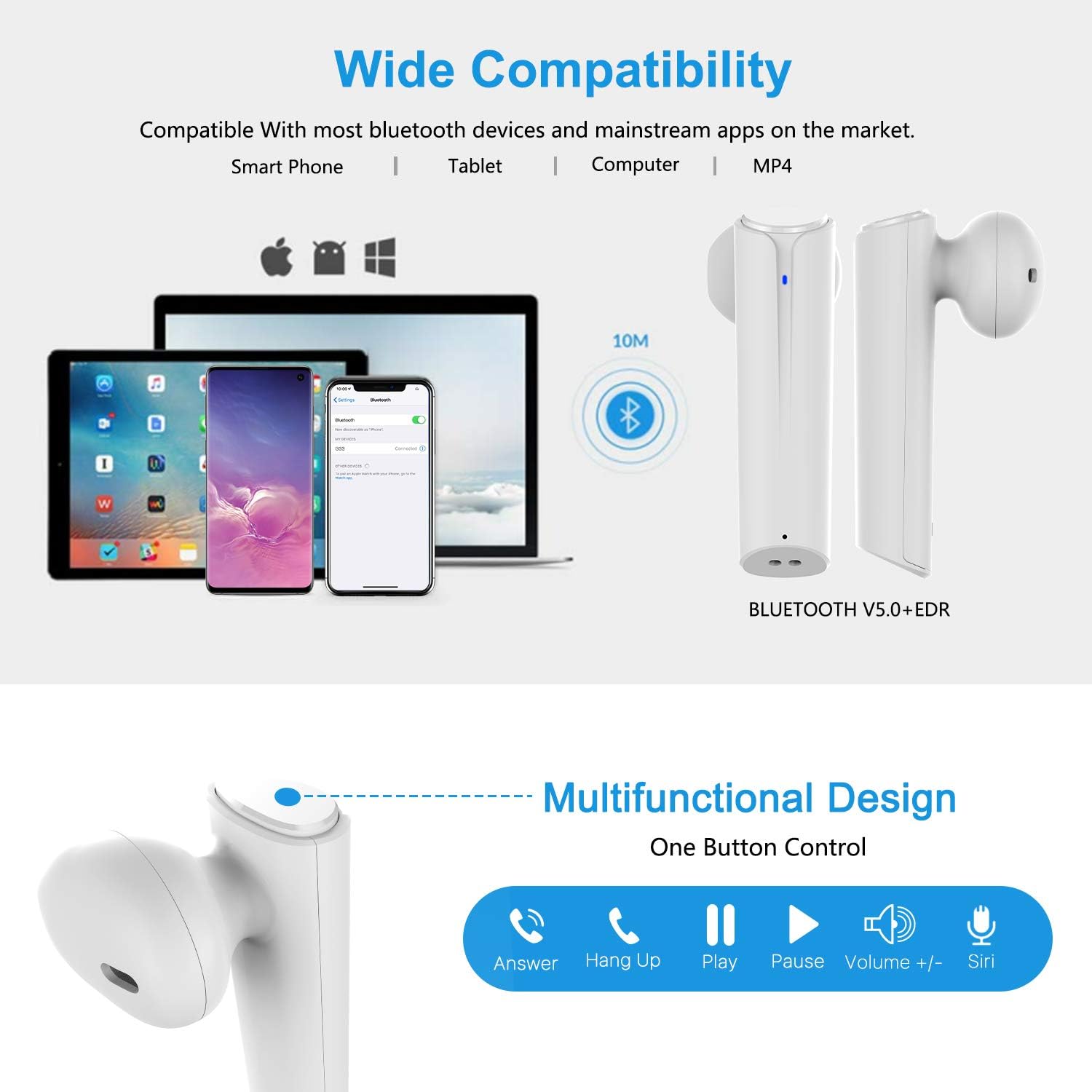
Image: A visual representation of the multi-function button on the earbud, detailing its various controls for answering calls, playing music, and activating voice assistants.
Komponente slušalk:
- Večnamenski gumb: Upravlja predvajanje, klice in glasovnega pomočnika.
- LED indikator: Prikazuje stanje seznanjanja in raven napolnjenosti baterije.
- Mikrofon: Za prostoročno telefoniranje.
Komponente polnilnega ohišja:
- Vrata za polnjenje: For charging the case and earbuds.
- LED indikatorji: Show charging status of the case.
4. Nastavitev
4.1 Polnjenje slušalk in etuija
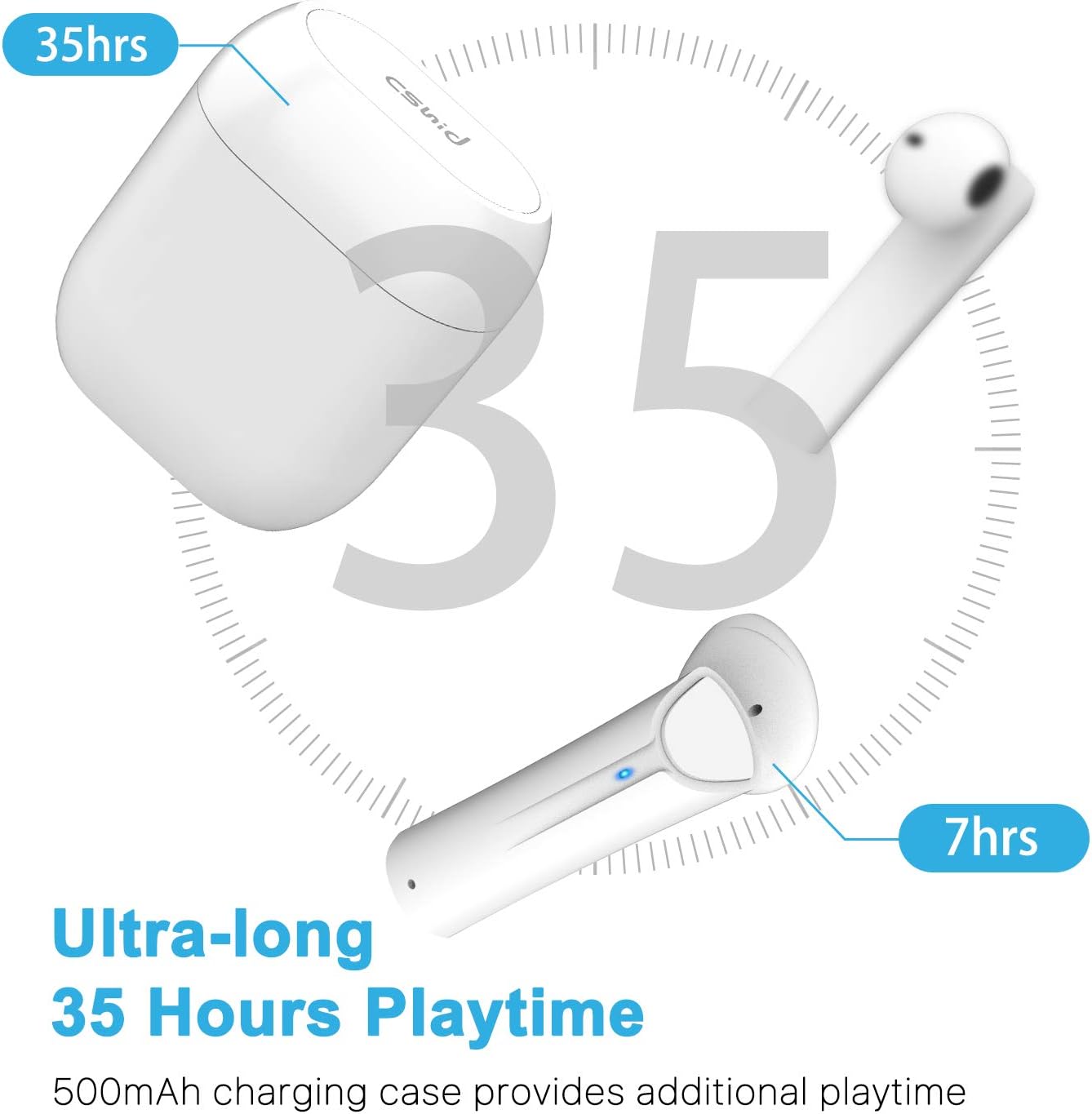
Image: An illustration highlighting the ultra-long 35 hours of total playtime, with 7 hours from a single earbud charge and additional charges from the case.
Before first use, ensure both the earbuds and the charging case are fully charged. The earbuds provide up to 7 hours of playtime on a single charge, and the charging case can provide an additional 5 full charges, extending the total playtime to up to 35 hours.
- Slušalke vstavite v polnilno ohišje. Prepričajte se, da so pravilno nameščene.
- Priključite polnilni kabel USB na polnilno vtičnico na ohišju in na vir napajanja.
- LED indikatorji na ohišju bodo prikazovali stanje polnjenja. Ko je ohišje popolnoma napolnjeno, se indikatorji spremenijo ali ugasnejo.
4.2 Initial Pairing (One-Step Pairing)

Image: A step-by-step guide showing how to pair the earbuds: simply take them out of the case and select 'G33' on your device's Bluetooth settings.
The G33Pro-W earbuds feature one-step pairing technology for quick and easy connection.
- Take both earbuds out of the charging case. They will automatically power on and enter pairing mode. The LED indicator on one earbud will flash, indicating it's ready to pair.
- V napravi (pametnem telefonu, tabličnem računalniku itd.) omogočite Bluetooth.
- Iskanje "G33" in the list of available Bluetooth devices and select it to connect.
- Once connected, the LED indicators on both earbuds will stop flashing. You are now ready to use your earbuds.
4.3 Uporaba ene slušalke
You can use either the left or right earbud independently. Simply take one earbud out of the charging case, and it will automatically enter pairing mode. Connect to "G33" on your device. To use both again, take the second earbud out, and they will automatically reconnect.
5. Navodila za uporabo
The G33Pro-W earbuds are controlled via a multi-function button on each earbud.
| funkcija | Akcija |
|---|---|
| Vklop | Take earbuds out of charging case (automatic) |
| Izklop | Place earbuds back into charging case (automatic) |
| Predvajanje/začasno ustavitev glasbe | Press the multi-function button once on either earbud |
| Naslednja skladba | Double-press the multi-function button on the Right earbud |
| Prejšnja skladba | Double-press the multi-function button on the Left earbud |
| Sprejmi/končaj klic | Press the multi-function button once on either earbud |
| Zavrni klic | Press and hold the multi-function button for 2 seconds on either earbud |
| Aktivirajte glasovnega pomočnika (Siri/Google Assistant) | Trikrat pritisnite večfunkcijski gumb na obeh slušalkah |
| Glasnost | Press and hold the multi-function button on the Right earbud |
| Zmanjšanje glasnosti | Press and hold the multi-function button on the Left earbud |
6. Vzdrževanje

Image: Two scenarios demonstrating earbud use: one person driving safely with hands-free calling, and another person working out, highlighting the sweat-proof and cable-free design.
6.1 Čiščenje
Redno čiščenje pomaga ohranjati kakovost zvoka in higieno.
- Za brisanje slušalk in polnilnega ohišja uporabite mehko, suho krpo, ki ne pušča vlaken.
- Za trdovratno umazanijo rahlo dampsl krpo z vodo ali blagim, neabrazivnim čistilom.
- Ne uporabljajte močnih kemikalij ali abrazivnih materialov.
- Prepričajte se, da so polnilni kontakti na slušalkah in ohišju čisti in suhi.
6.2 Shranjevanje
Ko slušalk ne uporabljate, jih shranite v polnilno škatlico, da jih zaščitite in ohranite napolnjene. Hranite na hladnem in suhem mestu, stran od ekstremnih temperatur.
6.3 Vodoodpornost
The earbuds are designed to be waterproof, making them suitable for workouts and light rain. However, they are not intended for swimming or submersion in water. Ensure earbuds are dry before placing them back into the charging case to prevent damage.
7. Odpravljanje težav
Če imate težave s slušalkami, si oglejte naslednje pogoste težave in rešitve:
- Slušalke se ne seznanjajo z napravo:
Ensure Bluetooth is enabled on your device. Place earbuds back in the case, then take them out again to re-enter pairing mode. Try forgetting "G33" from your device's Bluetooth list and re-pairing. - Deluje samo ena slušalka:
Place both earbuds back into the charging case. Close the lid for a few seconds, then open it and take both earbuds out simultaneously. They should automatically connect to each other. - Ni zvoka:
Preverite glasnost na napravi in slušalkah. Prepričajte se, da so slušalke pravilno priključene na napravo. Poskusite predvajati različne zvočne vire. - Slušalke se ne polnijo:
Prepričajte se, da je polnilni kabel varno priključen na ohišje in vir napajanja. Preverite, ali so polnilni kontakti na slušalkah in v ohišju čisti in brez umazanije. - Slaba kakovost zvoka:
Ensure the earbuds are properly seated in your ears. Check for any obstructions in the earbud speakers. Move closer to your connected device to avoid signal interference.
8. Specifikacije
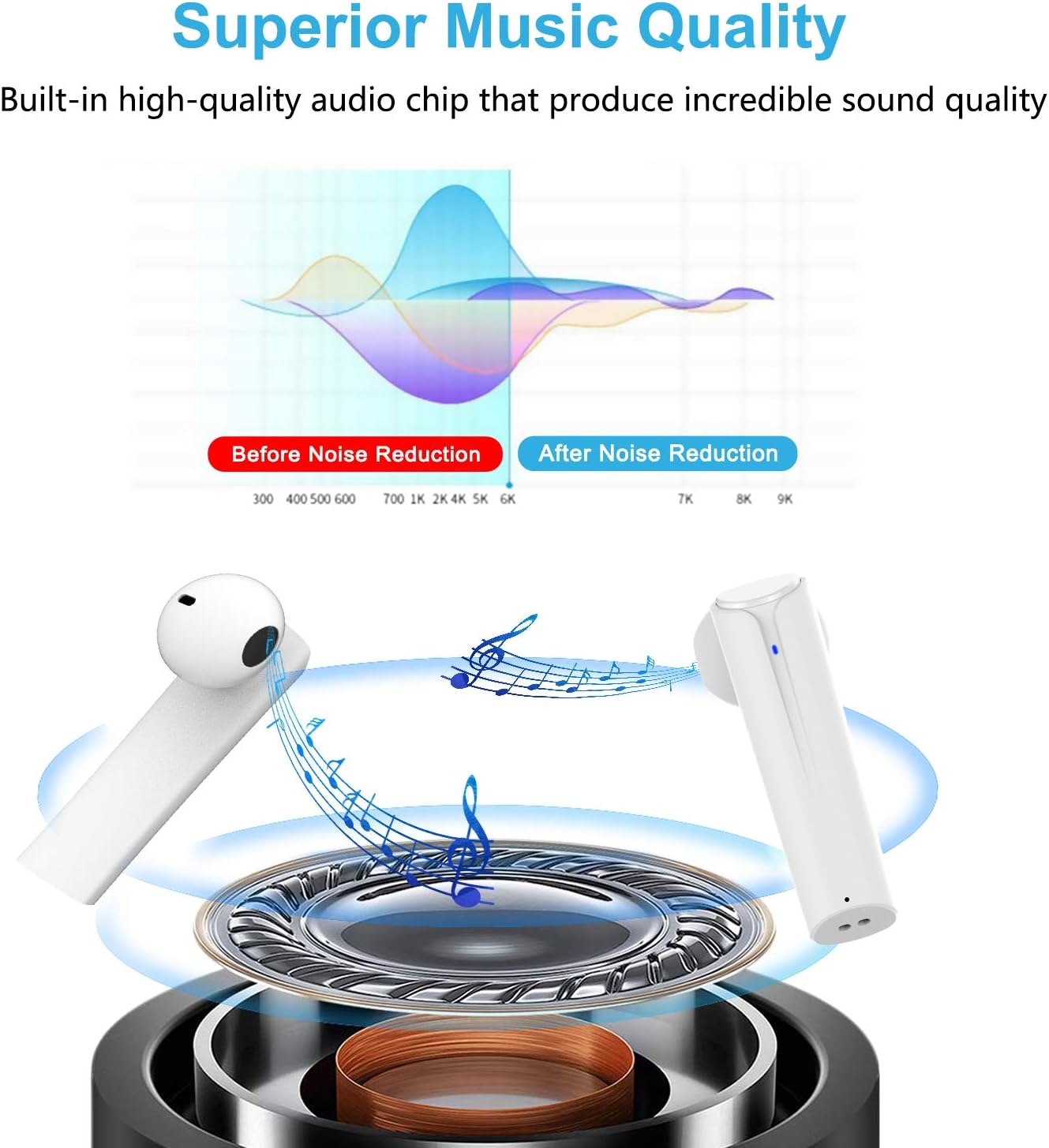
Image: A graph illustrating the effect of noise reduction on sound quality, accompanied by a detailed diagram of the earbud's internal audio components.
- Model: G33Pro-W
- Povezljivost: Bluetooth 5.0
- Čas predvajanja (slušalke): Do 7 ur polnjenja
- Skupni čas predvajanja (s polnilno škatlico): Do 35 ur
- Mikrofon: Built-In Dual Microphones
- Vrsta nadzora: Večnamenski gumb
- Material: Plastika
- Vodoodpornost: Vodotesen
- barva: Bela
9. Varnostne informacije
Za varno in pravilno uporabo slušalk upoštevajte naslednja varnostna navodila:
- Slušalk ali polnilnega ohišja ne izpostavljajte ekstremnim temperaturam, neposredni sončni svetlobi ali visoki vlažnosti.
- Avoid dropping, hitting, or disassembling the product.
- Slušalk ne uporabljajte pri pretirano glasnih zvokih dlje časa, saj lahko to poškoduje sluh.
- Izdelek hranite izven dosega otrok in hišnih ljubljenčkov.
- Izdelek in njegove sestavne dele odvrzite odgovorno v skladu z lokalnimi predpisi.
10. Garancija in podpora
Cshidworld provides a 30-dnevna politika vračila brez težav in a enoletna garancija for the G33Pro-W Wireless Earbuds. For any product-related inquiries, technical support, or warranty claims, please contact Cshidworld customer service through the platform where you purchased the product or refer to the contact information provided with your purchase.