
1. Uvod
Welcome to the user manual for your Genius Manticore Gaming Keyboard. This guide provides essential information for setting up, operating, maintaining, and troubleshooting your new gaming keyboard. Please read these instructions carefully to ensure optimal performance and longevity of your device.
2. Izdelek je končanview
The Genius Manticore Gaming Keyboard is designed for an enhanced gaming experience, featuring a durable build and responsive keys. It connects via USB and is compatible with a wide range of devices. The keyboard includes 104 keys with a standard QWERTY layout, complemented by additional gaming-specific features.
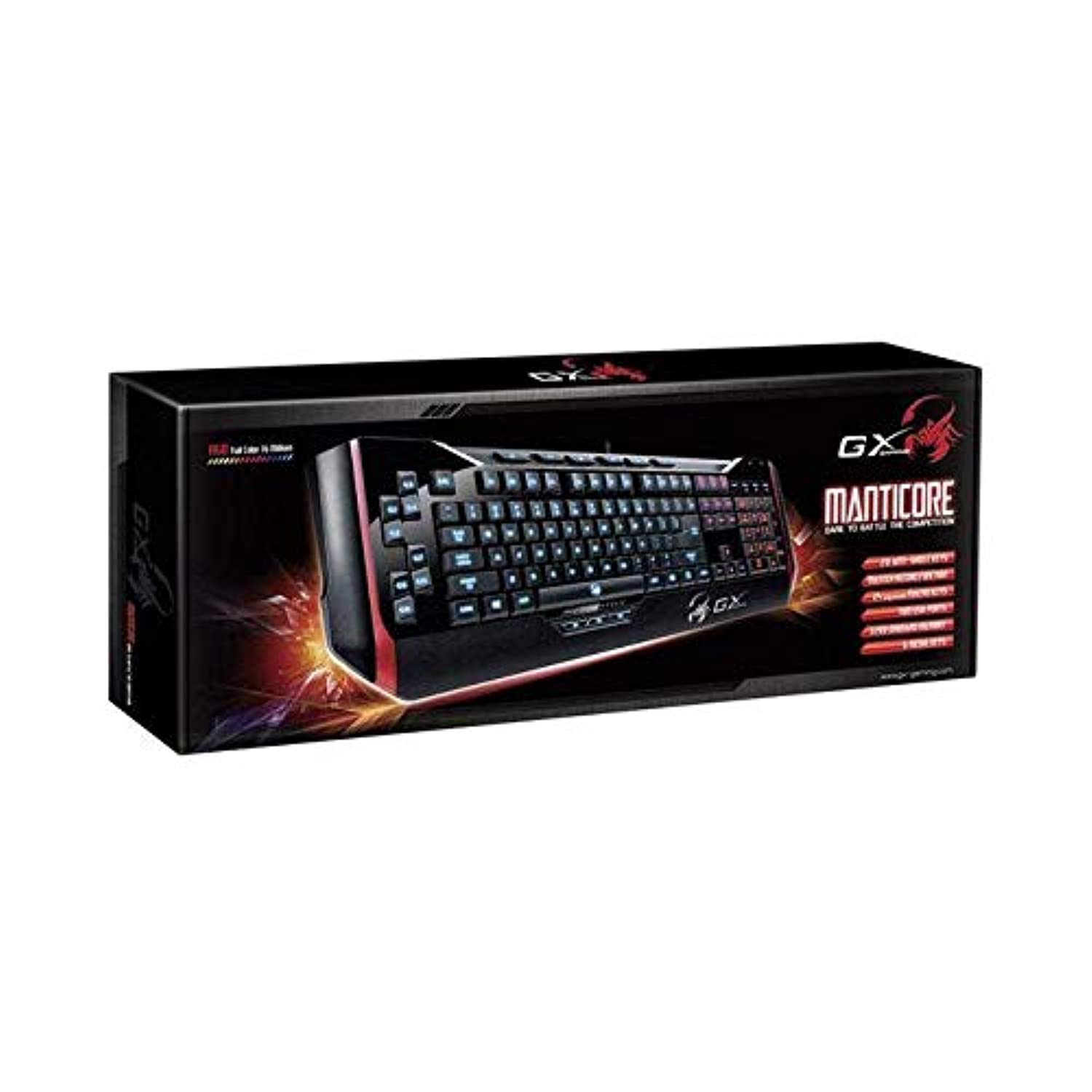
Slika 1: Genius Manticore Gaming Keyboard. This image displays the Genius Manticore Gaming Keyboard, featuring a black body with red accents on the sides. The keys are illuminated, indicating its gaming functionality. The keyboard has a standard QWERTY layout with additional keys on the left side, likely for macros, and a numeric keypad on the right.
3. Nastavitev
- Razpakirajte tipkovnico: Carefully remove the Genius Manticore Gaming Keyboard from its packaging. Ensure all components are present.
- Povežite se z vašo napravo: Locate an available USB port on your computer or compatible device. Insert the USB connector of the keyboard firmly into the USB port.
- Namestitev gonilnika (če je potrebno): For most modern operating systems, the keyboard will be recognized automatically, and standard drivers will be installed. If prompted, follow the on-screen instructions to complete any driver installation.
- Testna funkcionalnost: Open a text editor or a web browser and test the keys to ensure they are responding correctly.
4. Navodila za uporabo
The Genius Manticore Gaming Keyboard offers a standard QWERTY layout for general typing and dedicated features for gaming.
- Standardne ključne funkcije: All standard alphanumeric, symbol, and function keys operate as expected on a typical QWERTY keyboard.
- Funkcije iger: The keyboard is designed for gaming. Specific gaming features, such as customizable backlighting or programmable macro keys (if available on your model), can typically be configured through dedicated software provided by Genius or through specific key combinations. Refer to the Genius website for any available software downloads or advanced feature guides.
- vir energije: The keyboard is powered directly via the USB connection to your device. No external power supply or batteries are required.
5. Vzdrževanje
Pravilno vzdrževanje zagotavlja dolgo življenjsko dobo in delovanje vaše tipkovnice.
- Čiščenje: Use a soft, dry cloth to wipe down the keyboard surface. For dust and debris between keys, use compressed air. Avoid using harsh chemicals or abrasive materials.
- Izpostavljenost tekočini: This keyboard is ni vodoodporen. Avoid spilling liquids on the keyboard, as this can cause permanent damage. If liquid exposure occurs, immediately disconnect the keyboard from your device and allow it to dry completely before attempting to use it again.
- Shranjevanje: Ko tipkovnice ne uporabljate, jo shranjujte v čistem in suhem okolju, stran od ekstremnih temperatur in neposredne sončne svetlobe.
6. Odpravljanje težav
Če imate težave s tipkovnico, poskusite naslednje rešitve:
- Tipkovnica se ne odziva:
- Prepričajte se, da je kabel USB varno priključen tako na tipkovnico kot na računalnik.
- Poskusite tipkovnico priključiti na drug USB vhod na računalniku.
- Preizkusite tipkovnico na drugem računalniku, da ugotovite, ali je težava s tipkovnico ali s prvotnim računalnikom.
- Znova zaženite računalnik.
- Določene tipke ne delujejo:
- Check for any physical obstructions under the non-functional keys.
- Clean the keyboard as described in the Maintenance section.
- Ensure no software conflicts are present (e.g., macro software interfering with standard key functions).
- Težave z osvetlitvijo ozadja:
- If your model features adjustable backlighting, ensure it is not turned off or set to the lowest brightness level. Consult the Genius website for specific key combinations to control backlighting.
If these steps do not resolve the issue, please contact Genius customer support for further assistance.
7. Specifikacije
| Funkcija | Podrobnost |
|---|---|
| Blagovna znamka | Genij |
| Številka modela | GE31310058108 |
| Združljive naprave | Vse |
| Tehnologija povezljivosti | USB |
| Opis tipkovnice | Igranje |
| Posebne lastnosti | Igranje |
| barva | Multi-color (Black and Red) |
| Slog | Moderno |
| Material | Več materialov |
| Tema | igre |
| Vir napajanja | USB napajanje |
| Število ključev | 104 |
| Razporeditev tipkovnice | Tipkovnica QWERTY |
| Ročna orientacija | Obojepravni |
| Količina gumbov | 104 |
| Stopnja vodoodpornosti | Ni vodoodporen |
| Proizvajalec | Genij |
| ASIN | B07MQMXJS9 |
8. Garancija in podpora
Your Genius Manticore Gaming Keyboard is covered by a standard manufacturer's warranty. For detailed information regarding warranty terms, registration, or to access technical support, please visit the official Genius webspletno mesto ali se obrnite na njihovo službo za pomoč strankam. Shranite račun kot dokazilo o nakupu.
Za dodatno pomoč lahko obiščete Genius Official Webmesto.