
Viotek NB24CW
Viotek NB24CW 24-Inch Curved Monitor User Manual
Model: NB24CW
Uvod
This manual provides essential information for the safe and efficient operation of your Viotek NB24CW 24-Inch LED Curved Monitor. Please read this guide thoroughly before using the product and retain it for future reference.
The Viotek NB24CW is a 24-inch curved LED monitor featuring a 1920x1080p Full-HD resolution, 75Hz refresh rate, and FreeSync technology. It includes built-in speakers, VGA and HDMI 1.4 ports, and is VESA mount compatible. Its bezel-less design offers an immersive viewizkušnje tako za delo kot za zabavo.
Varnostne informacije
Za zagotovitev varnega delovanja in preprečevanje poškodb upoštevajte naslednje varnostne ukrepe:
- Monitorja ne izpostavljajte dežju, vlagi ali ekstremnim temperaturam.
- Izogibajte se postavljanju monitorja v bližino virov toplote ali na neposredno sončno svetlobo.
- Uporabljajte samo napajalnik, ki je priložen monitorju.
- Ne blokirajte prezračevalnih odprtin.
- Zaslon očistite z mehko krpo, ki ne pušča vlaken. Izogibajte se abrazivnim čistilom.
- If any issues arise, disconnect the power cable and contact customer support.
Vsebina paketa
Preverite, ali so v paketu prisotni vsi elementi:
- Viotek NB24CW Monitor
- Stojalo za monitor (podstavek in vrat)
- Napajalni adapter
- HDMI kabel
- VESA Adapter (75x75mm)
- Uporabniški priročnik (ta dokument)
Nastavitev
1. Sestavljanje stojala
- Monitor previdno odstranite iz embalaže.
- Pritrdite vrat stojala na ploščo monitorja s priloženimi vijaki.
- Pritrdite podstavek stojala na vrat stojala.
- Sestavljeni monitor postavite na stabilno, ravno površino.
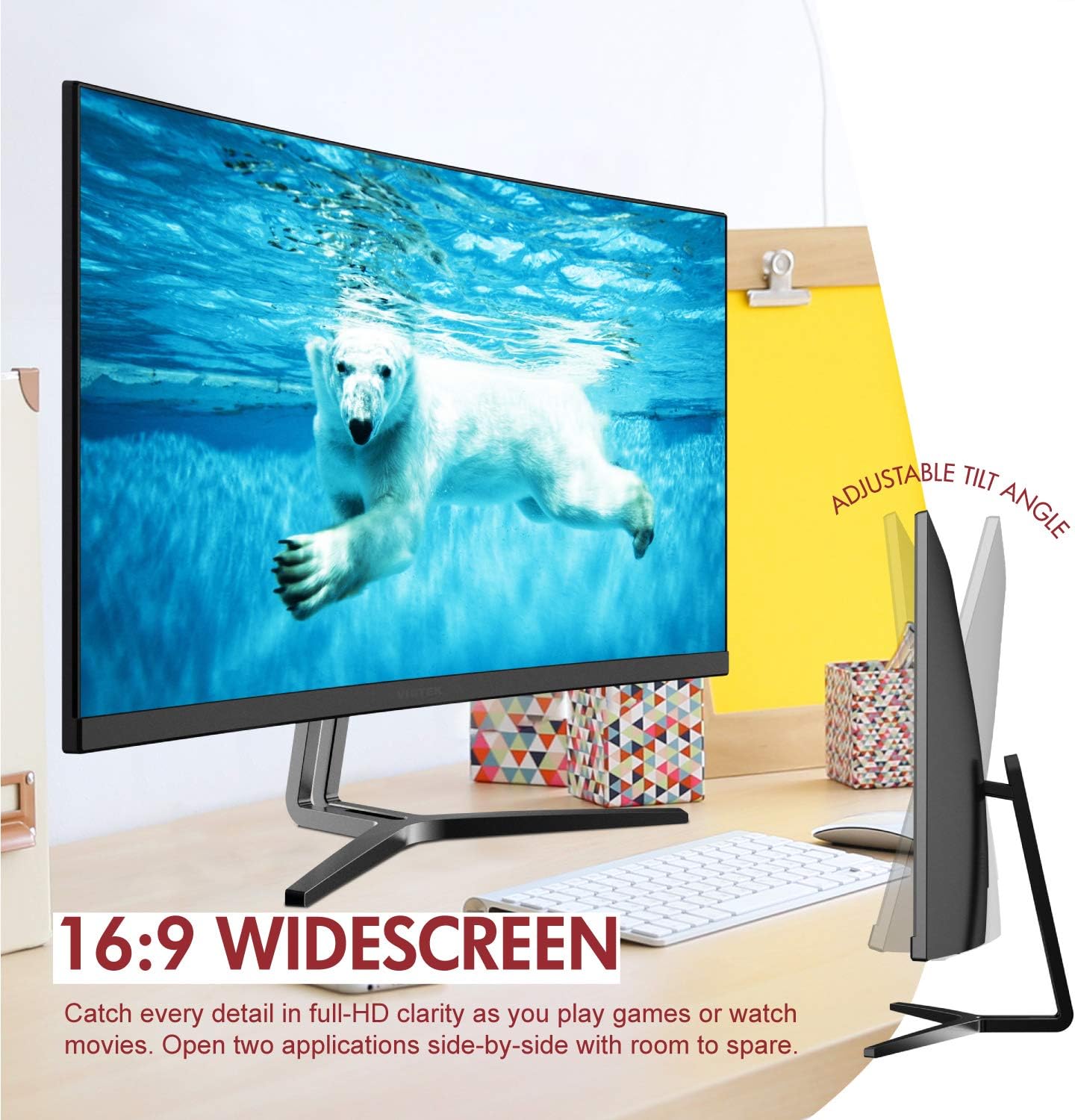
Image: The Viotek NB24CW monitor with its stand, highlighting the 16:9 widescreen aspect ratio and adjustable tilt angle. The monitor is shown displaying a polar bear underwater.
2. Povezovanje z napravo
Monitor podpira priključke HDMI in VGA.
- HDMI povezava: Connect one end of the HDMI cable (included) to the HDMI port on your computer or gaming console, and the other end to the HDMI 1.4 port on the monitor.
- VGA povezava: Connect one end of the VGA cable (not included) to the VGA port on your computer, and the other end to the VGA port on the monitor.

Slika: Podrobna view of the monitor's rear panel, illustrating the HDMI 1.4 and VGA input ports for connecting to various devices.
3. Napajalni priključek
Connect the power adapter to the monitor's power input, then plug the adapter into a power outlet.
4. Pritrditev VESA (neobvezno)
The monitor is VESA 75x75mm compatible. Use the included VESA adapter to mount the monitor to a wall or compatible monitor arm.

Image: The back of the Viotek NB24CW monitor, highlighting its VESA mounting capability, integrated speakers, and connectivity options including VGA and HDMI.
Navodila za uporabo
1. Vklop/izklop
Pritisnite gumb za vklop, ki se nahaja na spodnji desni strani monitorja, da ga vklopite ali izklopite.
2. Zaslonski meni (OSD).
Use the buttons next to the power button to navigate the OSD menu. This menu allows you to adjust various settings such as brightness, contrast, color temperature, input source, and audio volume.
3. Prilagajanje nastavitev zaslona
- Svetlost/kontrast: Prilagodite te nastavitve za optimalno vizualno udobje.
- Barvne nastavitve: Select from preset color modes or customize RGB values.
- Vir vhoda: Manually select between HDMI and VGA inputs if auto-detection fails.
- Nizka modra svetloba: Aktivirajte to funkcijo, da zmanjšate obremenitev oči med dolgotrajno uporabo.
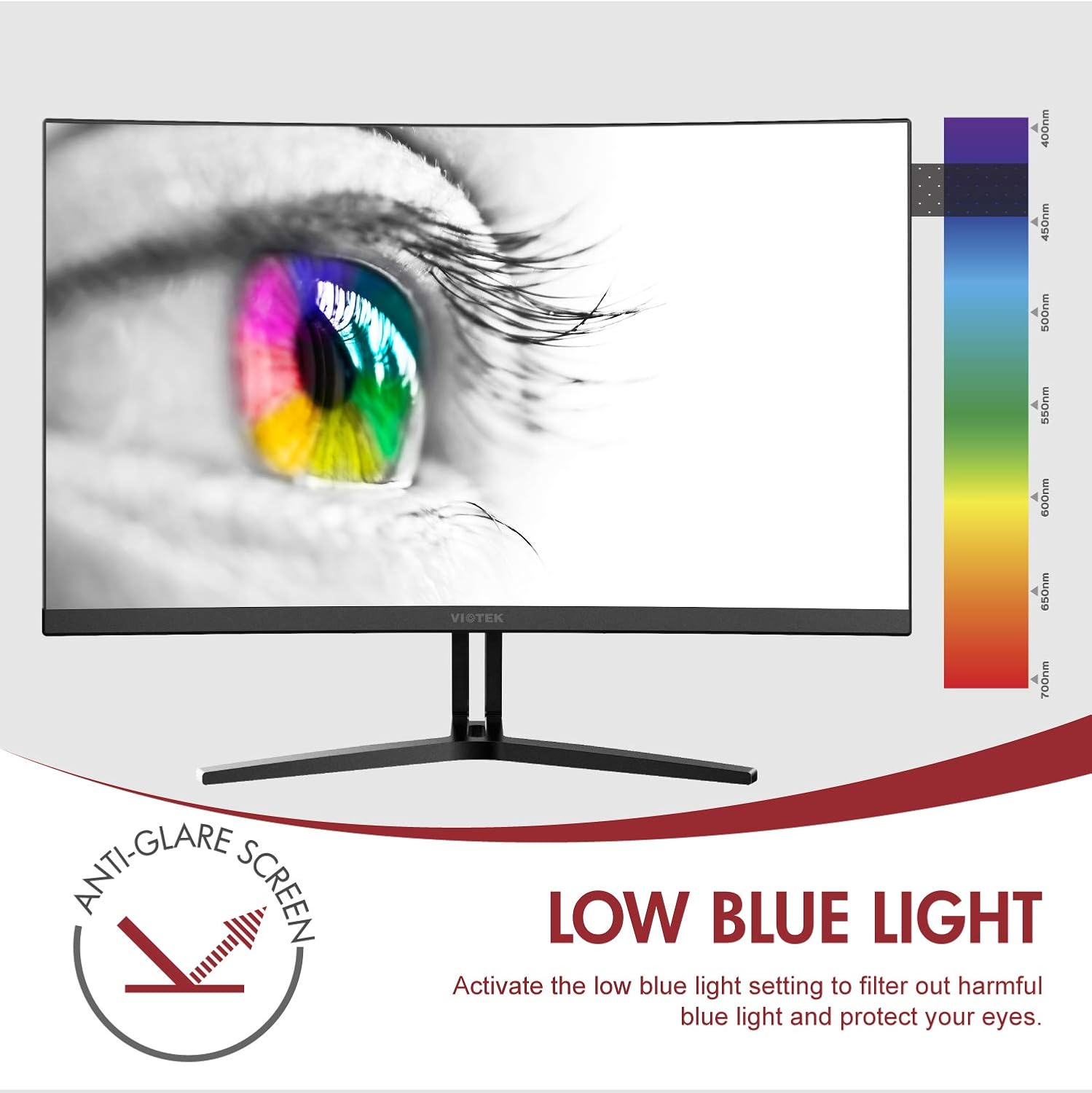
Image: The monitor screen showing an eye with a color spectrum, indicating the Low Blue Light feature designed to protect vision.
4. Igralne funkcije
The NB24CW monitor includes features optimized for gaming:
- FreeSync: Enable FreeSync in the OSD menu and on your compatible graphics card to eliminate screen tearing and stuttering.
- GamePlus: Access GamePlus features like integrated crosshairs for improved aiming in FPS/RTS games.
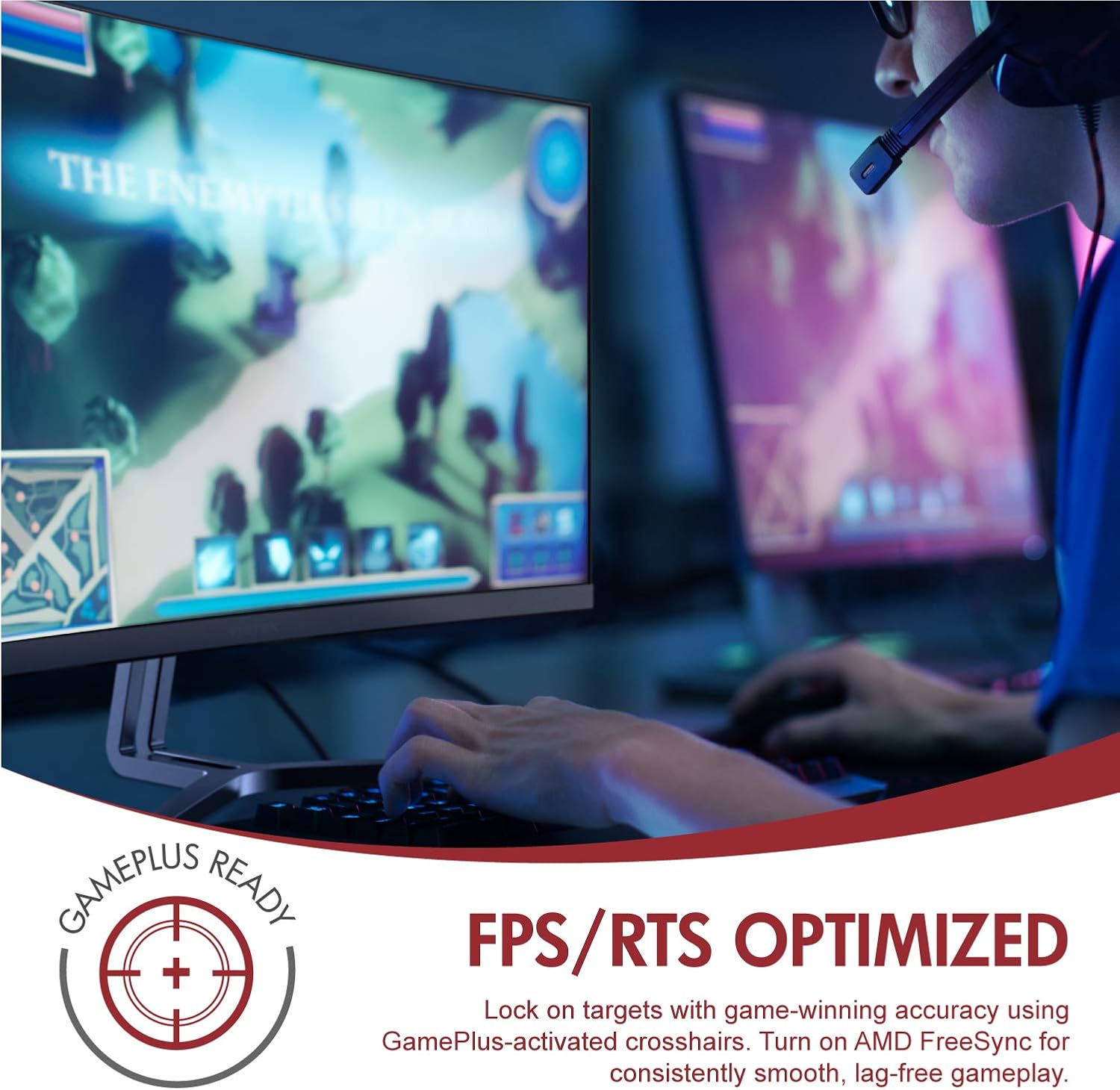
Image: A user engaged in gaming on the Viotek NB24CW monitor, highlighting its FPS/RTS optimized features and GamePlus functionality for enhanced gameplay.
Vzdrževanje
- Čiščenje zaslona: Zaslon nežno obrišite z mehko, suho krpo, ki ne pušča vlaken. Za trdovratne madeže rahlo obrišiteampKrpo navlažite z vodo ali raztopino za čiščenje zaslonov. Tekočine ne pršite neposredno na zaslon.
- Čiščenje C-jaasing: Za čiščenje monitorja uporabite mehko, suho krpoasing. Izogibajte se uporabi agresivnih kemikalij ali abrazivnih materialov.
- Shranjevanje: If storing the monitor for an extended period, disconnect it from power, pack it in its original packaging, and store in a cool, dry place.
Odpravljanje težav
| Težava | Možen vzrok | rešitev |
|---|---|---|
| Na zaslonu ni slike | Napajalni kabel odklopljen, napačen vhodni vir, video kabel ohlapno priključen. | Check power connections, select correct input source via OSD, ensure video cable is securely connected. |
| Slika je zamegljena ali popačena | Nepravilna ločljivost, okvarjen video kabel. | Set display resolution to 1920x1080p, try a different HDMI cable. |
| Iz zvočnikov ni zvoka | Volume too low, audio source not selected, external speakers connected. | Increase volume in OSD and computer settings, ensure audio is routed to monitor, disconnect external speakers if not needed. |
| Utripanje zaslona | Refresh rate mismatch, faulty cable, FreeSync issue. | Ensure refresh rate is set to 75Hz, try a different video cable, disable FreeSync temporarily to diagnose. |
Specifikacije
| Funkcija | Podrobnost |
|---|---|
| Model | NB24CW |
| Velikost zaslona | 24 palcev |
| Vrsta plošče | LED Curved |
| Ukrivljenost | 1800R |
| Resolucija | 1920 x 1080 (Full HD) |
| Razmerje stranic | 16:9 |
| Hitrost osveževanja | 75 Hz |
| Odzivni čas | 5ms |
| Viewkota | 178° |
| Kontrastno razmerje | 1,000,000:1 (dinamično) |
| Barvna podpora | 16.7 Million Colors, 96% sRGB |
| Povezljivost | 1x HDMI 1.4, 1x VGA |
| Avdio | Built-in Speakers (2x4Ω/3W) |
| Združljivost VESA | 75x75mm (Adapter Included) |
| Prilagodljiva sinhronizacija | FreeSync |
| Nastavitev naklona | -5° do 15° |
| Posebne lastnosti | Bezel-less design, GamePlus, FPS/RTS modes, Low Blue Light, Anti-glare screen |

Image: The Viotek NB24CW monitor showcasing its key performance specifications: 1080p resolution, 1800R curvature, 75Hz refresh rate, and 5ms response time.
Informacije o garanciji
Your Viotek NB24CW monitor is covered by a 3-letna omejena garancija proizvajalca. This warranty covers defects in materials and workmanship under normal use. Additionally, Viotek offers an industry-leading Zero-Tolerance Dead Pixel Policy, ensuring your display is free from dead pixels.
For full warranty terms and conditions, please refer to the official Viotek webspletno mesto ali se obrnite na podporo strankam.

Image: A visual representation of Viotek's commitment to quality, featuring a "3 Year Warranty" and "Zero Dead Pixel - Parts & Labor" guarantee.
Podpora uporabnikom
For technical assistance, warranty claims, or general inquiries, please contact our 100% U.S.-based Customer Support Team. They are available 7 days a week via live-chat, email, and social media support.
- Webspletno mesto: www.viotek.com
- E-pošta: Refer to the Viotek webspletno mesto za določen e-poštni stik.
- Klepet v živo: Available on the official Viotek webmesto.
Konec izdelkaview Video
Video: Uradni izdelek je končanview video for the Viotek NB24CB (similar model to NB24CW) monitor, showcasing its curved display, thin design, connectivity ports, and key features like 75Hz refresh rate, FreeSync, and built-in speakers. This video provides a visual guide to the monitor's design and capabilities.
Ask a question about this manual
Ask about setup, troubleshooting, compatibility, parts, safety, or missing instructions. Manuals+ will review the question and use this page’s manual context to help answer it.