
1. Uvod
This manual provides essential information for the safe and efficient operation of your SHARP HT-SB110 2.0 Soundbar. Please read it thoroughly before using the product and retain it for future reference. The HT-SB110 is designed to enhance your audio experience with powerful sound output and versatile connectivity options.
2. Varnostne informacije
Pri uporabi tega izdelka vedno upoštevajte osnovne varnostne ukrepe, da zmanjšate tveganje požara, električnega udara in poškodb.
- Naprave ne izpostavljajte kapljanju ali brizganju.
- Na napravo ne postavljajte predmetov, napolnjenih s tekočino, kot so vaze.
- Zagotovite ustrezno prezračevanje. Ne blokirajte prezračevalnih odprtin.
- Ne nameščajte v bližini virov toplote, kot so radiatorji, grelniki, peči ali druge naprave (vključno z amplifiers), ki proizvajajo toploto.
- Zaščitite napajalni kabel, da se po njem ne pohodi ali stisne, zlasti pri vtičih, vtičnicah in na mestu, kjer izstopa iz naprave.
- Uporabljajte samo priključke/dodatke, ki jih je določil proizvajalec.
- Izklopite napravo med nevihtami ali ko je dlje časa ne uporabljate.
3. Kaj je v škatli
Upon opening your SHARP HT-SB110 Soundbar package, please verify that all the following items are included:
- Zvočniški modul HT-SB110
- Daljinski upravljalnik
- UK & EU Power Lead
- Nosilci za stenski nosilec
- Navodila za uporabo (ta dokument)
- Vodnik za hiter začetek

Image: The Sharp HT-SB110 Soundbar, showcasinzaradi elegantne zasnove in kompaktne oblike.
4. Nastavitev
4.1 Namestitev
The HT-SB110 Soundbar can be placed on a flat surface, such as a TV stand, or wall-mounted. Ensure it is positioned centrally below your television for optimal sound dispersion.

Image: The soundbar neatly positioned under a television, demonstrating a typical setup.
4.2 Povezave
Connect the soundbar to your TV or other audio sources using the available ports. Ensure the soundbar is powered off before making any connections.
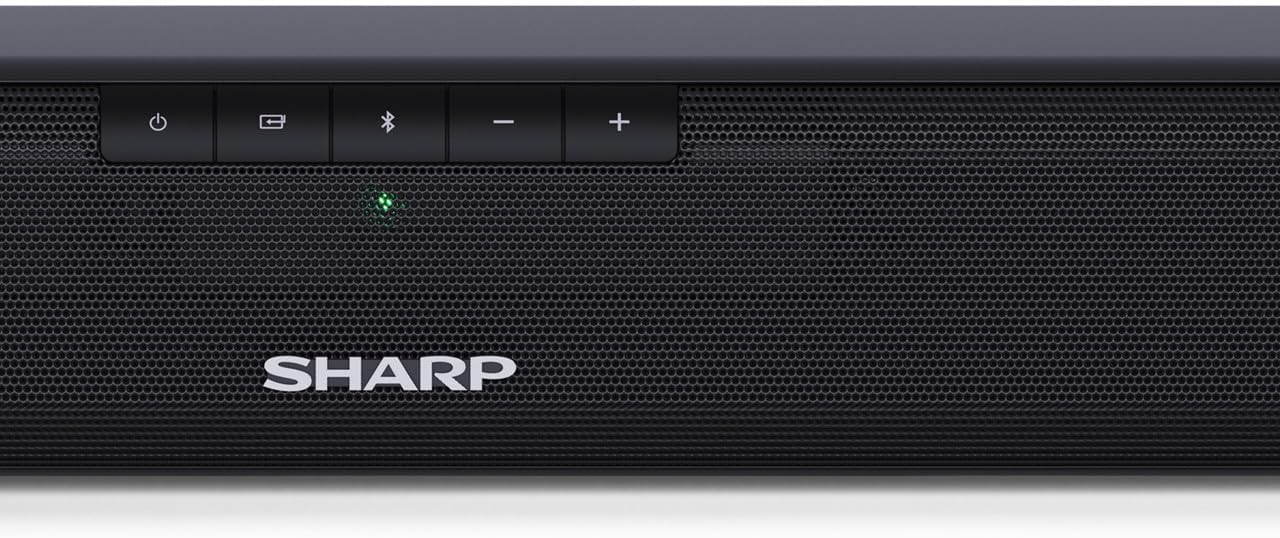
Image: The rear panel of the soundbar, highlighting the various input ports for connectivity.
- HDMI ARC/CEC: Za najboljšo kakovost zvoka in nadzor priključite kabel HDMI iz priključka HDMI ARC na zvočniški palici v priključka HDMI ARC na televizorju. Tako lahko z daljinskim upravljalnikom televizorja upravljate glasnost zvočne palice.
- Digital Optical-In: Connect an optical cable from your TV's optical output to the soundbar's OPTICAL input.
- Pomožni (AUX): Use a 3.5mm audio cable to connect devices with an analog audio output to the soundbar's AUX input.
- moč: Connect the provided power lead to the soundbar's AC input and then to a wall outlet.
4.3 Video Guide: A Closer Look
Video: This video provides a detailed look at the Sharp HT-SB110 Soundbar, including unboxing, identifying components, and initial setup steps.
5. Delovanje
5.1 Osnovne kontrole
The soundbar features intuitive controls on its top panel for easy access to essential functions.

Slika: Bližnji posnetek view of the power, input, Bluetooth, and volume controls located on the top of the soundbar.
- Gumb za vklop: Pritisnite za vklop ali izklop zvočne palice.
- Gumb za vnos: Cycle through available input sources (HDMI ARC, Optical, AUX, Bluetooth).
- Gumb Bluetooth: Pritisnite za vstop v način povezovanja Bluetooth.
- Gumbi za glasnost (+/-): Prilagodite glavno glasnost.
5.2 Daljinski upravljalnik
The included remote control provides full functionality for your soundbar, allowing you to control all settings from a distance.
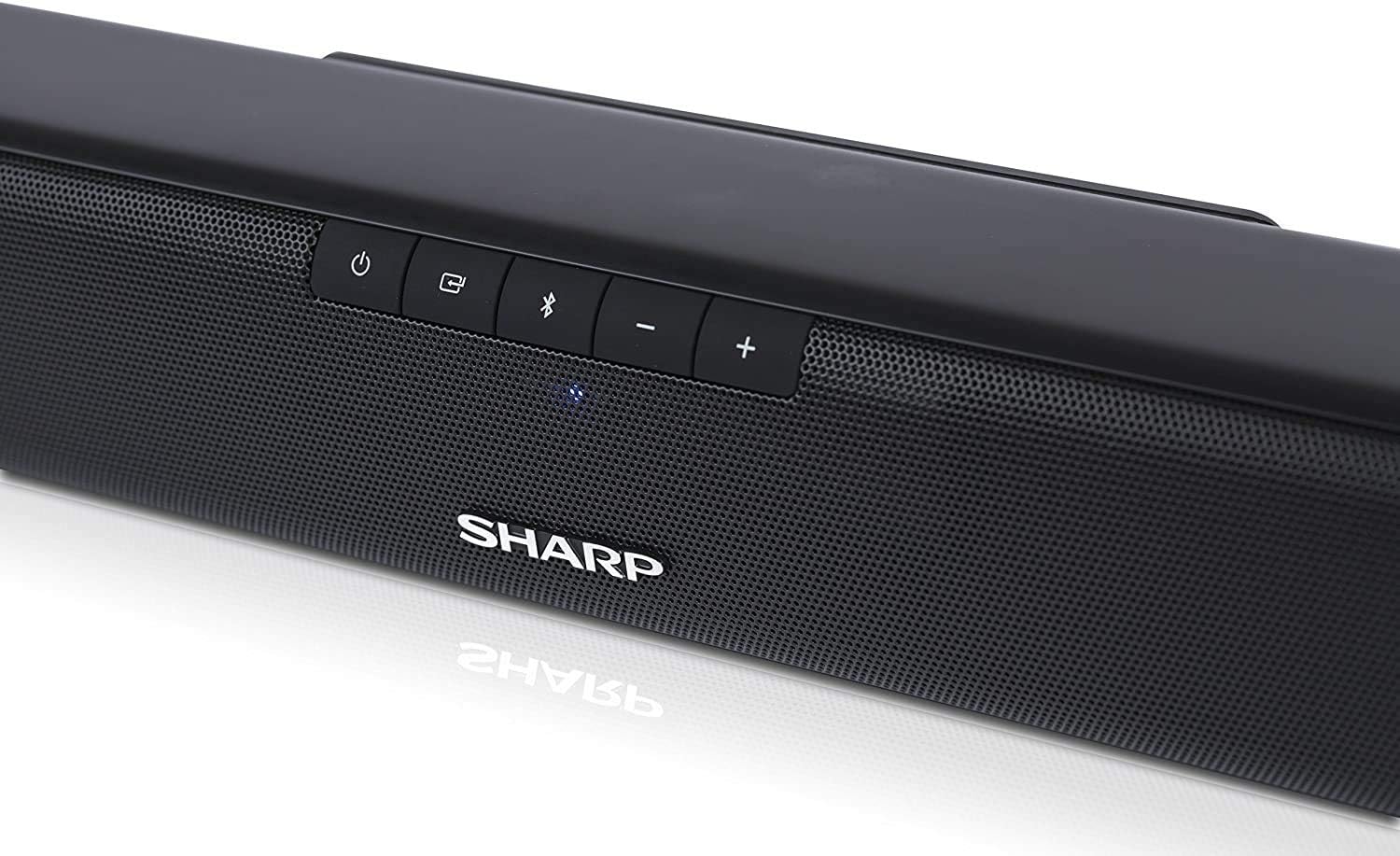
Image: The compact remote control for the soundbar, featuring dedicated buttons for power, input, volume, and sound modes.
5.3 zvočni načini
Optimize your listening experience by selecting one of the pre-set sound modes:
- Način filma: Izboljša jasnost dialogov in zagotavlja širši zvoktage za filme.
- Glasbeni način: Delivers balanced audio for music playback.
- Glasovni način: Boosts vocal frequencies for clearer speech, ideal for news or podcasts.
5.4 Bluetooth seznanjanje
Če želite napravo Bluetooth seznaniti z zvočniško palico:
- Turn on the soundbar and press the Bluetooth button on the soundbar or remote control. The Bluetooth indicator light will flash.
- Omogočite Bluetooth na pametnem telefonu, tabličnem računalniku ali drugi napravi.
- Iskanje
Ask a question about this manual
Ask about setup, troubleshooting, compatibility, parts, safety, or missing instructions. Manuals+ will review the question and use this page’s manual context to help answer it.