
1. Uvod
This manual provides essential information for the safe and effective use of your eSUN PLA PRO (PLA+) 3D Printer Filament. Please read these instructions carefully before use to ensure optimal printing results and product longevity.
2. Izdelek je končanview
The eSUN PLA PRO (PLA+) filament is an enhanced Polylactic Acid material designed for 3D printing. It offers improved strength, rigidity, and surface finish compared to standard PLA. This filament is vacuum-sealed with desiccant to maintain optimal quality and prevent moisture absorption.
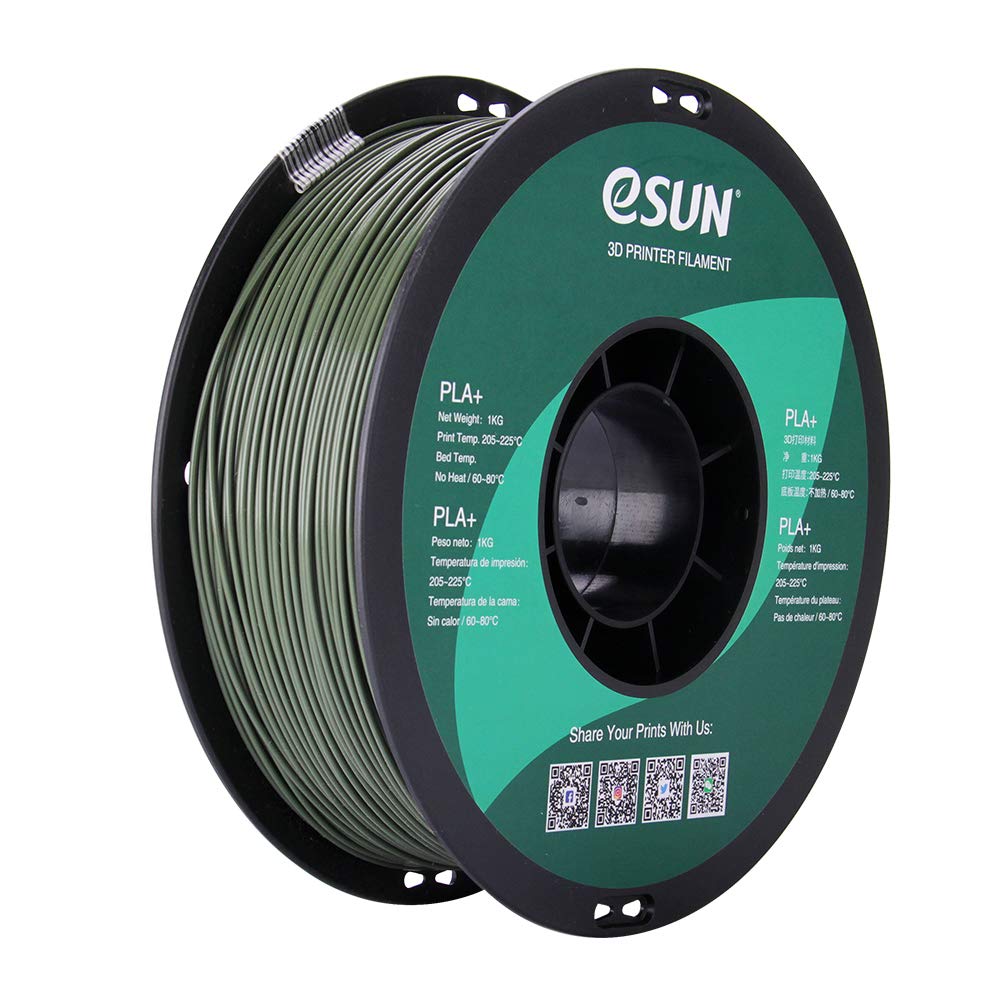
Image: A spool of eSUN PLA PRO (PLA+) 1.75mm Olive Green 3D printer filament. The spool is black with a green label indicating product details and QR codes for social media links.
Glavne lastnosti vključujejo:
- Izboljšana moč: Several times tougher than standard PLA, reducing cracking and brittleness.
- High Rigidity: Provides structural integrity for printed objects.
- Good Glossiness: Achieves a smoother, more aesthetically pleasing konča.
- Excellent Layer Bonding: Ensures strong adhesion between printed layers.
- Dimensional Accuracy: Consistent 1.75mm diameter with a tolerance of +/- 0.03mm.
3. Tehnične specifikacije
| Lastnina | Vrednost |
|---|---|
| Material | Polylactic Acid (PLA PRO / PLA+) |
| barva | Olivno zelena |
| Premer filamenta | 1.75 mm |
| Dimenzijska natančnost | +/- 0.03 mm |
| Neto teža | 1 KG (approximately 2.2 lbs) |
| Material tuljave | Plastika |
| Spool Diameter | 8 palcev |
| Spool Width | 2.50 palcev |
| Spool Hub Hole Diameter | 2.05 palcev |
| Inner Circle Diameter | 3.5 palcev |
4. Nastavitev in nalaganje
Before loading the filament into your 3D printer, ensure your printer is clean and free of any previous filament residue.
- Unpack Filament: Carefully remove the eSUN PLA PRO (PLA+) spool from its vacuum-sealed packaging. Keep the desiccant packet with the filament for storage.
- Prepare Printer: Heat your printer's hot end to the recommended temperature range (see Operating Instructions).
- Load Spool: Place the filament spool onto your printer's spool holder, ensuring it can unroll smoothly without tangling.
- Feed Filament: Gently feed the filament into the extruder mechanism according to your 3D printer's specific loading procedure. Ensure it passes through the hot end and extrudes cleanly.

Image: A spool of eSUN PLA PRO (PLA+) filament, still partially in its packaging, showing the product label and specifications.
5. Navodila za uporabo
Optimal printing results depend on proper temperature settings and printer calibration.
Priporočeni parametri tiskanja
- Extrusion/Nozzle Temperature: 205°C - 225°C. (Note: PLA PRO (PLA+) typically requires temperatures about 20°C higher than standard PLA. Many users find 210°C - 215°C to be ideal.)
- Temperatura postelje: 60°C - 80°C (No heat required for some printers, but a heated bed is generally recommended for better adhesion).
- Hitrost tiskanja: Adjust according to your printer's capabilities and desired print quality. Start with moderate speeds and adjust as needed.
- Hladilni ventilator: Use a cooling fan after the first few layers to improve print quality and reduce stringing.
Nasveti za najboljše rezultate:
- Oprijem prve plasti: Ensure proper bed leveling and a clean print surface. Adhesives like glue stick or painter's tape can improve adhesion.
- Nastavitve umika: Calibrate retraction settings to minimize stringing and oozing.
- Hitrost pretoka: Adjust flow rate if you observe over-extrusion or under-extrusion.
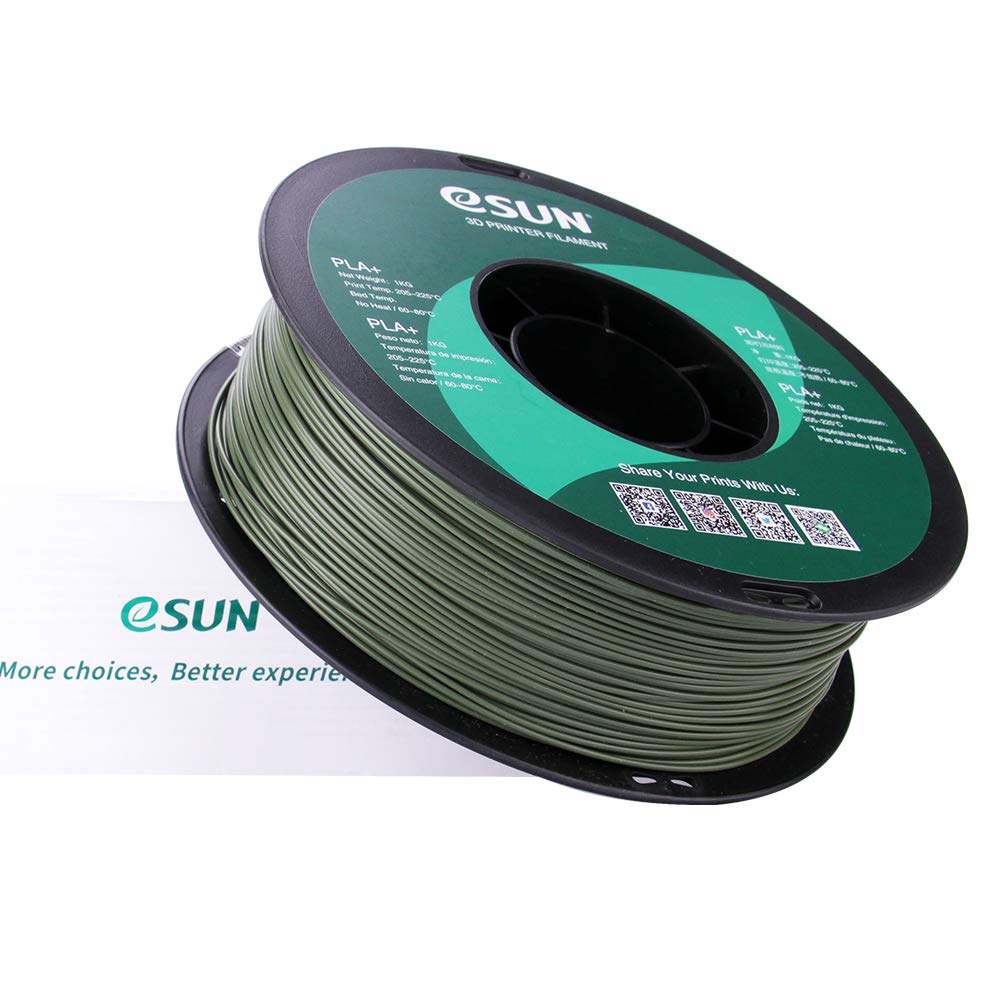
Image: A spool of eSUN PLA PRO (PLA+) filament next to its product box, illustrating the complete product packaging.
6. Vzdrževanje in shranjevanje
Proper storage of your eSUN PLA PRO (PLA+) filament is crucial for maintaining its quality and preventing moisture absorption.
- Shranjevanje: Store unused filament in a cool, dry place, ideally in its original vacuum-sealed bag with the desiccant packet. If the original bag is unavailable, use an airtight container.
- Nadzor vlage: If filament absorbs moisture, it may lead to poor print quality (e.g., bubbles, stringing, weak layers). Consider using a filament dryer or baking the filament at a low temperature (e.g., 45-50°C for 4-6 hours) to remove moisture.
- Čiščenje šob: Regularly clean your printer's nozzle to prevent clogs and ensure consistent extrusion.
7. Odpravljanje pogostih težav
| Izdaja | Možen vzrok | rešitev |
|---|---|---|
| Slaba oprijemljivost prvega sloja | Unlevel bed, dirty print surface, incorrect bed temperature | Level the print bed, clean the surface with isopropyl alcohol, adjust bed temperature within 60-80°C. |
| Nizanje/Izcejanje | Incorrect retraction settings, high nozzle temperature, wet filament | Adjust retraction distance and speed, lower nozzle temperature (within range), dry the filament. |
| Zamašitev | Filament debris, heat creep, incorrect temperature | Clean the nozzle, ensure proper cooling of the hot end, verify correct printing temperature. |
| Weak Layers/Poor Adhesion | Low nozzle temperature, high print speed, wet filament | Increase nozzle temperature (within range), reduce print speed, dry the filament. |
8. Varnostne informacije
- Always operate your 3D printer in a well-ventilated area.
- Keep filament away from open flames and direct heat sources.
- Do not touch the hot end or heated bed during operation to avoid burns.
- Hraniti izven dosega otrok in hišnih ljubljenčkov.
9. Garancija in podpora
For product support, technical assistance, or warranty inquiries, please contact eSUN directly through their official channels.
Visit eSUN's official webstran za več informacij: www.esun3d.com
Connect with eSUN on social media:
- InstagOven: @esun3dfilament
- Facebook: Esunparadise
- Twitter: @esun3dfilament
10. Sorodni videoposnetki izdelkov
3D Printing Inspiration - Guitar Strap Locks
Video demonstrating the use of 3D printed strap locks for a guitar, showcasing a practical application of 3D printer filament. This video is provided by a seller.