
Uvod
This manual provides instructions for the proper setup, operation, and maintenance of your Targus W600 Wireless Optical Mouse. Please read this manual thoroughly before using the device to ensure optimal performance and longevity.
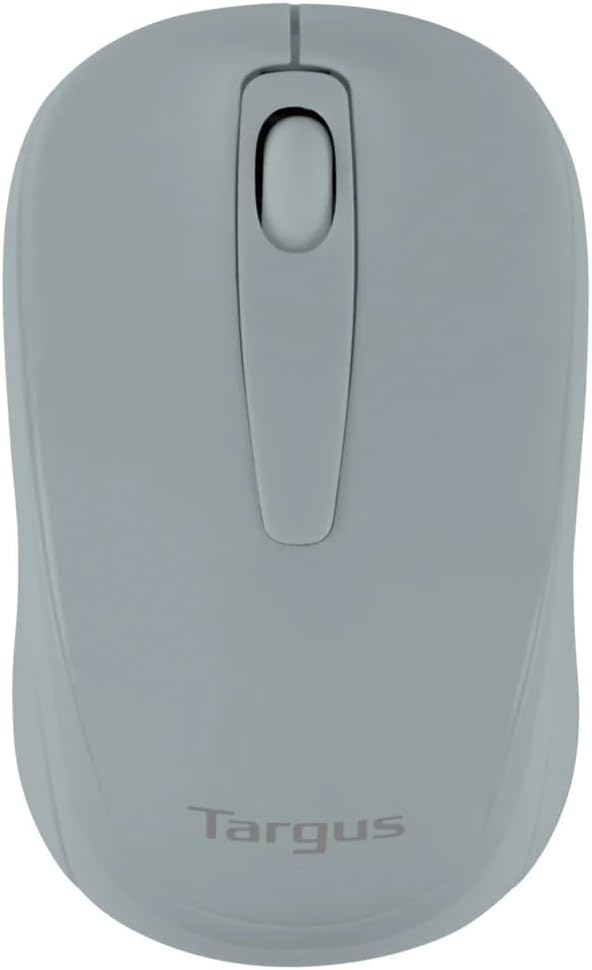
Figure 1: Targus W600 Wireless Optical Mouse (Quarry Gray)
Vsebina paketa
Prepričajte se, da so v paketu prisotni vsi elementi:
- Targus W600 Wireless Optical Mouse
- USB sprejemnik
- Uporabniški priročnik (ta dokument)
Note: 1 AA battery is required and sold separately.
Lastnosti izdelka
- 2.4 GHz Wireless Technology for reliable connection
- 1600 DPI Optical Sensor for precise tracking
- Ergonomska oblika za udobno uporabo
- Združljiv z operacijskimi sistemi Windows in Mac
- Integrated USB receiver storage compartment
Nastavitev
1. Namestitev baterije
- Turn the mouse over to locate the battery compartment cover.
- Gently slide the cover off.
- Vstavite eno (1) baterijo AA in pazite na pravilno polarnost (+/-).
- Ponovno namestite pokrov prostora za baterije.
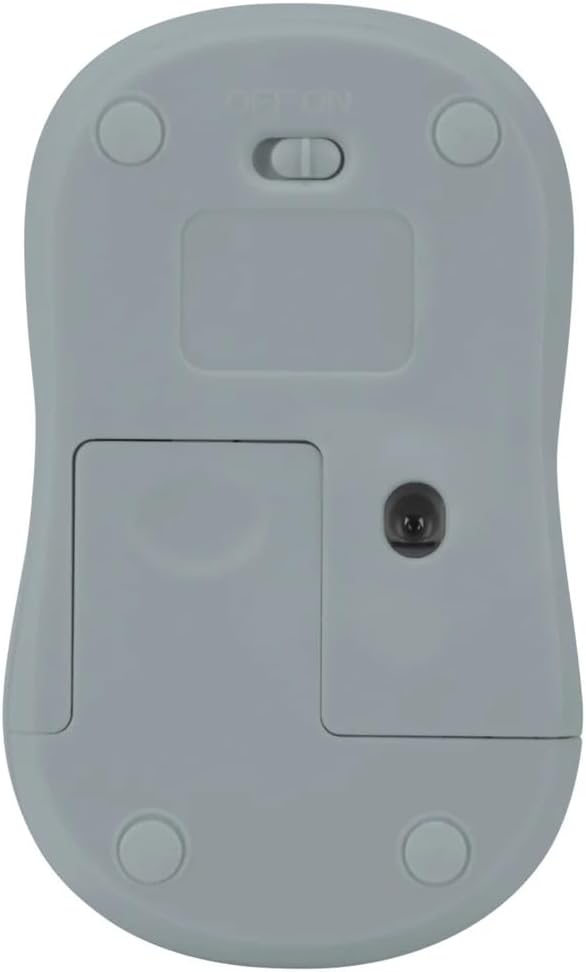
Slika 2: Spodaj view of the mouse with battery compartment and power switch.
2. Priključitev USB-sprejemnika
- Locate the USB receiver, typically stored inside the mouse's battery compartment or a dedicated slot.
- USB-sprejemnik priključite v razpoložljiva vrata USB na vašem računalniku.
- Vaš računalnik bi moral samodejno zaznati in namestiti potrebne gonilnike. To lahko traja nekaj trenutkov.
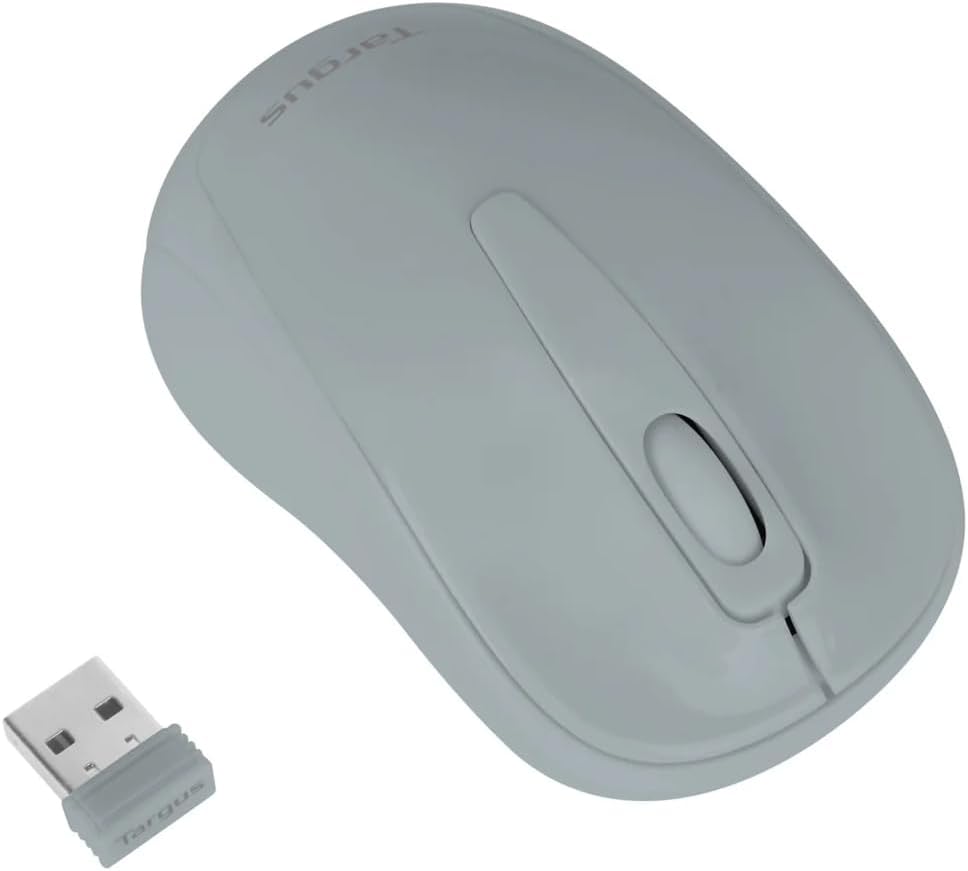
Figure 3: Targus W600 mouse and its USB receiver.

Figure 4: USB receiver plugged into a laptop, with the mouse nearby.
3. Vklop miške
On the bottom of the mouse, slide the ON/OFF switch to the "ON" position. The mouse is now ready for use.
Upravljanje miške
The Targus W600 Wireless Optical Mouse functions like a standard 3-button mouse. It features a left button, a right button, and a scroll wheel that also acts as a middle button.
- Levi klik: Primary action, selection, opening items.
- Desni klik: Odpre kontekstne menije.
- Kolesce za pomikanje: Pomika dokumente in web pages vertically. Pressing the scroll wheel acts as a middle click, often used for opening links in new tabs or specific application functions.
The 1600 DPI optical sensor provides smooth and accurate cursor control on most surfaces. For best performance, use on a mouse pad or a non-reflective, uniform surface.
Vzdrževanje
Čiščenje
Za čiščenje miške površino nežno obrišite z mehko,amp cloth. Avoid using harsh chemicals or abrasive cleaners, as these can damage the finish or internal components. Ensure no liquid enters the mouse.
Zamenjava baterije
When the mouse performance degrades or stops responding, it may be time to replace the battery. Follow the steps outlined in the "Installing the Battery" section to replace the AA battery. Dispose of used batteries responsibly according to local regulations.
Odpravljanje težav
| Težava | rešitev |
|---|---|
| Miška se ne odziva |
|
| Nepravilno premikanje kazalca |
|
| Kratek brezžični doseg |
|
Specifikacije
| Številka modela | AMW60006AP-55 |
| Povezljivost | 2.4 GHz brezžično (USB sprejemnik) |
| Senzorska tehnologija | Optični |
| DPI | 1600 DPI |
| Število gumbov | 3 (levi, desni, drsni kolesce/srednji klik) |
| Vir napajanja | 1 x AA baterija (ni priložena) |
| Združljivi operacijski sistemi | Windows, Mac |
Opomba: Specifikacije se lahko spremenijo brez predhodnega obvestila.
Garancija in podpora
Za informacije o garanciji in tehnično podporo se obrnite na uradnega prodajalca Targus. webspletno mesto ali se obrnite na njihovo službo za stranke. Račun shranite kot dokazilo o nakupu za uveljavljanje garancije.
Uradnik Targusa Webspletno mesto: www.targus.com