
Uvod
This manual provides instructions for the Datalogic Barcodescanner Touch TD1100 90 Light, model TD1120-BK-90K1. It covers essential information for setting up, operating, maintaining, and troubleshooting your device to ensure optimal performance. Please read this manual thoroughly before using the scanner.
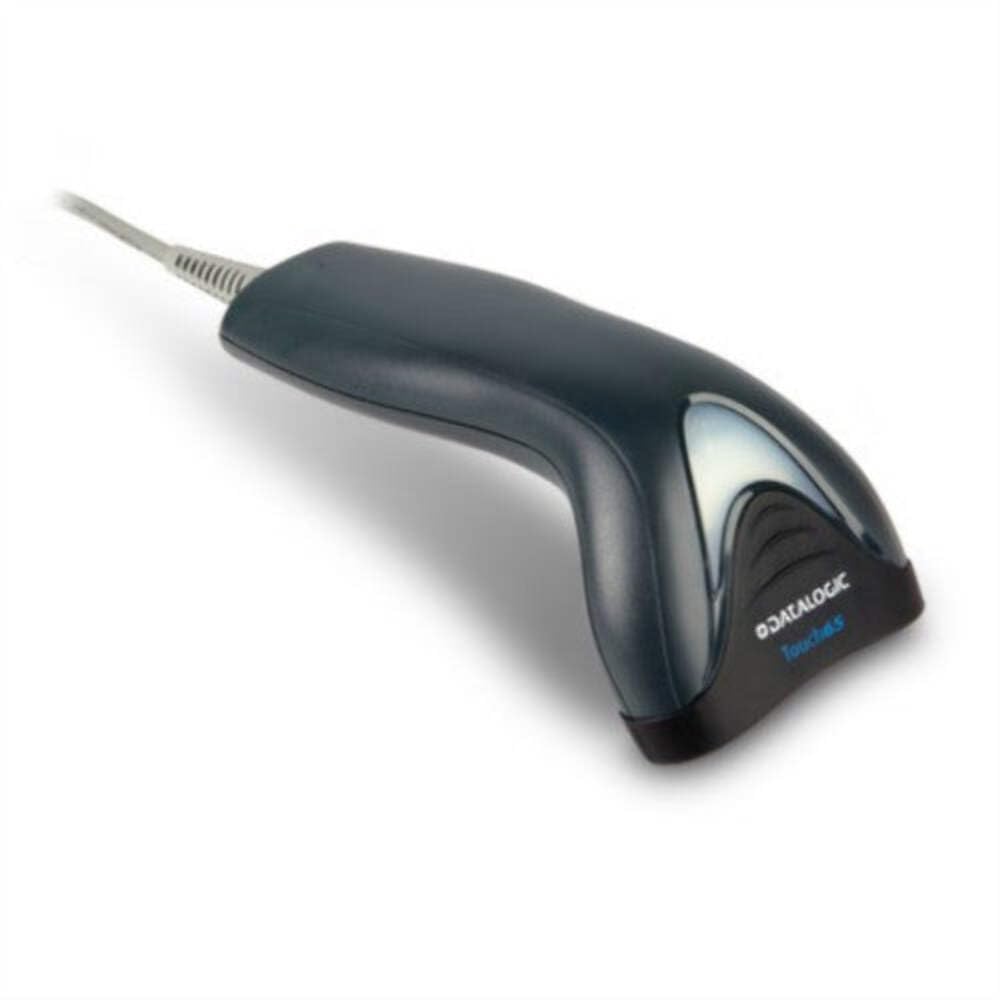
Image: The Datalogic Touch TD1100 90 Light barcode scanner, showing its ergonomic design and integrated cable.
Nastavitev
1. Razpakiranje
Previdno odstranite vse komponente iz embalaže. Preverite, ali so vse komponente prisotne:
- Datalogic Touch TD1100 90 Light Barcode Scanner
- USB kabel (vgrajen)
- Vodnik za hitri začetek (če je priložen)
2. Priključitev skenerja
The TD1120-BK-90K1 model connects via a USB interface. Follow these steps:
- Poiščite prosta vrata USB na vašem računalniku (namiznem ali prenosnem).
- Priključek USB kabla optičnega bralnika trdno vstavite v vrata USB.
- The operating system should automatically detect the new hardware and install the necessary drivers. This process may take a few moments.
- Once drivers are installed, the scanner will typically emit a short beep or an indicator light will illuminate, signifying it is ready for use.
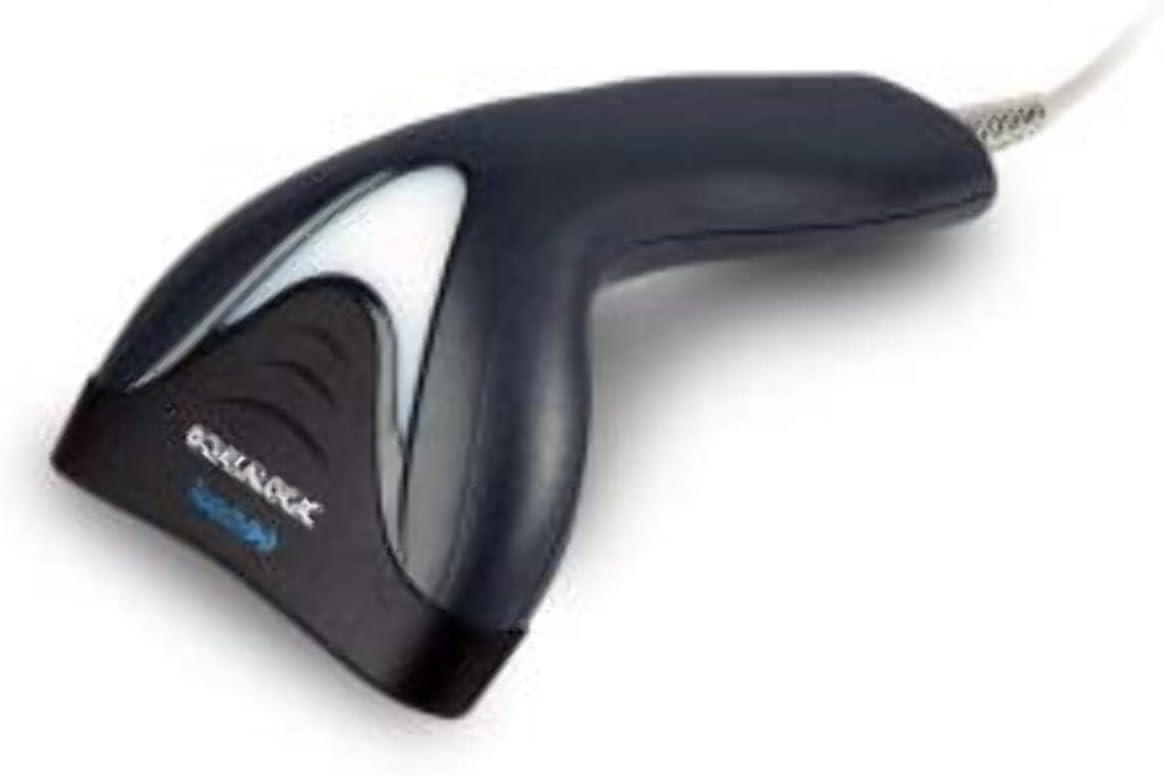
Slika: Stran view of the Datalogic Touch TD1100 90 Light barcode scanner, highlighting the integrated cable for connection.
Navodila za uporabo
1. Osnovni postopek skeniranja
Za skeniranje črtne kode:
- Prepričajte se, da je skener priključen in vklopljen.
- Open an application on your computer where you want the scanned data to appear (e.g., a text editor, spreadsheet, or POS software).
- Držite skener tako, da je okno za skeniranje obrnjeno proti črtni kodi.
- Press and hold the trigger button. A red aiming line or light will project from the scanning window.
- Position the aiming line across the entire barcode.
- Once the barcode is successfully read, the scanner will emit a beep and/or the indicator light will flash green. The data will then appear in your active application.
- Spustite sprožilni gumb.
2. Scanning Techniques
- Optimalna razdalja: Hold the scanner at an appropriate distance from the barcode, typically between 2-10 cm (1-4 inches), depending on the barcode size and density.
- Kot: Scan barcodes at a slight angle to avoid direct reflection, which can interfere with reading.
- Poškodovane črtne kode: Pri slabo natisnjenih ali poškodovanih črtnih kodah poskusite skenirati iz različnih kotov ali razdalj.
Vzdrževanje
1. Čiščenje skenerja
Redno čiščenje pomaga ohranjati optimalno delovanje skeniranja.
- Okno za skeniranje: Uporabite mehko krpo, ki ne pušča vlaken dampened with a mild, non-abrasive cleaner (e.g., isopropyl alcohol or glass cleaner) to gently wipe the scanning window. Avoid harsh chemicals or abrasive materials.
- Zunanjost: Obrišite zunanjost casing z mehkim, damp cloth. Do not allow liquids to enter the scanner.
- Ensure the scanner is disconnected from the power source before cleaning.
2. Shranjevanje
When not in use, store the scanner in a clean, dry environment, away from direct sunlight, extreme temperatures, and corrosive materials.
Odpravljanje težav
If you encounter issues with your Datalogic TD1100 scanner, refer to the following common problems and solutions:
| Težava | Možen vzrok | rešitev |
|---|---|---|
| Skener se ne vklopi ali ne odziva. | Loose cable connection, faulty USB port, power issue. |
|
| Skener ne bere črtnih kod. | Incorrect scanning technique, damaged barcode, dirty scanning window, incompatible barcode type, application not ready. |
|
| Skenirani podatki se prikazujejo nepravilno. | Keyboard wedge settings, incorrect language settings. |
|
Specifikacije
Key technical specifications for the Datalogic Touch TD1100 90 Light (TD1120-BK-90K1):
- Številka modela: TD1120-BK-90K1
- Znamka: Datalogic
- Hitrost skeniranja: 90 sličic na sekundo (fps)
- Tehnologija povezljivosti: Bluetooth
- Združljive naprave: Namizni računalnik, prenosni računalnik
- vir energije: Napajanje na baterije
- Teža artikla: 153 gramov
- Realni kot View: 3.5 stopinj
- Proizvajalec: Datalogic
Note: Some specifications like "Battery Powered" and "Bluetooth" might be generic for the TD1100 series. The TD1120-BK-90K1 is primarily a wired USB scanner.
Garancija in podpora
Informacije o garanciji
Datalogic products are covered by a standard manufacturer's warranty. For specific warranty terms and conditions, please refer to the warranty card included with your product or visit the official Datalogic webspletnega mesta. Shranite dokazilo o nakupu za uveljavljanje garancije.
Tehnična podpora
For technical assistance, troubleshooting beyond this manual, or to inquire about repairs, please contact Datalogic customer support. You can typically find contact information on the Datalogic webspletnem mestu ali v dokumentaciji, ki je priložena vašemu skenerju.
- Uradnik Datalogic-a Webspletno mesto: www.datalogic.com
- Podporni viri: Check the support section of the website for FAQs, drivers, and additional documentation.