
Pomembne varnostne informacije
Please read these instructions carefully before using the shredder. Keep this manual for future reference.
- Otroci in hišni ljubljenčki naj ne bodo v bližini drobilnika.
- Ohlapna oblačila, nakit, lase in druge tujke držite stran od odprtine drobilnika.
- Ne vstavljajte prstov ali rok v odprtino drobilnika.
- Izključite drobilnik iz električnega omrežja, ko ga ne uporabljate ali pred čiščenjem.
- Do not shred metal objects, large paper clips, or hard plastic (except credit cards as specified).
- Na drobilniku ali v njegovi bližini ne uporabljajte aerosolnih izdelkov, maziv na osnovi nafte ali drugih vnetljivih snovi.
- Ne uporabljajte drobilnika, če je napajalni kabel poškodovan.
- The shredder is equipped with overheat protection. If it overheats, it will automatically shut off. Allow it to cool down before resuming operation.
Vsebina paketa
Prepričajte se, da so vsi elementi prisotni:
- Amazon Basics AS665C Paper Shredder Unit
- Koš za smeti
- Navodila za uporabo (ta dokument)
Nastavitev
- Razpakirajte drobilnik: Previdno odstranite vse komponente iz embalaže.
-
Position the Waste Bin: Place the shredder head securely on top of the provided waste bin. Ensure it is properly seated.
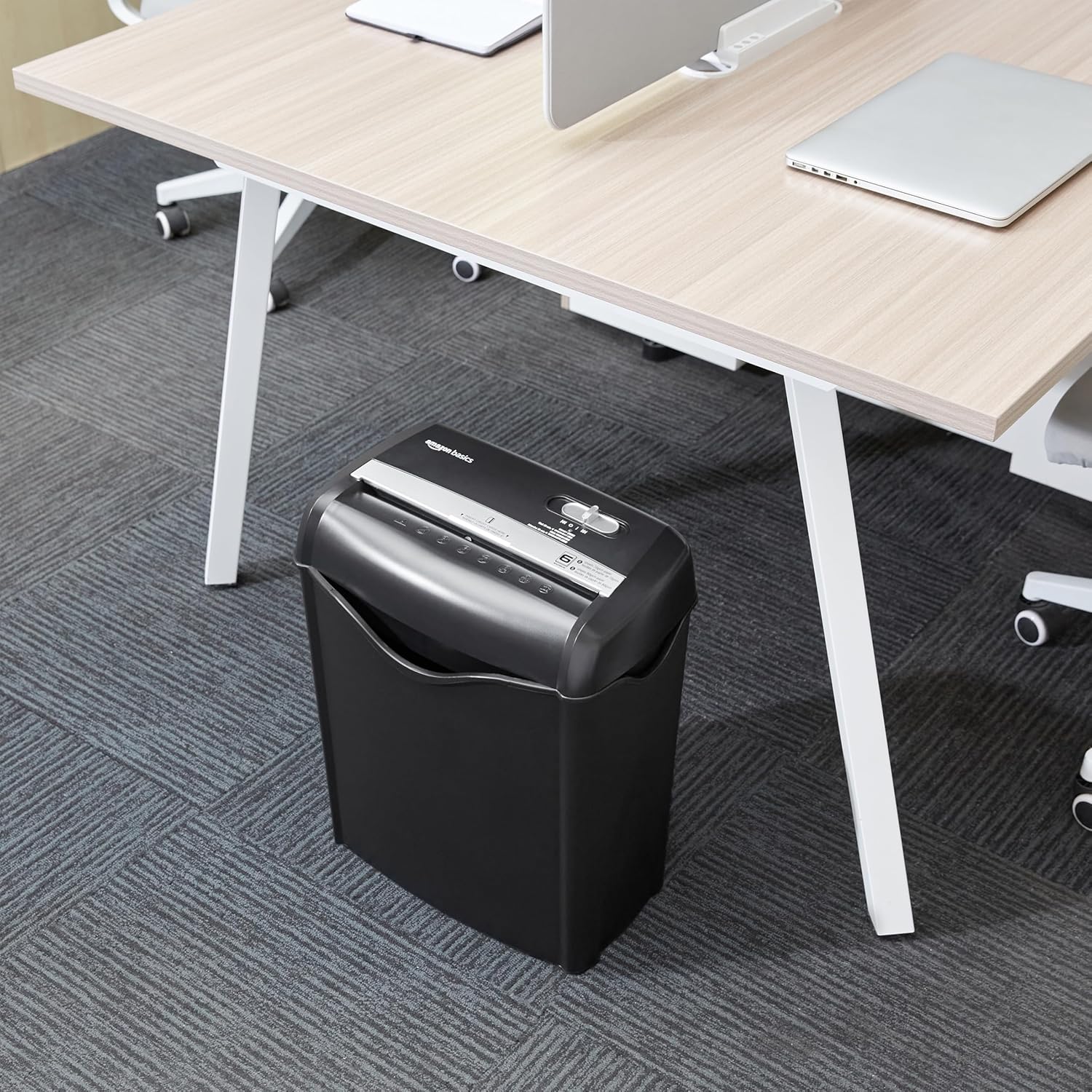
Image: The Amazon Basics AS665C Paper Shredder positioned under a desk, demonstrating its compact size and ease of placement in an office or home environment.
- Priključite napajanje: Priključite napajalni kabel v standardno električno vtičnico.
Navodila za uporabo
Nadzorno stikalo
The shredder features a slide switch with three positions:
- AUTO (I): Uničevalec papirja se bo samodejno zagnal, ko bo vstavljen papir, in se ustavil, ko bo uničevanje končano.
- IZKLOP (O): Drobilnik je izklopljen.
- REV (<<): Aktivira funkcijo vzvratnega vrtenja za odpravljanje zastojev papirja.

Slika: Podrobna view of the shredder's control switch, showing the "AUTO", "OFF", and "REV" settings, along with the "READY" (green) and "OVERHEAT" (red) indicator lights.
Uničevanje dokumentov
- Izberite način: Krmilno stikalo nastavite na AUTO (I) position. The "READY" indicator light (green) will illuminate.
-
Vstavite papir: Insert up to 6 sheets of 70gsm paper (or 5 sheets of 80gsm paper) straight into the paper entry slot. The shredder will automatically start and stop.
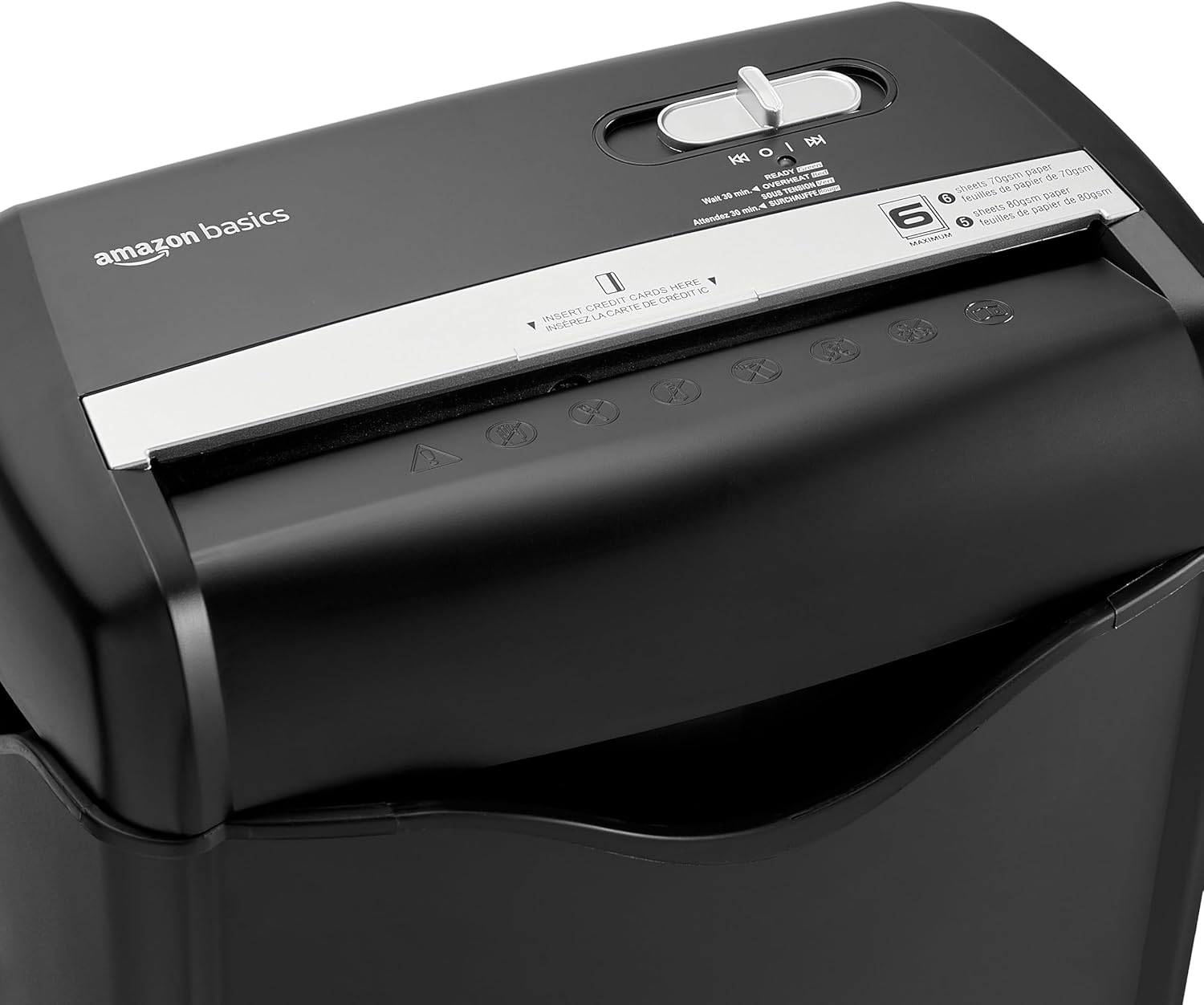
Slika: Zgoraj view of the shredder, highlighting the paper entry slot, the control switch, and the "MAXIMUM" sheet capacity label.

Image: A close-up of the shredder's label indicating the maximum sheet capacity: 6 sheets of 70gsm paper or 5 sheets of 80gsm paper.
-
Uničenje kreditnih kartic: V namensko režo za kreditne kartice vstavite po eno kreditno kartico naenkrat.

Slika: Bližnji posnetek view of the shredder's dedicated slot for inserting credit cards, clearly labeled "INSERT CREDIT CARDS HERE".
- Zaščita pred pregrevanjem: The shredder will automatically shut off if it runs continuously for too long or if the motor overheats. The "OVERHEAT" indicator light (red) will illuminate. Allow the shredder to cool down for approximately 30 minutes before resuming operation.

Image: A pile of cross-cut shredded paper, demonstrating the small particle size for enhanced security. A quarter coin is placed next to it for scale.
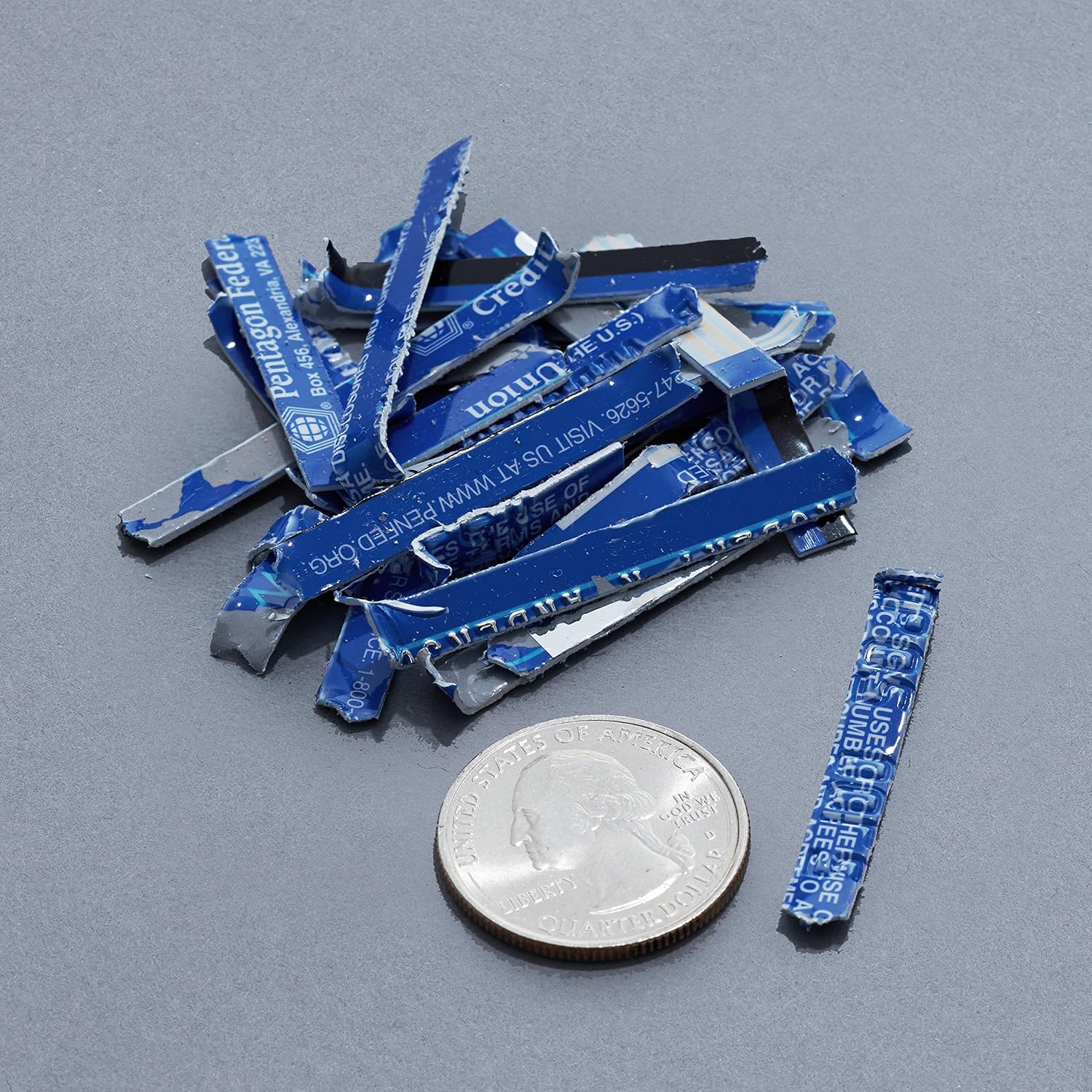
Image: A collection of shredded credit card pieces, illustrating the secure destruction of plastic cards. A quarter coin is included for size reference.
Vzdrževanje
Praznjenje koša za odpadke
Regularly empty the waste bin to prevent paper jams and ensure optimal performance. Unplug the shredder before removing the head to empty the bin.
Čiščenje
- Unplug the shredder before cleaning.
- Wipe the exterior of the shredder with a soft, dry cloth.
- Ne uporabljajte abrazivnih čistil ali topil.
- For optimal performance, periodically oil the shredder blades with shredder oil sheets or liquid shredder oil. Follow the oil product's instructions.
Odpravljanje težav
| Težava | Možen vzrok | rešitev |
|---|---|---|
| Drobilnik se ne zažene. |
|
|
| Zastoj papirja. |
|
|
| Drobilnik se med delovanjem ustavi. |
|
|
Specifikacije
| Funkcija | Podrobnost |
|---|---|
| Znamka | Osnove Amazona |
| Številka modela | AS665C (Manufacturer Model: AS662C-EU) |
| Vrsta drobljenja | Prečno izrezan |
| Kapaciteta listov | 6 sheets (70gsm paper) / 5 sheets (80gsm paper) |
| Koščki | Papir, kreditne kartice |
| Vir napajanja | Električni na kabel |
| Posebne lastnosti | Portable, Overheat Protection, Manual Reverse |
| Mere izdelka (D x Š x V) | 30.7 x 19.6 x 38.1 cm (12.1 x 7.7 x 15 palca) |
| Teža izdelka | 3.72 kg (8.2 lbs) |
| Material | Plastika in kovina |
Garancija in podpora
For warranty information and customer support, please refer to the Amazon Basics website or contact Amazon customer service directly. Keep your purchase receipt for warranty claims.