
Uvod
The Polaroid One600 Classic Instant Camera is designed for capturing and instantly printing photographs. This camera features a simple, folding design, a focus-free lens, and an autoflash with red-eye reduction. It utilizes Polaroid 600 film to produce physical prints directly from the camera. This manual provides instructions for setup, operation, maintenance, and troubleshooting to ensure optimal use of your camera.

Slika: Stran view of the Polaroid One600 Classic Instant Camera, highlighting its sleek, blue casing and folded state.
Nastavitev
1. Razpakiranje in prvi pregled
Upon opening the package, ensure all components are present. The box should contain the Polaroid One600 Classic Instant Camera and a wrist strap. Inspect the camera for any visible damage before proceeding.

Image: The Polaroid One600 Classic Instant Camera shown alongside its original packaging.
2. Pritrjevanje zapestnega traku
Securely attach the included wrist strap to the designated loop on the camera body. This helps prevent accidental drops during use.

Slika: Zgoraj view of the camera, demonstrating the attached wrist strap and a sample instant photo.
3. Nalaganje filma
The Polaroid One600 Classic uses Polaroid 600 film. To load the film pack:
- Open the film door located on the front of the camera.
- Insert a new film pack into the compartment, ensuring the darkslide faces upwards and the pack is oriented correctly.
- Close the film door firmly. The camera will automatically eject the darkslide, indicating it is ready for use.
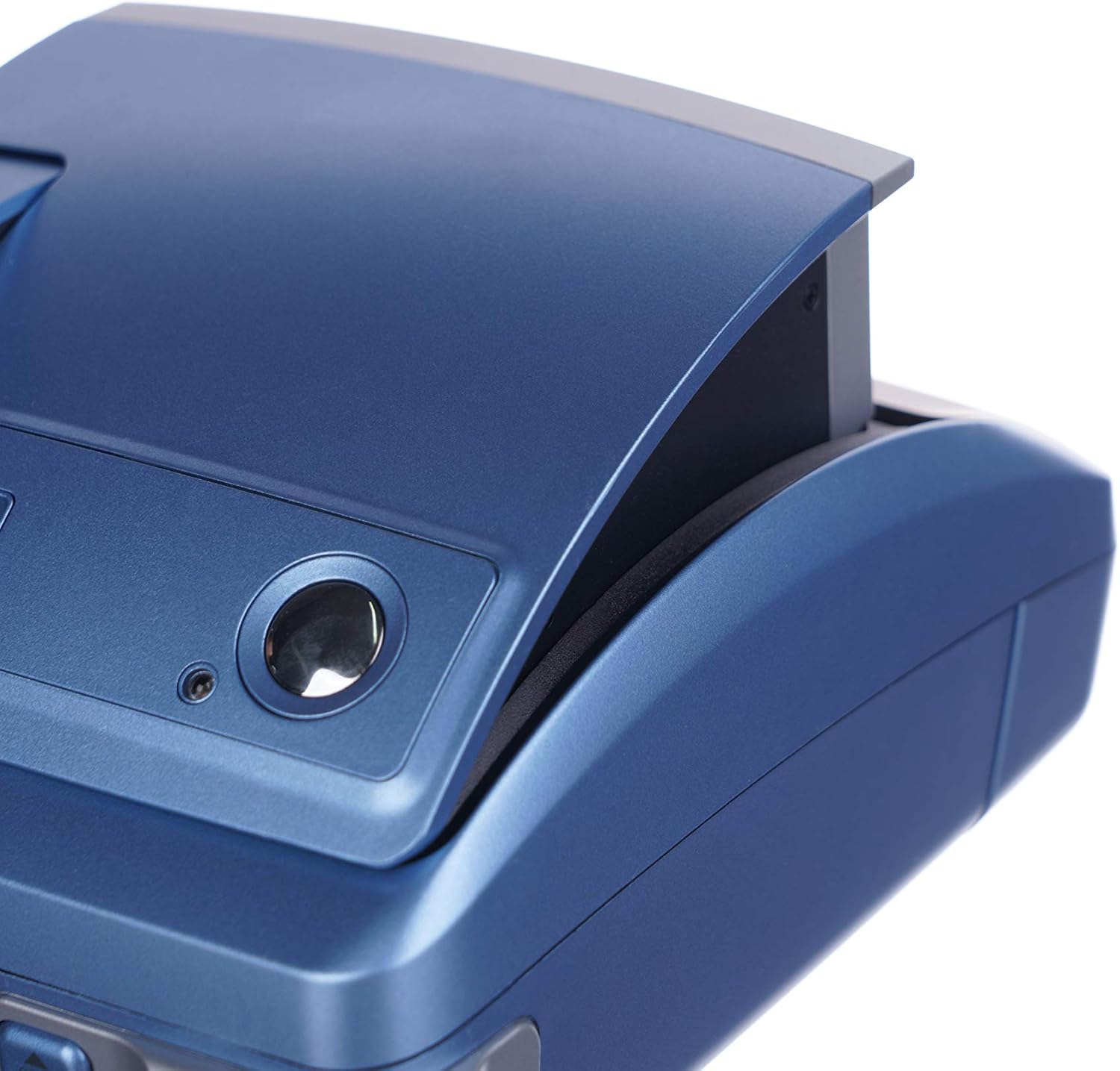
Slika: Podrobna view of the film loading area within the camera.
Video: Demonstration of loading film into the Polaroid One600 Classic Instant Camera and the automatic ejection of the darkslide.
Navodila za uporabo
1. Powering On and Extending the Camera
To power on the camera, gently slide the top cover forward until it locks into place, revealing the lens and flash. The camera is now ready for use.
2. Fotografiranje
- Cilj: Uokvirite svoj posnetek z viewfinder. The camera features a focus-free lens, effective for subjects as close as three feet (36 inches).
- Flash: The camera has an autoflash with red-eye reduction. It will automatically activate in low-light conditions.
- streljaj: Press the shutter button located on the top of the camera. The photograph will automatically eject from the front slot.

Slika: spredaj view of the camera, illustrating the lens and flash components.

Image: An instant photo emerging from the camera after being taken.
3. Film Development
After a photo is ejected, allow it to develop naturally. The image develops and dries behind a clear plastic window. Do not shake or wave the photograph, as this can cause damage, such as premature separation of film layers or "blobs" in the image. For best results, place the developing photo on a flat surface immediately after it exits the camera.
4. Digital LCD Picture Counter
The camera features a digital LCD display that shows the remaining number of exposures in the current film pack. Monitor this counter to know when to replace the film pack.
Vzdrževanje
1. Čiščenje fotoaparata
Use a soft, dry, lint-free cloth to clean the exterior of the camera. For the lens and viewfinder, use a specialized lens cleaning cloth. Avoid using abrasive cleaners or solvents.
2. Shranjevanje filma
Store unused film packs in a cool, dry place, away from direct sunlight and extreme temperatures, to preserve their quality and shelf life.
3. Baterija
The Polaroid 600 film packs contain a built-in battery that powers the camera. When a film pack is depleted, the battery is also exhausted. Replace the film pack to provide new power to the camera.
Odpravljanje težav
- Kamera se ne vklopi: Ensure a fresh film pack is correctly loaded. The film pack contains the camera's battery.
- Photo does not eject: Check if the film pack is empty. If not, ensure the film door is fully closed. If the issue persists, try removing and reinserting the film pack.
- Poor image quality (blurry, discolored):
- Prepričajte se, da je leča čista.
- Avoid shaking or waving the photo during development.
- Check the film's expiration date.
- Ensure adequate lighting for the shot; the autoflash should compensate in low light.
- Red-eye in photos: The camera has a red-eye reduction mode. Ensure it is active if available, or try increasing ambient light.
Specifikacije
| Funkcija | Podrobnost |
|---|---|
| Ime modela | Polaroid One600 Classic |
| Filmski format | Polaroid 600 Instant Film |
| Objektiv | Focus-free, effective from 3 feet (36 inches) to infinity |
| Flash | Autoflash with Red-eye Reduction |
| Nadzor izpostavljenosti | Samodejno |
| Hitrost zaklopa | Do 1/60 sekunde |
| Zaslon | Digital LCD Picture Counter |
| Dimenzije (D x Š x V) | 8 x 5.8 x 3.1 palcev |
| Teža | 656 gramov |
| Vključene komponente | Zapestni trak |
Informacije o garanciji
The Polaroid One600 Classic Instant Camera comes with a one-year limited warranty from the date of purchase. This warranty covers manufacturing defects under normal use. Please retain your proof of purchase for warranty claims. For specific terms and conditions, refer to the warranty card included with your product or contact Polaroid customer support.
Podpora
For further assistance, technical support, or inquiries regarding your Polaroid One600 Classic Instant Camera, please visit the official Polaroid website or consult their customer service channels. Ensure you have your camera model number (One600 Classic) and any relevant purchase details ready when seeking support.
Spletni viri: Podpora za Polaroid Webmesto